.svg)


The CRM built for client work, not just contact management
Everything your client CRM should do
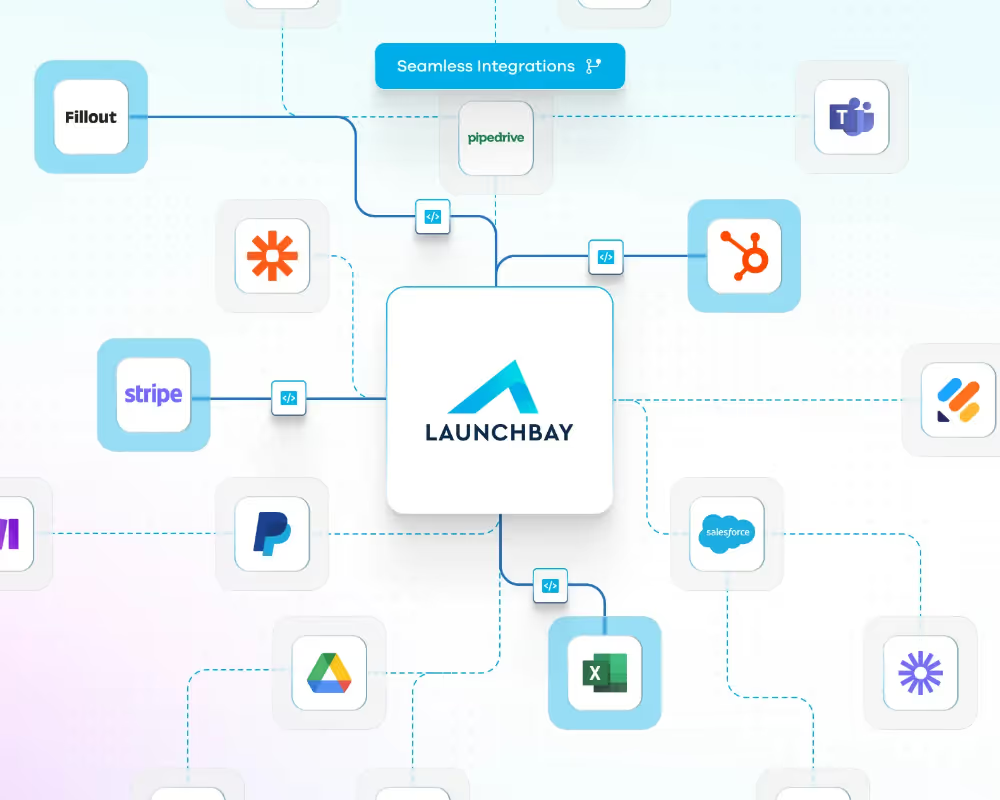
Syncs with your existing CRM
Connect LaunchBay to HubSpot natively, or sync with Salesforce, Pipedrive, and other CRMs via Zapier. When a deal closes, your client is automatically added to the client directory and onboarding begins.
Automatic client portal invites
When a new client is added through your CRM integration, LaunchBay automatically sends them a branded, loginless portal invite. No manual work for your team. A polished first impression for your client.
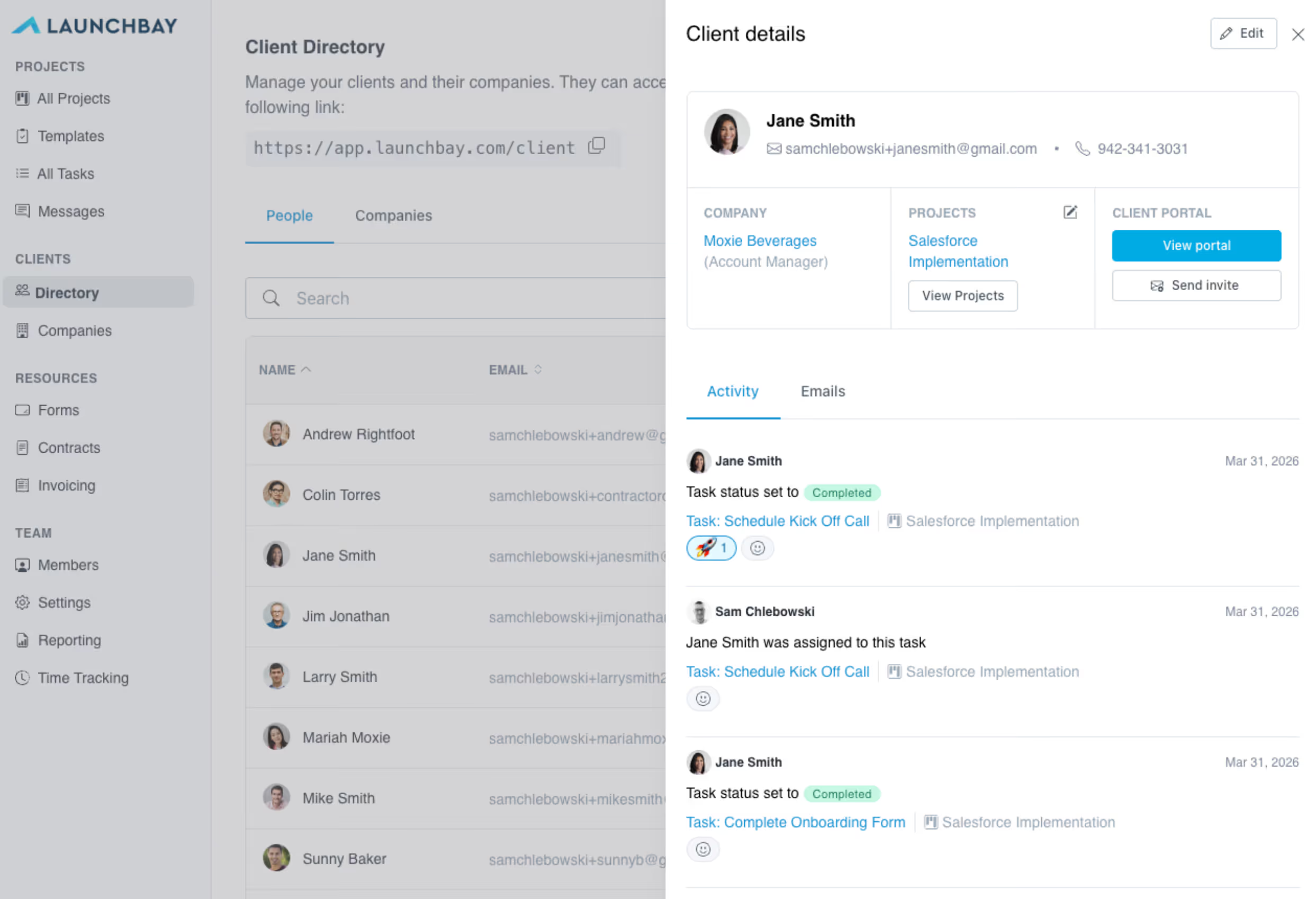
A full view of every client
The client directory gives you a complete record for every client including the projects they're on, files they've submitted, emails they've opened, and their recent activity, all in one place.
Track engagement, not just status
See when clients last logged in, which emails they've opened, and what actions they've taken. Know who's engaged and who needs a nudge before they go quiet.
Organize by company
Group contacts under companies to keep client relationships organized at scale. Manage multiple contacts per account without losing visibility into which individuals are active on which projects.
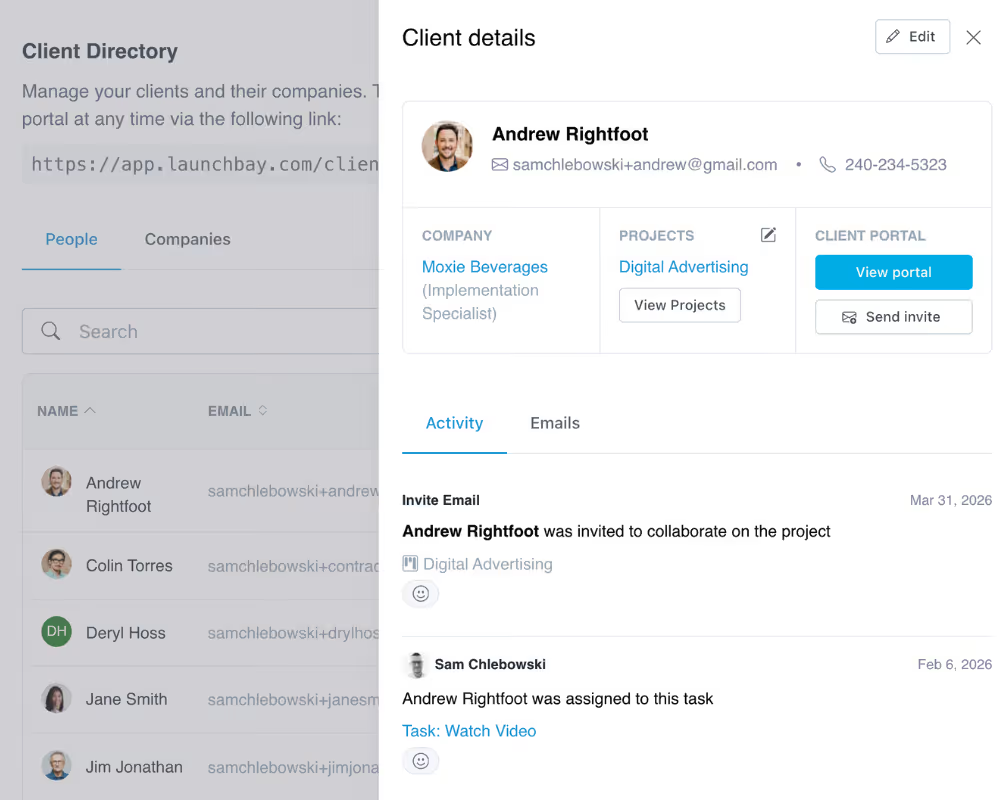
Invite clients to projects instantly
From the client directory, add any client to a project in seconds. They get an automatic portal invite and can start completing tasks, uploading files, and tracking progress without creating an account.
How teams use LaunchBay's client directory
Close the gap between your CRM and your client experience
Most teams use one tool to manage deals and another to manage delivery. LaunchBay bridges that gap. When a deal closes in HubSpot, Salesforce, or Pipedrive, LaunchBay picks up where your CRM left off, automatically creating a client record, spinning up a portal, and kicking off onboarding without anyone on your team lifting a finger.
Give clients a better experience from the first touchpoint
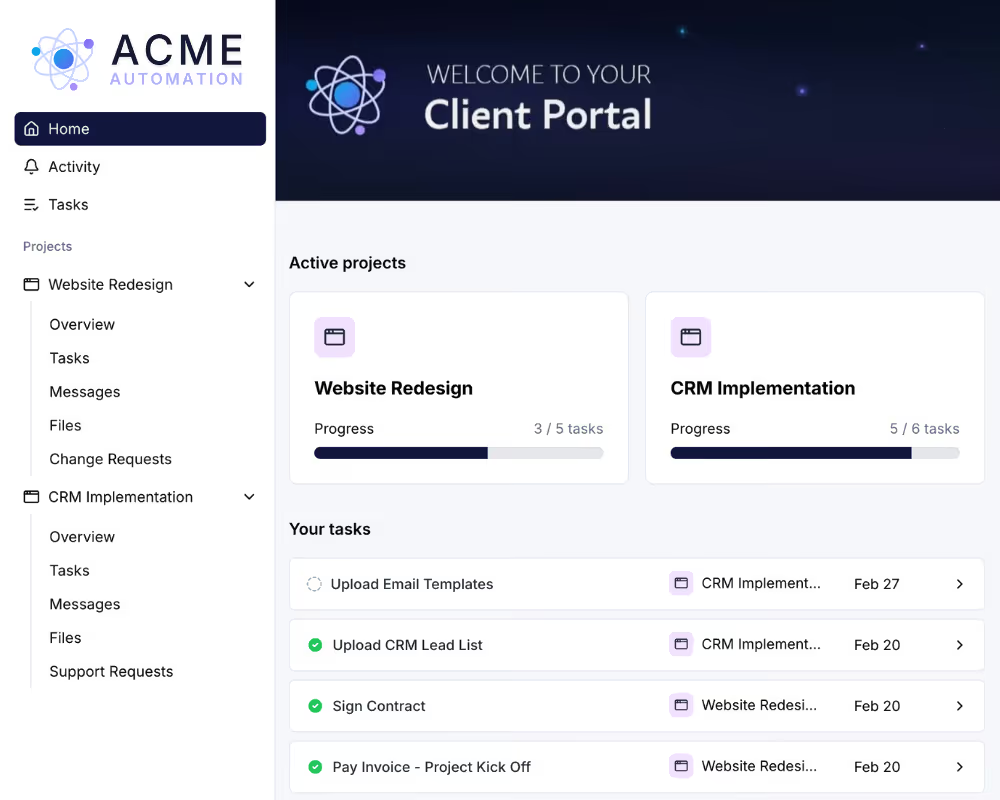
Instead of a welcome email with a dozen attachments and a link to a shared Google Drive, new clients receive a clean, branded portal built around their project. Everything they need to get started is already there. No account creation, no confusion, no friction.
Manage client relationships at scale without losing the personal touch
As your client base grows, LaunchBay's client directory keeps every relationship organized. See project history, activity, and communication for any client in seconds. Stay on top of engagement across every account so no client ever feels like they've been forgotten.
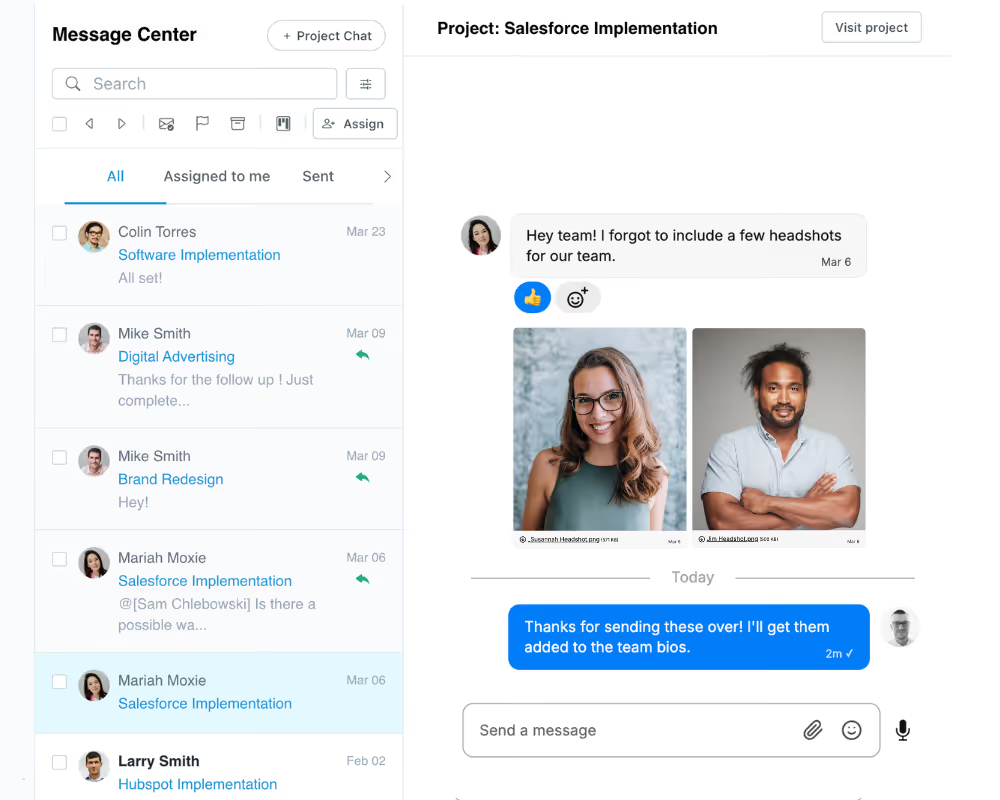
Keep exploring LaunchBay's features
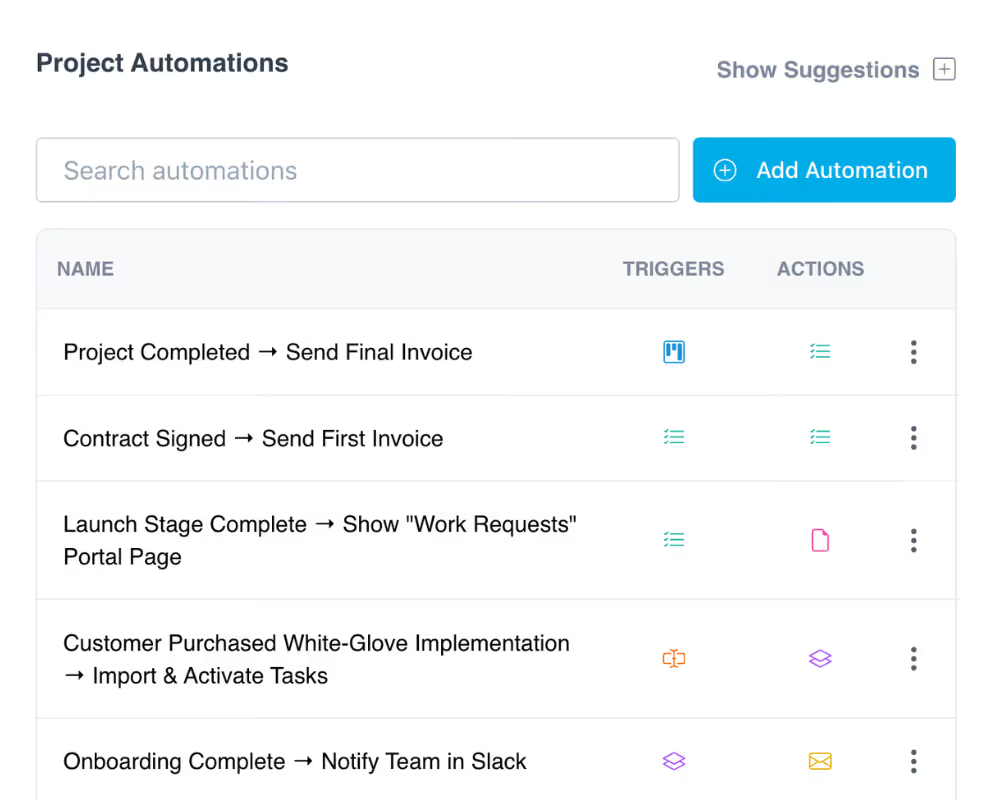
Automations
Trigger client invites, portal setup, and onboarding tasks the moment a deal closes in your CRM. No manual handoffs, no delays.
Client Portals
Every client in your directory gets their own branded, loginless portal to track progress, complete tasks, and communicate with your team.
Integrations
LaunchBay connects natively with HubSpot and via Zapier with Salesforce, Pipedrive, and thousands of other tools in your stack.