.svg)


Send invoices, collect payments, and get paid without leaving your workflow
Invoicing built into your client workflow
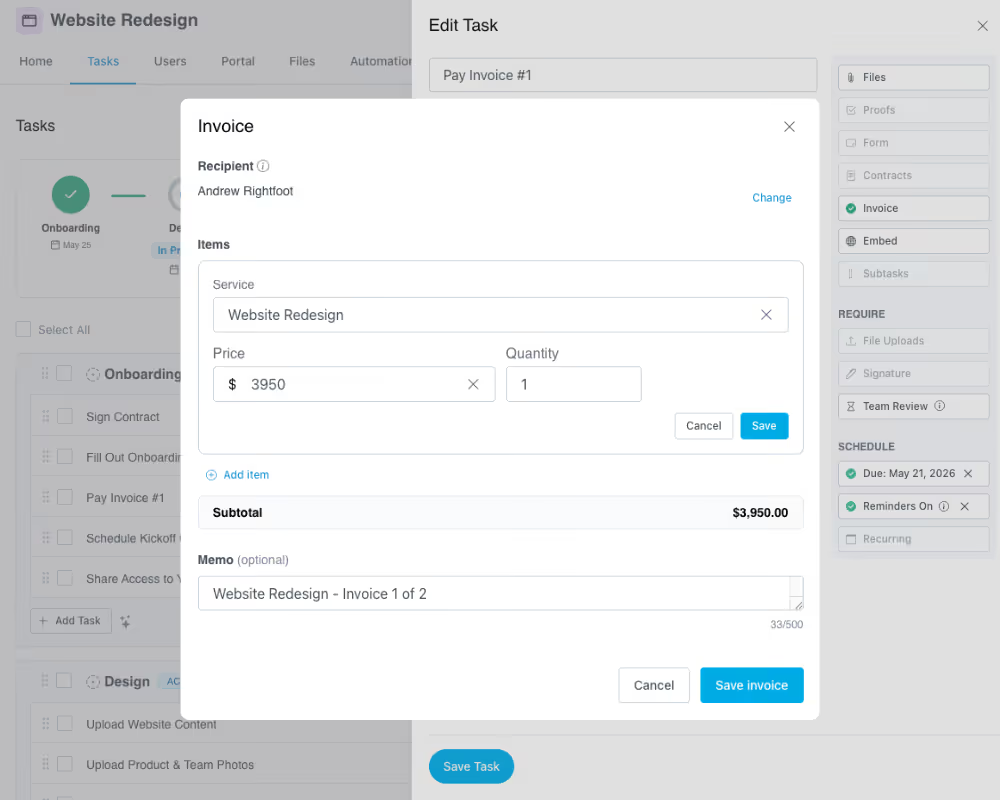
Invoices tied to tasks & milestones
Attach invoices directly to client tasks so billing happens at the right moment. Clients know exactly what they're paying for and payments keep pace with project progress.
Automated payment reminders
Stop chasing clients for unpaid invoices. LaunchBay automatically sends reminders and updates task status as invoices are paid, keeping billing fully aligned with client work.
Powered by Stripe
Accept credit cards, ACH transfers, Apple Pay, and more through a direct Stripe connection. Payments are secure, reliable, and fully integrated with no third-party reconciliation needed.
Prebuilt service items
Save your hourly rates, flat fees, and recurring service packages as reusable line items. Build invoices in seconds by selecting from your services library instead of starting from scratch.
Recurring invoice tasks
Set up a recurring task with an invoice attached and LaunchBay generates and sends it on schedule. Perfect for retainer billing, monthly services, or subscription-style engagements.
Clients pay inside their portal
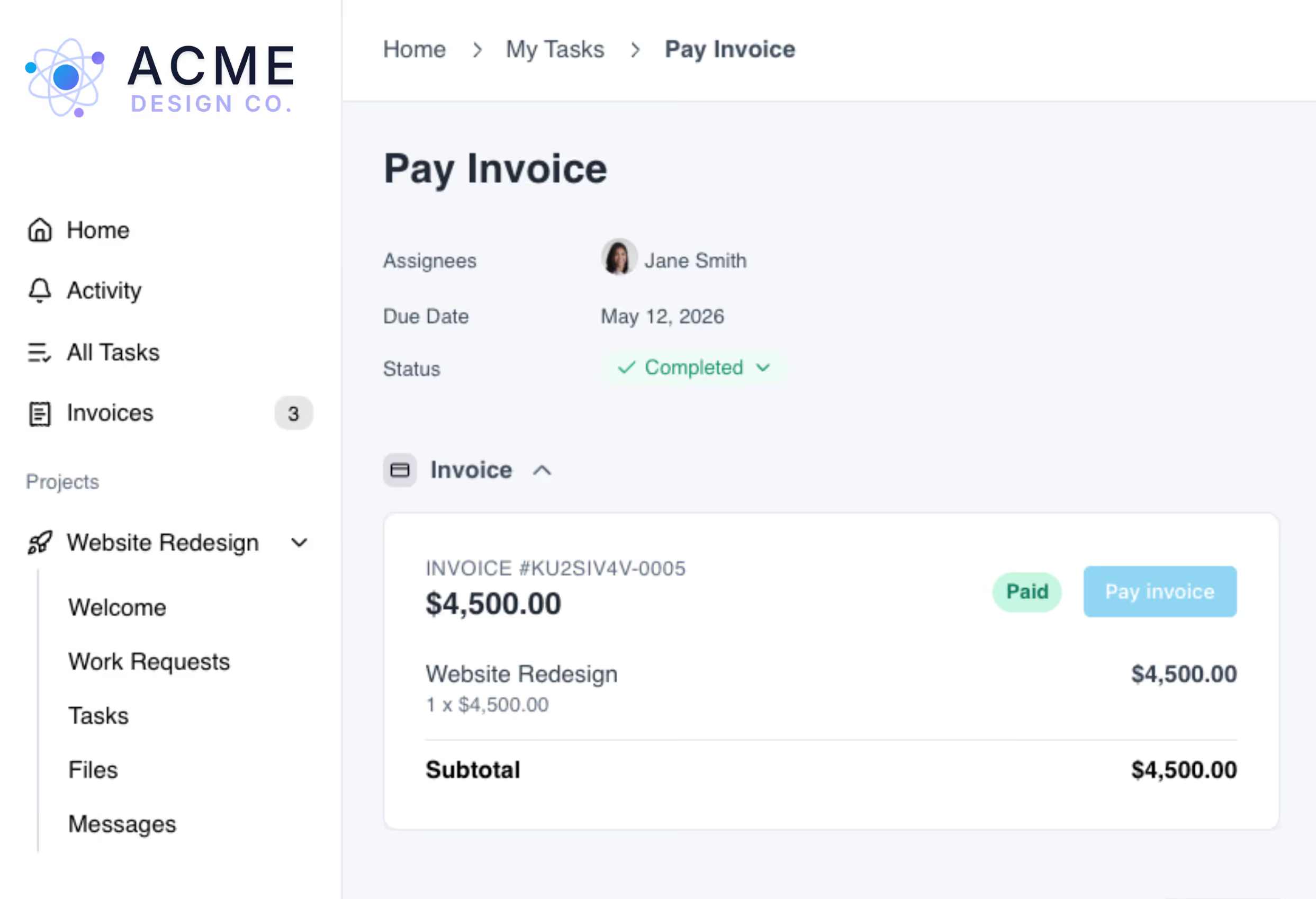
Invoices appear directly in the client's branded portal alongside their tasks and project progress. Payment becomes part of the workflow, not an interruption.
From project delivery to payment, all in one place
Get paid faster without chasing clients
Turn completed client work into invoices instantly. Because invoices are attached to tasks inside the portal, clients see exactly what they're paying for and can pay in context. No separate payment links, no email follow-ups, no confusion.
.avif)
Automate billing with templates and workflows
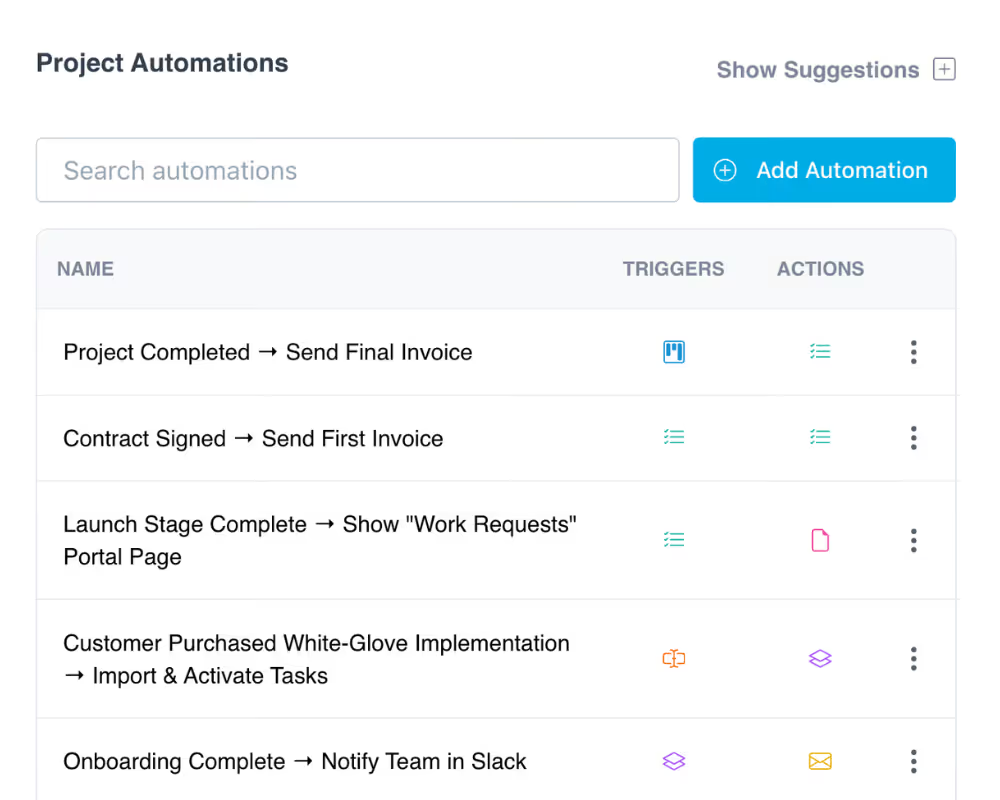
Add invoices to project templates so they're included automatically in every new project. Or use automations and Zapier to trigger invoice tasks when milestones are reached, forms are submitted, or projects are tagged. Invoices go out at the right time without manual input.
Replace standalone billing tools
With invoicing built into the same platform as your tasks, contracts, files, and client communication, there's no need for a separate billing tool. Manage services, pricing, invoices, and payment status from one centralized dashboard.
.avif)
Keep exploring LaunchBay's features
Client Portals
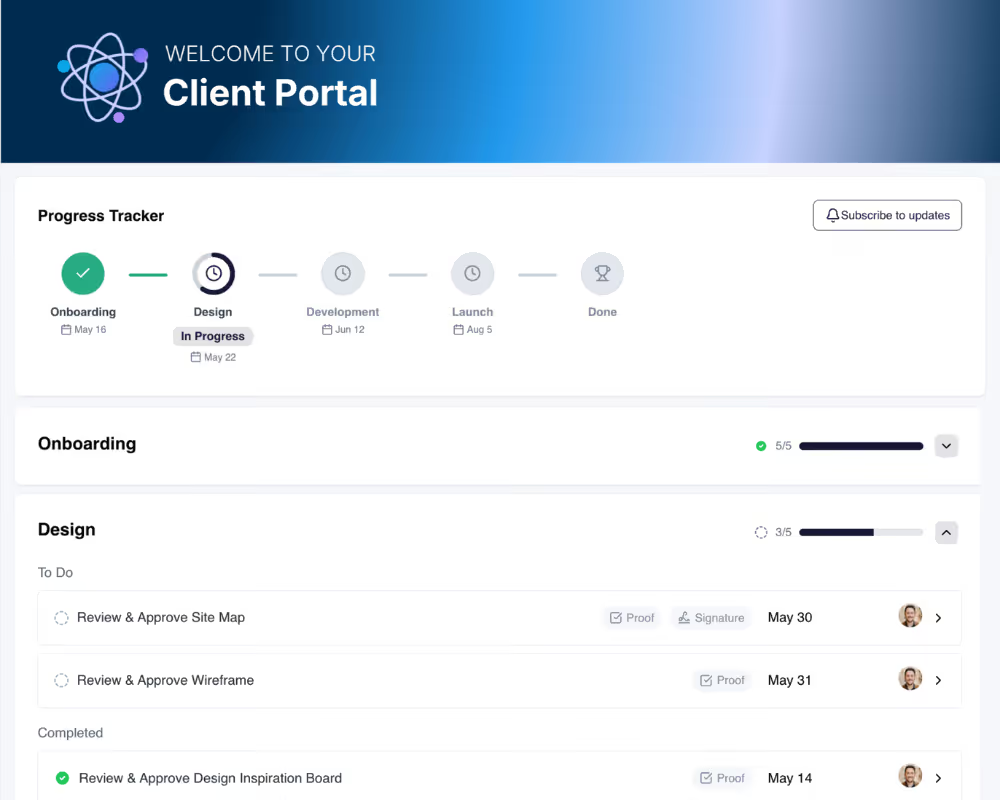
Invoices live inside the same branded portal where clients complete tasks, upload files, and track project progress. One workspace for everything.
Automations
Trigger invoice tasks automatically when deals close, milestones are hit, or projects reach a specific stage. Billing happens on schedule, no manual work.
Contracts
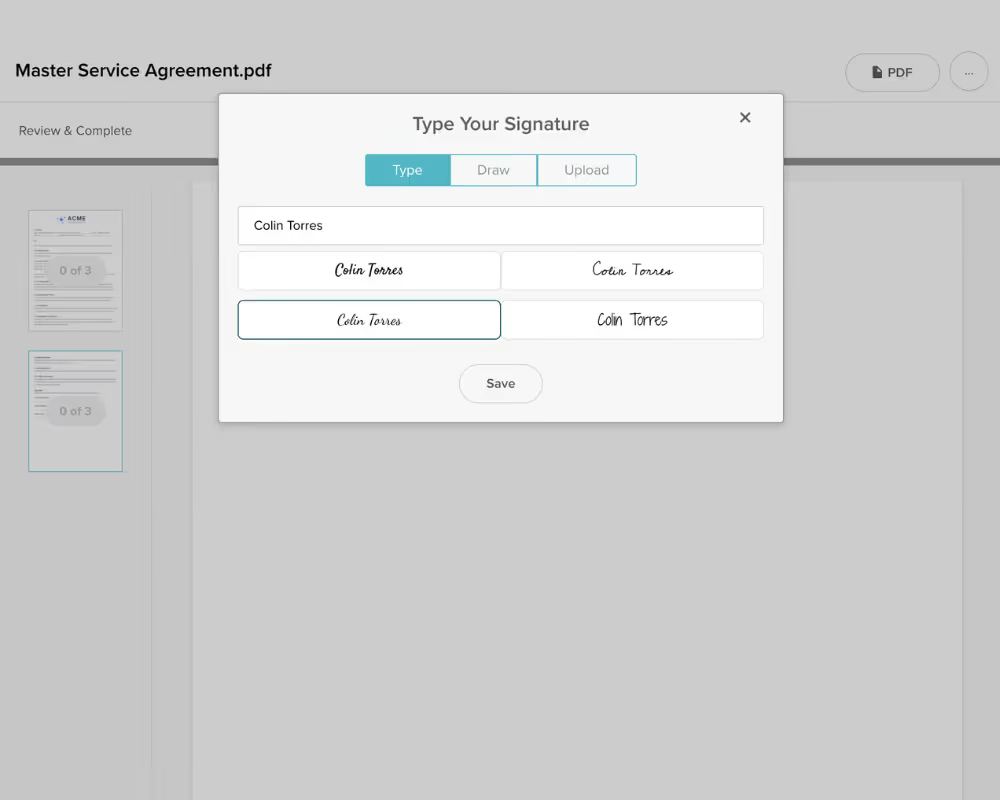
Pair invoicing with e-signature contracts so clients sign and receive their first invoice in the same branded workflow. From signature to payment, no gaps.