Client portal software for seamless onboarding & client collaboration

LaunchBay's client portal software enables teams to onboard clients faster, track tasks, and centralize communication, all in one branded, loginless portal clients will actually use.

Scale faster with white-labeled client portals your clients actually use

Roll out frictionless onboarding

Give clients a premium first impression with branded, no-login portals that guide them through every onboarding task — no emails or spreadsheets needed.

Replace emails and Slack with one hub

Stop digging through threads and folders. LaunchBay gives your clients one place to upload files, complete forms, and stay updated — without the manual follow-ups.

Built for busy clients (and teams)

Clients actually complete tasks when it's easy. LaunchBay removes login walls and admin chaos so your projects move forward — and your team gets time back.

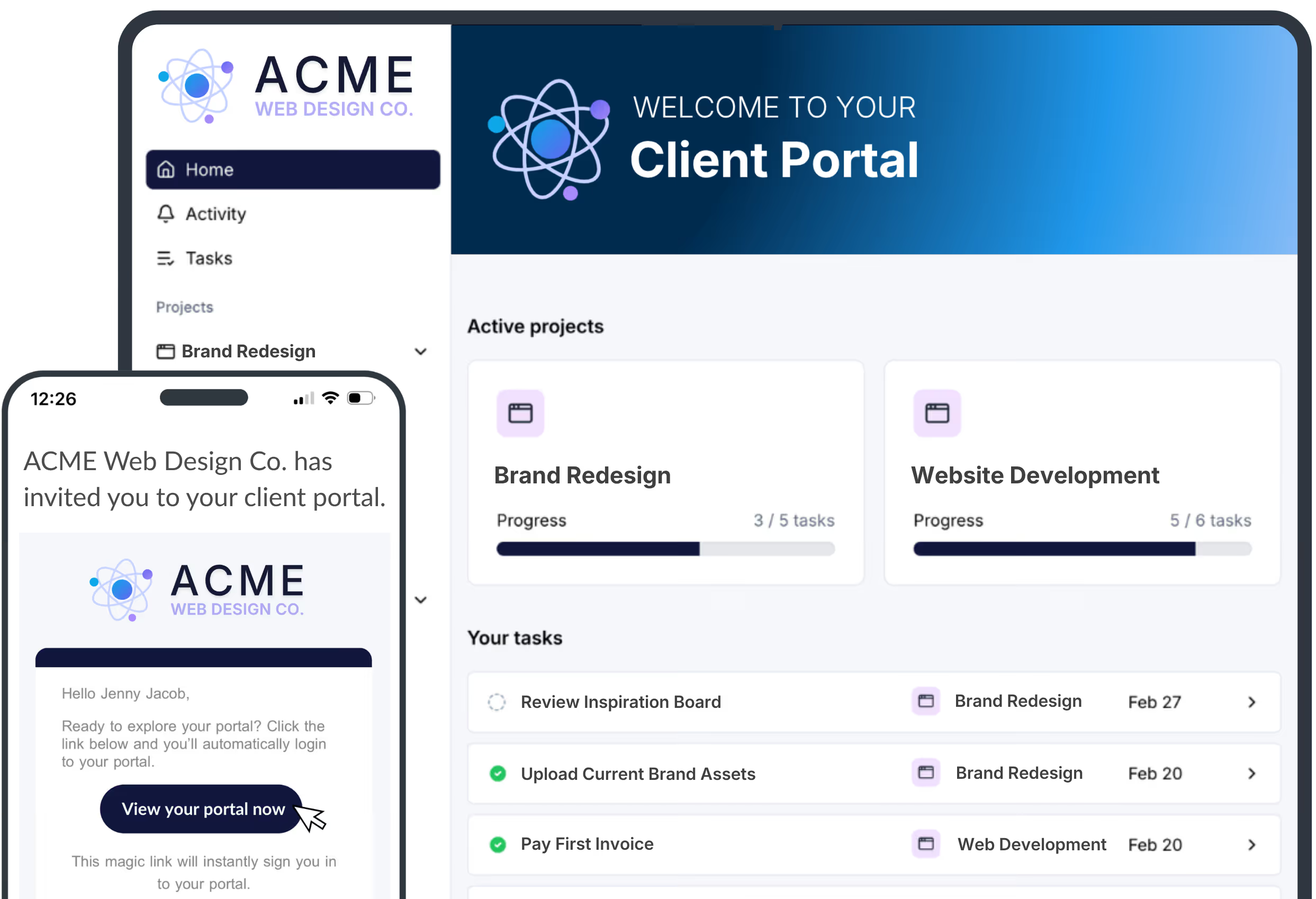
Branded, loginless portals that impress -- and get things done

LaunchBay’s client portals are fully branded and loginless — built to make it easy for clients to sign contracts, complete forms, and send the info your team needs to get started. No email back-and-forth. No spreadsheets. Just smooth, professional client experiences from day one.

Get Started for Free →

Client portal software that scales with your business

Client Tasks

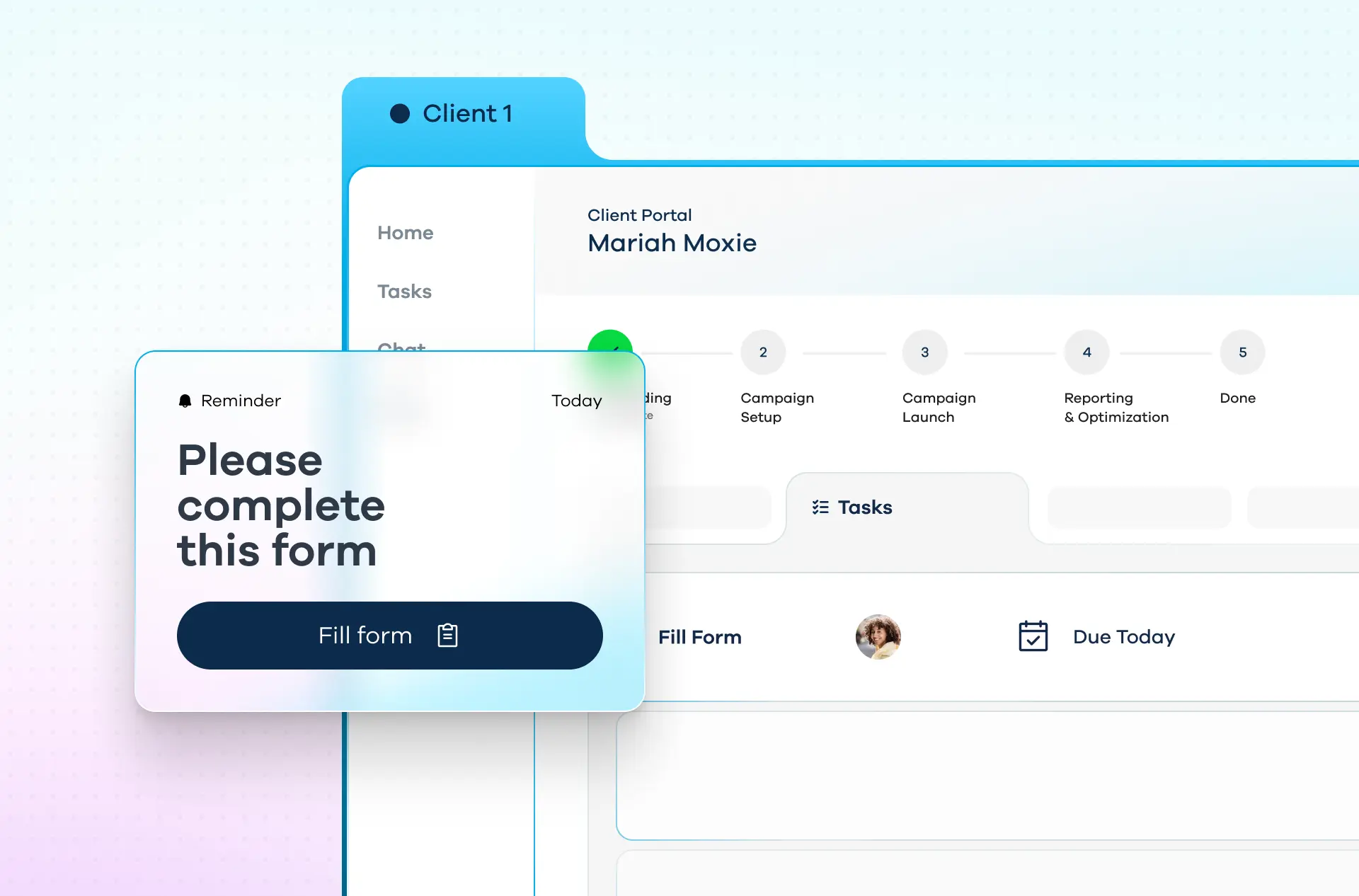
Assign tasks that actually get done — without the back-and-forth.

LaunchBay's powerful task builder lets you assign to-dos, collect files, and request approvals. Clients get automatic reminders and complete everything inside a loginless portal — no emails, no spreadsheets.

Customizable Portals

Make your brand the star.

Create fully branded portals that match your business. Add videos, embed forms, and connect your favorite tools to deliver a clean, client-first experience your team can scale.

Project Progress Tracker

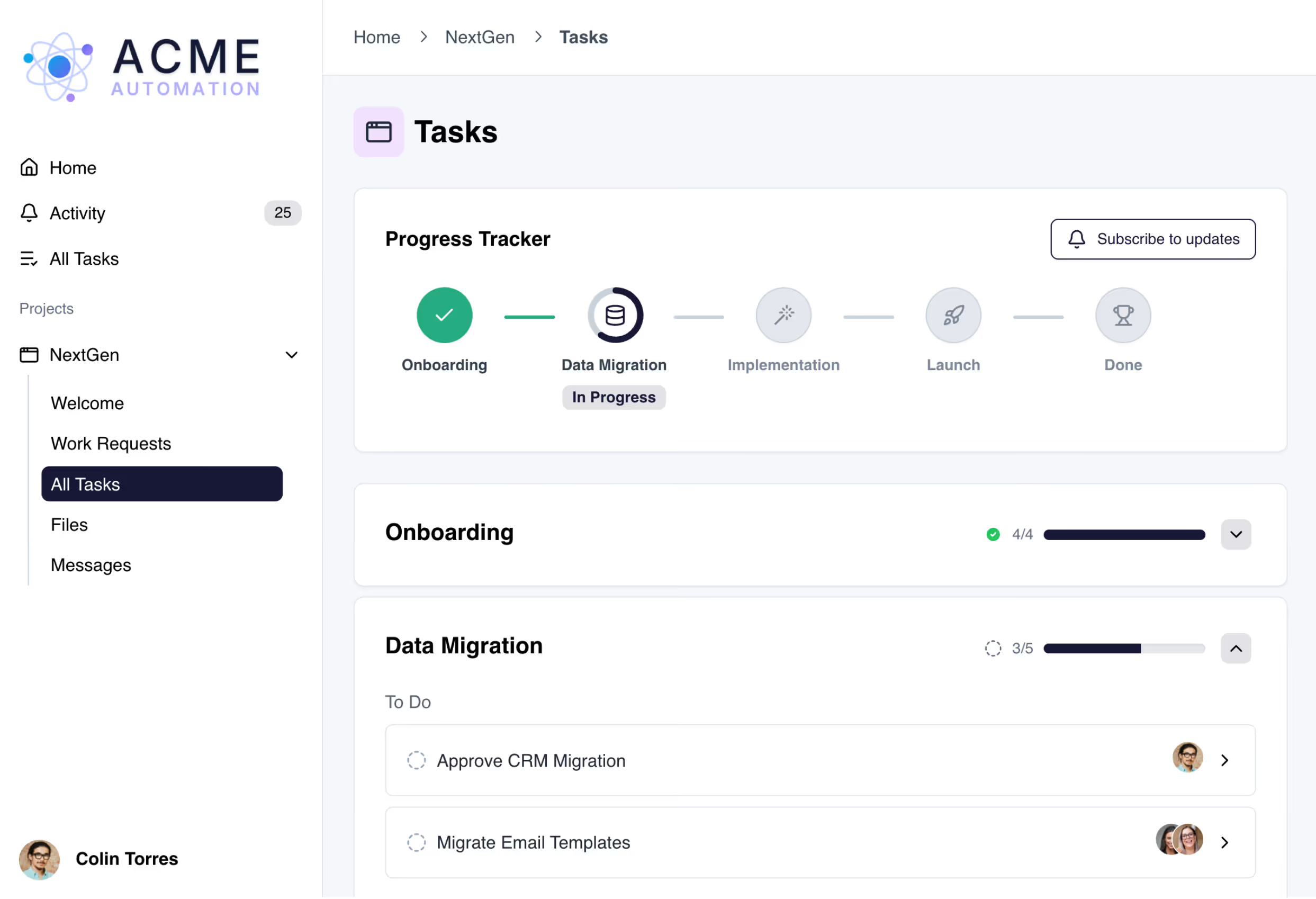
Give clients a clear view of what’s done and what’s next.

Clients always know where things stand with real-time project updates inside their portal — from onboarding to final delivery. Fewer questions for you. More confidence for them.

Project Templates

Turn repeatable work into repeatable revenue.

Save time by creating reusable portal templates with pre-built tasks, stages, and pages. Easily productize service delivery — whether it’s onboarding, strategy, or execution.

Loginless Client Access

No passwords. No headaches. Just instant access.

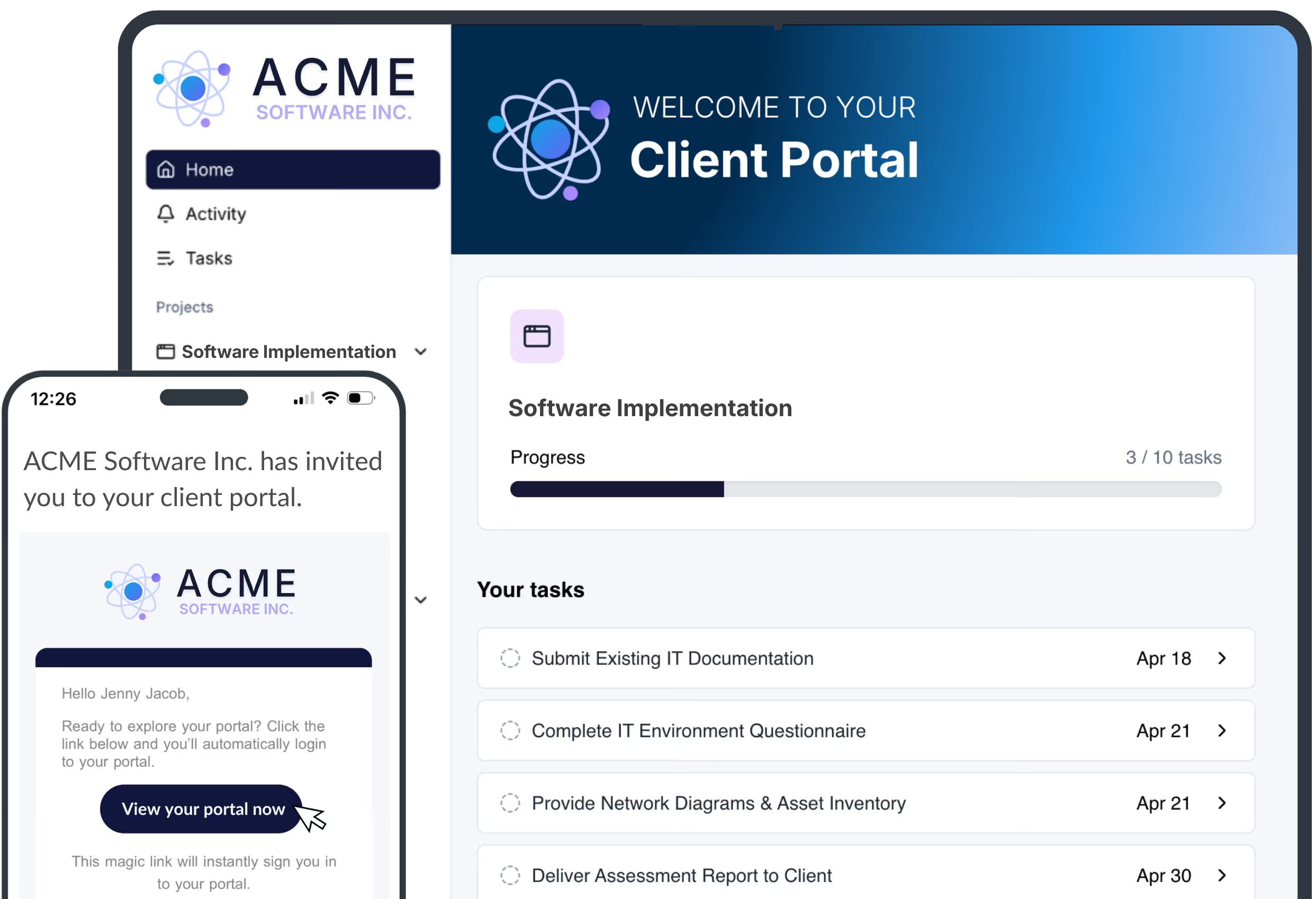
Clients enter the portal through a magic link in their inbox — no account setup or login required. Less friction = higher task completion and a better client experience from the start.

"LaunchBay gives us a single, centralized hub for all our client work—making it easier to move faster, impress clients at every step, and drive more revenue with less chaos."
Sandra Lea, Founder and President of All Accounts Consulting

Reviewers Agree: LaunchBay Delivers

Frequently Asked Questions (FAQs)

What is a client portal, and how does a LaunchBay client portal work?
A client portal is a secure, branded workspace where clients and teams collaborate throughout onboarding and delivery. LaunchBay brings forms, tasks, files, approvals, messages, and progress tracking into one centralized portal. Clients always know what to do next, and teams gain real-time visibility without chasing updates.
Why does my business need a client portal? What are the benefits for clients and internal teams?
A client portal reduces friction, delays, and manual follow-ups during onboarding. Clients get a clear, professional experience with full transparency, while teams save time through automation and structured workflows. The result is faster onboarding, better accountability, and a more scalable operation.
How do I create a client portal in LaunchBay and get it live quickly?
Most teams can set up their first LaunchBay client portal in under an hour. Using reusable project templates, you can standardize forms, tasks, and automations to onboard clients consistently. Many teams are live with real clients within days.
What features should a modern client portal include — and how does LaunchBay deliver them?
A modern client portal should support forms, file sharing, task tracking, approvals, payments, communication, and progress visibility. LaunchBay delivers all of these in one branded experience. Everything clients and teams need lives in a single, easy-to-use portal.
How easy is the LaunchBay client portal to use for both teams and clients?
LaunchBay client portals are designed to be intuitive with no training required for clients. Clients log in, see exactly what’s required, and complete tasks quickly. Teams benefit from automation, centralized activity, and clear progress tracking.
Can I create a login-free or passwordless client portal and embed it on my website?
Yes. LaunchBay supports secure, passwordless access using magic links by default. You can also embed your custom client portal login link on your website so clients can access their portal anytime.
Are there limits to how many client portals or clients I can create in LaunchBay?
No. LaunchBay does not limit the number of client portals or clients you can create or invite. You can scale onboarding freely without worrying about caps or hidden restrictions.
How customizable are LaunchBay client portals?
LaunchBay client portals are fully customizable to match your brand. You can add your logo, brand colors, custom pages, rich content, and even use a custom domain or subdomain. The result is a fully white-labeled client experience.
How does LaunchBay improve visibility and reduce 'Where are we at?' client questions?
LaunchBay gives clients real-time visibility into progress through clear task lists and visual tracking. Clients can see what’s complete and what’s next without emailing your team. This dramatically reduces status check-ins and support noise.
How does LaunchBay help teams scale client onboarding without hiring more staff?
LaunchBay automates follow-ups, reminders, and data collection that normally slow teams down. By standardizing onboarding workflows in one portal, teams can handle more clients with the same resources. This makes scaling predictable and efficient.

The smarter way to onboard clients

Replace scattered tools with one automated, branded platform built for visibility, consistency, and trust.