.svg)


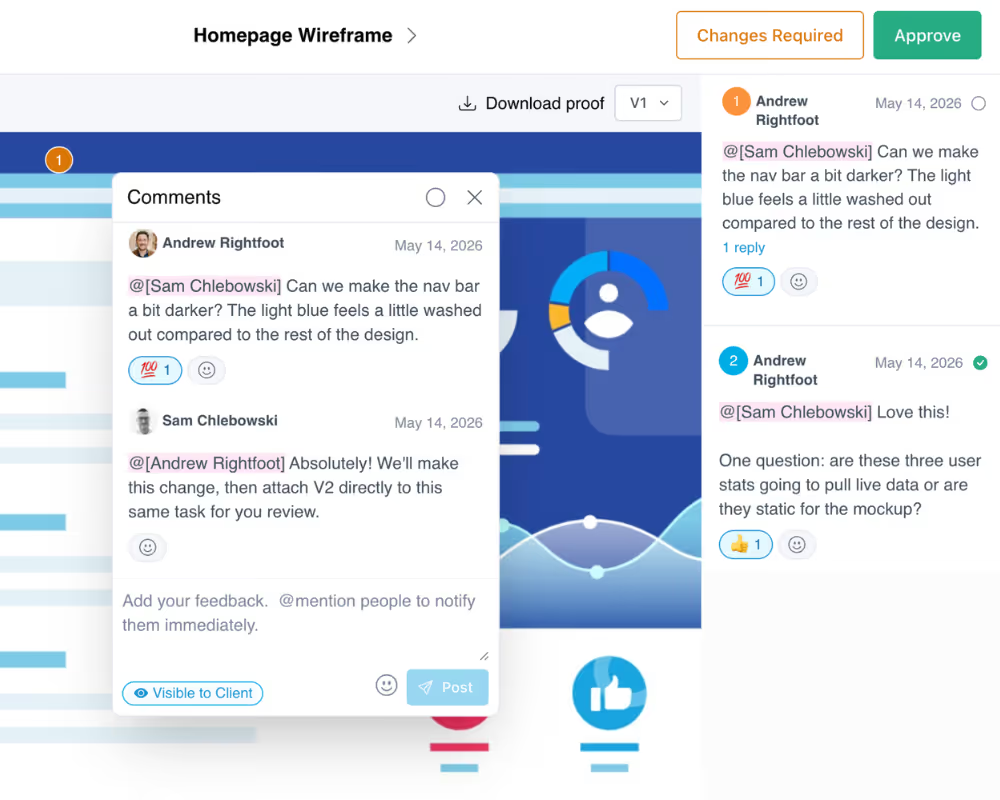
Every customer conversation, tied to the work it's about
.webp)
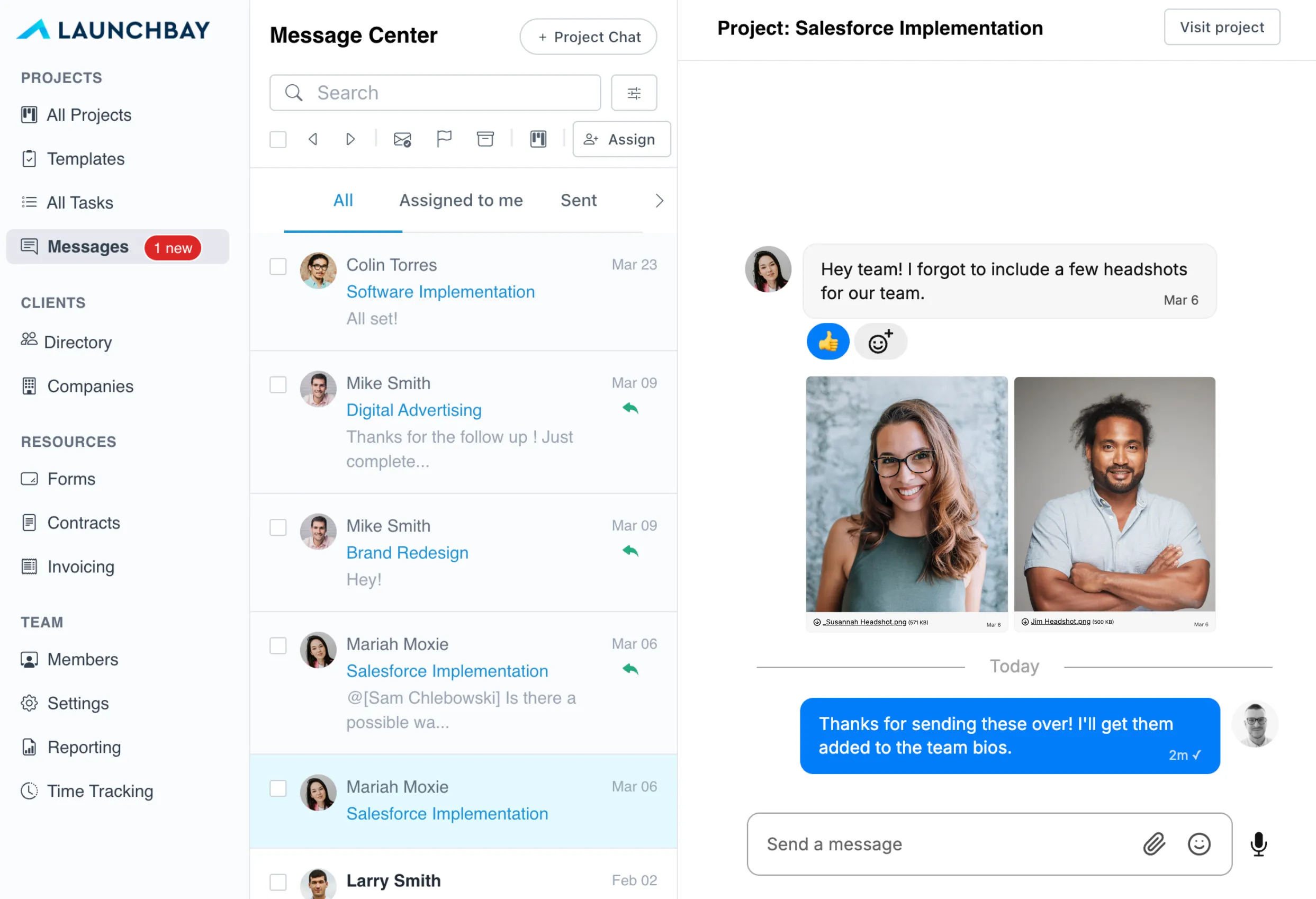
A shared inbox built for onboarding and implementation teams
Conversations tied to tasks
Every message lives on the task it's about, beside the form or document that task needs. The discussion and the work stay together instead of drifting apart.
See what's blocking a task
A task waiting on a customer reply shows up as blocked, not buried. You can see which conversations are holding up the work before a deadline slips.
Forms and documents in context
The conversation sits next to the form the customer needs to submit or the document you're collecting, so nobody asks for something that's already attached.
Shared team inbox
Every customer message lands in one place your whole team can see, so anyone can pick up a thread without digging through individual email accounts.
Internal notes and @mentions
Align with teammates on a reply without the customer seeing. Tag the right person, agree on the answer, then send one clean response.
Turn messages into tasks
Convert any message into a tracked task on the project in one click, pre-filled with the message and linked to the conversation, so a request never gets lost.
How teams use the shared inbox
Keep every conversation on the task it's about
A question about implementation shouldn't live three folders deep in someone's email. In LaunchBay, every conversation is attached to the task it belongs to, beside the form or document that task needs. The discussion and the work stay together, so nothing drifts and nobody loses the thread halfway through.
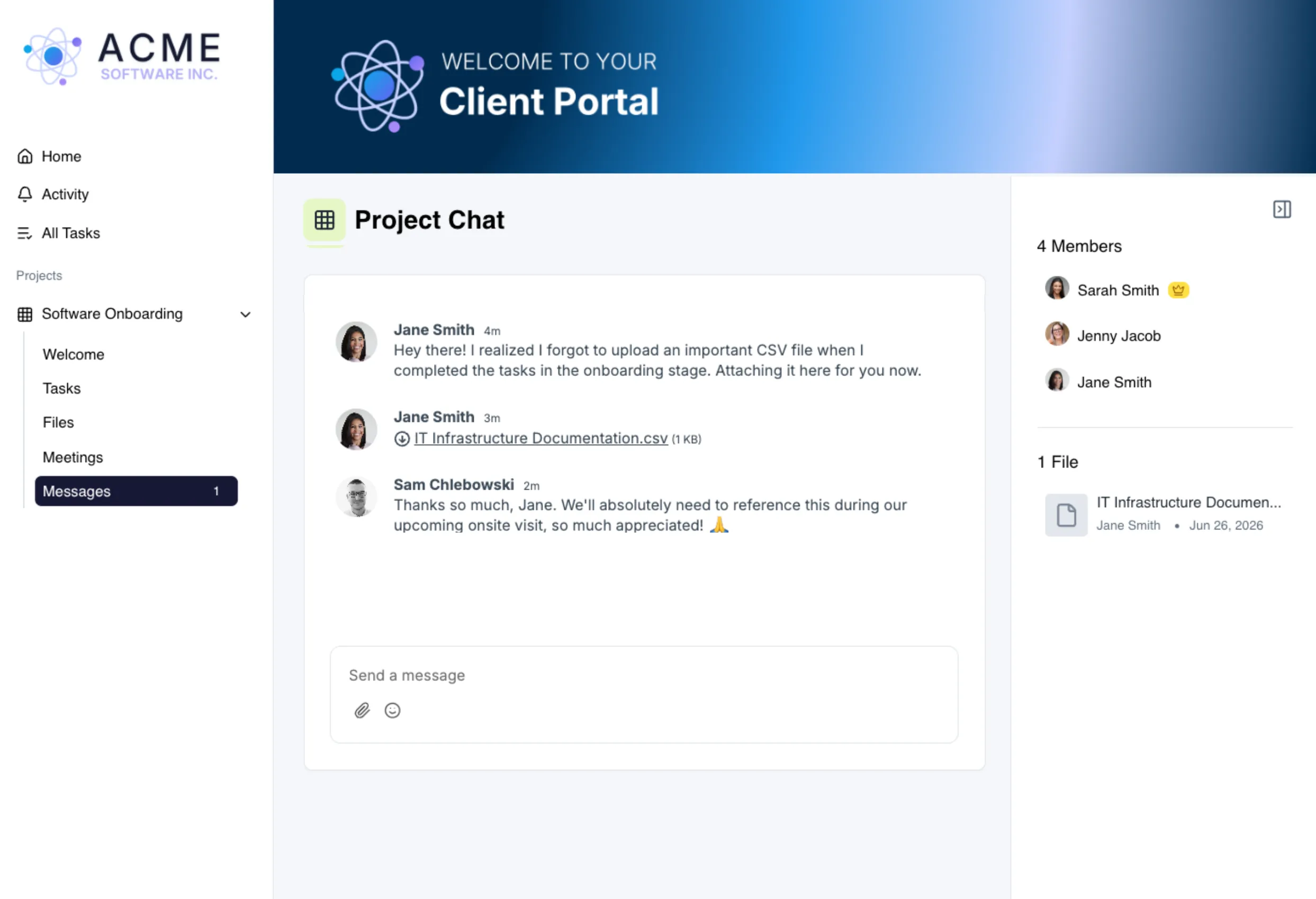
Give customers one place to respond
Customers reply from their customer onboarding portal, all branded to your business. They always know where to go, and every reply threads back onto the task so your team keeps the full history in context.
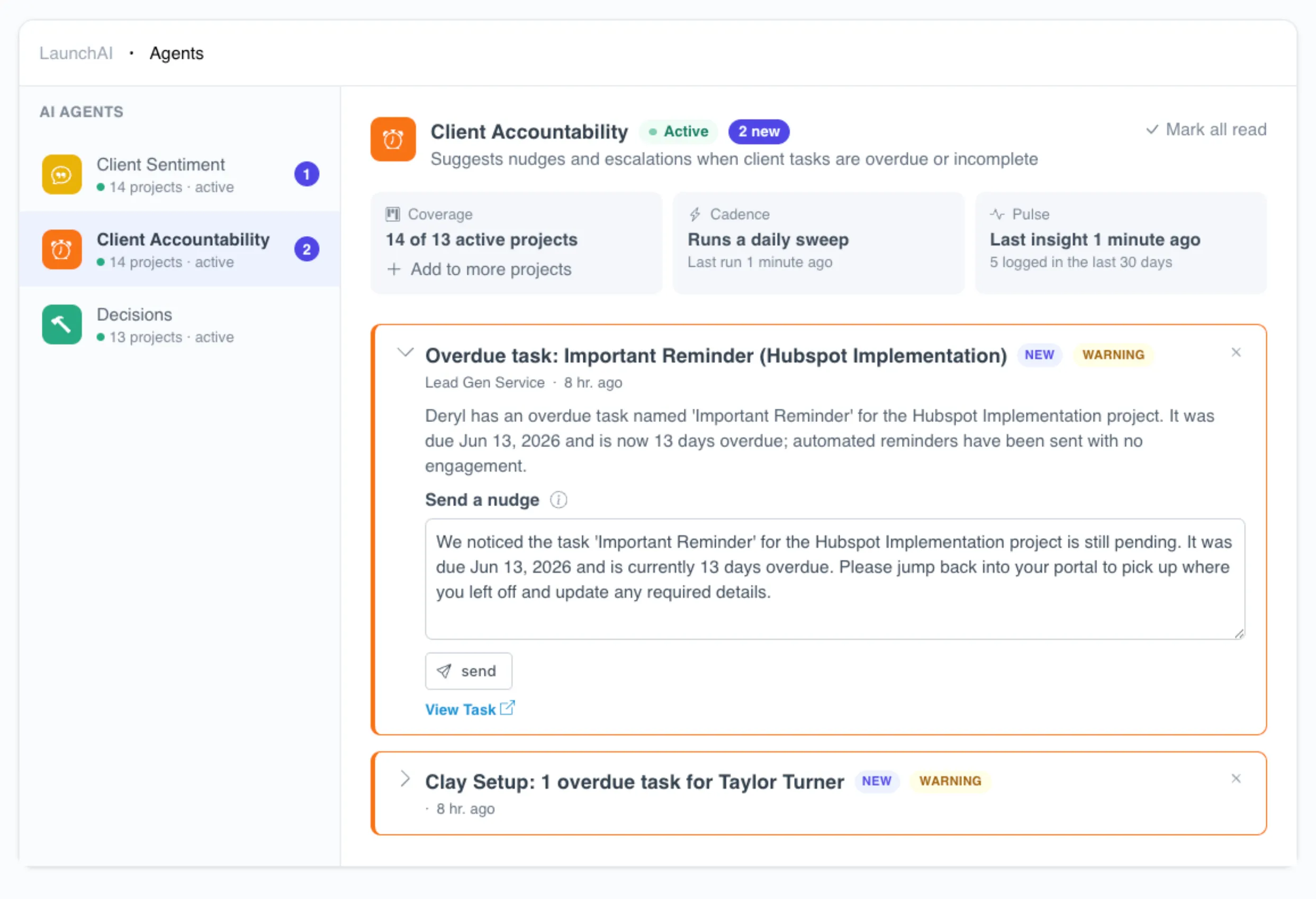
Catch the conversation that's stalling the work
When a task is waiting on a customer reply, that delay is visible. You can see which tasks are blocked on a conversation, and which projects are slipping because of it, instead of finding out in the next status call.
Keep exploring LaunchBay's features
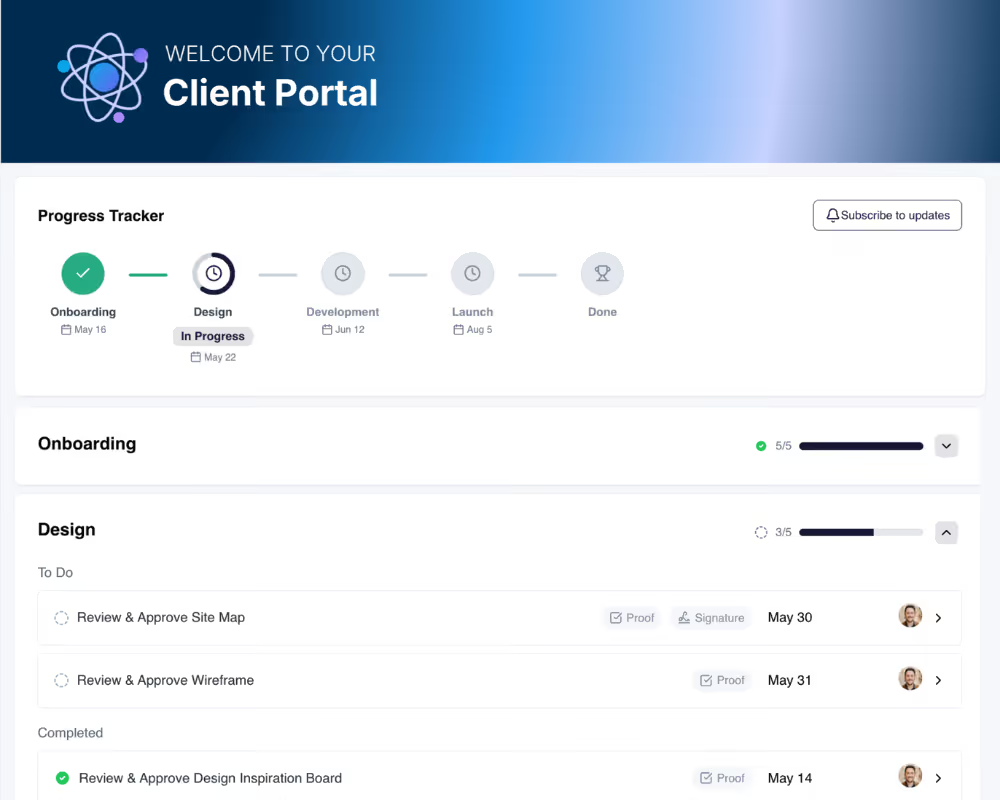
Client Portals
Give every client a branded, loginless portal where they can send messages, upload files, complete tasks, and track project progress.
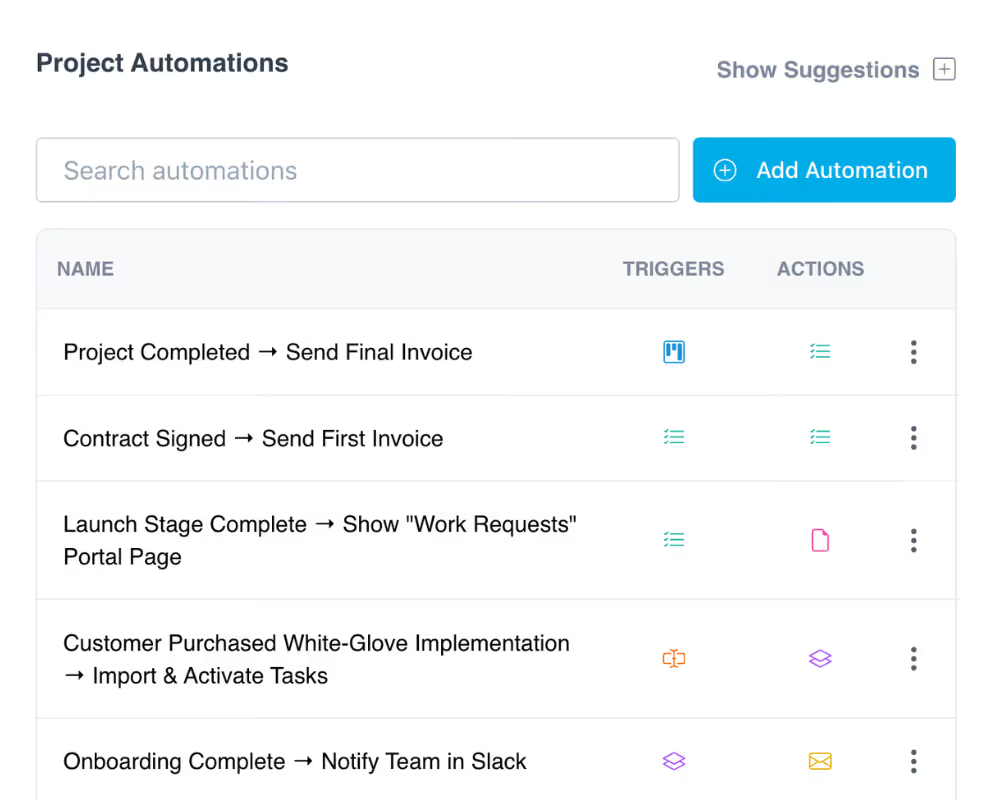
Automations
Pair your shared inbox with automated workflows that trigger tasks, and follow-ups when deals close or milestones are reached.
Proofing
When a conversation leads to a deliverable, let clients review, annotate, and approve images, PDFs, and videos visually inside their portal.