

Get digital contracts signed, without delays or follow-ups
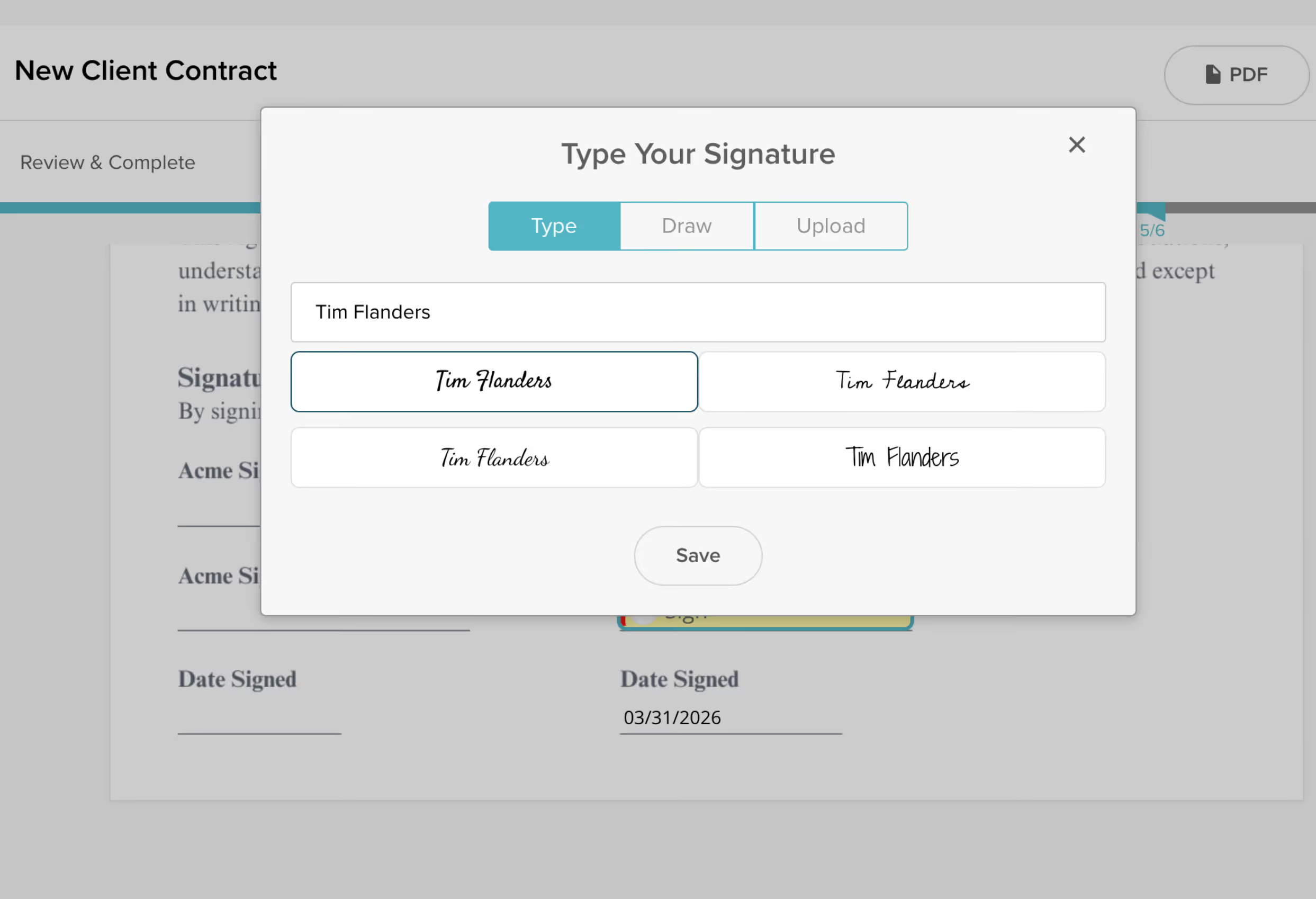
Replace DocuSign, PandaDoc, and endless email chains with smart contracts that live inside your client portal. Collect e-signatures, trigger onboarding workflows, and give clients one branded place to sign and get started.
Powering 20,000+ client projects every month
LaunchBayContract Automation & E-Signatures

From signature to kickoff, with no delays in between

Fast, convenient e-signatures

Create reusable contract templates and collect legally binding electronic signatures in minutes with intuitive drag-and-drop fields for names, dates, and signature blocks.

Convert the files you already use

Upload PDFs and Word docs and turn them into signable contracts inside your client portal. No need to rebuild agreements from scratch.

Trigger workflows on signature

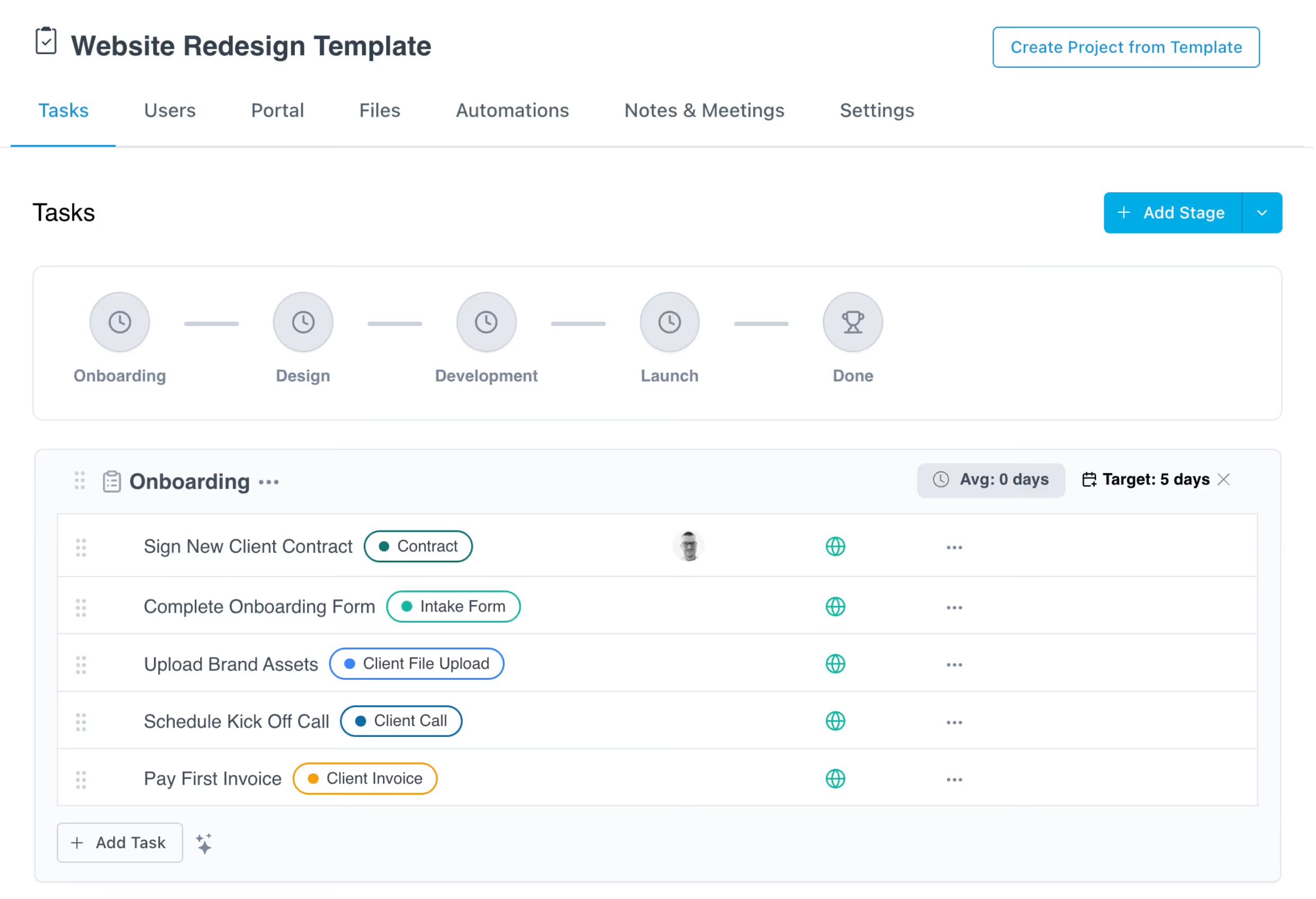
Automatically launch onboarding tasks, assign next steps, or kick off an entire project the moment a contract is signed. No manual handoff required.

Prefilled custom fields

Auto-populate contracts with client names, project details, pricing, and more using custom fields. Every agreement goes out accurate and ready to sign.

Automated reminders

Toggle on automated reminders and LaunchBay follows up with clients until they provide the signatures you need. No more manual chasing or wondering if they saw the contract.

Real-time contract status

See exactly when contracts are viewed, signed, or still pending. Your team always knows which agreements are complete and which need attention.

How teams use LaunchBay for contracts and e-signatures

Close the deal and start onboarding instantly

Clients sign a contract inside their branded portal and onboarding begins automatically. Tasks, forms, and file requests spin up the moment the signature is captured, so there's no gap between closing and getting started.
Try LaunchBay for Free

Standardize agreements across every client

Build reusable contract templates with prefilled fields that pull in client data automatically. Every agreement goes out polished and consistent, whether you're onboarding your 10th client or your 1,000th.

Try LaunchBay for Free

Eliminate standalone e-signature tools

With contracts built into your client portal alongside tasks, files, invoices, and messaging, there's no need for a separate DocuSign or PandaDoc subscription. Clients sign, complete onboarding steps, and communicate in one place.

Try LaunchBay for Free

Keep exploring LaunchBay's features

Client Portals

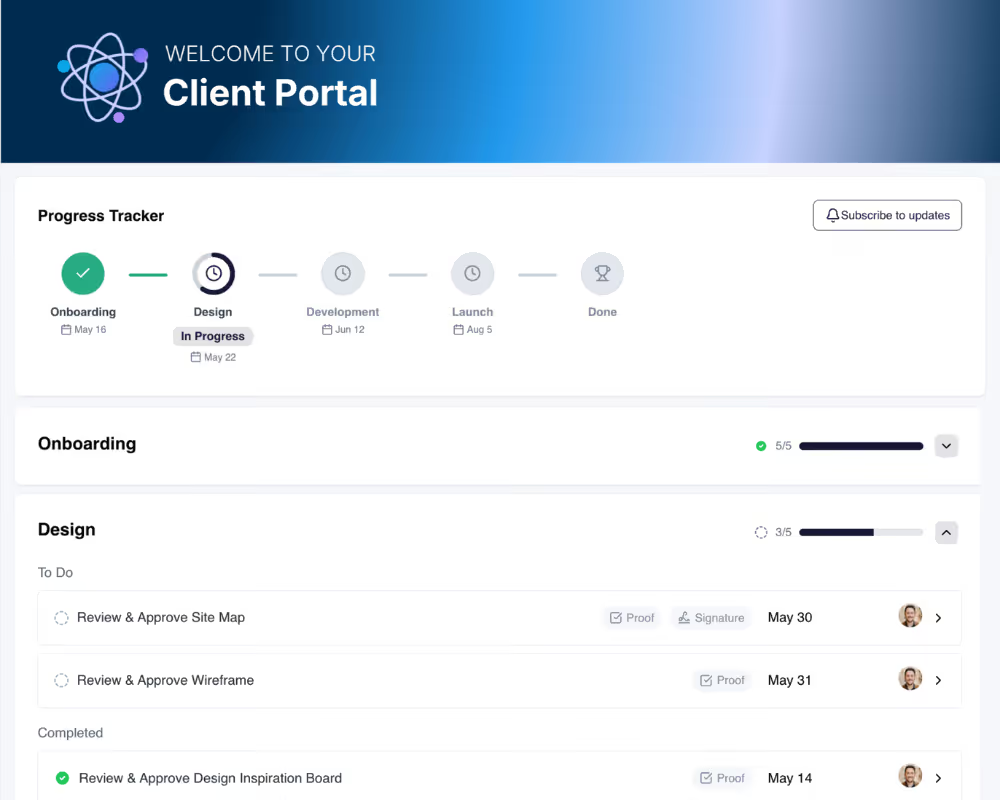
Contracts live inside the same branded portal where clients complete tasks, upload files, and track project progress. One workspace, no tool switching.
Learn more

Automations

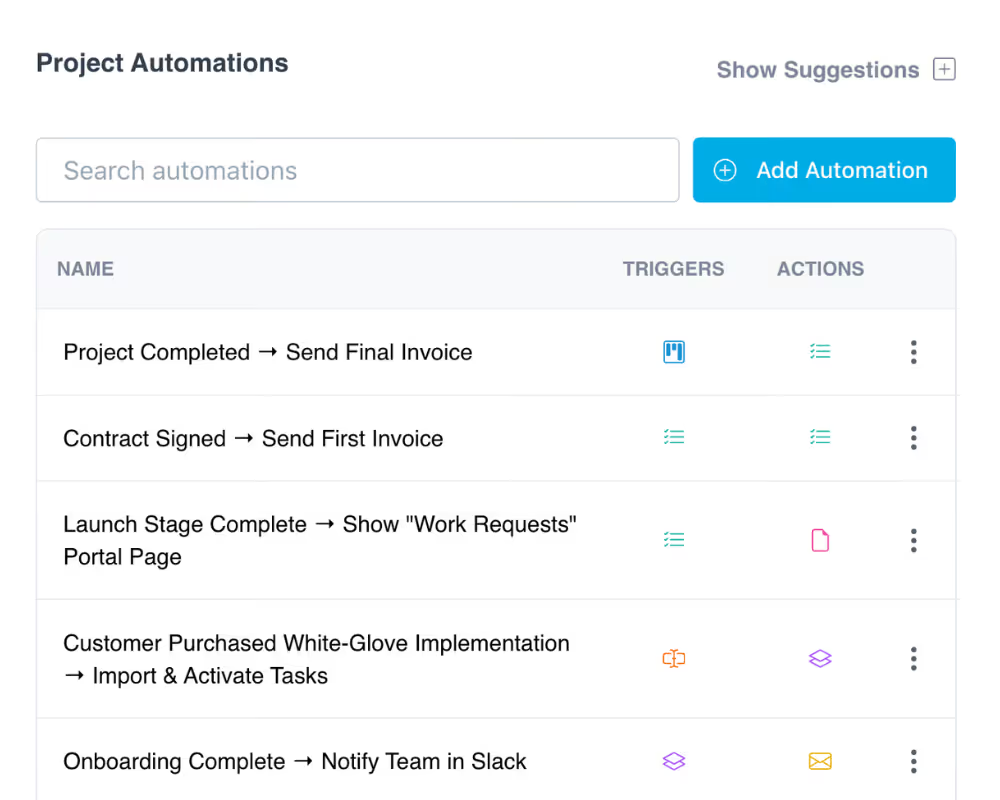
Trigger onboarding workflows, assign tasks, and send follow-ups automatically when a contract is signed or a project milestone is hit.
Learn more

Proofing

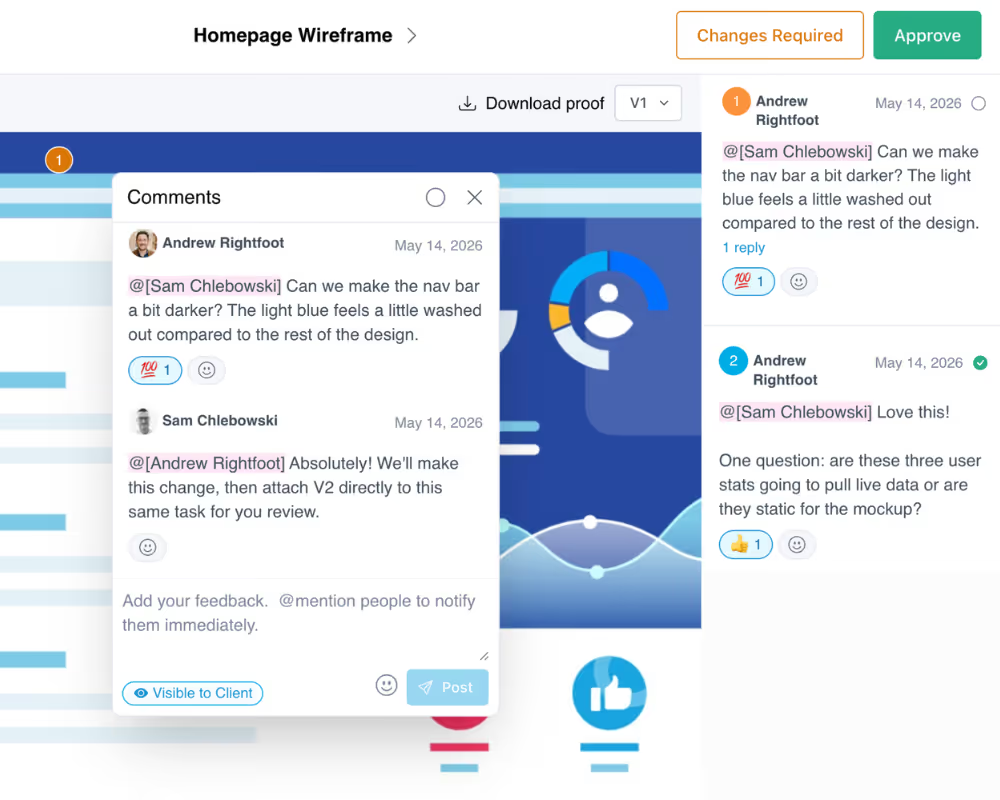
After the contract is signed, let clients review and approve deliverables visually with annotations on images, PDFs, and videos inside their portal.

Learn more

Frequently Asked Questions (FAQs)

What is an electronic signature, and is it legally enforceable?
An electronic signature is a legally recognized way to indicate agreement on a digital document. Electronic signatures are enforceable in the United States under the ESIGN Act and UETA, and in many other countries under similar laws. LaunchBay supports secure electronic signatures as part of its contract workflows, so agreements signed in your client portal are legally binding.
How do I send documents for e-signature in LaunchBay?
Upload a PDF or Word document, add signature and date fields using the drag-and-drop editor, and assign signers. The contract is delivered directly through the client portal, so everything stays centralized and branded. You can also attach contracts to specific onboarding tasks so they're part of a larger workflow.
What file formats can I use to create contracts in LaunchBay?
LaunchBay supports common contract file formats including PDF and DOCX. Upload the documents you already use, add signature fields with the drag-and-drop editor, and reuse them as templates across multiple clients.
How is LaunchBay different from DocuSign, HelloSign, or PandaDoc?
Unlike standalone e-signature tools, LaunchBay embeds contracts directly into the client onboarding experience. Contracts, tasks, files, invoices, and communication all live in one branded portal. When a contract is signed, it can automatically trigger onboarding workflows, so there's no gap between agreement and action.
What types of documents can be signed electronically in LaunchBay?
You can use LaunchBay to electronically sign service agreements, onboarding contracts, NDAs, retainer agreements, change orders, and any other document that requires client approval. All signed documents are stored in the client portal for easy reference.
Can LaunchBay automatically start onboarding when a contract is signed?
Yes. LaunchBay lets you create automated workflows that trigger the moment a contract is completed. You can automatically assign onboarding tasks, send welcome messages, request files, and advance the project to its next stage without any manual handoff from your team.

Run client work the smarter way

Replace scattered tools with one branded portal for onboarding clients, coordinating work, and delivering a better client experience.
