.svg)


Client portal software
for accountants
Automate client onboarding, document collection, and task follow-ups in one secure portal. LaunchBay helps accountants spend less time chasing clients and more time doing the work that keeps them coming back.
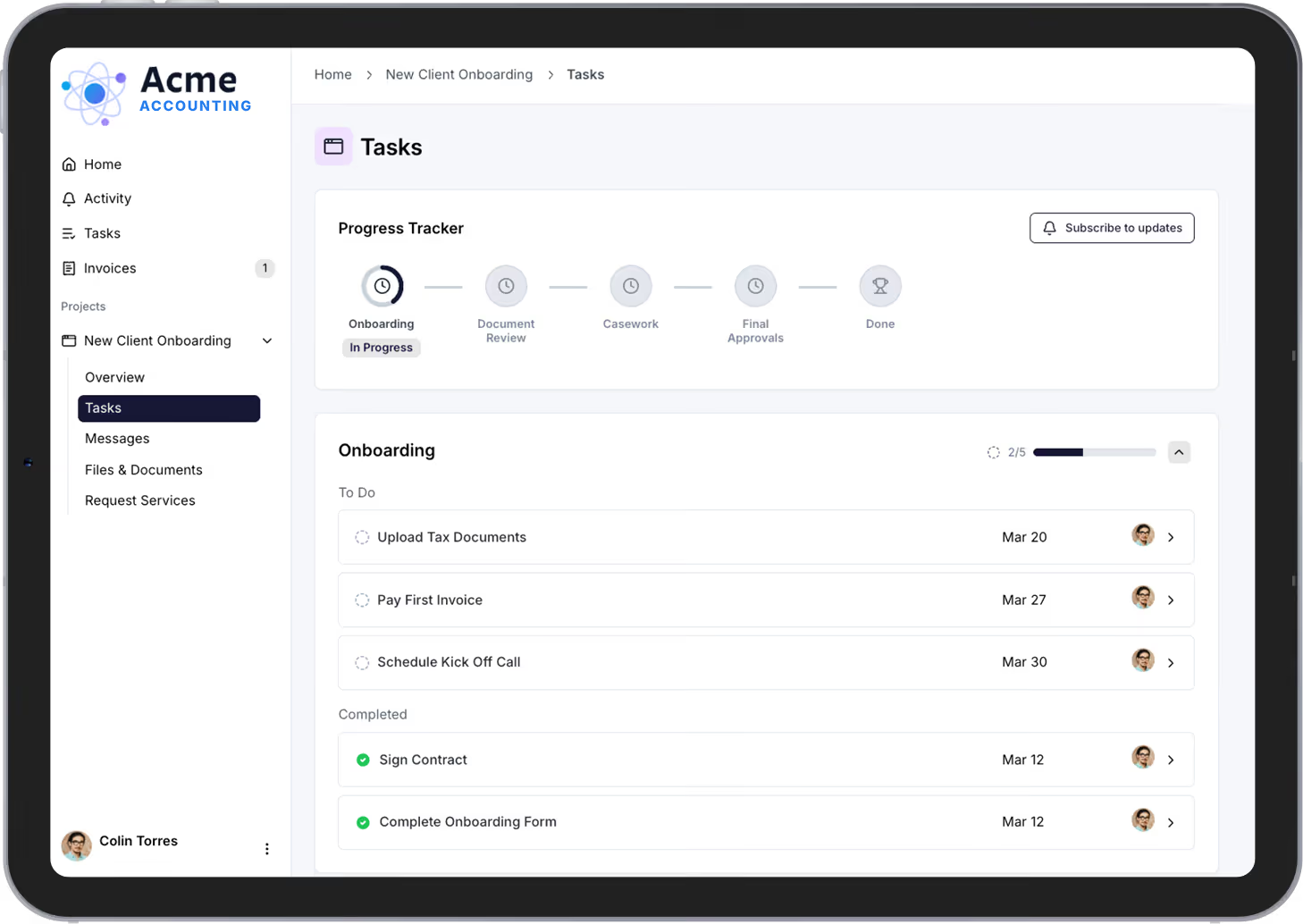
Stop losing billable hours to client onboarding


Collect every document without sending a single follow-up
Automatically request tax documents, financial records, intake forms, and signed engagement letters through one organized portal. No more chasing clients over email or tracking what came in on a spreadsheet.

Give every client a polished, professional experience
Clients access a secure, branded portal where they can upload documents, view deadlines, complete tasks, and track progress. No login required. No learning curve. Just a clean experience that builds trust from day one.

Stay on top of every client without the mental overhead
Centralize communication, document requests, and task tracking so nothing falls through the cracks. LaunchBay keeps your team and your clients aligned through every engagement, from onboarding through year-end close.
Features accountants rely on in LaunchBay
Client Portals
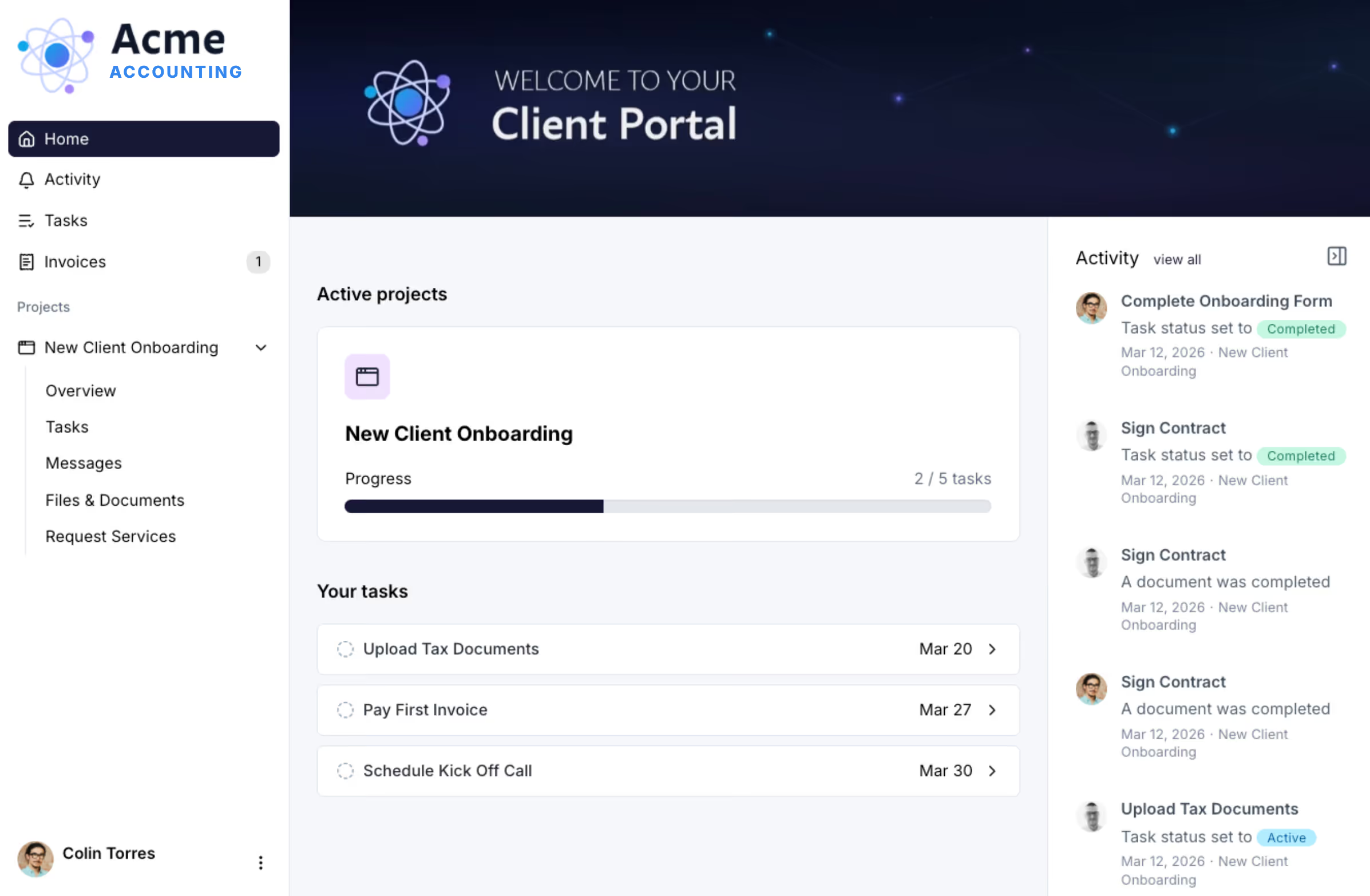
Every accounting client gets their own branded portal to upload documents, complete tasks, and track engagement milestones. Fully white-labeled to your firm. No client login required. One central place for everything your team needs from onboarding through recurring monthly bookkeeping.

Onboarding Automation
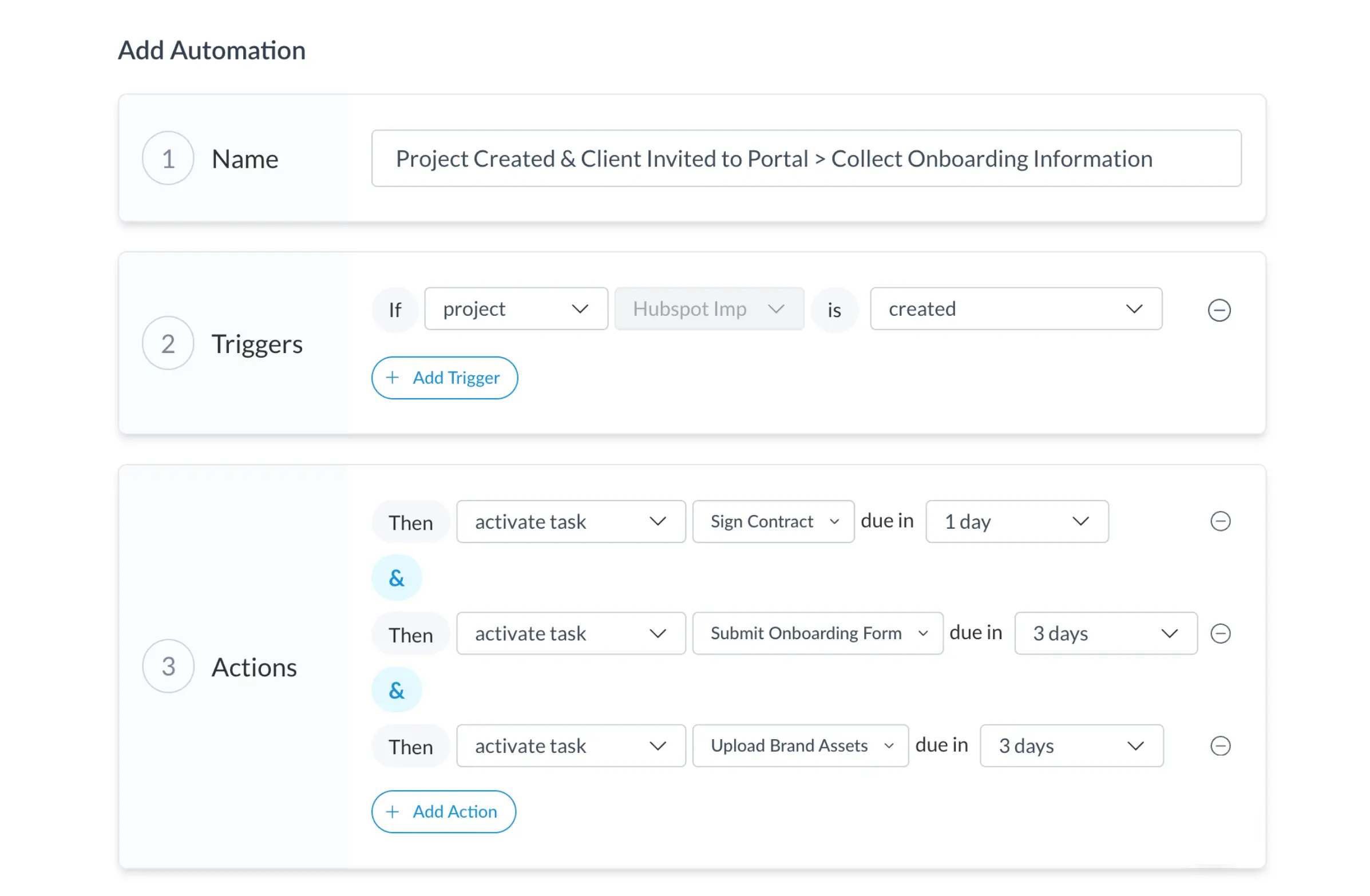
Build repeatable workflows that collect engagement letters, entity documents, prior-year returns, and intake questionnaires automatically. Whether you're onboarding five clients or fifty during tax season, every new engagement follows the same structured process without manual coordination.
Contracts
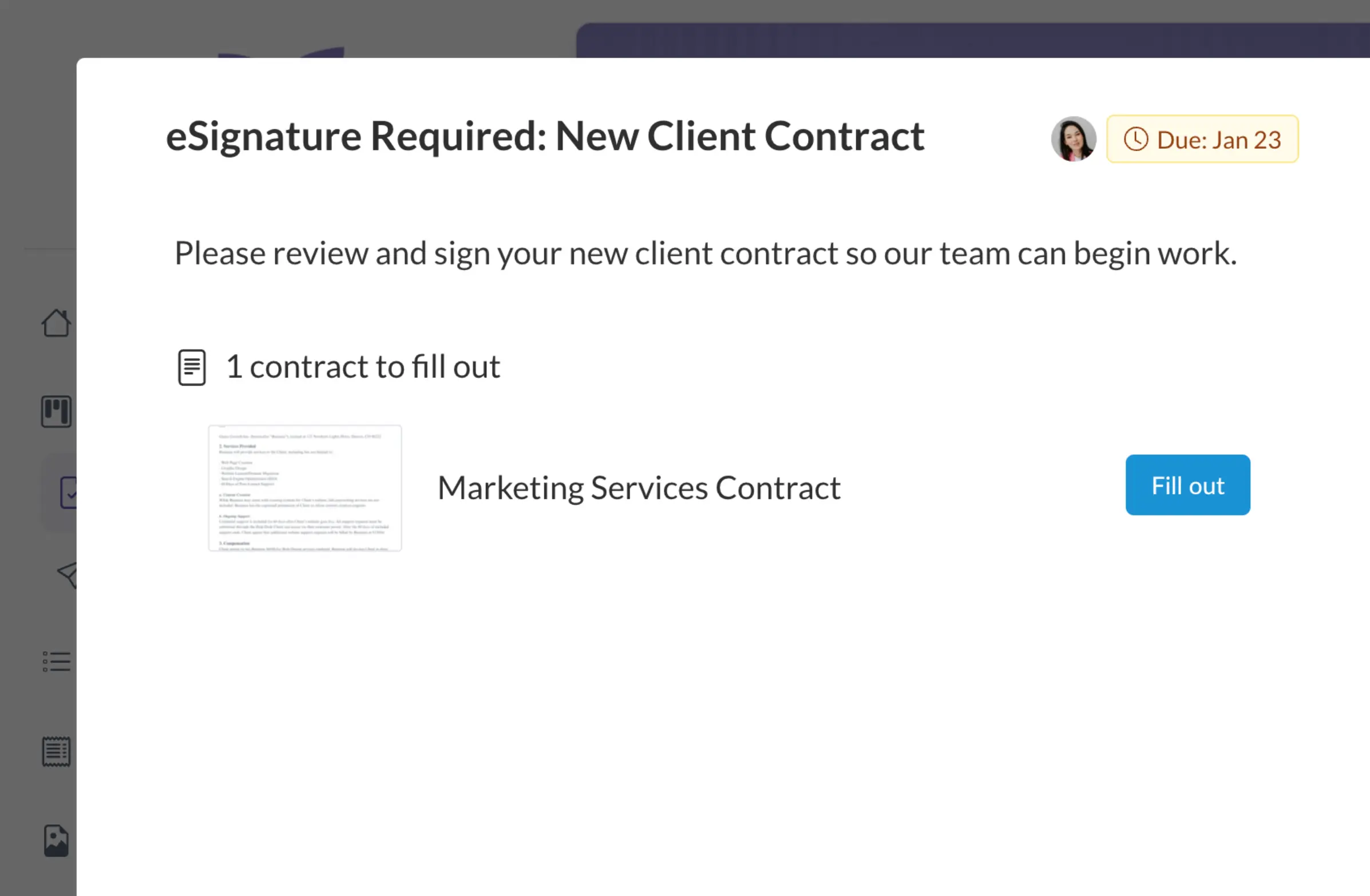
Stop juggling multiple platforms to manage client contracts. LaunchBay's electronic document signing provides a faster and more convenient way for clients to fill out, sign, and submit contracts and agreements.
Project Progress Tracker
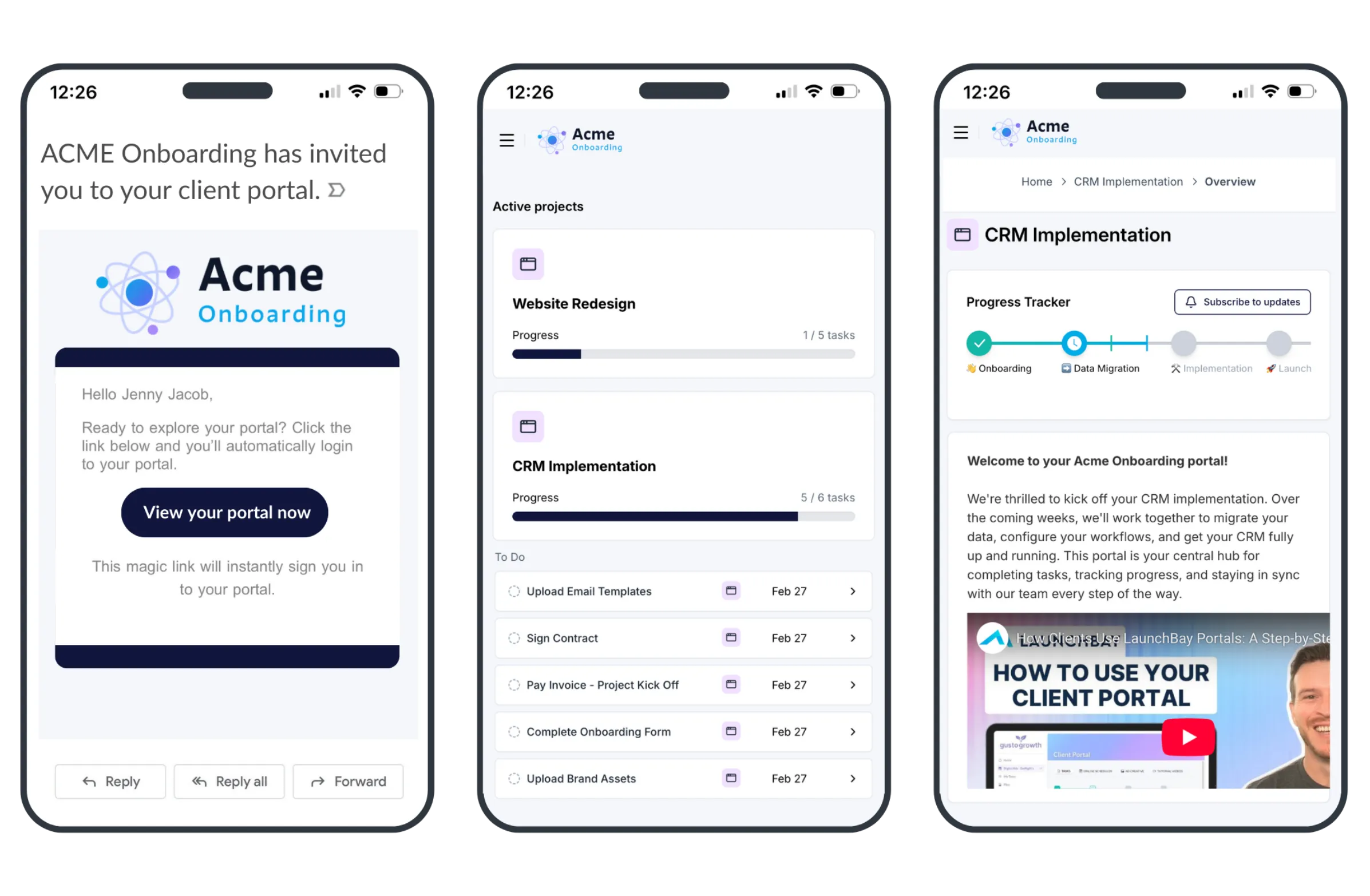
Clients access their portal by clicking a secure magic link sent to their email. No passwords. No account creation. No "I can't log in" support requests. One click and they're in, which means higher completion rates on document requests, intake forms, and every task you assign.
Loginless Client Access
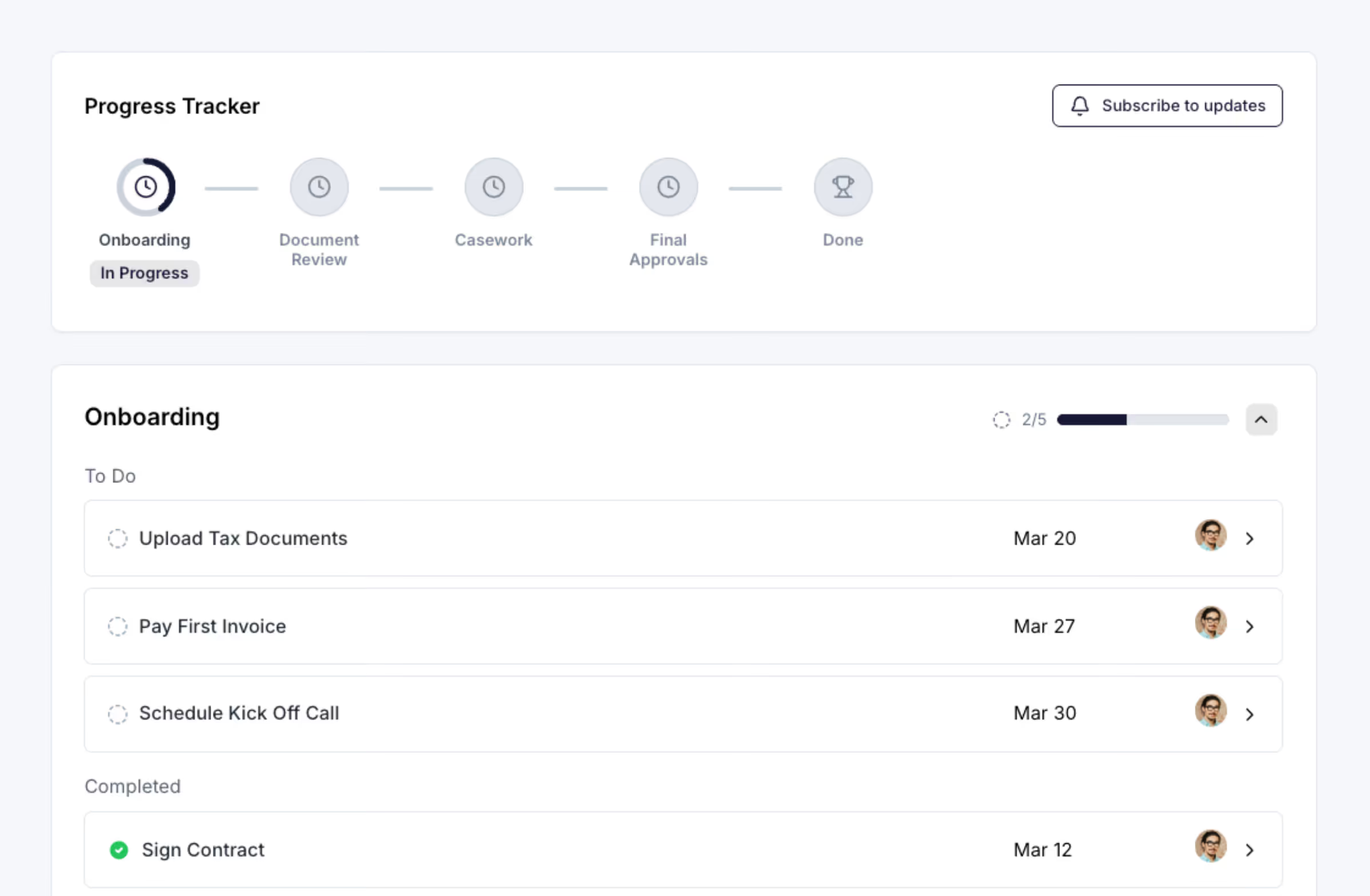
Give clients a live view of where their engagement stands, from onboarding through tax filing, monthly close, or advisory deliverables. Your team sees what's on track and what's stalling. Clients stop asking "where are we?" because the answer is always one click away.
Integrations
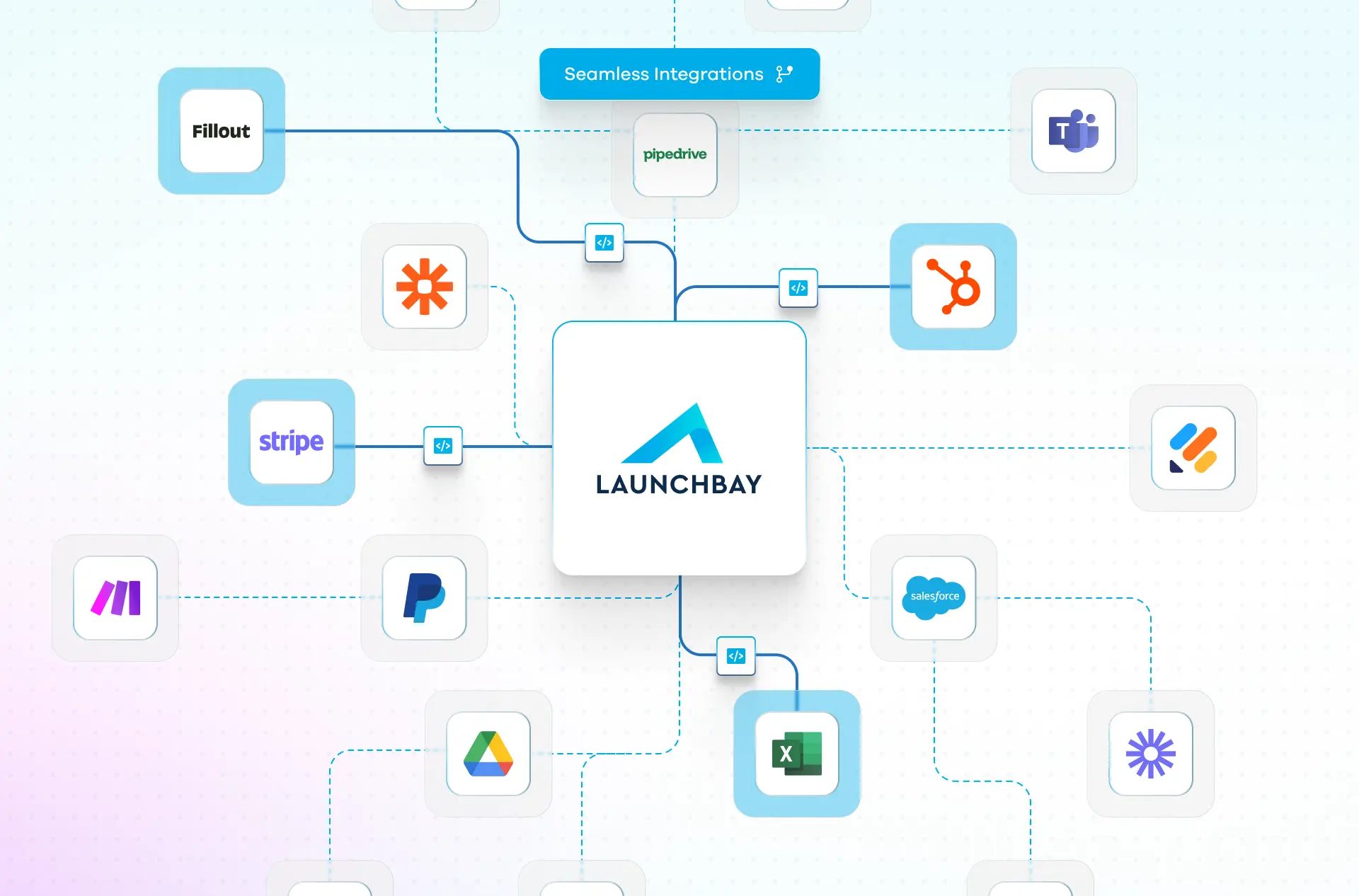
Connect LaunchBay to QuickBooks, Xero, Google Drive, HubSpot, Zapier, Calendly, Stripe, and more. When a new client signs on, onboarding kicks off automatically and they get instant portal access to start uploading documents and completing tasks without your team lifting a finger.
Why accounting firms use LaunchBay for client onboarding
and meetings
Recognized as a category leader by G2, Capterra, and Software Advice.
Book a Demo →
Frequently Asked Questions (FAQs)


Get back to the work you're best at.
LaunchBay's AI-powered client portal handles the collecting, reminding, and following up, so your team spends less time chasing clients and more time delivering.
Ready to stop chasing?