WHY SWITCH?

When proofing lives in disconnected tools, progress stalls and clients churn

WHY LAUNCHBAY?

Proofing that runs inside your entire client workflow

From onboarding through delivery, clients review files, leave feedback, and approve work in one streamlined flow. No logins, no tool switching, and no confusion about what’s approved or what’s next.

Move work forward, faster

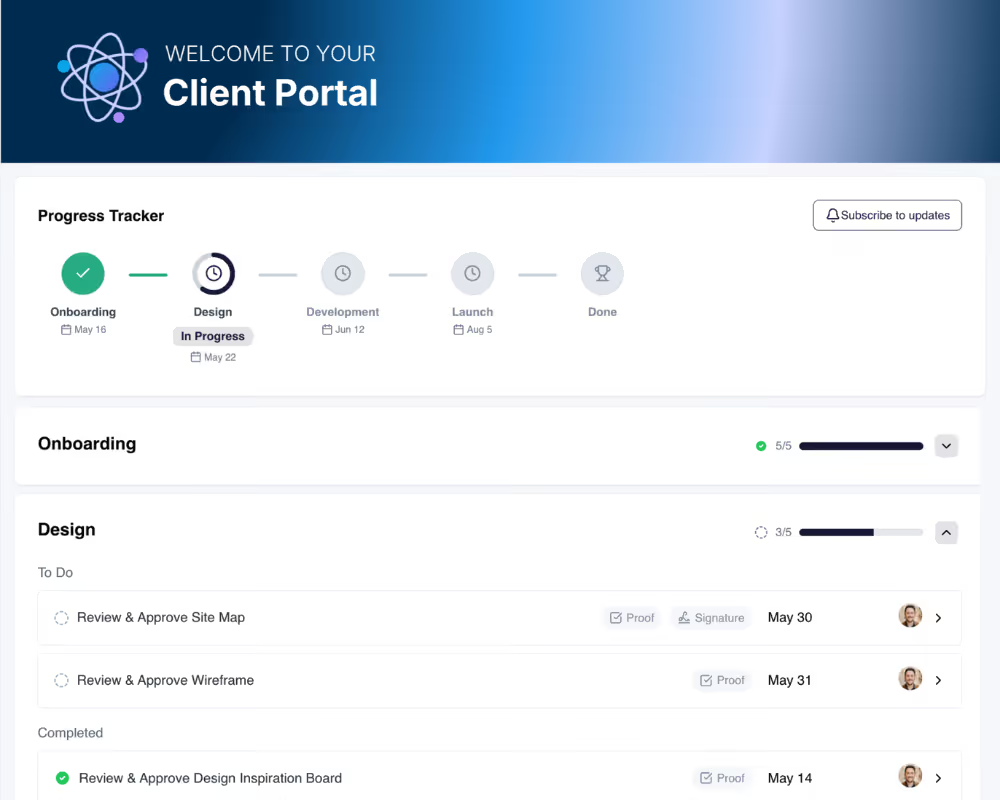
  • Clear approval states and next steps for everyone involved
  • Increase client volume without adding PMs or coordination overhead

Clearer feedback, faster approvals

  • Visual, in-context feedback on designs, PDFs, and videos
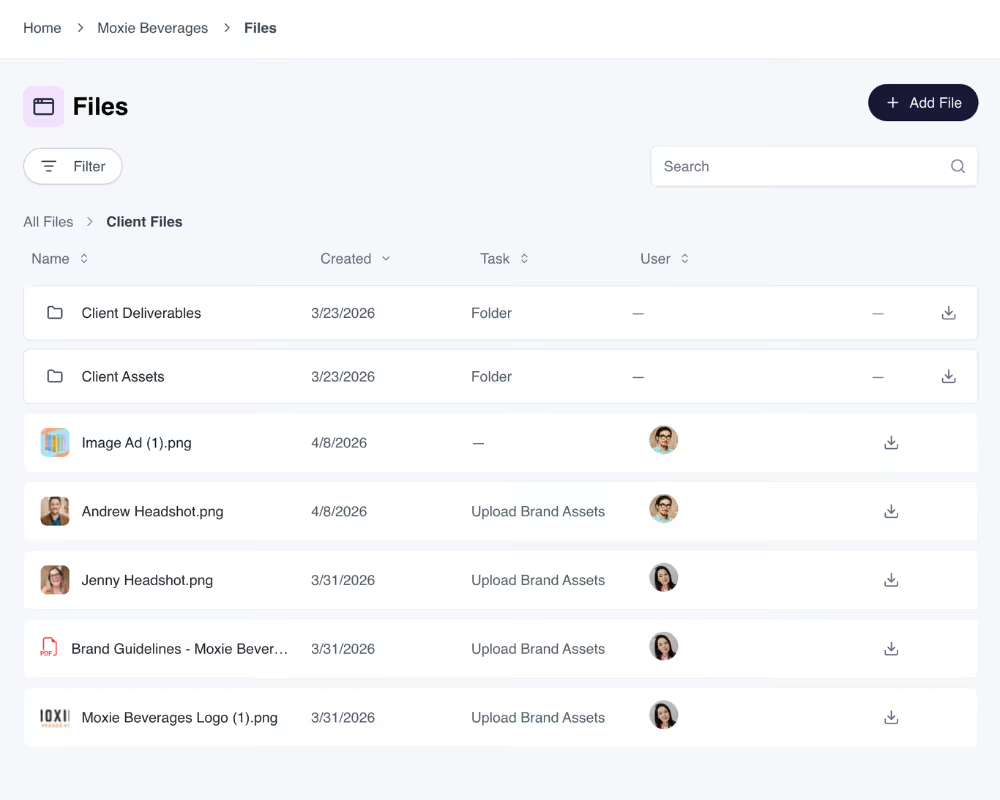
  • Every version stays tied to the same task so context and history are never lost

Deliver client results at scale

  • Clear approval states and next steps for everyone involved
  • Increase client volume without adding PMs or coordination overhead

See how LaunchBay’s design proofing software fits into real agency workflows.

From onboarding through delivery, clients review files, leave feedback, and approve work in one streamlined flow. No logins, no tool switching, and no confusion about what’s approved or what’s next.

From onboarding to final approval, all in one flow.

Centralize feedback on images, videos, and PDFs in a branded client portal your clients actually use. Proofing stays connected to your delivery workflow so approvals, next steps, and progress stay clear from kickoff through launch.
Try Smarter Design Proofing→

Frequently Asked Questions (FAQs)

What is design proofing, and why is it important for client approvals?
Design proofing is the process of reviewing, commenting on, and approving creative work before final delivery. It helps prevent miscommunication, endless revisions, and approval delays. A structured proofing workflow ensures feedback is clear, actionable, and easy to track.
How does LaunchBay’s design proofing and feedback tool work?
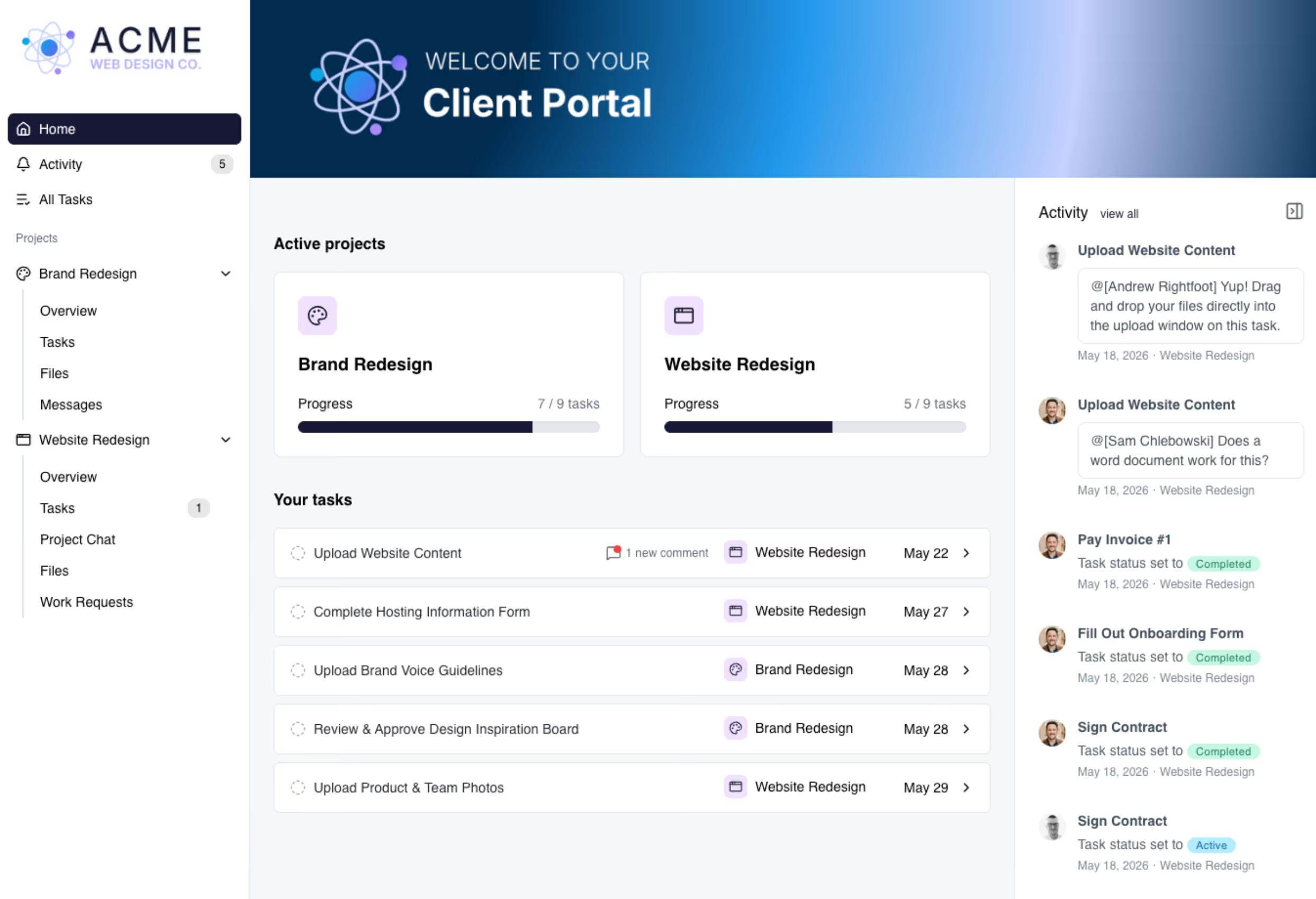
LaunchBay’s design proofing tool lets clients review, annotate, and approve designs directly inside a branded client portal. Feedback is left in context on each asset and tracked in real time. This replaces scattered emails and disconnected tools.
Do clients need to create an account to leave design feedback in LaunchBay?
No. LaunchBay supports secure, login-free access for design feedback. Clients can comment, annotate, and approve designs without creating an account, reducing friction while keeping feedback centralized.
What is the client approval process in LaunchBay for design reviews?
LaunchBay combines design proofing, feedback, and approvals into a single workflow. Clients review designs in their portal and submit comments or approvals in context. Teams always know what’s approved, what needs changes, and what’s next.
How can teams keep client feedback and revisions organized in LaunchBay?
LaunchBay ties client feedback directly to specific designs and related tasks. Teams can respond to comments, track revisions, and mark items as resolved. This keeps feedback organized and prevents it from getting lost.
What features make LaunchBay effective for managing multiple design proofs and creatives?
LaunchBay includes visual commenting, approval tracking, task linkage, and centralized file management. These features make it easy to manage multiple creatives, versions, and stakeholders at once. Everything lives in one client-facing workspace.
How do I set up a design proofing and approval workflow in LaunchBay?
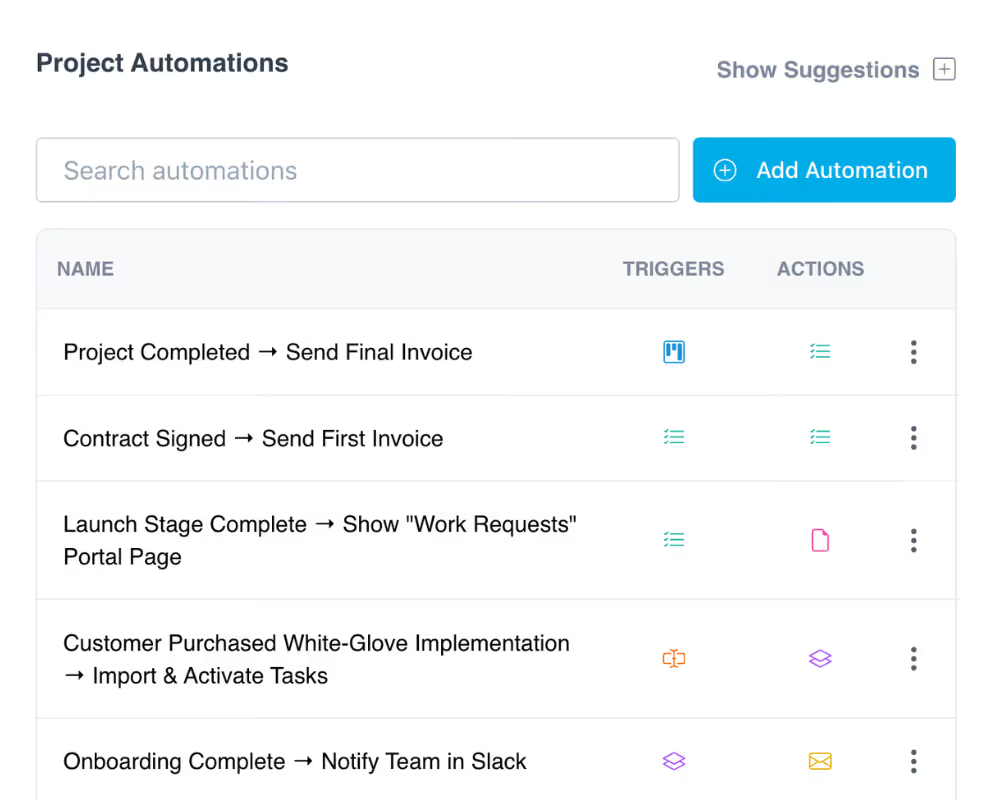
You can set up a design proofing workflow in LaunchBay using reusable templates and client tasks. Designs are uploaded, shared for feedback, and routed through approval steps automatically. This creates a consistent process for every project.
How can LaunchBay reduce back-and-forth and speed up client approvals?
LaunchBay reduces back-and-forth by giving clients a single place to review, comment, and approve designs. Clear task ownership and status tracking eliminate confusion about next steps. This helps teams move projects forward faster.
What best practices help teams use LaunchBay’s design feedback tools successfully?
Best practices include setting clear expectations for feedback, defining approval stages upfront, and using structured comment threads. LaunchBay supports these workflows by keeping feedback visible and actionable. This leads to smoother approvals and happier clients.
Does LaunchBay offer version control?
Yes. LaunchBay includes built-in version control designed specifically for client-facing creative work.When a client requests changes, you can upload a new version of a file directly within the same task or workflow. Every revision is tracked with its own feedback, comments, and approvals, so your team and your clients always have clear context on what changed and what needs sign-off.

The smarter way to onboard clients

Replace scattered tools with one automated, branded platform built for visibility, consistency, and trust.