.svg)
May 11, 2026
12 Best Client Onboarding Software Tools for B2B Teams (2026)
By
Sam Chlebowski
Every B2B team knows the handoff from sales to onboarding is messy. Information gets lost, clients are asked for the same details multiple times, and teams end up chasing emails, documents, and approvals just to get started.
In fact, 90% of companies say their onboarding process could be improved.
That's where the right client onboarding software makes a difference.
These tools help you turn onboarding into a clear, reusable workflow from sales handover to kickoff meeting and beyond.
In this guide, we'll break down the 12 best client onboarding software for different use cases, so you can find the right setup for your team.
Best All-Round Client Onboarding Platforms
These are tools designed to handle most parts of the onboarding process in one place.
Instead of relying on separate tools for tasks, communication, document collection, and progress tracking, they bring everything together into a single workflow.
Our recommendation: use these when you're looking to cut friction from onboarding, reduce back-and-forth, and give both your team and your clients a clearer, more structured experience.
1. LaunchBay
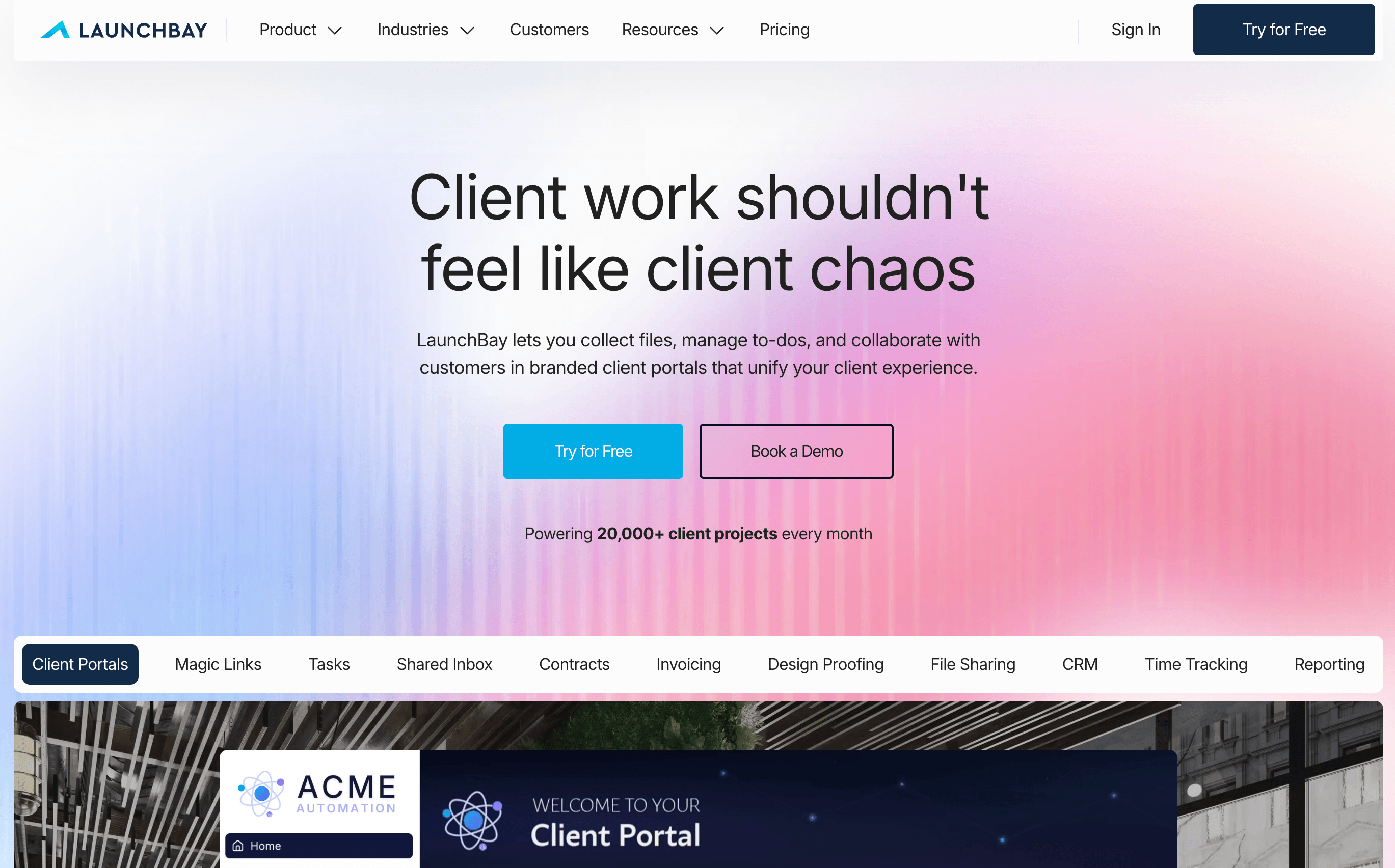
LaunchBay is an all-round client onboarding and delivery platform designed for B2B service teams, SaaS companies, and consultants.
It combines client-facing onboarding with internal project and workflow management, so teams can run onboarding from start to finish without switching tools.
Key features
- Branded client portals (no login required)
Clients can access onboarding tasks, upload files, sign documents, and track progress through a centralized portal without creating accounts. - Workflow automation & follow-ups
Automations trigger tasks, reminders, and next steps based on client actions or deal stages. - End-to-end onboarding workflows
Manage intake forms, contracts, file collection, approvals, and tasks in one place. - Project templates & reusable processes
Standardize onboarding with reusable workflows that automatically generate tasks, stages, and timelines for each new client. - Built-in contracts, payments & proofingClients can complete signatures, submit payments, and review deliverables directly inside the platform, keeping everything centralized.
- LaunchAI Agents that flag what's slipping
AI Agents monitor every account in the background and surface at-risk projects before they stall, with an MCP Connector that lets Claude, ChatGPT, Gemini, and Perplexity read and act on project data directly. - CRM & integrations (including HubSpot)
Trigger onboarding automatically when a deal closes and sync workflows with your existing tools. Integrates natively with Hubspot. - Native Slack integration for team visibility
Keep your team aligned with real-time notifications sent directly to Slack when onboarding stages are completed, so everyone stays updated without needing to check the platform.
Pros
✅ Easy to set up and update workflows without heavy implementation
✅ Strong automation for follow-ups, handoffs, and task progression
✅ AI Agents and an MCP Connector for teams already working inside Claude, ChatGPT, Gemini, or Perplexity
Cons
❌ Best suited for teams with structured, multi-step onboarding rather than one-off projects
❌ May be more than needed for teams with very basic onboarding needs
User feedback
"It's by far the best solution for managing client projects I've found. The client portal makes it easy to keep track of all communications, and it allows my clients to stay up to date on the project."
"LaunchBay gives us a level of credibility our competitors don't have. Having a dedicated client portal positions you as more professional and polished, and that's what attracts larger clients."
"Before LaunchBay, we'd spend 4+ hours per client tracking down onboarding information. Now the entire process takes just 15 minutes."
Pricing
LaunchBay uses a per-user pricing model with all plans including unlimited clients and projects:
- Essentials: $29/user/month billed monthly, or $19/user/month billed annually (client portals, intake forms, contracts, payments, and task management)
- Standard: $59/user/month billed monthly, or $49/user/month billed annually (automation, integrations, reporting, and team collaboration features)
- Premium: $79/user/month billed monthly, or $69/user/month billed annually, 3-user minimum (LaunchAI Chat, AI Agents, MCP Connector, advanced branding, HubSpot integration, and enterprise-level controls)
2. Dock
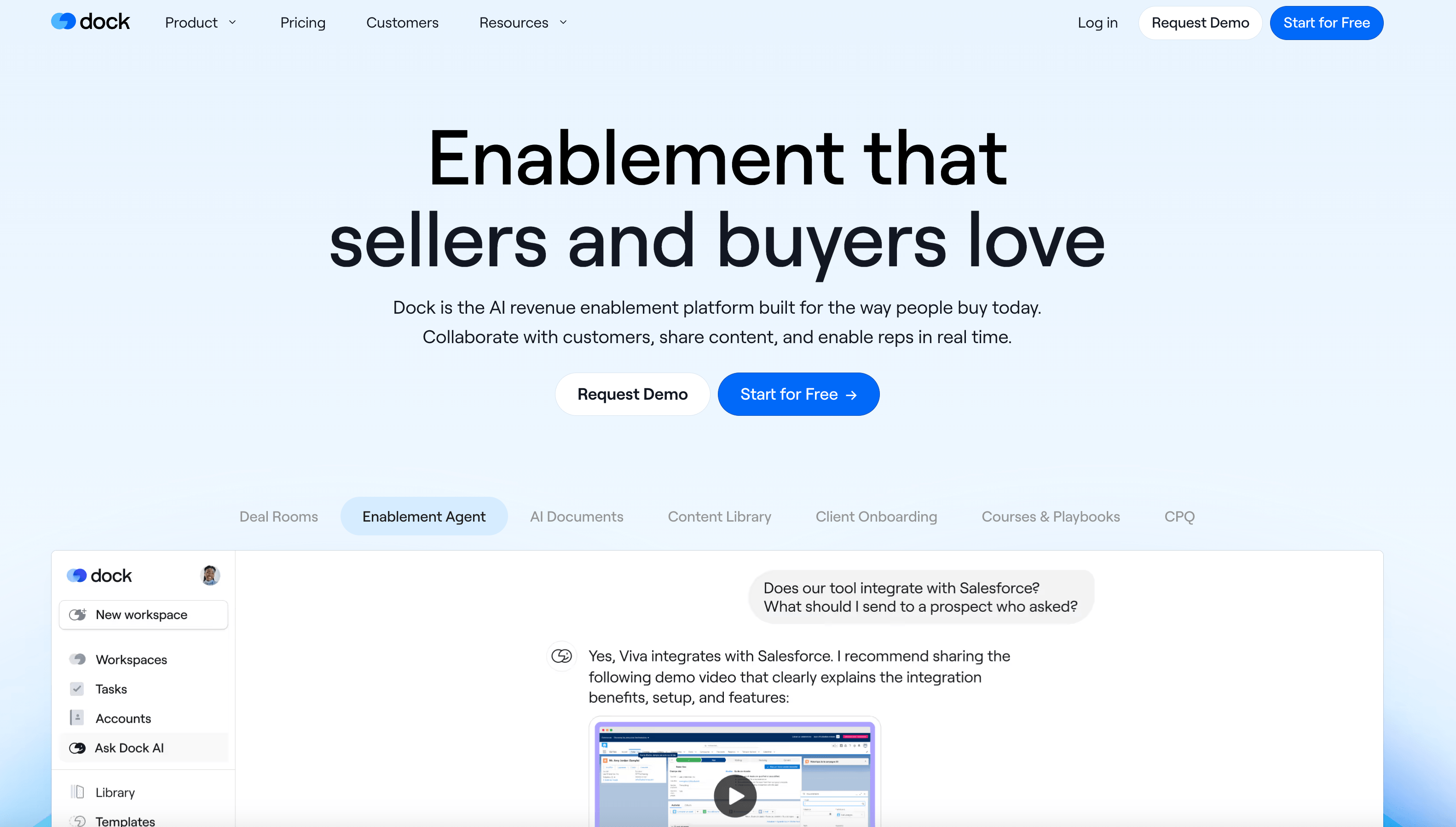
Dock is a client onboarding and collaboration platform that helps teams create shared workspaces for customers. These workspaces act as a central place to organize onboarding plans, resources, tasks, and communication in one link.
Key features
- Client onboarding portals & shared workspaces
Create branded spaces where clients can access onboarding plans, resources, tasks, and updates in one place. - Content sharing & resource management
Share documents, videos, meeting notes, and links alongside onboarding steps to keep everything organized and accessible. - Task tracking & onboarding plans
Build onboarding checklists and multi-phase plans with tasks, deadlines, and reminders to guide clients through the process. - Engagement tracking & analytics
Track how clients interact with content, tasks, and resources to understand engagement and progress. - MCP support on every plan, including free
Dock's MCP connects to a small set of pre-built agents rather than a documented tool list, and is available even on the free tier. - Integrations with common tools
Connect Dock with tools like HubSpot, Slack, Loom, Typeform, and more to extend functionality.
Pros
✅ Easy to set up and use for both teams and clients
✅ Strong for organizing onboarding resources, content, and communication
Cons
❌ Tasks are better suited for simple checklists than complex onboarding workflows
❌ May require additional tools for automation or internal collaboration
❌ MCP agents cover only a handful of actions (project creation, tagging, archiving) compared to more purpose-built onboarding MCPs
User feedback
"Dock is easy to use and intuitive for both our internal team and clients. The built-in chat support is a standout and is accessible, responsive, and genuinely helpful whenever questions come up."
"The main limitation we experience is the level of control available in user permissions. We would benefit from more granular permission settings so we can more tightly guide our clients' journey and restrict access where needed during the implementation process."
(Based on user reviews from G2)
Pricing
- Free plan: limited workspaces and basic integrations
- Standard: from ~$350/month (includes 5 users, unlimited workspaces, CRM integrations)
- Premium: from ~$1,000/month (advanced features, branding, and integrations)
- Enterprise: custom pricing (API, automation, SSO, and dedicated support)
3. RocketLane
RocketLane is a customer onboarding and project delivery platform designed primarily for SaaS and implementation teams.
It combines onboarding workflows with project management capabilities, helping teams plan, track, and deliver onboarding projects with clear timelines, milestones, and ownership.
Key features
- Project-based onboarding workflows
Manage onboarding as structured projects with tasks, dependencies, milestones, and timelines to keep everything on track. - Multiple project views (Kanban, Gantt, list)
Visualize onboarding progress in different formats depending on how your team prefers to manage delivery. - Client collaboration & visibility
Give clients access to project updates, timelines, and tasks to improve transparency during onboarding. - Templates & standardized processes
Create reusable onboarding templates to ensure consistency across projects and teams. - Resource planning & reporting
Track team capacity, project progress, and performance metrics across onboarding workflows. - MCP with 24 read/write tools
Built for PSA use cases like time tracking and custom field reporting, with a public tool guide for developers.
Pros
✅ Strong for managing complex, multi-stage onboarding projects
✅ Provides detailed project structure with tasks, timelines, and dependencies
Cons
❌ Setup and implementation can take time, especially for more complex workflows
❌ Automation capabilities may feel limited or require manual oversight
User feedback
"The most likeable thing about Rocketlane is the ease of use. It is simple to use but very powerful in terms of keeping the user focused on completing the right stages of implementation at the right time."
"Some default functionality cannot be customized, which makes it challenging to report in meaningful ways and introduces the need to export data to run our reports."
(Based on user reviews from Capterra)
Pricing
- Essential: from ~$19/user/month (project views, time tracking, basic automation, client portal)
- Standard: from ~$49/user/month (templates, integrations, collaboration, more automation)
- Premium: from ~$69/user/month (advanced reporting, resource planning, enterprise features)
- Enterprise: from ~$99/user/month (advanced controls, scaling, and support), 5-seat minimum
Tools for Collecting Client Information & Access
These tools help you collect client information, assets, and account access in a more structured way during onboarding.
Instead of chasing emails and follow-ups, they let you gather everything upfront in one place.
Our recommendation: use these if your onboarding is slowed down by missing information, delayed access, or too much back-and-forth early on.
4. Leadsie
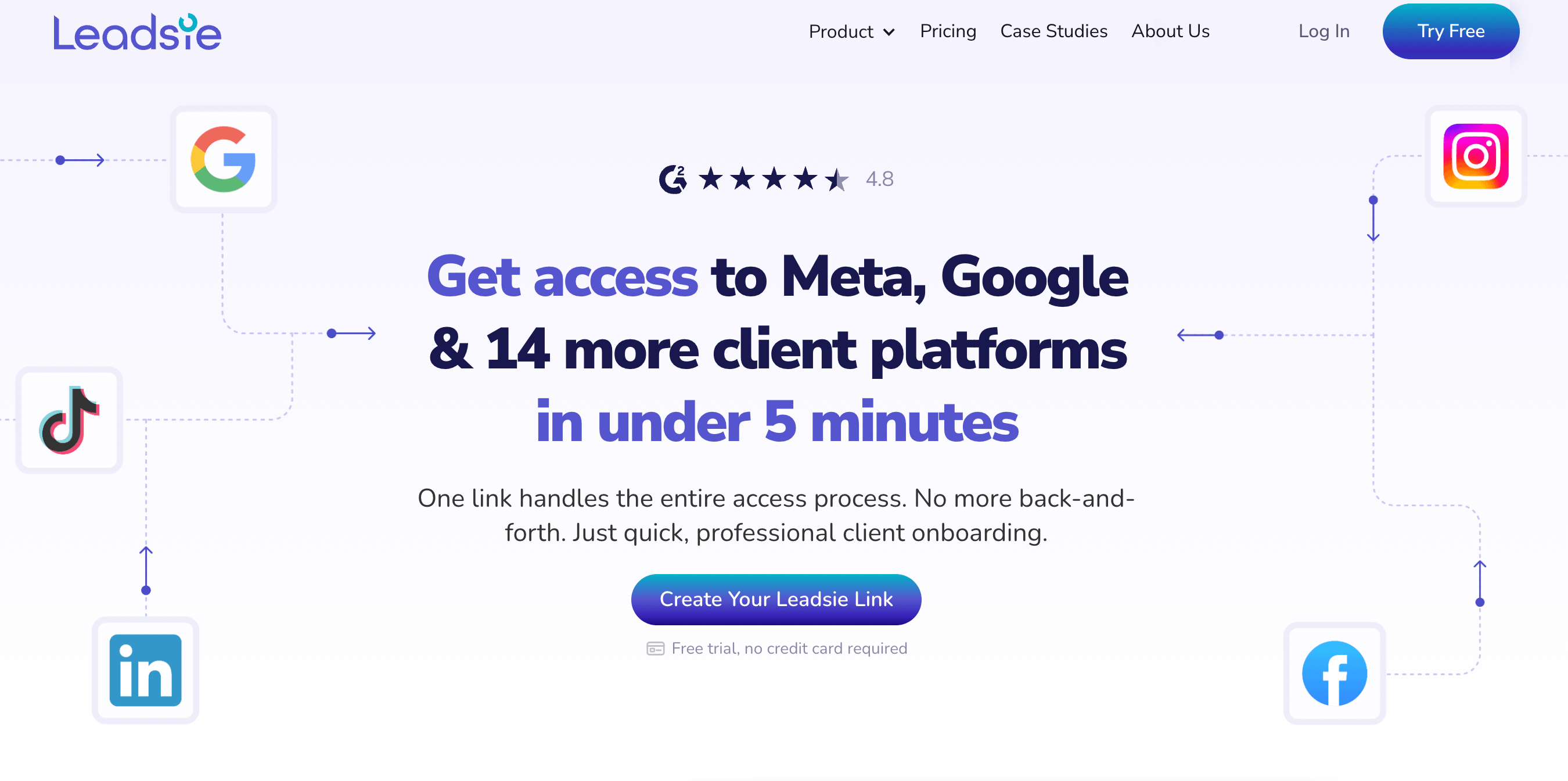
Leadsie is a client onboarding tool designed specifically to request and manage access to client accounts like Meta, Google, TikTok, and more in a few clicks.
Instead of walking clients through complicated setup steps, you send a single link, and they follow a guided process to securely grant access. This removes one of the most time-consuming parts of onboarding and helps teams get started faster.
Key features
- One-link access requests
Send a single link to request access to multiple platforms (Meta, Google, TikTok, etc.) without needing step-by-step instructions. - Supports 30+ platforms
Collect access to ad accounts, analytics tools, websites, and more in one place, instead of handling each separately. - Client-friendly guided flow
Clients follow a simple step-by-step process to grant access, even if they're not technical. - Dashboard & tracking
Track which clients have granted access and get notified when permissions are completed. - Access Detective (troubleshooting)
Helps identify who has the right permissions or why access isn't working, removing the need for manual troubleshooting.
Pros
✅ Reduces back-and-forth with clients
✅ Easy for non-technical users to complete
Cons
❌ Focused only on access requests, not full onboarding workflows
❌ Doesn't handle tasks, communication, or project management
User feedback
"It saves me the headache of trying to connect each platform myself manually. My clients love using it as well because it's easy for them to give access to everything."
"Onboarding used to give me major anxiety cause Meta is not an easy platform to find things. With Leadsie, this task is so much easier not only for me, but for my clients."
(Based on user reviews from G2)
Pricing
- Starter: $49/month (up to 3 client onboardings per month)
- Agency: $99/month (up to 10 clients/month + white-label + automation)
- Pro: $249/month (up to 50 clients/month + multi-brand support)
5. Typeform
Typeform is a form builder designed to create conversational, easy-to-complete forms for collecting client information during onboarding.
Key features
- Conversational form experience
Present one question at a time to make forms feel more engaging and less overwhelming - Customizable templates
Use pre-built templates or create your own onboarding forms for briefs, questionnaires, and intake - Logic jumps & conditional flows
Show or hide questions based on responses to create more personalized onboarding experiences - File uploads & data collection
Collect documents, images, and other assets directly within the form - Integrations with common tools
Connect with tools like Google Sheets, Slack, HubSpot, and more to automate data flow
Pros
✅ Easy for clients to complete and navigate
✅ Highly customizable for different onboarding use cases
Cons
❌ Limited to data collection, not full onboarding workflows
❌Not ideal for highly complex or multi-step onboarding processes
User feedback
"It's very easy to set up surveys and integrate the results with external tools like Google Suite, Hubspot, and others. More recently, it introduced an AI feature that makes creating surveys even simpler."
(Based on user reviews from G2)
Pricing
- Free: basic features with limited responses
- Basic: from ~$25/month (unlimited forms, basic integrations)
- Plus: from ~$50/month (logic jumps, file uploads, more responses)
- Business: from ~$83/month (advanced features, priority support)
6. Content Snare
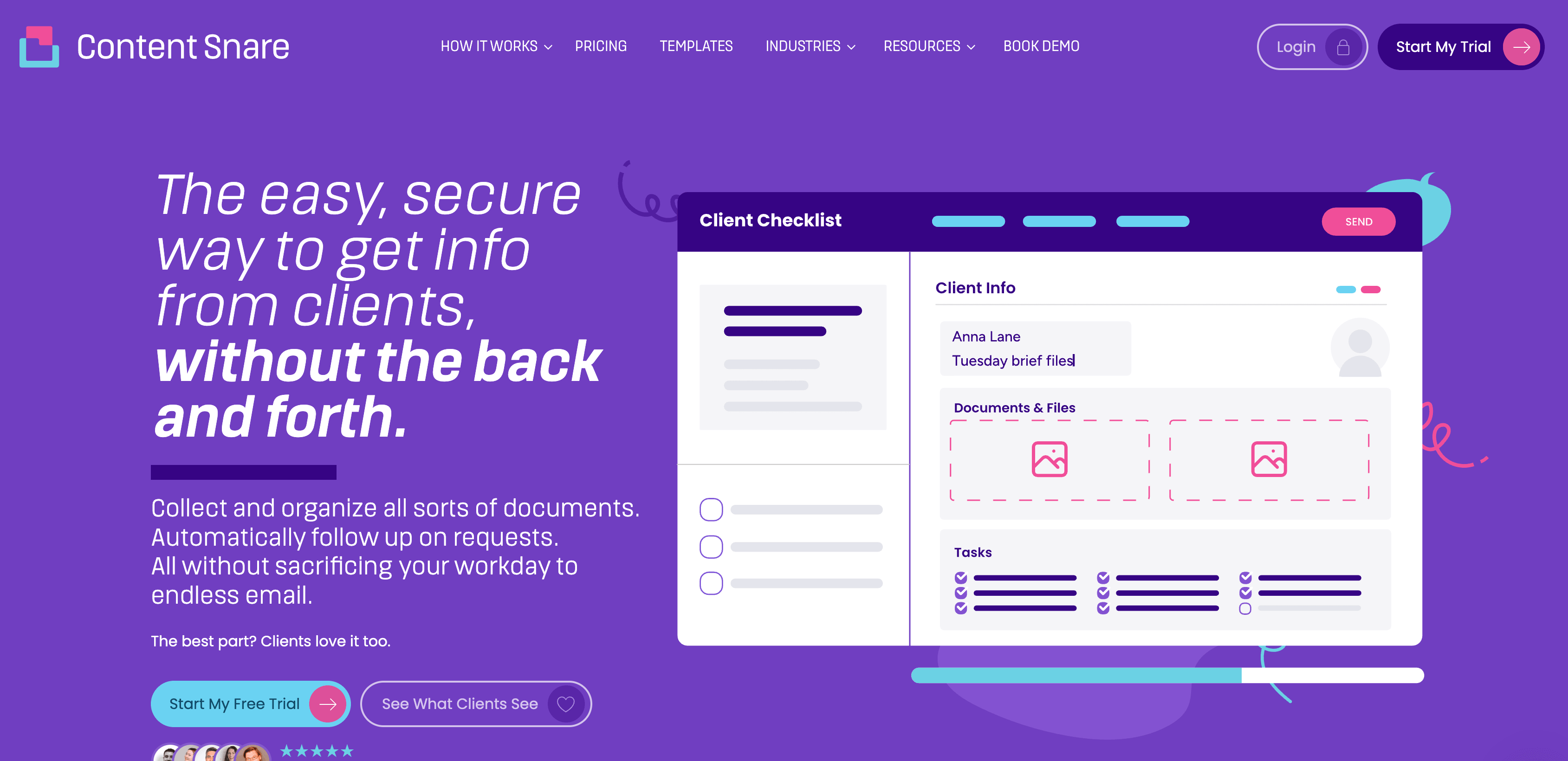
Content Snare is a client onboarding tool designed to help teams collect information, documents, and answers from clients without constant follow-ups.
You can create structured requests with questions, file uploads, and requirements, then let the platform automatically remind clients until everything is completed.
Key features
- Structured request templates
Create reusable onboarding templates with questions, instructions, and required fields - Automated reminders & follow-ups
Automatically chase clients for missing information without sending manual emails - File and document collection
Request files, images, and documents directly within the onboarding process - Progress tracking & status visibility
See exactly what's completed, missing, or overdue across all client requests - Client-friendly interface
Simple, guided experience that makes it easier for clients to submit information correctly
Pros
✅ Reduces manual follow-ups with automated reminders
✅ Built specifically for onboarding data collection
Cons
❌ Focused on information collection, not full onboarding workflows
❌ Limited support for task management, communication, or delivery
User feedback
"Ease of use by both the user and the administrator."
"Having the client fill out the questionnaire and provide all the documents before our call makes our process for starting a project much more efficient and enjoyable!"
(Based on user reviews from G2)
Pricing
- Basic: $42/month (20 active requests, 2 users, 20GB storage, basic integrations)
- Plus: $85/month (50 active requests, 5 users, custom branding, premium integrations)
- Pro: $143/month (100 active requests, 10 users, custom branding, premium integrations)
- Custom: from $258+/month (200+ active requests, 20+ users, 200GB+ storage, tailored setup)
Tools for Proposals, Contracts & Payments
These tools help you manage proposals, contracts, and payments as part of your onboarding process.
Instead of handling agreements and approvals across emails or separate systems, they bring structure to the handoff between closing a deal and starting work.
Our recommendation: use these if your onboarding involves contracts or approvals and you want to reduce delays after signing.
7. PandaDoc
PandaDoc is a document automation platform that helps teams create, send, track, and sign proposals, contracts, and agreements, all in one place.
Key features
- Document builder & templates
Create proposals, quotes, and contracts using a drag-and-drop editor and reusable templates - E-signatures & approvals
Collect legally binding signatures and manage multi-step approval workflows - Interactive pricing tables & quoting (CPQ)
Build dynamic pricing tables and generate accurate, customized quotes - Document tracking & analytics
See when clients open, view, and sign documents in real time - Payments & integrations
Collect payments directly within documents and connect with tools like CRMs and automation platforms
Pros
✅ Strong visibility into document progress and engagement
✅ Easy to use with a fast setup for most teams
Cons
❌ Formatting and customization can feel limiting for complex documents
❌ Not designed to manage onboarding workflows after documents are signed
User feedback
"It cuts the time in half when clients need to sign documents."
"Easy to create, send, and track documents… templates save us time."
(Based on user reviews from G2)
Pricing
- Free: $0/month (basic e-signatures, limited features)
- Starter: from ~$19/user/month (templates, document editor, basic workflows)
- Business: from ~$49/user/month (CRM integrations, automation, approvals, branding)
- Enterprise: custom pricing (advanced automation, CPQ, API, scaling features)
8. Qwilr
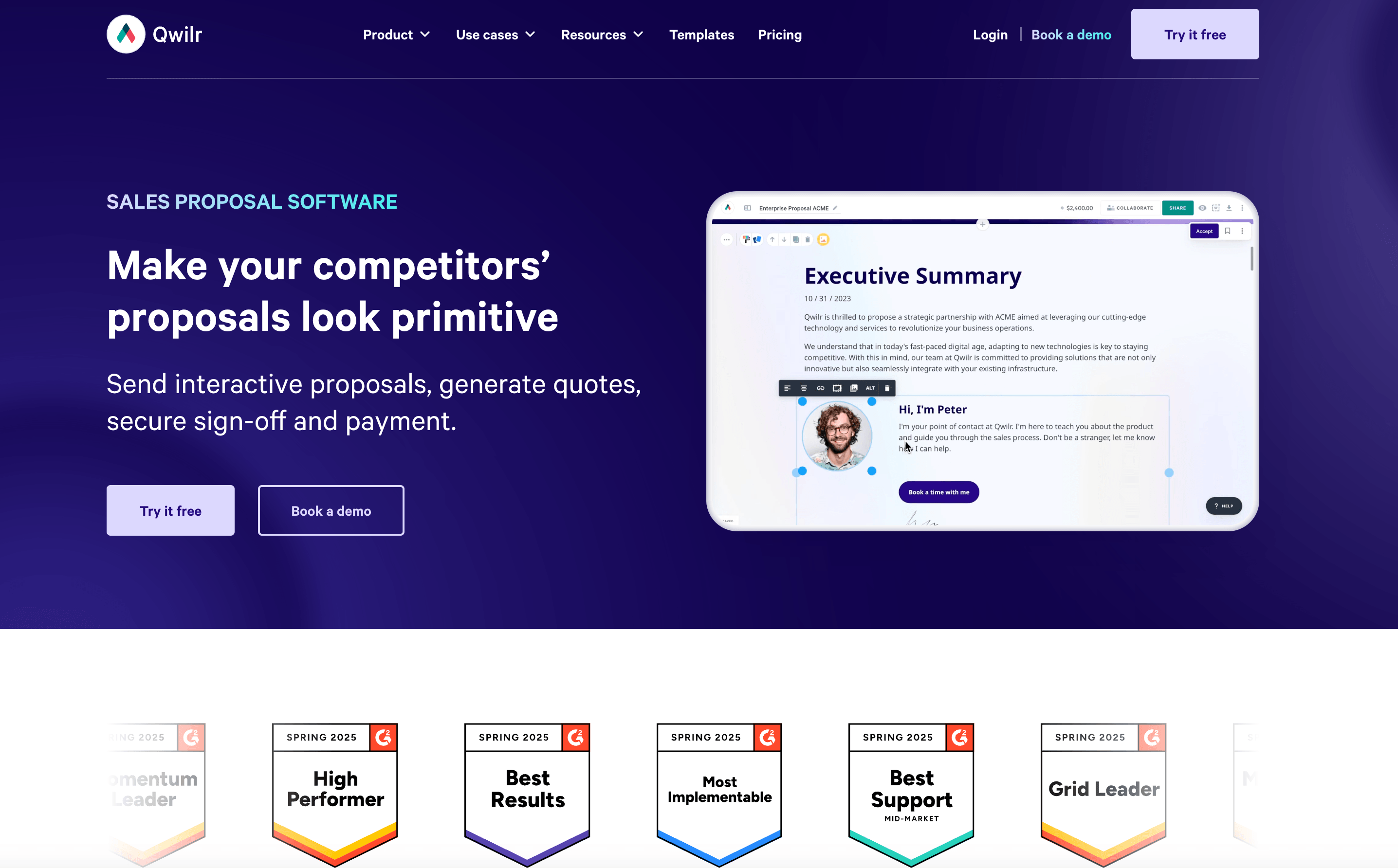
Qwilr is a proposal software that helps teams create interactive, web-based proposals instead of traditional PDFs.
Rather than sending static documents, Qwilr turns proposals into dynamic pages with pricing tables, embedded media, and real-time tracking, helping teams deliver a more modern client experience and stand out during the deal stage.
Key features
- Interactive web-based proposals
Create proposals as dynamic web pages instead of static PDFs for a more engaging client experience - Dynamic pricing tables & quotes
Build flexible pricing options that clients can select and approve directly within the proposal - Templates & reusable content blocks
Standardize proposals with templates and reusable sections to save time - Proposal analytics & tracking
Track when clients view proposals and which sections they engage with most - E-signatures & integrations
Collect signatures and connect with tools like HubSpot and other CRMs
Pros
✅ Easy to use with strong design and customization options
Cons
❌ Focused primarily on proposals, not full contract or onboarding workflows
❌ Requires additional tools for deeper automation or approvals
User feedback
"I love how easy it is to use. My proposals always look like I spent the whole day on them."
"It would be a nice-to-have to be able to implement more of our brand guidelines in Qwilr."
(Based on user reviews from G2)
Pricing
- Business: from ~$35/user/month (proposal builder, pricing tables, analytics, integrations)
- Enterprise: from ~$590/month (team features, API, white-labeling, advanced integrations)
Tools for Automation & Workflow Management
These tools help automate onboarding workflows behind the scenes.
Instead of manually assigning tasks or sending reminders, they connect your tools and handle repetitive steps for you.
Our recommendation: use these if your onboarding involves multiple steps or handoffs and you want to reduce manual work while keeping everything consistent.
9. Zapier
Zapier is a no-code automation platform that allows you to connect different apps and automate workflows between them.
Instead of manually moving data between tools (like CRMs, onboarding platforms, or email), Zapier lets you create automated workflows (called "Zaps") that trigger actions across multiple systems in real time.
Key features
- App integrations (8,000+ tools)
Connect thousands of apps including CRMs, email platforms, onboarding tools, and more - Trigger-based automation (Zaps)
Automatically perform actions when an event happens (e.g. deal closed → create onboarding project) - Multi-step workflows & logic
Build complex workflows with conditional paths, filters, and multiple actions - No-code automation builder
Create workflows without engineering support, making it accessible for non-technical teams - AI-powered workflow assistance
Use built-in AI tools to help build, optimize, and troubleshoot automations
Pros
✅ Connects almost any tool in your onboarding stack
Cons
❌ Managing large numbers of workflows can become complex
❌ Requires careful setup to ensure automations run reliably
User feedback
"I use it to connect Notion with tools like Google Sheets. Whenever I add data in a form or sheet, it automatically creates an entry in Notion. I don't have to copy-paste anything manually anymore."
"At first it feels inexpensive, but once you start building multi-step workflows or running automations at higher volume, each step counts as a task and costs can add up fast."
(Based on user reviews from G2)
Pricing
- Free: $0/month (100 tasks/month, basic automations)
- Professional: from ~$19.99/month (multi-step workflows, premium apps)
- Team: from ~$69/month (shared workflows, collaboration features)
- Enterprise: custom pricing (advanced security, governance, scaling)
10. Process Street
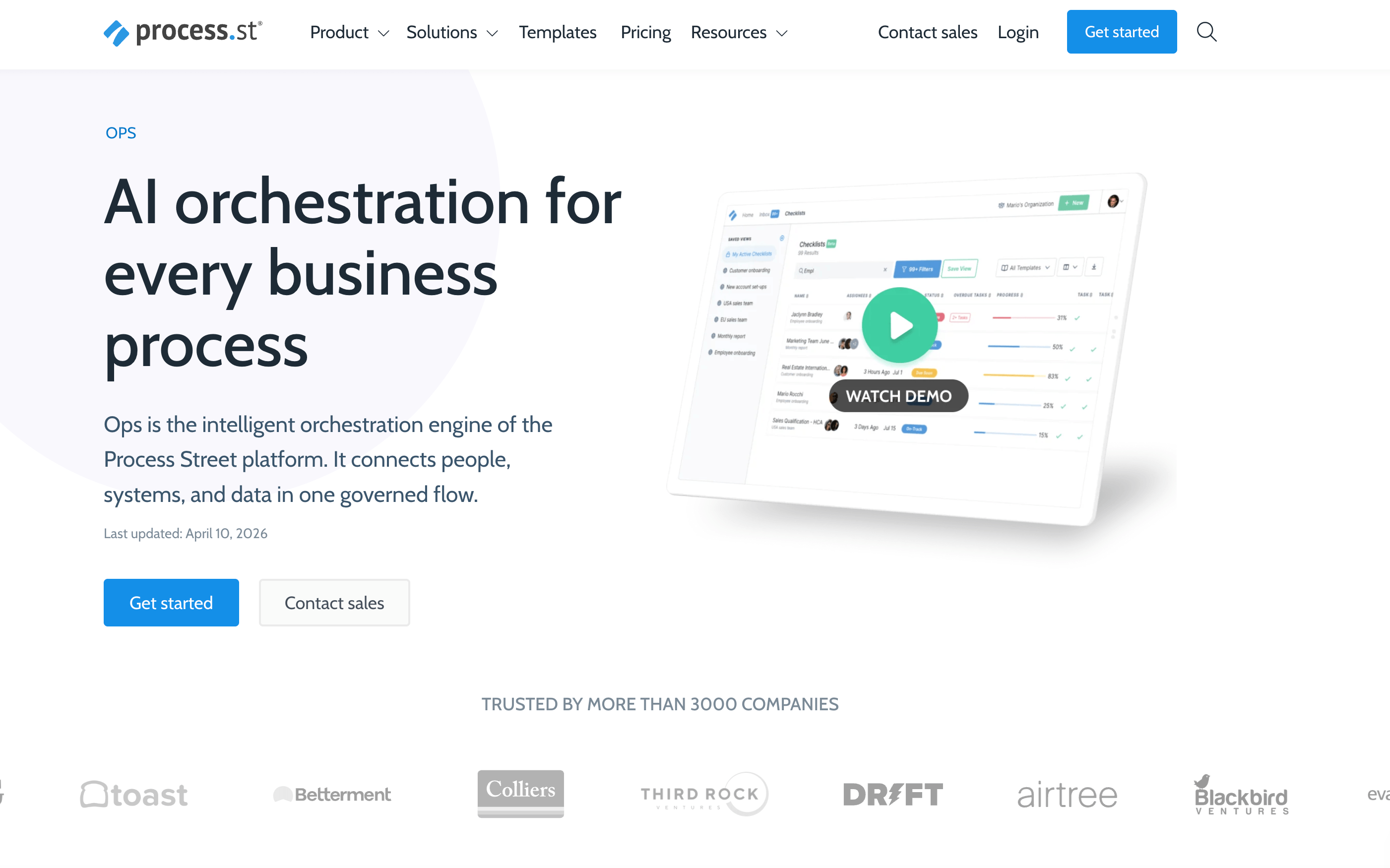
Process Street is a workflow management platform that helps teams create and manage reusable internal processes like client onboarding.
Unlike client-facing tools, it focuses on how your team operates behind the scenes, using structured workflows, task assignments, and approvals to ensure every onboarding follows the same process.
Key features
- Workflow templates & checklists
Create reusable onboarding workflows with step-by-step tasks and instructions - Task assignments & approvals
Assign tasks to team members and require approvals to move workflows forward - Conditional logic & dynamic workflows
Adapt workflows based on inputs (e.g. different onboarding paths for different clients) - Progress tracking & visibility
Track the status of each workflow and see what's completed, pending, or overdue - Integrations & automation
Connect with tools like Slack, HubSpot, and Zapier to automate parts of your process
Pros
✅ Easy to use with no-code workflow building
✅ Strong visibility into task ownership and progress
Cons
❌ Not a dedicated onboarding platform (no client portal or delivery features)
❌ Requires setup to build and maintain workflows
User feedback
"This system streamlines workflow requests and simplifies information updates across departments."
"The only thing that might be hard to adopt is figuring out how to create the templates and add in all these features."
(Based on user reviews from G2)
Pricing
Custom pricing available upon request.
Bonus: Product Onboarding & In-app Guidance Tools
These tools help you guide users through your product during onboarding using in-app walkthroughs, tooltips, and step-by-step flows.
They're most relevant for SaaS teams, but can also be useful if your onboarding involves helping clients get set up inside a platform.
Our recommendation: use these if your onboarding includes product adoption or user education.
11. Pendo
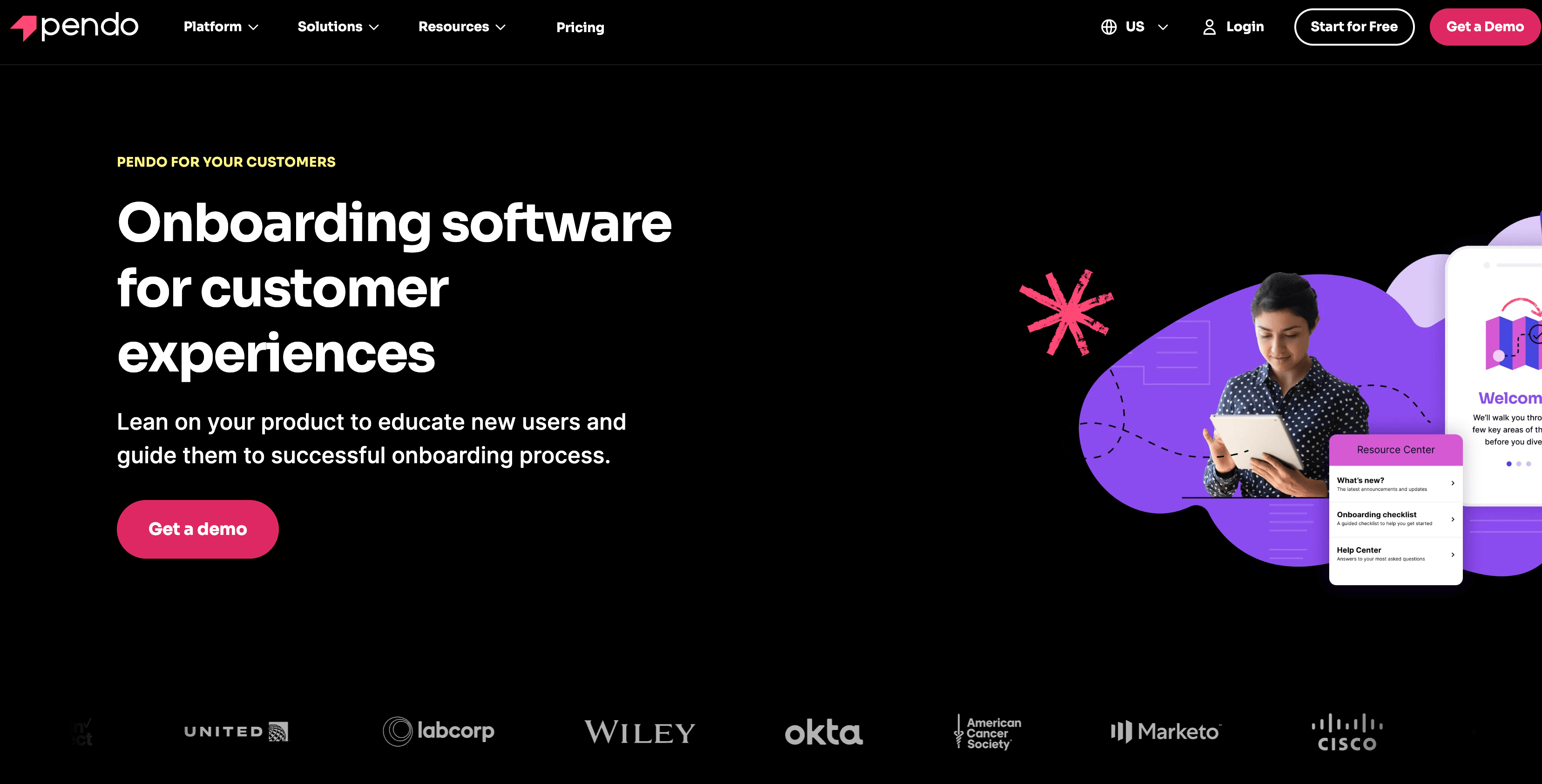
Pendo is a product experience platform that helps teams guide users inside their product using in-app walkthroughs, tooltips, and onboarding flows.
Key features
- In-app guides & walkthroughs
Create tooltips, modals, and step-by-step flows that guide users through your product - Product analytics & user tracking
Track how users interact with your product to identify friction points and improve onboarding - User segmentation & personalization
Deliver tailored onboarding experiences based on user behavior or attributes - Feedback & NPS collection
Collect in-app feedback and measure user satisfaction during onboarding - No-code implementation
Build onboarding experiences without relying heavily on engineering resources
Pros
✅ Combines onboarding, analytics, and feedback in one platform
✅ Useful for improving product adoption and reducing churn
Cons
❌ May be complex for smaller teams or simpler onboarding needs
User feedback
"I use Pendo for in-app guides, personalized resource hubs, onboarding guides, and release tooltips."
(Based on user reviews from G2)
Pricing
Custom pricing available upon request.
12. Appcues
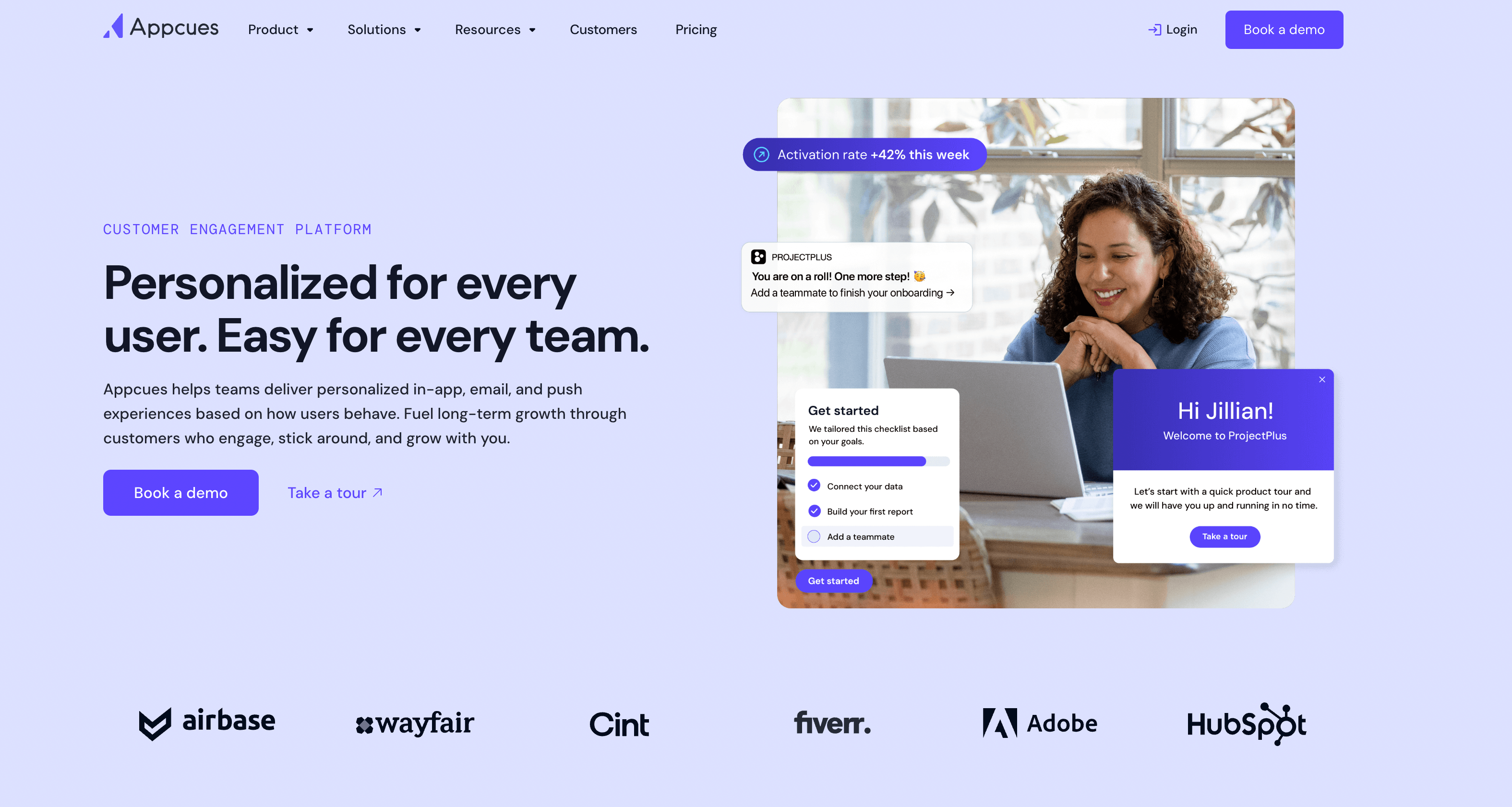
Appcues is a product onboarding platform that helps teams build in-app experiences like tooltips, checklists, and onboarding flows without needing engineering support.
Similar to Pendo, it focuses on guiding users to your product, but with a lighter, more accessible approach that's often easier to set up and manage.
Key features
- In-app onboarding flows
Create tooltips, modals, and checklists to guide users step-by-step through your product - No-code builder
Design onboarding experiences without relying on developers - User segmentation & targeting
Show different onboarding flows based on user behavior or attributes - Event tracking & analytics
Track how users interact with onboarding flows and key features - Integrations with common tools
Connect with tools like HubSpot, Segment, and analytics platforms
Pros
✅ No-code approach makes it accessible to non-technical teams
Cons
❌ Limited for highly complex onboarding or enterprise use cases
User feedback
"I love how Appcues efficiently supports building onboardings, walkthroughs, and surveys while also tracking events."
"A couple of things I'd love to see improved: right now, all the flows are a bit scattered — having folders or a better way to organize them would make a huge difference"
(Based on user reviews from G2)
Pricing
Custom pricing available upon request.
Checklist: How to Choose the Right Client Onboarding Software
Choosing the right client onboarding software comes down to one thing: does it remove friction from your onboarding process?
Use this quick checklist to evaluate what you actually need.
✔️ Step 1: Map your onboarding process
Start by understanding how onboarding works today.
- What happens after a deal is closed?
- What do you need from clients (info, access, documents)?
- Where do delays usually happen?
👉 If your process isn't clear, no tool will fix it.
✔️ Step 2: Identify your biggest bottleneck
Most teams struggle with one main issue:
- Chasing clients for information
- Manual follow-ups and admin work
- Lack of visibility across onboarding
- Slow handoff from sales to onboarding
👉 Your biggest bottleneck should guide your choice.
✔️ Step 3: Decide how you want to manage onboarding
There are two main approaches:
- All-in-one platform → everything in one place, easier to scale
- Modular stack → multiple tools for flexibility
✔️ Step 4: Look for automation (this matters most)
The biggest win comes from reducing manual work.
Look for tools that can:
- Automate reminders and follow-ups
- Trigger tasks based on actions
- Reuse templates and workflows
👉 If your team is still doing everything manually, onboarding won't scale.
✔️ Step 5: Balance client experience and internal workflows
Good onboarding software should:
- Make it easy for clients to complete tasks
- Give your team clear visibility into progress
👉 If it only solves one side, you'll need additional tools.
✔️ Step 6: Make sure it scales with your team
Ask yourself:
- Can you reuse workflows across clients?
- Will you need more people as you grow?
- Does pricing stay reasonable as you scale?
👉 What works for 5 clients often breaks at 50.
✔️ Step 7: Check integrations with your existing tools
Your onboarding tool should connect with your stack, not replace it.
Look for integrations with tools like:
- HubSpot
- Slack
- Zapier
👉 This keeps everything connected and reduces duplicate work.
✔️ Step 8: Match the tool to your onboarding complexity
Not every team needs the same setup.
- simple onboarding > lightweight tools
- structured onboarding > templates and workflows
- complex onboarding > full platform with automation
👉 The goal is to choose something that fits, not overcomplicate.


Get back to the work you're best at.
LaunchBay's AI-powered client portal handles the collecting, reminding, and following up, so your team spends less time chasing clients and more time delivering.
Ready to stop chasing?