.svg)
Sep 17, 2026
See How LaunchBay's White-Label Client Portals Keep Projects Moving
By
Sam Chlebowski
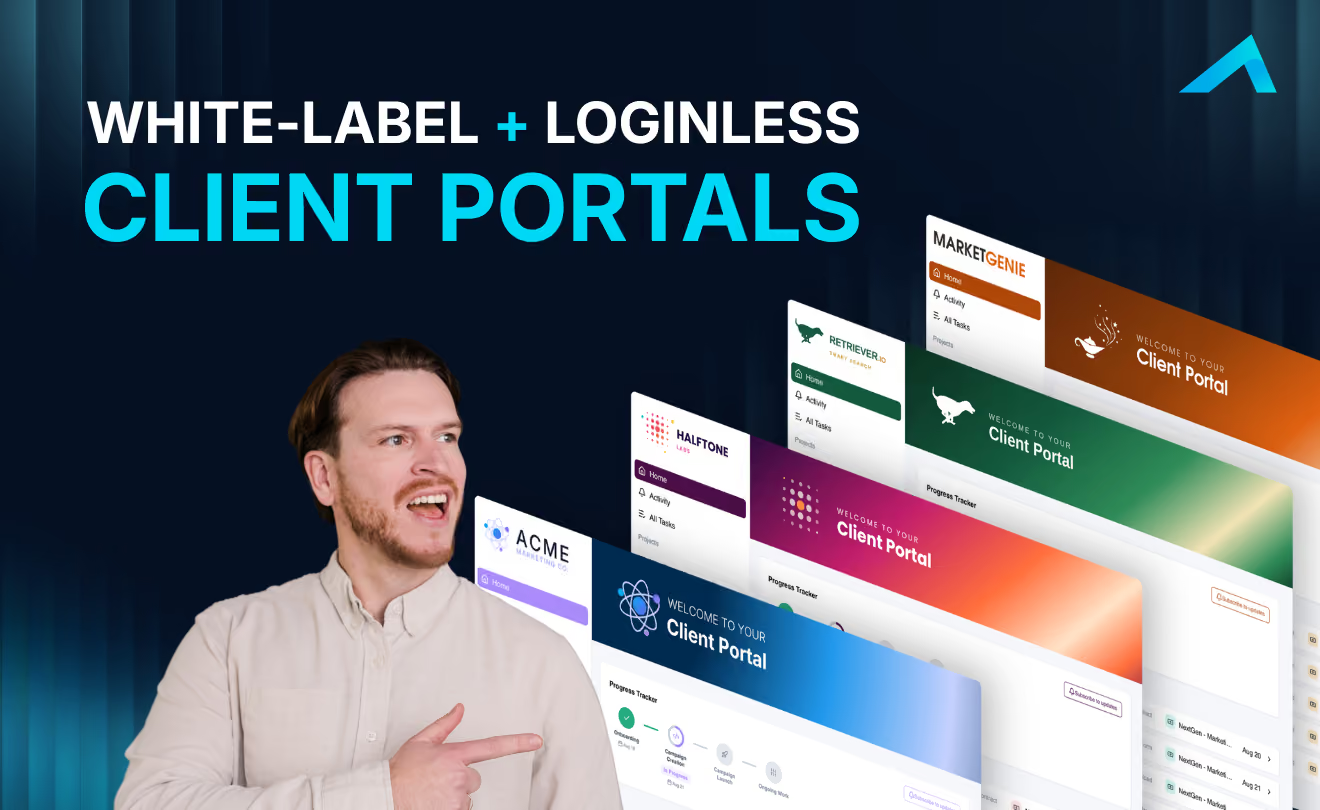
White-Label, Loginless Client Portals Built for Software and CRM Teams
Most client portals do one of two things wrong. They bury customers in a generic tool that looks nothing like your business, or they collect information once and never move the project forward from there.
LaunchBay's Client Portals do the opposite. Every customer gets a branded, loginless portal that collects what you need, keeps them accountable for what's next, and gives your team full visibility into where every project stands.
Watch the full walkthrough below, or read on for the highlights.
📺 Watch the video:
Branded and Loginless From the First Click
LaunchBay Client Portals are fully white-labeled. The first time you log in, you set your logo, brand colors, and a custom portal banner. Teams that want to go further can put the portal on their own domain and send every notification from their own email address.
Every email a customer receives, whether it's the initial invite, a task reminder, or a project update, takes them straight into their Client Portal through a magic link. No login or account creation required.
Templates Turn One Good Process Into a Reusable One
Templates are what separate LaunchBay Client Portals from the rest. On the tasks page, you map out your stages and the tasks a customer completes inside each one: contracts, intake forms, payments, deliverable approvals, anything a customer needs to do.
Every task ships with automated reminders turned on by default, so tasks get done without your team following up. On the automations page, you can go further: trigger tasks and stages based on what happened before, send new tasks off form responses, and show or hide portal pages at the right moment in the project.
A Portal Customers Actually Use
Templates also control what a customer sees. Every Client Portal starts with a project overview and live progress tracker, a tasks page, a file library, a meeting calendar, and a project chat. From there, add custom pages: embed other tools, drop in resource videos, or link out to other sites. Customers can even submit support requests or extra work through embedded forms that route straight to your team.
Visibility for Everyone in the Project
The progress tracker updates in real time, so customers always know where a project stands and what's holding it up on their end. Your team gets the same visibility on the back end. Reporting surfaces service blockers instantly and flags at-risk projects automatically, based on actual task completion and portal activity.
Add AI agents to a Client Portal and they watch every project in the background: surfacing customer frustration, catching overdue tasks, logging decisions, and drafting next steps, so your team can step in before a customer churns.
See It for Yourself
If you run customer onboarding or implementation at a software company, a CRM implementation partnership, or a consulting or professional services team, this is what your Client Portal could look like.
Book a live 1:1 demo, or start a 14-day free trial. No credit card required.


Get back to the work you're best at.
LaunchBay's AI-powered client portal handles the collecting, reminding, and following up, so your team spends less time chasing clients and more time delivering.
Ready to stop chasing?