.svg)


One home for every customer meeting
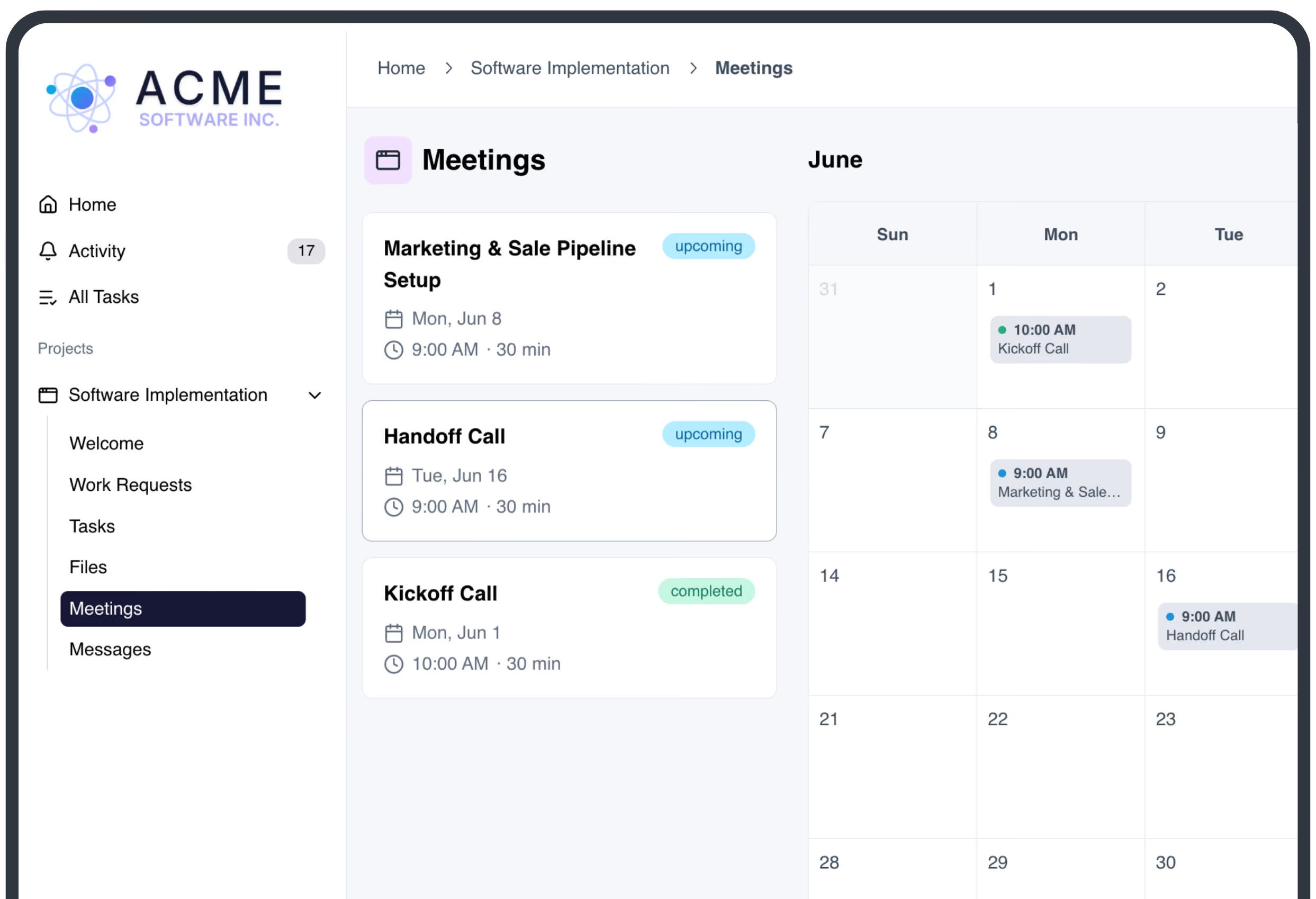
Every meeting & decision accounted for
More productive calls
Prerequisites get done before the call and agendas are set in advance, so the meeting is spent on decisions, not recapping what you already emailed.
Faster follow-up
Drop in the transcript and LaunchBay writes the summary, pulls out action items by attendee, and creates follow-up tasks assigned to the right person with full context.
Integrates with your tools
Create meetings in LaunchBay the moment they're booked in HubSpot or Calendly, then pull transcripts in automatically from Fathom, Sybill, or whatever transcription tool you use.
Turn customer meetings into finished work
Kickoff calls without the scramble
List prerequisites ahead of time, attach them to tasks, and set due dates. LaunchBay follows up automatically, so customers arrive with what you need and the call starts on time.
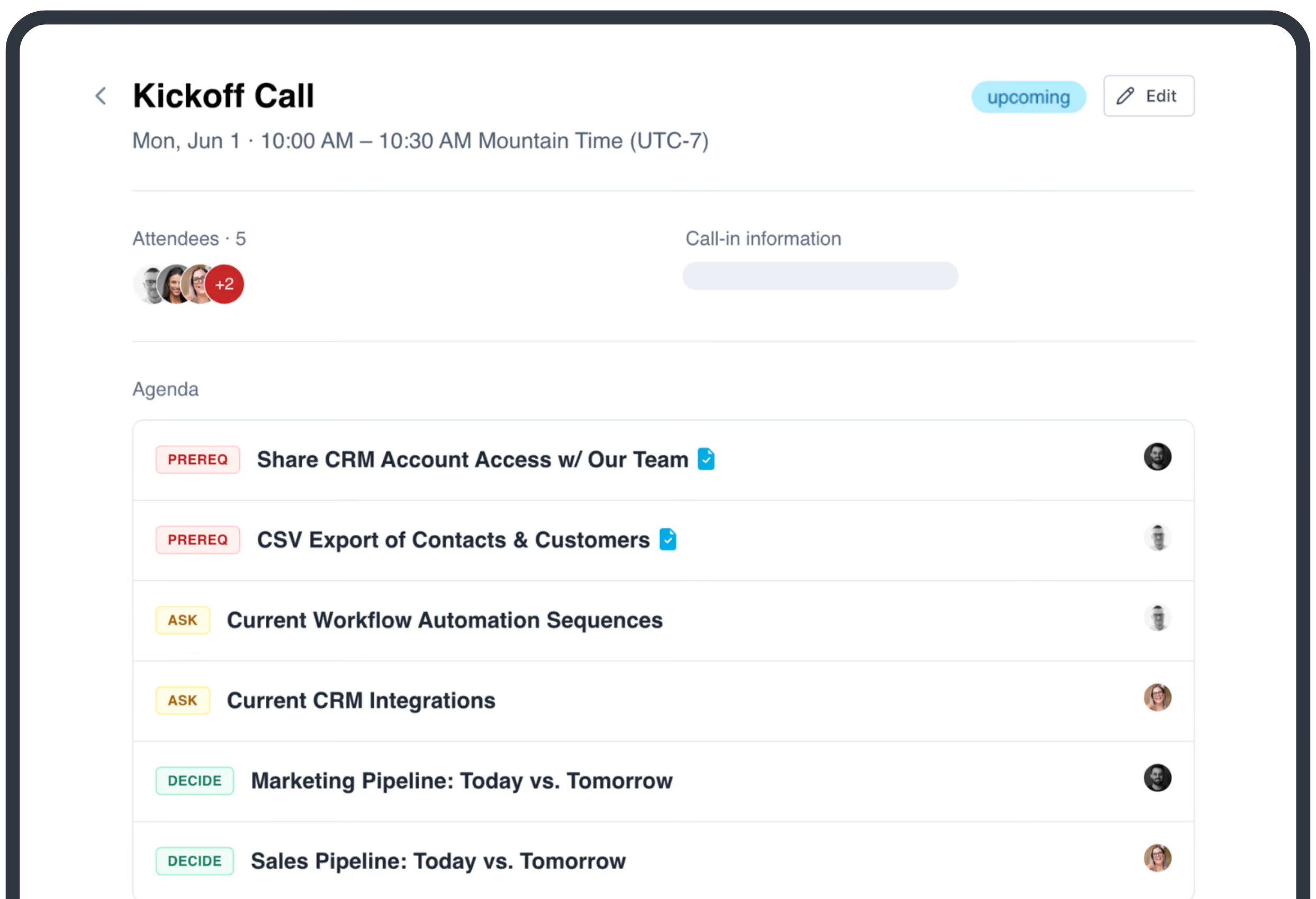
A calendar view for both sides
Your team gets a full calendar of every meeting across all your projects. In their portal, customers see only the meetings related to their projects, with agenda items laid out ahead of each call.
AI summaries keep clients and your team aligned
Add the transcript (or send it via Zapier) and LaunchBay logs the agreed action items and decisions. Share the summary to the portal so customers have a clear record of what was agreed. The transcript and your internal notes are never shared.
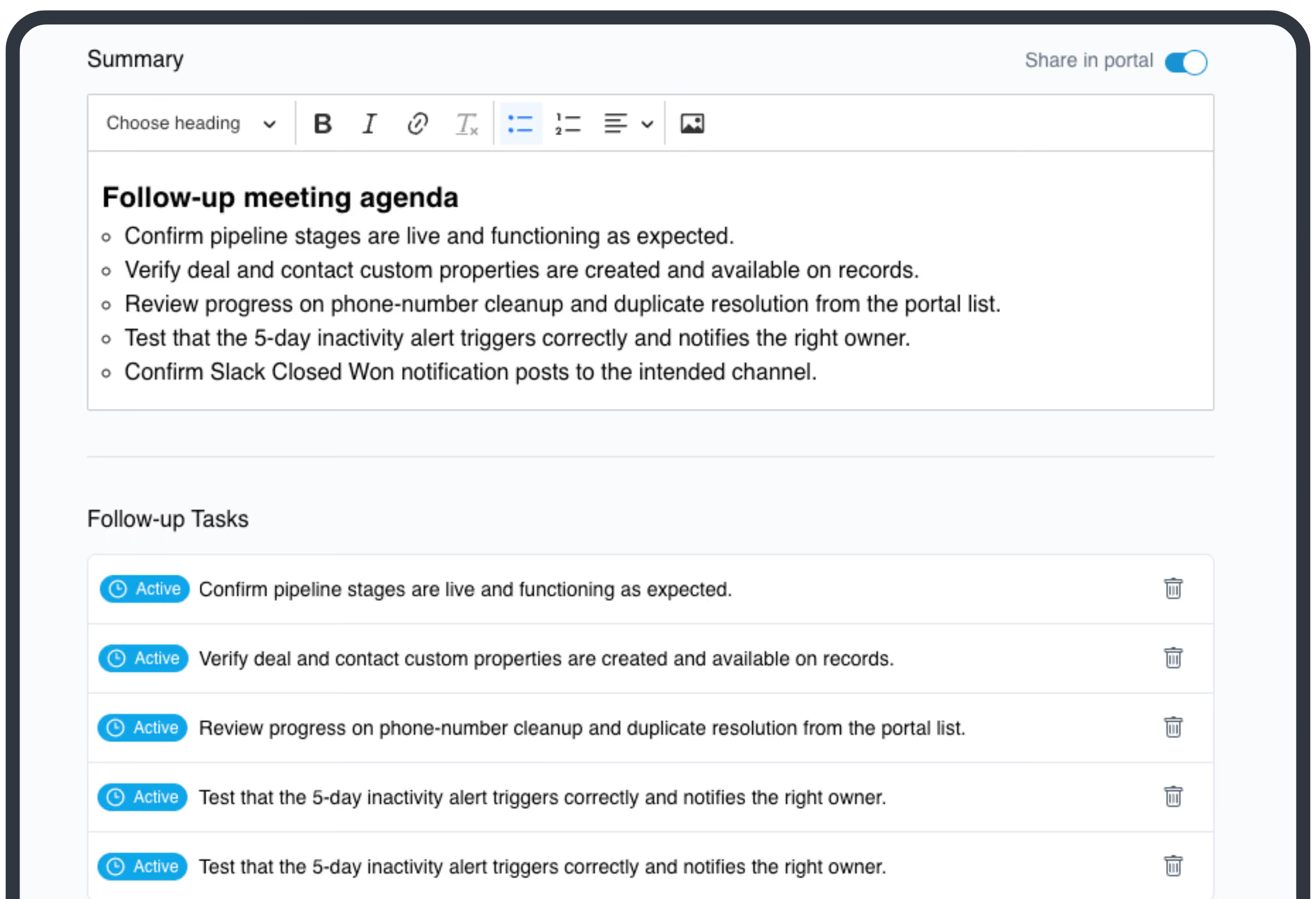
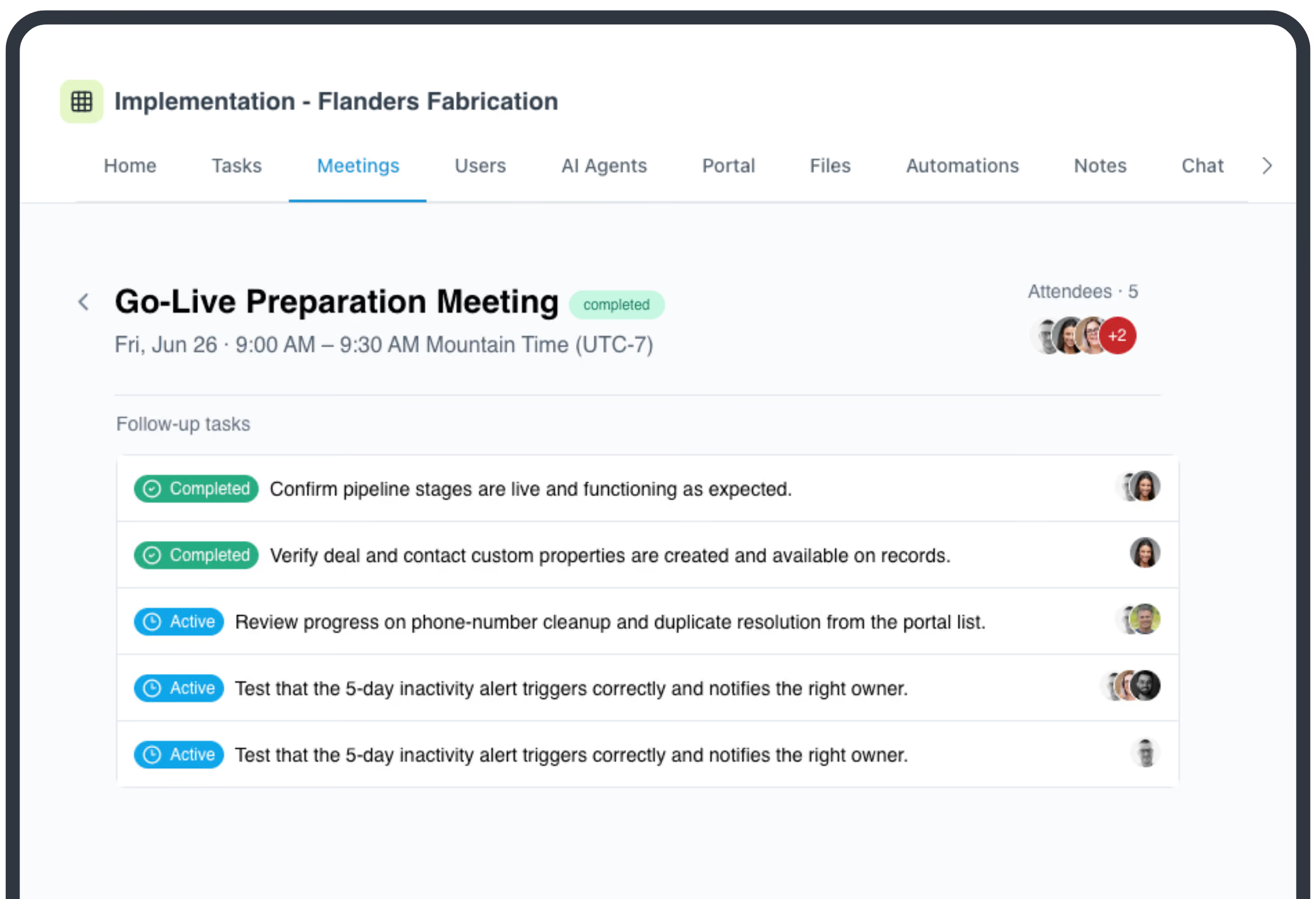
Meetings end. Work starts. No follow-up required.
Action items from AI summaries become tasks, assigned to the right customer or team member with full context. Mark a meeting completed and it can activate the next stage of the project on its own.
Ask LaunchAI what you missed
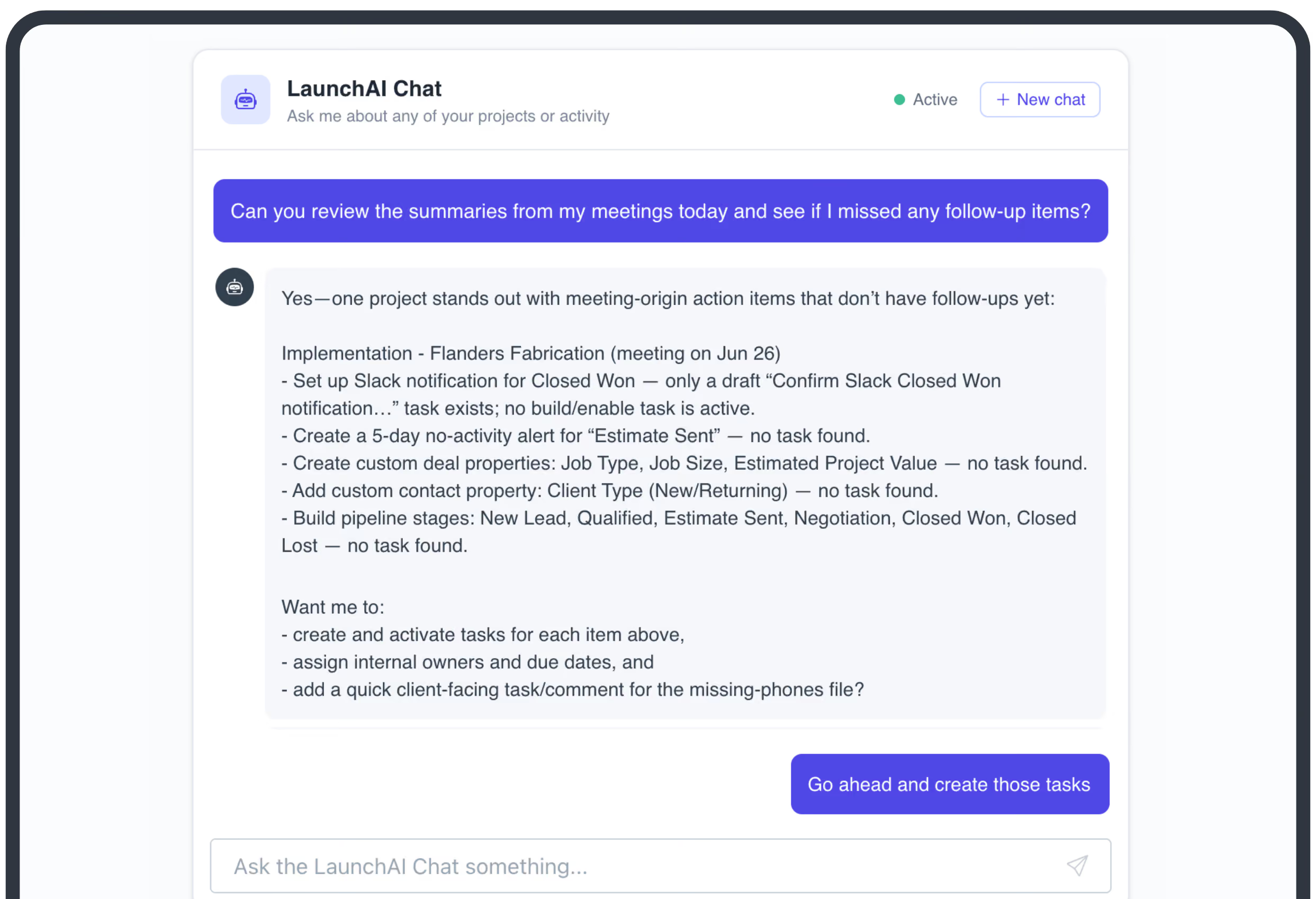
Ask LaunchAI Chat to review meeting transcripts, notes, and follow-ups, log decisions, and surface follow-up tasks that never got created. Available natively in LaunchBay, or through the MCP Connector for Claude, ChatGPT, and more.
Take command of every customer onboarding.
One platform to run, monitor, and unblock every customer onboarding.
Keep exploring LaunchBay's features
Client Portals
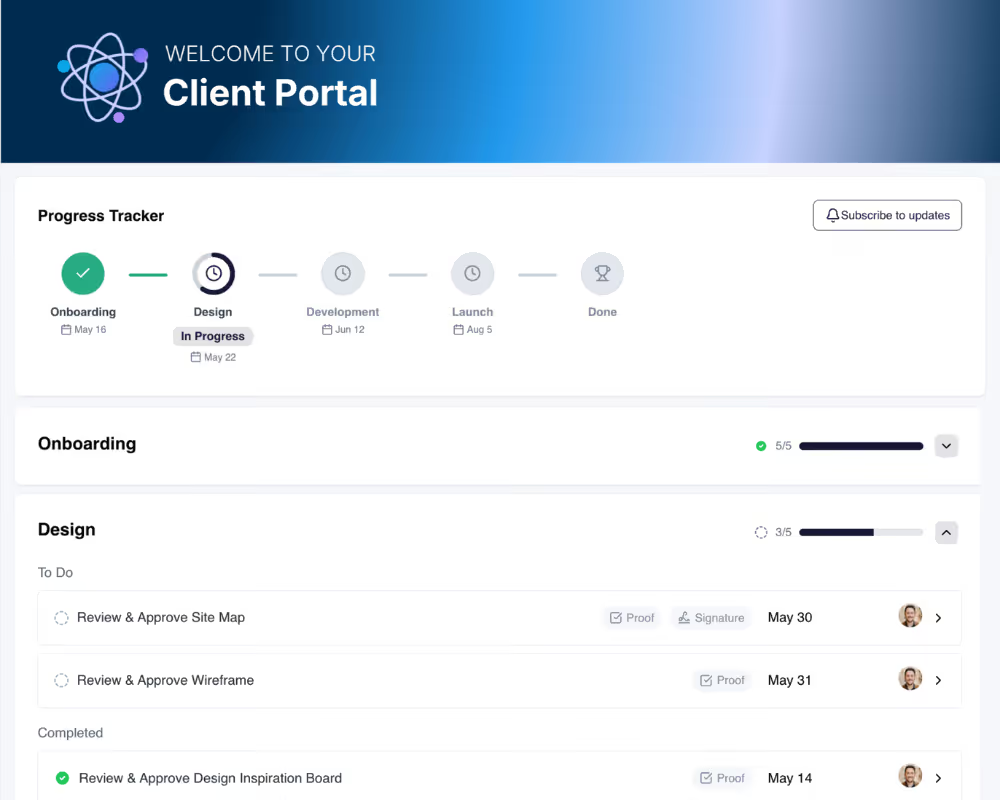
Give every customer a branded, loginless workspace for onboarding. No account, no password, just a single hub for tasks, status updates, and communication.
Project Templates
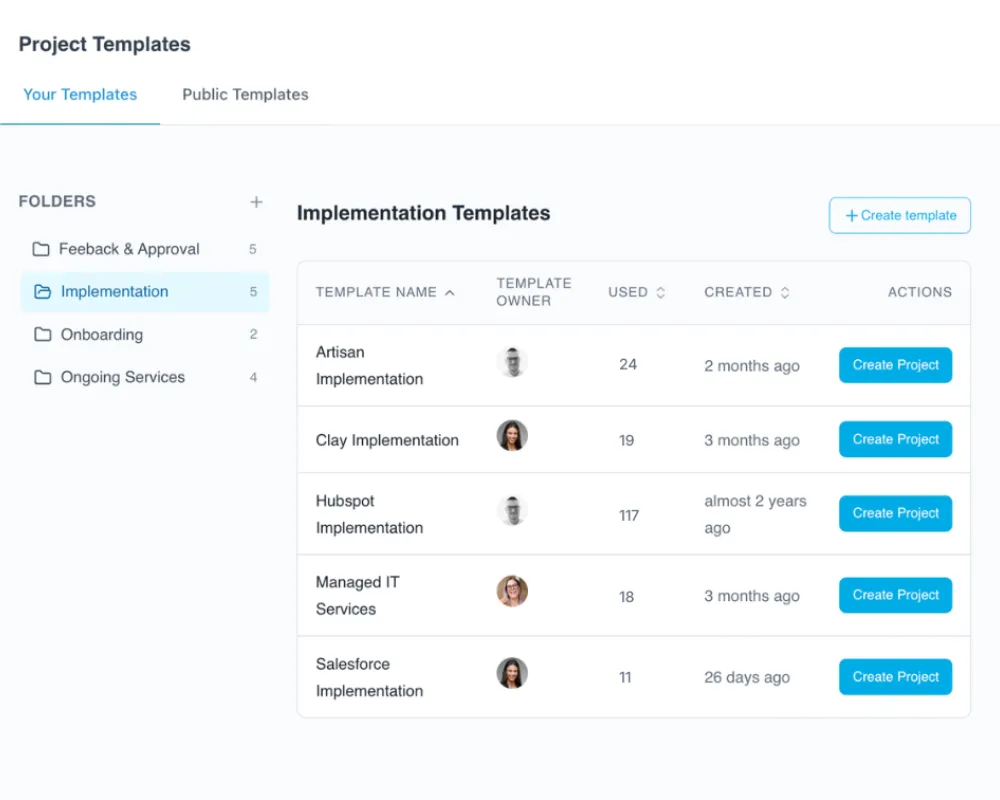
Build your onboarding once, run it every time. Reusable templates for projects, documents, forms, and tasks keep your team's best work consistent.
Reporting & Visibility
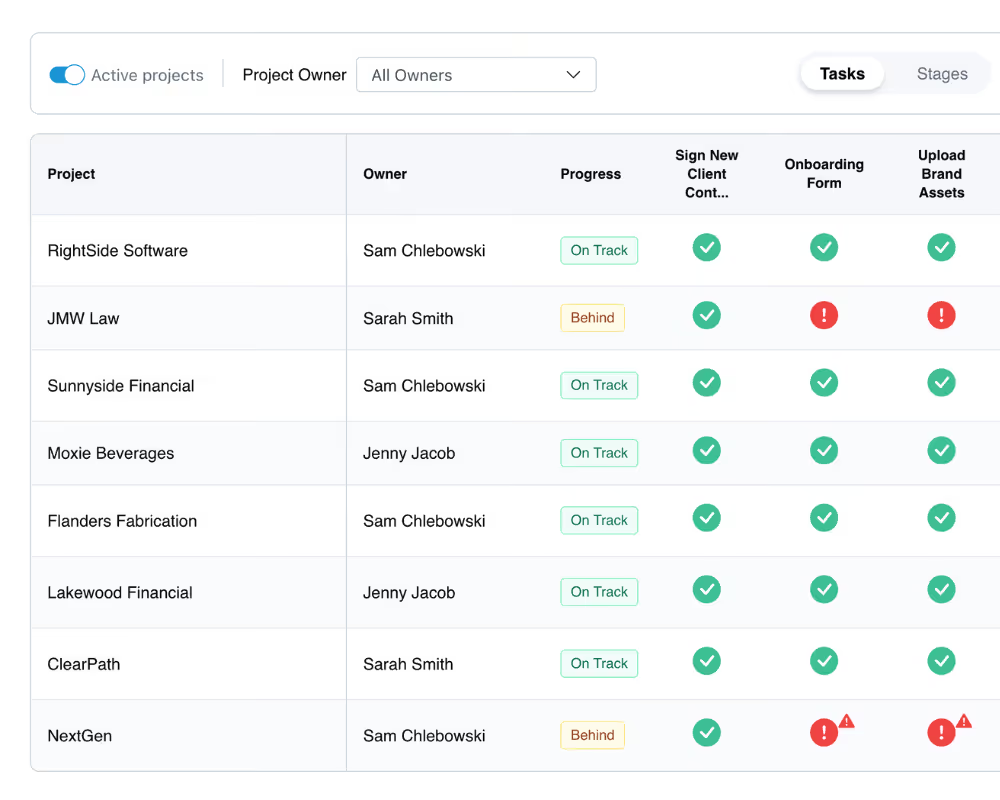
Reporting built for what onboarding and implementation teams actually need to know: which accounts are on track, which are behind, and what's holding each one up.
Frequently Asked Questions (FAQs)


Get back to the work you're best at.
LaunchBay's AI-powered client portal handles the collecting, reminding, and following up, so your team spends less time chasing clients and more time delivering.
Ready to stop chasing?