.svg)


7 Best Assembly Alternatives in 2026 (Tested for Customer Onboarding)
We tested 7 alternatives to Assembly's simple agency portal, from single-purpose tools to full enterprise platforms.
Assembly gives service businesses and small agencies a clean, white-labeled portal without much setup, and for a straightforward customer-facing presence, that's genuinely appealing. The catch shows up once you need more than messaging, file sharing, and e-signatures: customer tasks are stuck with basic fields, there's no native design proofing, automations only trigger one step at a time with no conditional logic, and customers still need to create an account and log in every time. Chat lives in broad channels instead of tied to specific tasks, so context gets lost as your customer list grows.
We tested seven alternatives against the workflow that actually matters: getting a new customer from signed contract to fully onboarded with the least chasing, in a tool your team can start using within days of signing up and keep iterating on over time.
At a glance
| Tool | Best for | Starting price | Free trial | Standout |
|---|---|---|---|---|
| LaunchBay | Teams that want onboarding automated, not just tracked | From $29/mo (no seat minimum) | Yes | Launch reusable onboarding playbooks and customer portals the same day as signing up |
| Hubflo | Small agencies wanting a fast, simple portal | $89/mo (no seat minimum) | Yes | Simple, purpose-built customer portal with nothing else to configure |
| SuiteDash | All-in-one subscription for solo operators and small agencies | Starts at $19/mo (basic features) | Yes | CRM, invoicing, scheduling, and portals bundled into one subscription |
| Moxo | Regulated, high-touch enterprise teams | ~$450/mo, custom quoted | Demo only | Fully bespoke portals and workflows built to any process |
| Dock | Revenue teams bridging sales into onboarding | From $350/mo (includes 5 seats) | Yes | MCP included free on every plan, even the free tier |
| OnRamp | Enterprise customer success teams needing deep customization | From $15,000/year (custom pricing) | Demo Only | Bespoke customer portal plus internal project management in one |
| GuideCX | Structured, milestone-heavy B2B onboarding | $572/mo (4-seat minimum) | Demo Only | Deep, customizable reporting for complex, multi-stakeholder rollouts |
Pricing as of September 2026, except Moxo, OnRamp, and GuideCX, which don't publish list pricing.
LaunchBay
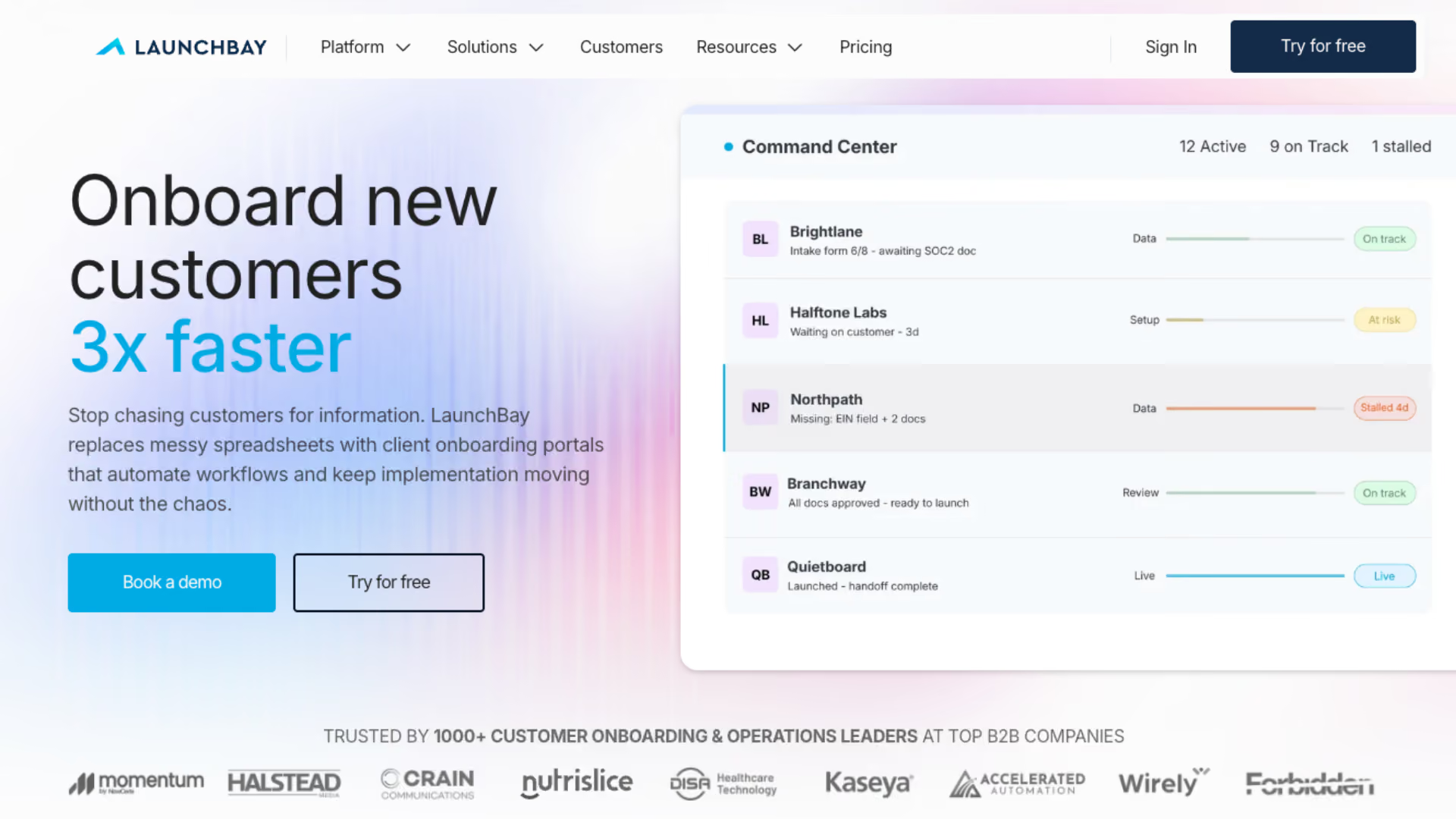
Assembly covers messaging, file sharing, e-signatures, and a branded portal well, but stops short of real workflow automation: customer tasks are limited to basic fields, automations trigger one step at a time, and there's no AI or MCP to help you build any of it (Assembly's own MCP is a generic pass-through to its existing API, not purpose-built onboarding tools). LaunchBay's AI turns a description of your process into a full onboarding playbook, tasks, forms, contracts, and automations included, and most teams are live in under an hour. Every customer gets a branded, loginless portal instead of an account and login screen, and closing a deal in your CRM can kick off onboarding automatically.
- Deep, customizable workflow automation, not just a portal to log into
- Branded, loginless customer portal, no account or password wall
- Native CRM integrations that kick off onboarding automatically, not just Zapier workarounds
- Not built for one-off freelance gigs or solopreneurs
- May lack the resourcing and utilization reporting enterprise-level teams need
LaunchBay pairs a branded, loginless portal with the deep workflow automation Assembly doesn't attempt, replacing account gates and single-step automations with an AI-built playbook and native CRM triggers from day one.

See why LaunchBay is the best Assembly alternative →

Hubflo
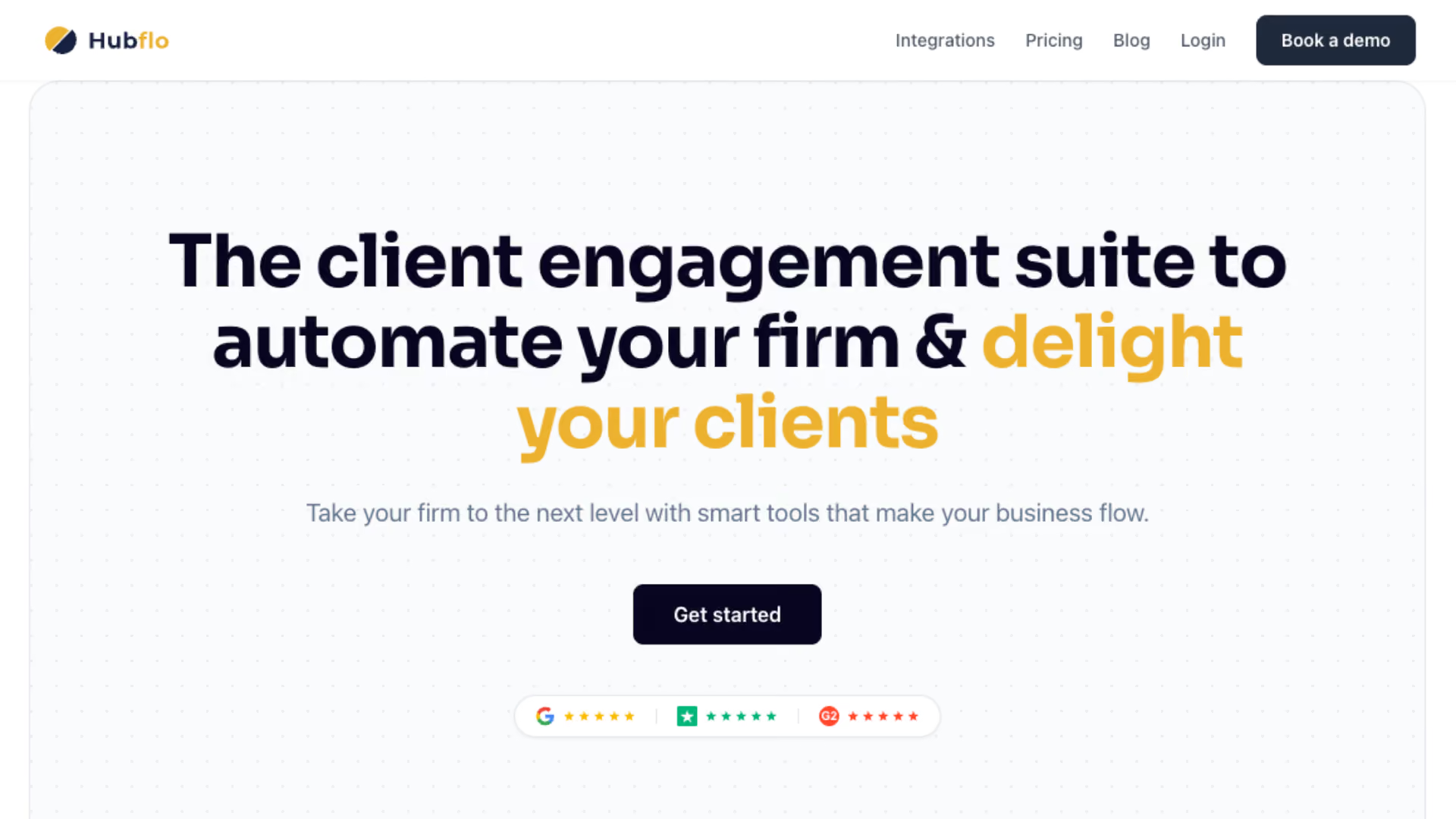
Hubflo is Assembly's closest analog: both are fast, simple customer portals built for agencies that don't want to configure much. The difference shows up at the ceiling. Assembly lets you build and connect custom applications when you outgrow the defaults; Hubflo doesn't offer that path at all, what you see out of the box is what you get. Neither has AI or a purpose-built MCP behind it, so once your process gets more complex than a portal and some manual tasks, both start to feel thin.
- Simple, purpose-built customer portal, nothing else to configure
- No seat minimum, straightforward flat pricing
- Fast setup, often live within an afternoon
- No path to extend it with custom applications the way Assembly allows
- Limited reusable workflow automation
- No MCP or agentic AI capability of any kind
Hubflo trades Assembly's extensibility for pure simplicity, a fast, single-purpose portal with nothing to build or configure, but no way to grow into more complex workflows when you need to.
Head-to-head: LaunchBay vs. Hubflo →
SuiteDash
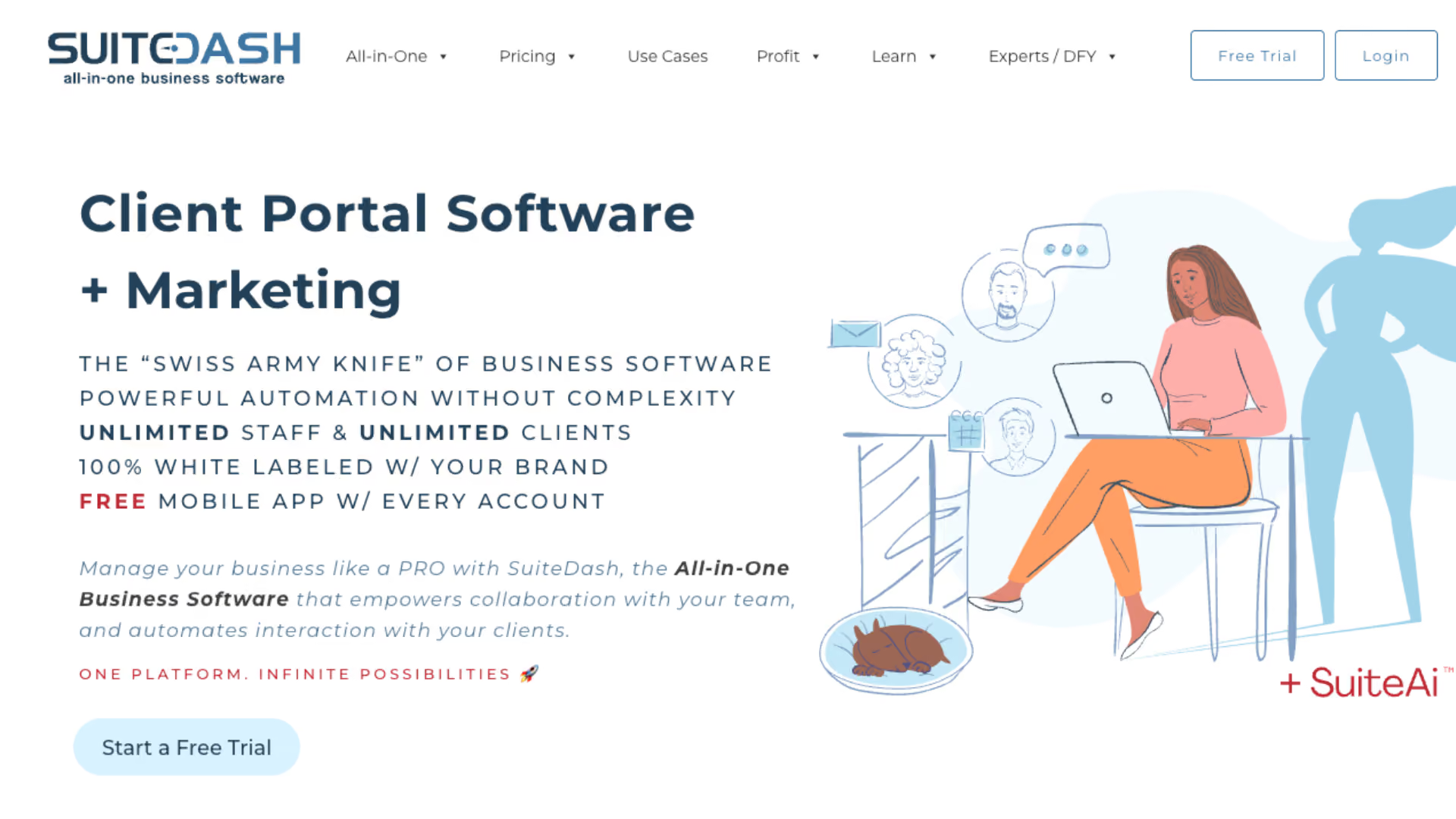
SuiteDash takes the opposite approach from Assembly: instead of a single, focused portal, it bundles CRM, invoicing, scheduling, and email marketing in alongside it. If you're consolidating tools as a solo operator or small agency, that breadth is the appeal. The tradeoff is depth and polish: SuiteDash's interface shows its age, and reviewers describe a steeper learning curve than Assembly's more focused setup, even though you end up with more tools in the box.
- All-in-one subscription covering CRM, invoicing, scheduling, and portals, more than Assembly's portal-plus-messaging scope
- Lifetime-payment pricing option appeals to budget-conscious agencies
- Broad feature set means fewer separate tools to pay for
- No loginless customer access, customers need a password to log in, same friction point as Assembly
- Configuration complexity, it's a build-it-yourself toolkit, not turnkey
- Dated interface compared to purpose-built portals like Assembly
SuiteDash trades Assembly's focused simplicity for broader tooling, CRM, invoicing, and scheduling all bundled in. That breadth comes with a steeper setup and a less polished interface.
Head-to-head: LaunchBay vs. SuiteDash →
Moxo
.avif)
If you're leaving Assembly because you need compliance depth and enterprise-grade customization, not just a lighter portal, Moxo is worth a look. It doesn't build out-of-the-box portals for any one motion, sales, onboarding, or otherwise. Instead it offers a fully bespoke portal connected to workflows customized to whatever process you run. That flexibility is real, but it comes at a cost: setup is complex and time-intensive, with hands-on onboarding from Moxo's own team, a world away from Assembly's afternoon setup. It's built for regulated, high-touch industries where security and compliance take priority over ease of use.
- Fully bespoke portals and workflows customized to any process, not pre-built for one motion
- Security and access controls built bespoke to regulated, high-touch industries
- Dedicated, hands-on onboarding support from Moxo's own implementation team
- Multi-party workflows support conditional logic for complex approval chains
- Setup is complex and time-intensive, nothing is pre-built for your specific use case
- Chat lives inside individual workspaces, no unified inbox across customers
- Pricing isn't public; typically quoted per engagement, around $450/month and up
Moxo trades Assembly's speed for total customization: nothing is pre-built, so setup takes real time and hands-on work, but the payoff is a fully bespoke portal and workflow plus deep compliance features for regulated industries.
Head-to-head: LaunchBay vs. Moxo →
Dock
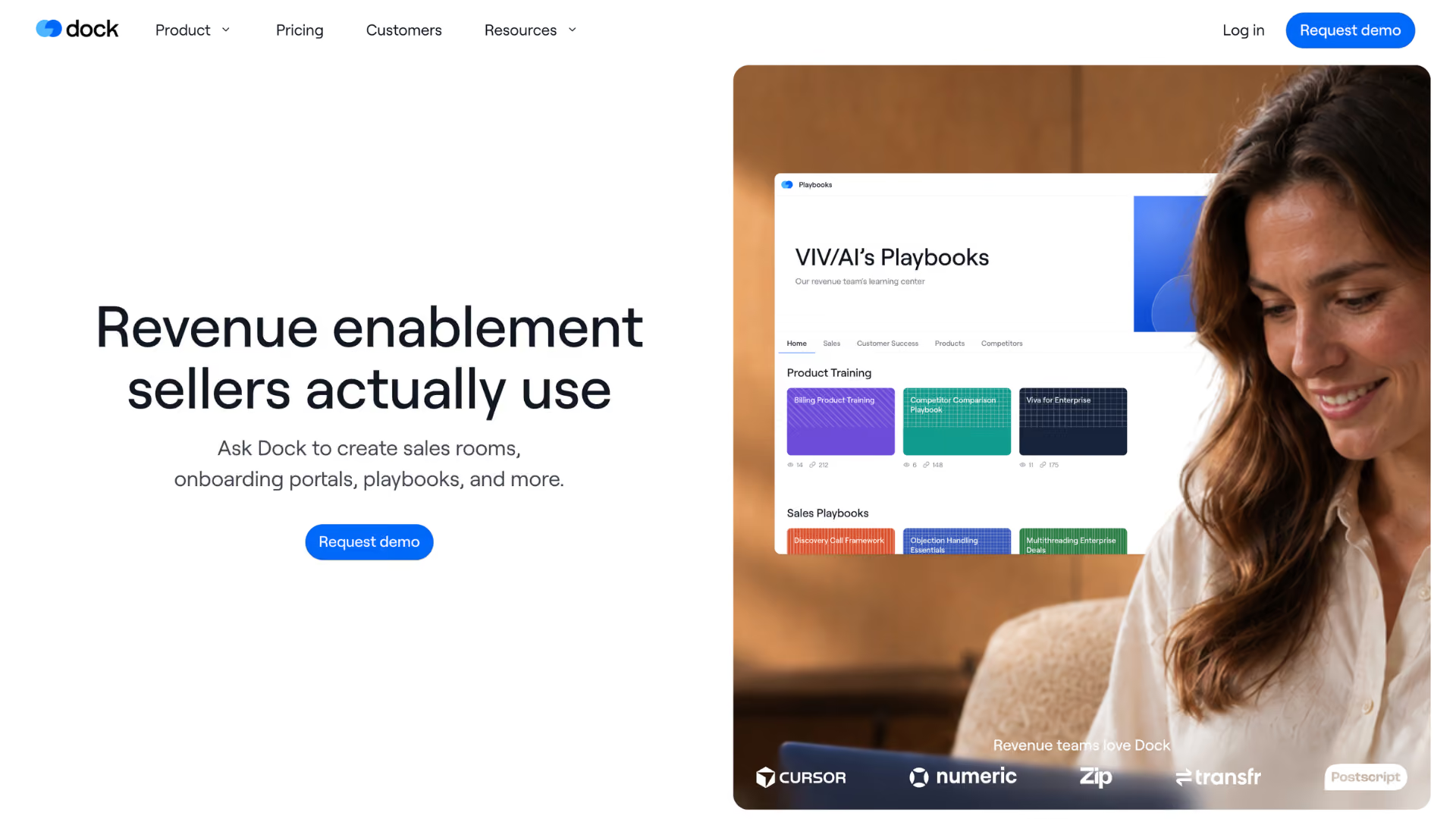
Dock starts from a different place than Assembly entirely: sales-first digital deal rooms and mutual action plans that can flow directly into onboarding once a deal closes. Setup is reported as fairly easy, on par with Assembly's own quick setup. You feel that sales-first focus on the customer side, though: customer tasks and what customers can actually do inside their portal stay thinner than Assembly's portal, no native e-signature, design proofing, time tracking, or centralized inbox, and customers need an account with a six-digit code instead of a magic link.
- Easy, fairly fast setup, on par with Assembly's own quick setup
- Free tier includes MCP access on every plan, no price gating, a real edge over Assembly's admin-only beta MCP
- Deal-room model gives sales one branded link instead of email attachments
- Customer tasks and portal capabilities stay thin, since the product is built sales-first
- No native e-signature, design proofing, or time tracking, teams add outside tools
- No loginless access, customers need an account and a six-digit code
Dock's sales-first deal rooms flow into onboarding with an easy, fast setup, but customer tasks and portal capability stay thinner than Assembly's since the product's core focus is the sales motion, not what happens after.
Head-to-head: LaunchBay vs. Dock →
OnRamp
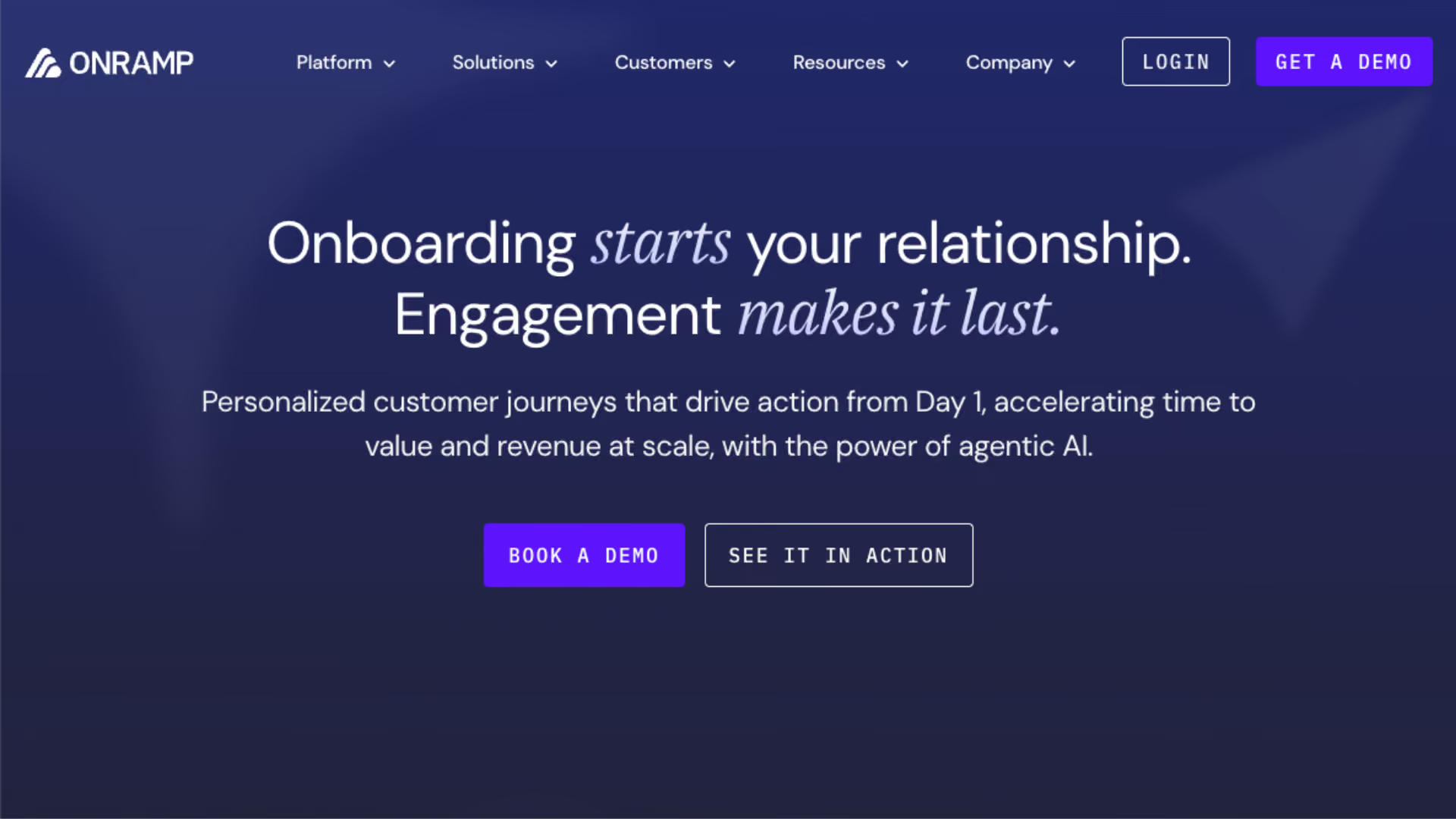
OnRamp sits at the opposite end of the spectrum from Assembly: built for enterprise customer success teams, with setup and most changes requiring OnRamp's own team involved, a world away from Assembly's self-serve setup. What you get in exchange is a more customizable customer portal and workflows reviewers consistently describe as easier to work with day to day than a generic portal. That flexibility still comes wrapped in complex, lengthy setup, internal tools with a steep learning curve, and no loginless access, customers need a password or six-digit code every time.
- More customizable customer portal than a generic single-purpose tool like Assembly
- Workflows are generally easier to work with day to day
- Dual view: bespoke customer portal plus internal project management
- Setup and most changes still require OnRamp's team, a heavier lift than Assembly
- No loginless portal access, customers need a password or six-digit code every time
- Internal task management tools have a steep learning curve
OnRamp trades Assembly's light setup for enterprise-grade customization, needing their team for most changes, but pulls ahead with a more customizable portal and workflows reviewers call easier to work with.
Head-to-head: LaunchBay vs. OnRamp →
GuideCX
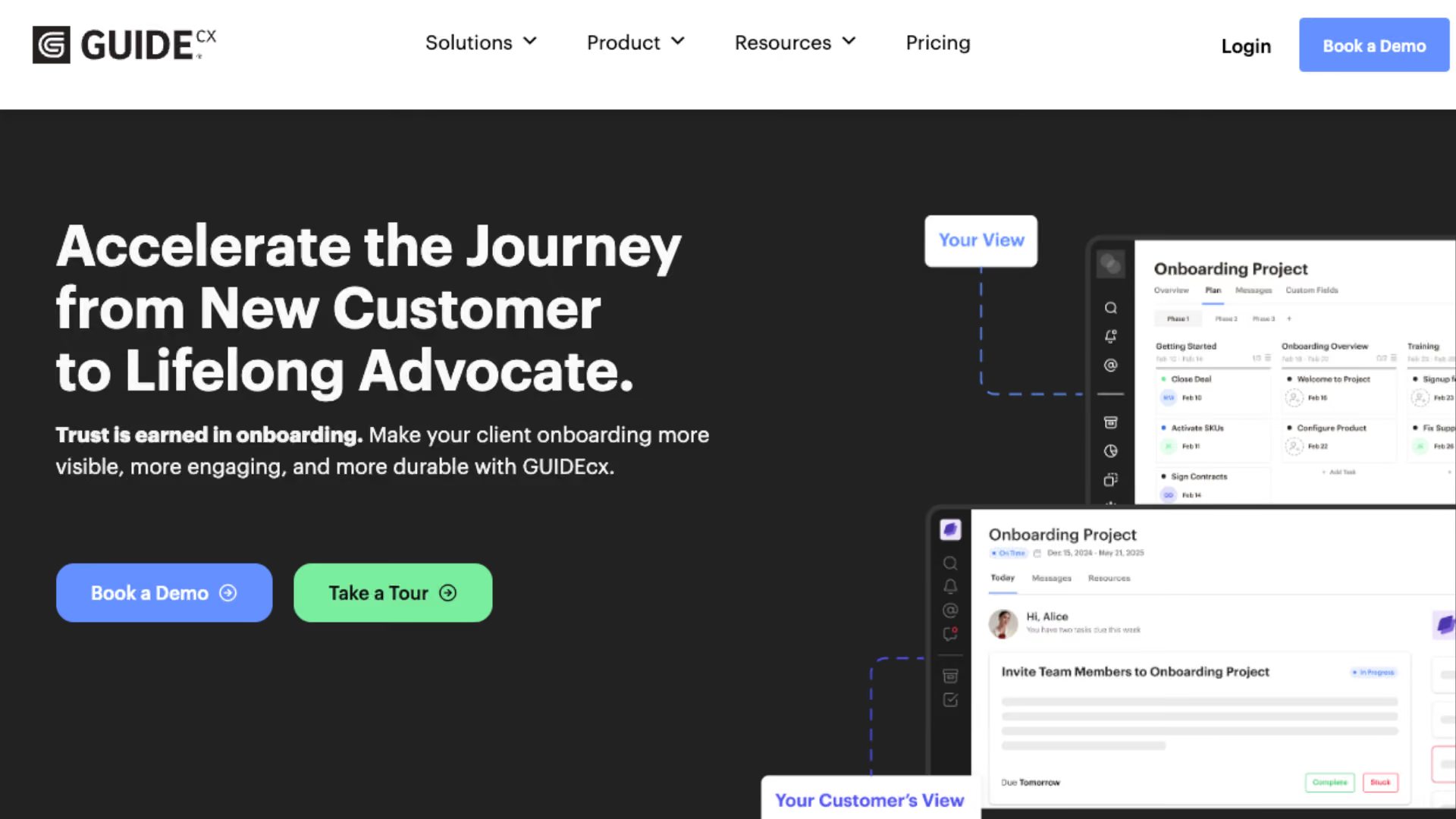
GuideCX is built for a completely different team than Assembly's typical customer: mid-market and enterprise implementation orgs that need deep reporting and forecasting, not small agencies that want a simple, extensible portal. You pay for that depth in dependency, though: full implementation almost always needs GuideCX's own team, and any change to your process after go-live means going through that same lift again, a sharp contrast to building a custom app in Assembly yourself. The customer-facing portal is also thinner than you'd expect for the price: limited customization, with real limits on what customers can see and do inside it.
- Excellent customer-facing project visibility for structured, milestone-heavy implementations
- Strong milestone and dependency structure
- Good CRM integrations
- Full setup and most changes need GuideCX's own team, unlike Assembly's self-serve simplicity
- Customer portal is limited and thinner than the price suggests
- Lacks a connected MCP server, "MCP-ready" API requires custom development
GuideCX serves a much larger, more complex team than Assembly does, with deep reporting to match. Getting there and staying there both require GuideCX's own team, a different tradeoff entirely from Assembly's simple, self-serve portal.
Head-to-head: LaunchBay vs. GuideCX →
Which Assembly alternative should you pick?
- Want the portal Assembly gives you, plus the automation it doesn't: LaunchBay. Reusable playbooks, native CRM triggers, and a loginless portal from day one.
- Want to stay in the same lightweight, extend-it-yourself lane as Assembly: Hubflo, if you don't need to build custom apps, or SuiteDash if you want more tools bundled into one subscription.
- Outgrowing a simple portal and need serious compliance depth: Moxo, if you have the time to invest in setup.
- Already living in a sales motion that needs to flow into onboarding: Dock.
- Need enterprise customer success depth without Assembly's ceiling: OnRamp for a more flexible portal, GuideCX for milestone-heavy structure.
- You've outgrown a simple portal and need real PSA depth, resourcing, budgets, multi-team rollouts: Rocketlane.
- You need milestone-heavy, enterprise-grade project visibility: GuideCX, though expect their team to handle setup and most changes.
- Not sure you need software at all?If you're under about 10 active customers with one owner, a good spreadsheet might genuinely be enough.
See why agencies switch from Assembly to LaunchBay
Feature-by-feature comparison, migration path, and what changes for your customers on day one.
Frequently asked questions
The most common themes: customer tasks are stuck with basic fields, automations only trigger one step at a time, chat lives in broad channels instead of tied to work, and customers still need to create an account and log in every time. Teams that want to automate more of onboarding, not just host it in a portal, usually look elsewhere.
Hubflo is about as fast to set up as Assembly itself, since both are single-purpose portals. LaunchBay is the fastest option for full onboarding workflows: its AI builder turns a description of your process into a working playbook, tasks, forms, contracts, and reminders included, in under an hour.
SuiteDash starts at $19/month, the lowest sticker price on this list, though it trades some polish for that price. LaunchBay starts at $29/month with no seat minimum and includes a 14-day free trial, no card required.
Dock offers a genuine free tier (10 workspaces, MCP included), though its focus is sales deal rooms first, so onboarding-specific features like customer tasks and portal capability stay thinner. Most other tools on this list, including Assembly itself, run on paid plans with free trials rather than free-forever tiers.
LaunchBay is built around onboarding as the core job from day one, and fits teams under 100 people that want to move fast without hitting Assembly's automation ceiling. GuideCX and OnRamp both suit larger orgs that need deeper reporting and customization than Assembly offers.