.svg)


Client Onboarding Portals Built for MSPs
Stop managing client work across a patchwork of CRMs, project management tools, spreadsheets, and email. LaunchBay gives every MSP client a branded portal for onboarding, project delivery, and communication, without adding extra work for your team.
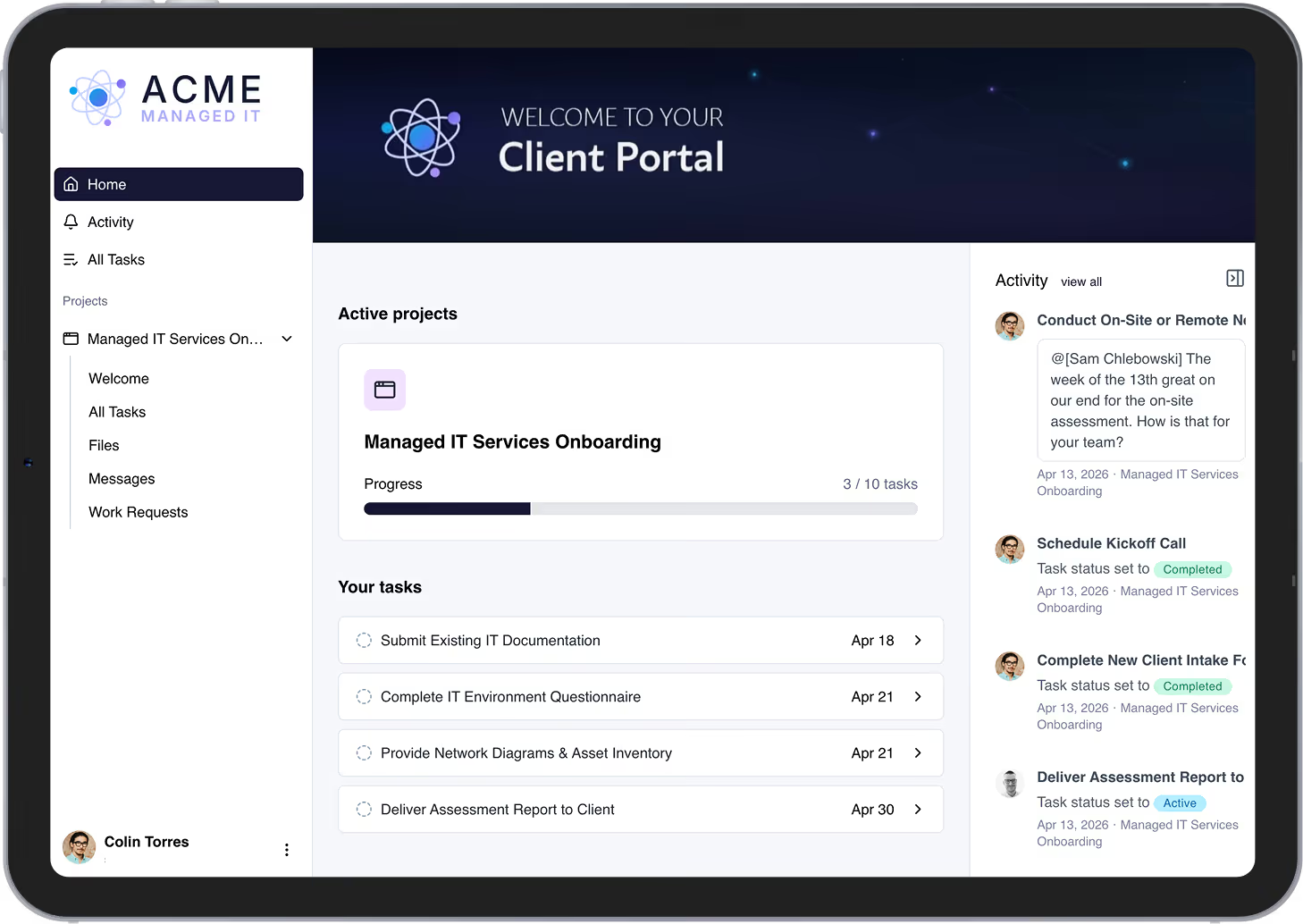
Keep every MSP client relationship moving without burying your team in admin


Start every new client relationship faster
The moment a deal closes in your CRM, LaunchBay automatically creates the project, assigns tasks, and sends your new client a secure magic link to their branded portal. Every new client relationship starts in a structured, professional portal.

Replace the tools clients never understood and hardly used
Spreadsheets, shared boards, and email threads create confusion, not simplicity. LaunchBay gives every MSP client a single, branded portal where project status, tasks, and communication are always clear.

Migrate your process to LaunchBay in days, not months
Paste in your existing process documentation, describe your workflow, or select from common project types and LaunchBay instantly generates a reusable template with everything your team needs to start delivering.
Everything your MSP business needs to run client work professionally
Client Portals
One portal for the entire client relationship.
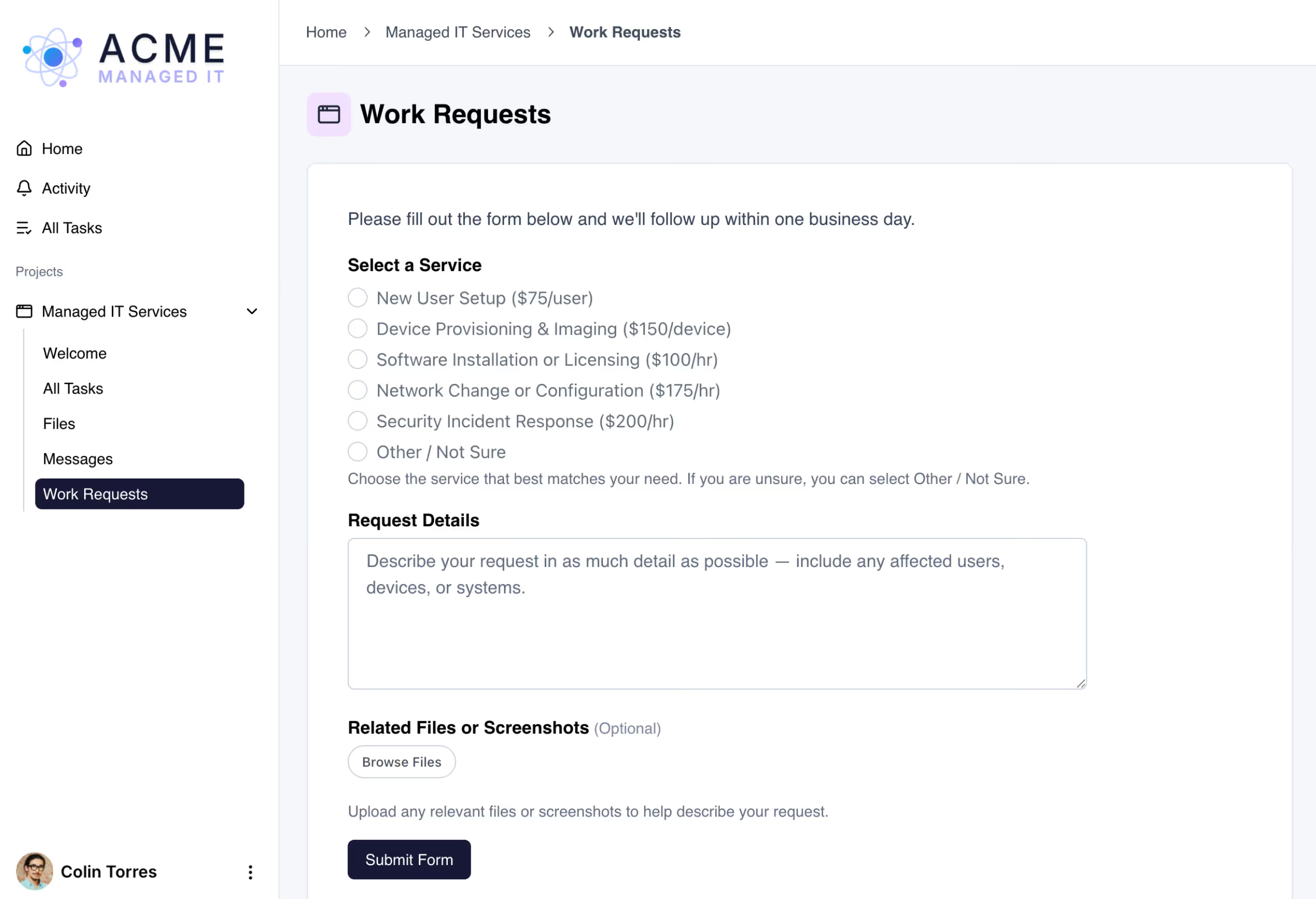
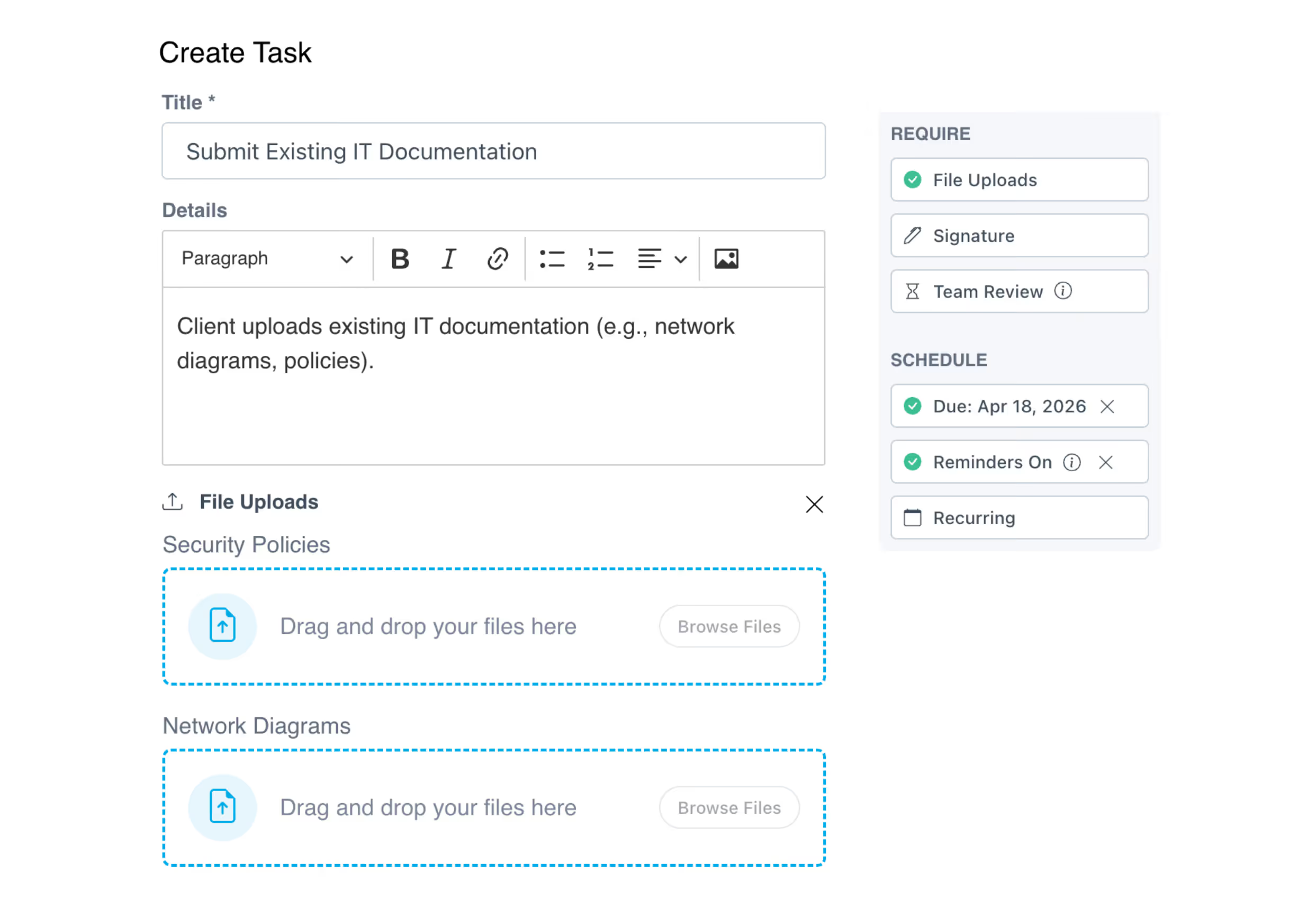
Every client gets their own dedicated space to complete onboarding tasks, upload files, sign contracts, get sign-off on new tools or workflows, submit support requests, and track project progress in real time.

Contracts
Signed and sealed, without leaving the portal.
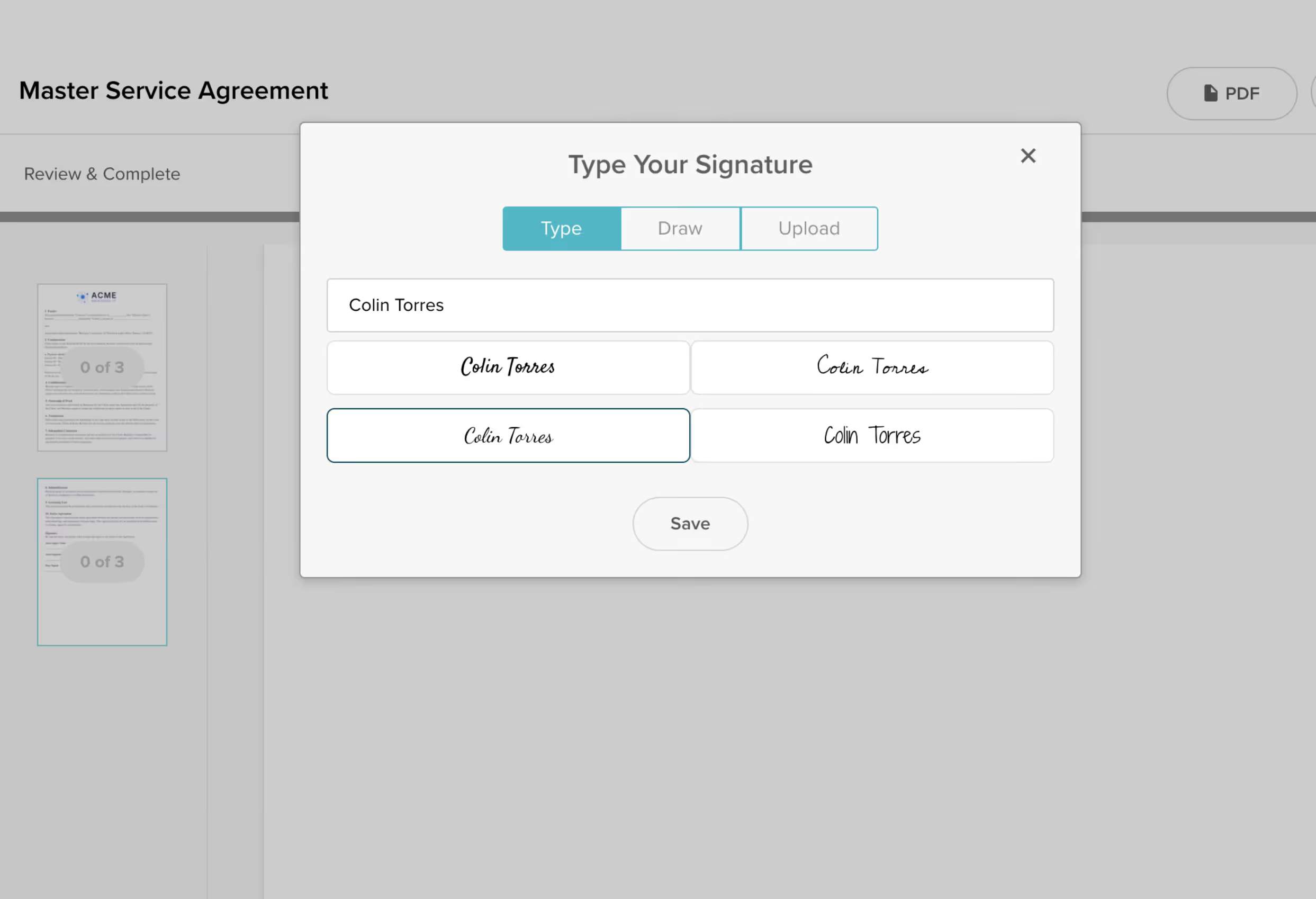
LaunchBay lets MSP clients review and sign service agreements, SOWs, and NDAs directly inside their portal. No DocuSign required. Close onboarding faster, keep everything in one place, and stop the back-and-forth that delays project kickoffs.
Project Templates
Build your MSP workflow once. Run it for every client.
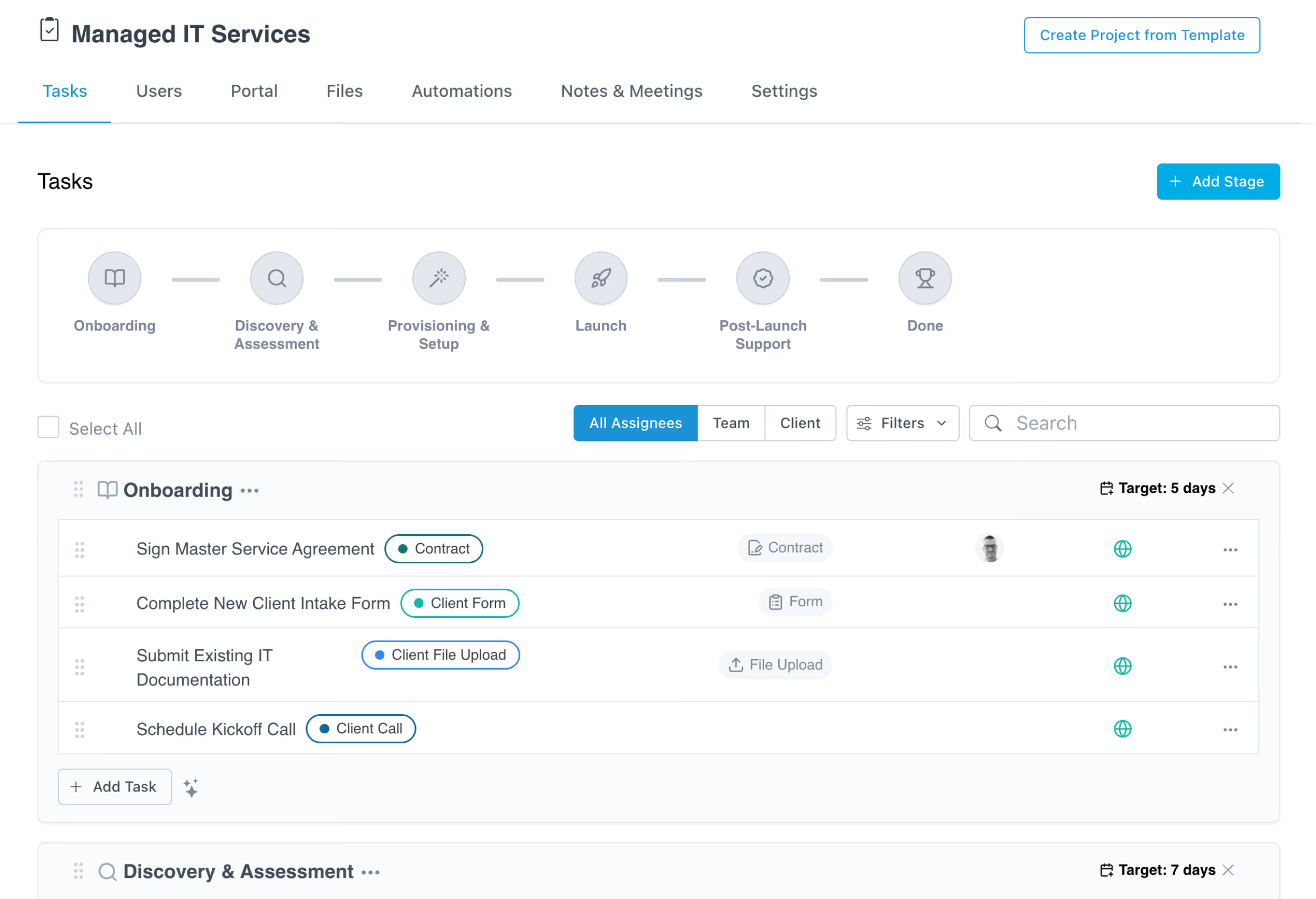
Map your onboarding, implementation, or managed services process once as a LaunchBay project template. Every new client project starts with tasks, automations, and portal pages already in place. No rebuilding from scratch. No setup overhead.
Automated Reminders
Stop chasing clients. Let automation do it.
LaunchBay automatically nudges clients when onboarding tasks are overdue and alerts your team when action is needed. Your team stops chasing and starts delivering.
Project Progress Tracker
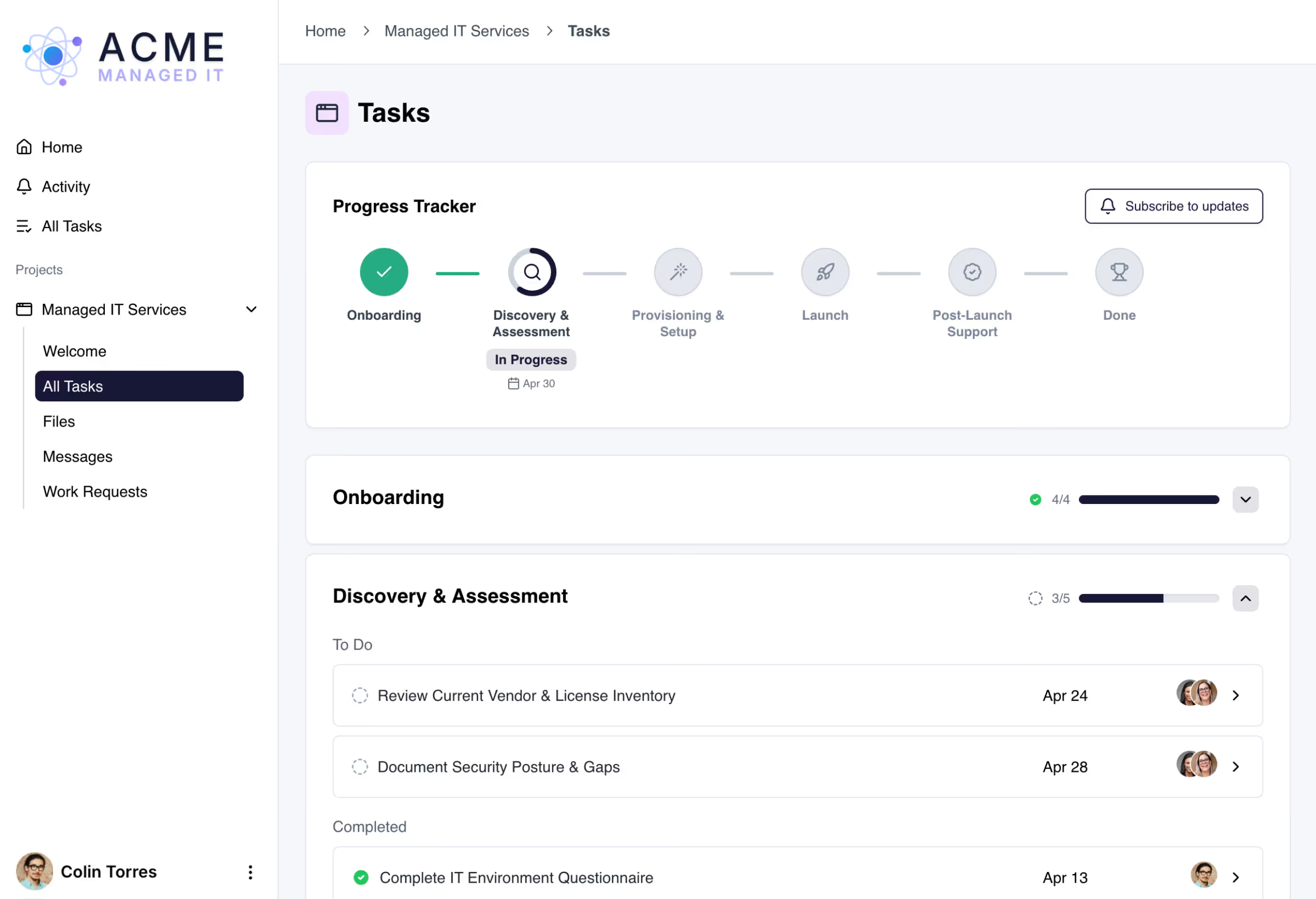
Everyone knows where things stand, automatically.
LaunchBay's project progress tracker gives MSP clients a live view of their onboarding and implementation milestones while giving your team a clear picture of what's on track and what's at risk.
Integrations
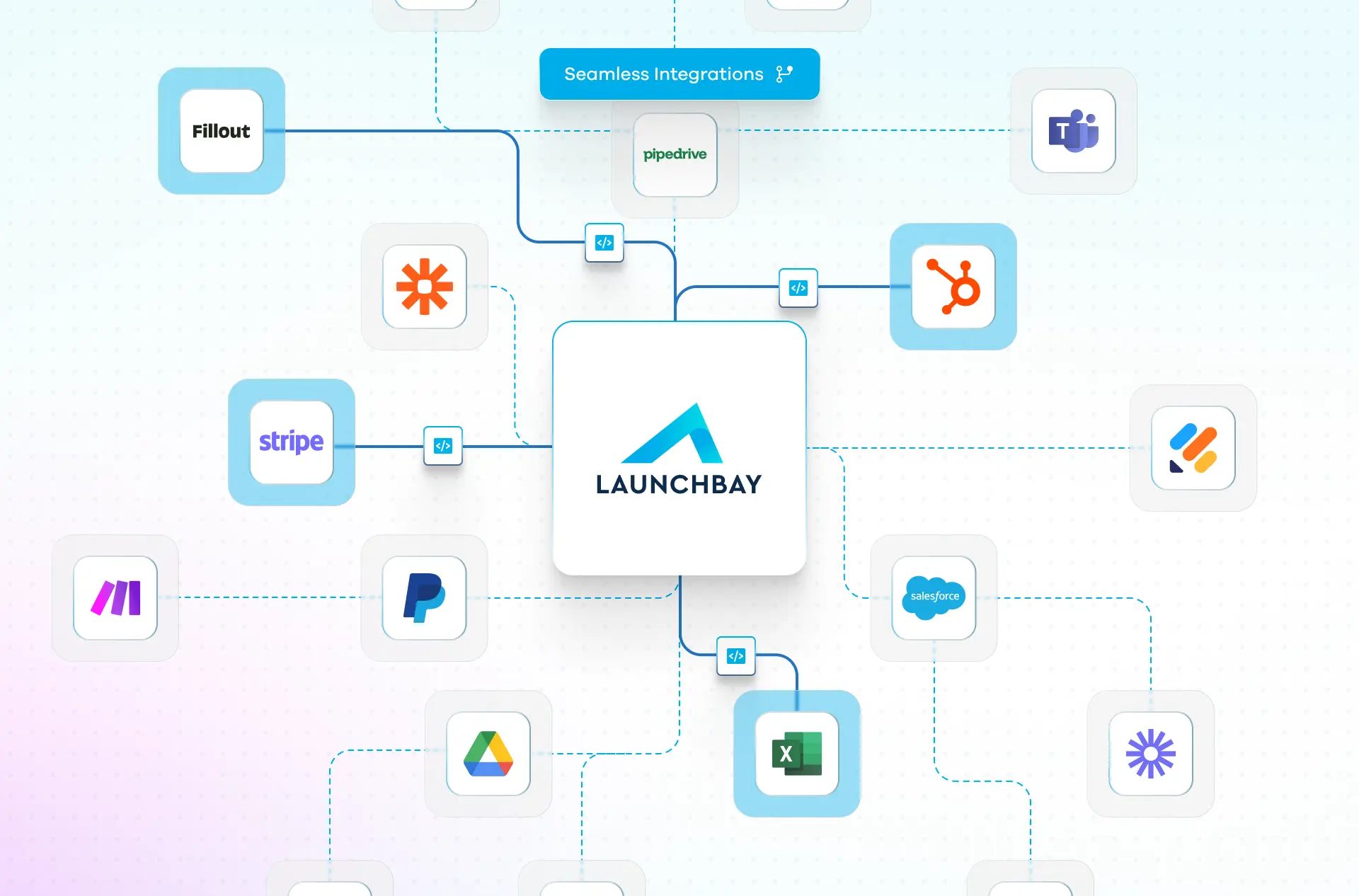
Your CRM connected. Your onboarding, automatic.
LaunchBay connects natively with HubSpot and via Zapier with Salesforce, Pipedrive, ConnectWise, and thousands of other tools MSPs rely on. The moment a deal closes, onboarding kicks off automatically and clients get instant portal access to start providing what your team needs.


.svg)
Frequently Asked Questions (FAQs)


Get back to the work you're best at.
LaunchBay's AI-powered client portal handles the collecting, reminding, and following up, so your team spends less time chasing clients and more time delivering.
Ready to stop chasing?