.svg)
October 28, 2026
Form Automations: Pick the Answer, Don’t Type It
.png)
Part of our 31 Customer Improvements series, where we ship one feature our customers asked for every day this month.
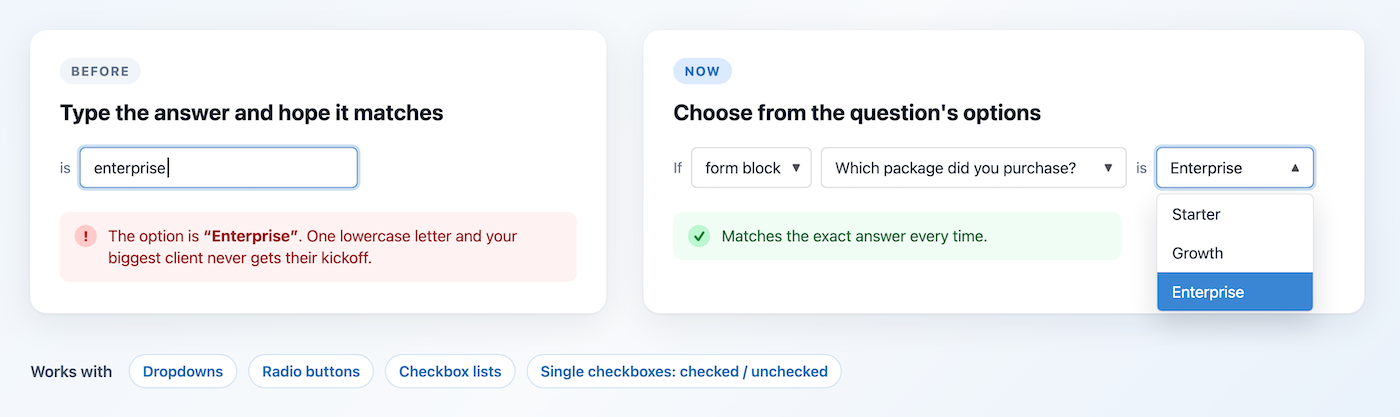
Form block triggers are one of the most useful automations in LaunchBay. When a client answers a form question in their client portal a certain way, LaunchBay can tag the project, import a stage, assign a task, kick off the next stage, or notify your team.
Until now, setting one up meant typing the answer you were waiting for into a text box. The answer had to match the form option character for character. If the option was “Enterprise” and you typed “enterprise,” or added a stray space, the automation saved fine and then never ran. Nothing told you why.
What’s new
When you build a form block trigger, LaunchBay now looks at the question you picked. If it has a fixed set of answers, the value box becomes a dropdown with those answers in it.
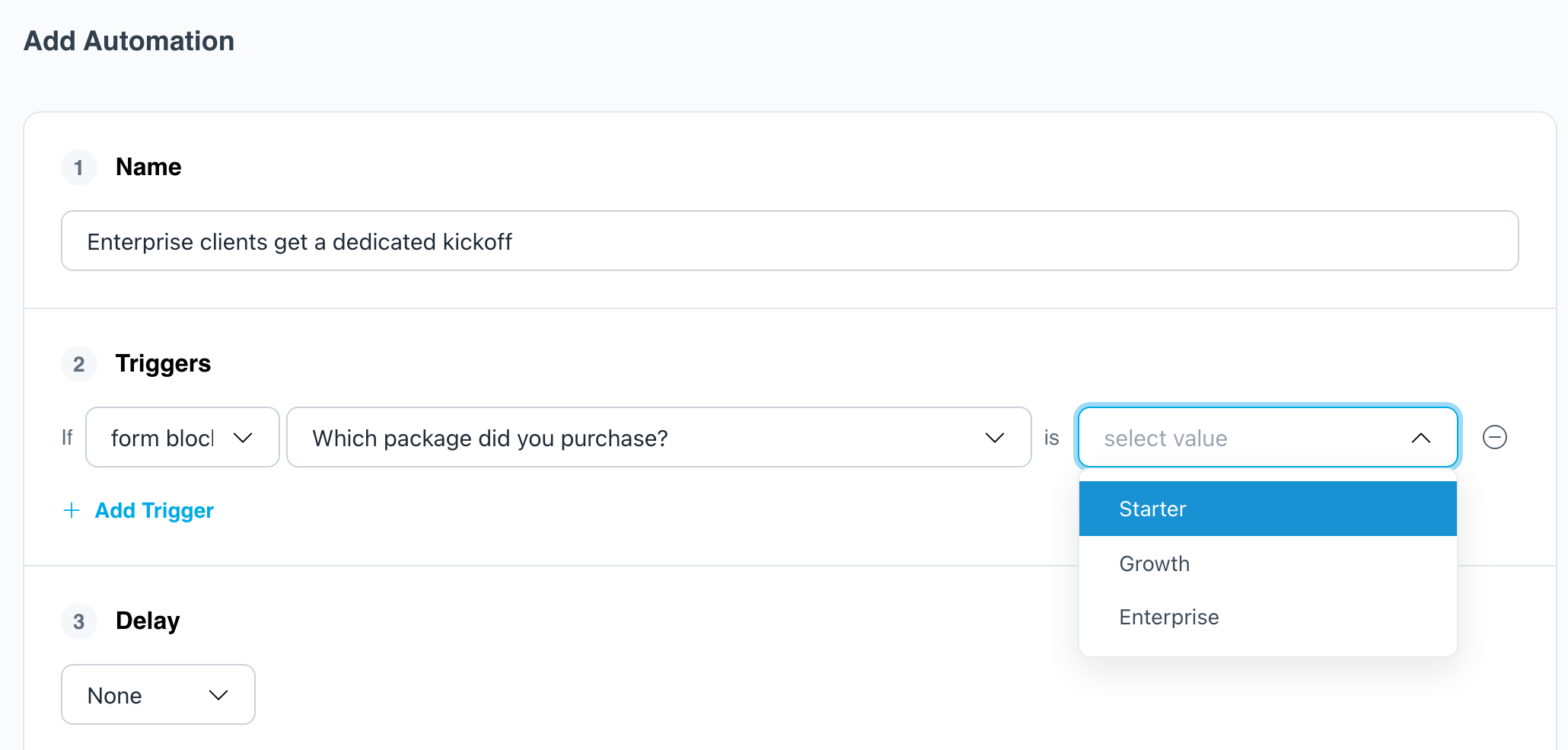
It works for every question type with a fixed set of answers:
Questions that take free text, like short answer, long answer, or date, keep the text box, since there’s no list to pick from.
How to set it up
- Open a project or template, go to Automations, and click New Automation.
- Under Triggers, choose Form block.
- Pick the form question you want to watch.
- Pick the answer from the dropdown.
- Add your actions and save.
If you change the question on a trigger, the old answer is cleared, so you can’t end up waiting for an answer the new question doesn’t have.
Not sure what to build? Routing big accounts based on an onboarding form answer is a classic. See “Send big accounts to senior staff” in our task tag automations post.
Try it
Got an automation that should have fired and didn’t? Open it and check the trigger value. If it’s a choice question, re-pick the answer from the new dropdown, and you’re set.
Together with broken automation warnings, which flag automations pointing at deleted questions, this closes the two most common reasons a form automation silently stops working.

