.svg)
Feb 17, 2026
Best SaaS Customer Onboarding Software in 2026: A Complete Guide to the Top Onboarding Tools
By
Sam Chlebowski
Choosing the best SaaS customer onboarding software is no longer just a post-sales decision. The platform you use to activate new customers directly shapes your time to value, retention rates, operational capacity, and revenue growth.
In this guide, we break down the best SaaS onboarding tools in 2026, compare their strengths and limitations, and explain how to choose the right SaaS customer onboarding software for your team.
If you're actively evaluating platforms, this is the comparison you need.
Onboard SaaS Customers 3x Faster
Submit the form below to book a personalized demo with the LaunchBay team.
Who This Guide Is For
This guide is written for:
- SaaS founders and CEOs scaling post-sales operations
- Heads of Operations optimizing onboarding efficiency
- Customer Success leaders focused on reducing time to value
- Implementation and RevOps teams managing complex client rollouts
- Agencies onboarding recurring service clients at scale
If your current onboarding process is creating activation delays, internal friction, or a ceiling on how many clients your team can handle — this comparison is for you.
What Is SaaS Customer Onboarding Software?
SaaS customer onboarding software is a platform that automates and manages the structured process of activating new customers — from signed contract to successful go-live.
Modern onboarding platforms go well beyond task lists. The best SaaS onboarding tools handle:
- CRM-triggered onboarding initiation
- Client intake and data collection
- Credential sharing and system integrations
- Internal task orchestration and handoffs
- Client-facing milestone tracking and portals
- Approvals, eSignatures, and file delivery
- Go-live coordination and customer success handoff
The right SaaS customer onboarding software turns this process into a repeatable, scalable system — not a manual operation that grows linearly with headcount.
What to Look for in SaaS Onboarding Tools
When evaluating SaaS onboarding software, prioritize the capabilities that directly impact activation speed and operational leverage:
Unified system of record. Tasks, files, communication, and milestones should live in one environment — not spread across email, Slack, and spreadsheets.
CRM-triggered automation. Onboarding should kick off automatically when a deal closes, without manual handoffs.
Client-facing visibility. Branded portals with real-time progress tracking reduce client confusion and internal support overhead.
Workflow depth. Look for native forms, approvals, uploads, eSignatures, and payment collection — not just task lists.
CRM flexibility. Your onboarding platform should work with HubSpot, Salesforce, and other tools without locking you into a single ecosystem.
Scalability without headcount. The best SaaS customer onboarding software increases client capacity without requiring additional project managers or ops staff.
Quick Comparison: Best SaaS Onboarding Software in 2026
For teams evaluating quickly, here's a high-level summary:
- Best overall SaaS customer onboarding software: LaunchBay
- Best for enterprise professional services teams: RocketLane
- Best for enterprise SaaS rollouts: OnRamp
- Best for rigid, step-by-step enterprise onboarding: GuideCX
- Best for enterprise deal rooms and secure communication: Moxo
- Best for sales-stage mutual action plans: Dock
- Best for HubSpot-native onboarding workflows: Arrows
Now let's break each one down.
The Best SaaS Customer Onboarding Software, Reviewed
1. LaunchBay: Best Overall SaaS Customer Onboarding Software
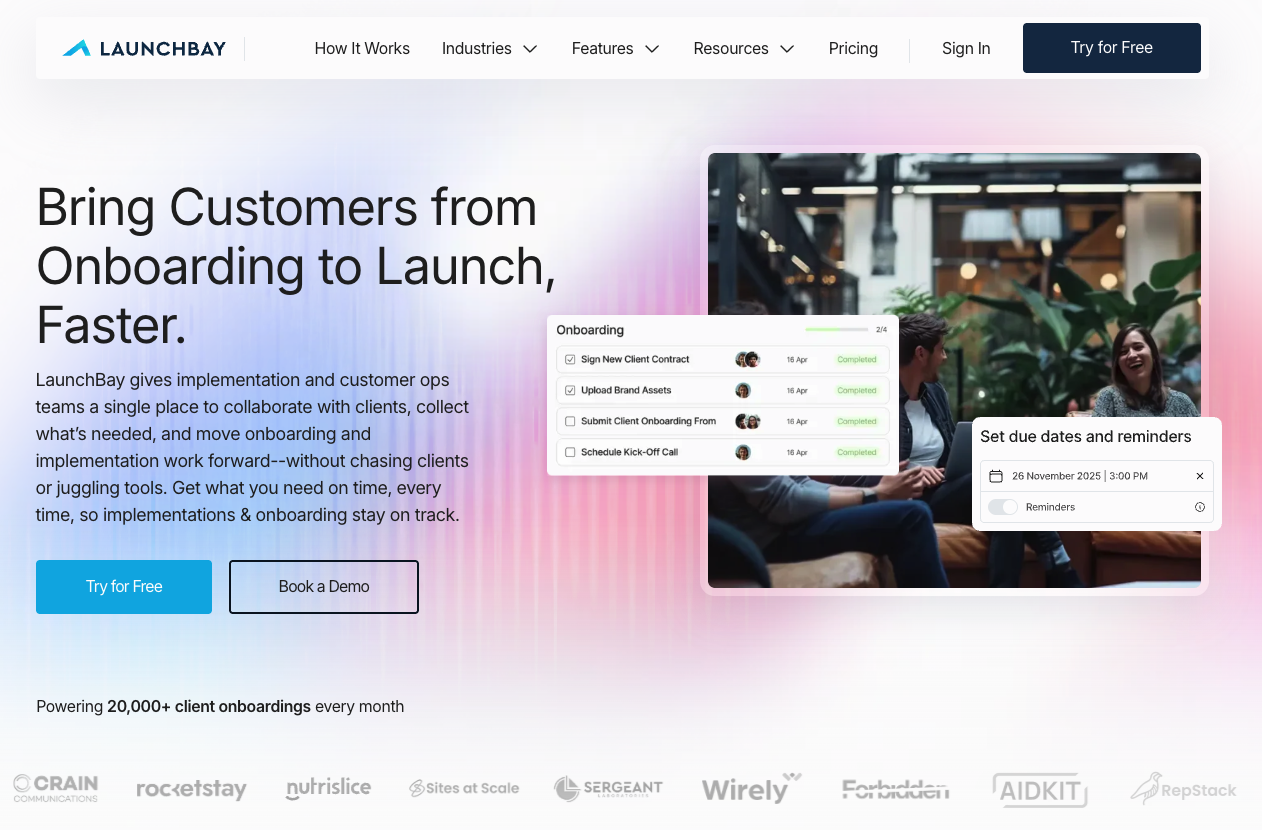
LaunchBay is a unified onboarding and delivery operating system built for growing B2B SaaS companies and implementation-heavy teams. It connects CRM triggers, onboarding workflows, client portals, approvals, contracts, payments, and lifecycle transitions into one automated system.
Unlike most competitors, LaunchBay is designed to be live within days — not months — and updates globally across all client workflows in minutes without vendor involvement.
Pricing: Starts $19/user/month. Free trial and demo available.
Strengths:
- Automated CRM-triggered onboarding launch
- Passwordless magic-link client access reduces friction and improves task completion
- Built-in forms, approvals, uploads, eSignatures, and payment collection — no external tools required
- Real-time progress dashboards for both clients and internal teams
- Flexible workflows that adapt without rebuilding the system
- White-label client portal included at base pricing — no enterprise upgrade required
Biggest weakness: LaunchBay is purpose-built for onboarding and delivery. Teams that primarily need complex enterprise sales process management may find it better suited for post-sales than pre-sales workflows.
Best for: Scaling B2B SaaS teams and implementation-heavy organizations that need fast time-to-launch, automation depth, and client capacity growth without adding headcount.
2. RocketLane
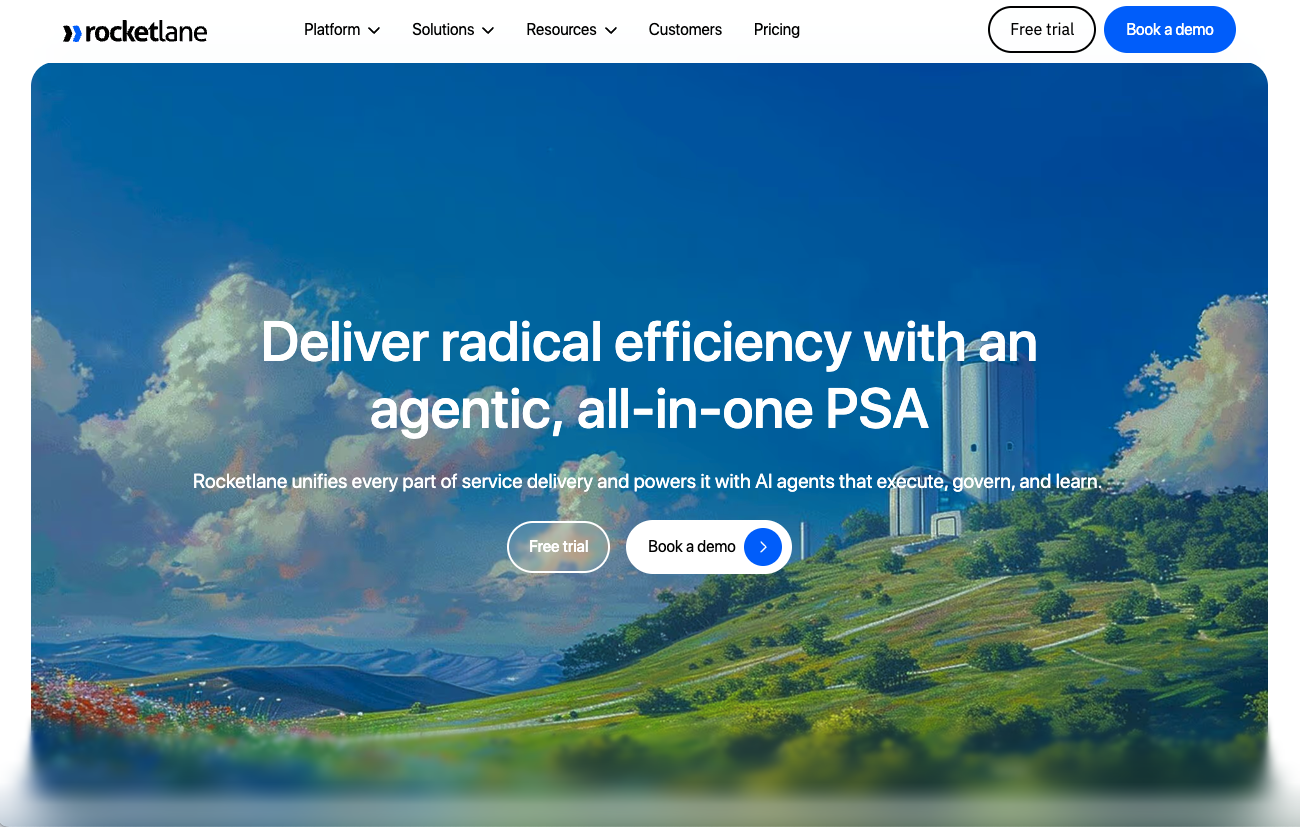
RocketLane is a professional services automation platform with strong project management capabilities, resource planning, and backend configurability. It's a solid choice for enterprise teams with dedicated PMs and flexible implementation timelines.
Pricing: Approximately $19–$79 per user per month. Enterprise pricing available.
Strengths: Advanced backend configurability, enterprise-grade project management, resource planning features, strong internal visibility.
Weaknesses:
Long setup and ongoing overhead. RocketLane implementations frequently take two or more months and require dedicated project management or operations support to maintain.
Automation complexity with limited auditability. Automations are globally configured — not per-client or per-template — and provide limited visibility into what actually ran.
Clients often leave the portal to complete tasks. Native signing, structured intake forms, and payment collection typically require external tools, creating workflow gaps.
Best for: Enterprise-scale organizations with dedicated PM resources, flexible implementation timelines, and complex backend customization needs.
3. OnRamp
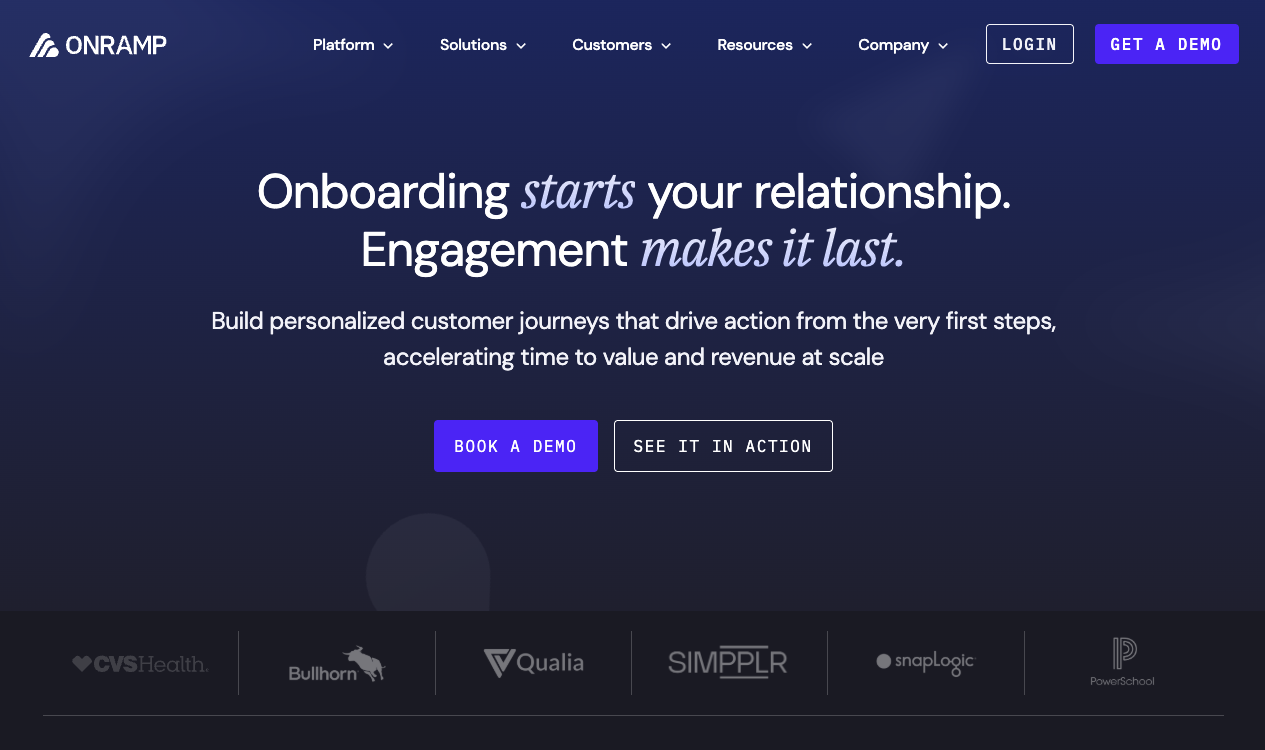
OnRamp is an enterprise onboarding governance platform built for large-scale SaaS implementations. It offers structured rollout visibility and is designed for organizations where onboarding is a long, coordinated, vendor-managed process.
Pricing: Approximately $15,000+ per year. Custom enterprise pricing.
Strengths: Enterprise onboarding governance, structured rollout visibility, compliance-oriented workflow management.
Weaknesses:
Enterprise pricing and vendor-led implementation. Starting at $15,000/year with additional seat and portal costs, OnRamp's pricing model and lengthy implementation cycles make it inaccessible and slow-moving for most mid-market SaaS teams.
Login friction reduces client completion. Clients must create accounts and manage passwords or 6-digit access codes — every return visit adds friction that reliably reduces engagement and task completion.
Workflow updates require vendor coordination. Making changes to onboarding workflows often depends on OnRamp's team rather than self-serve iteration — a significant limitation for teams that need to move quickly.
Best for: Large enterprises with $15,000+/year budgets, vendor-managed deployment preferences, and long structured rollout cycles.
4. GuideCX
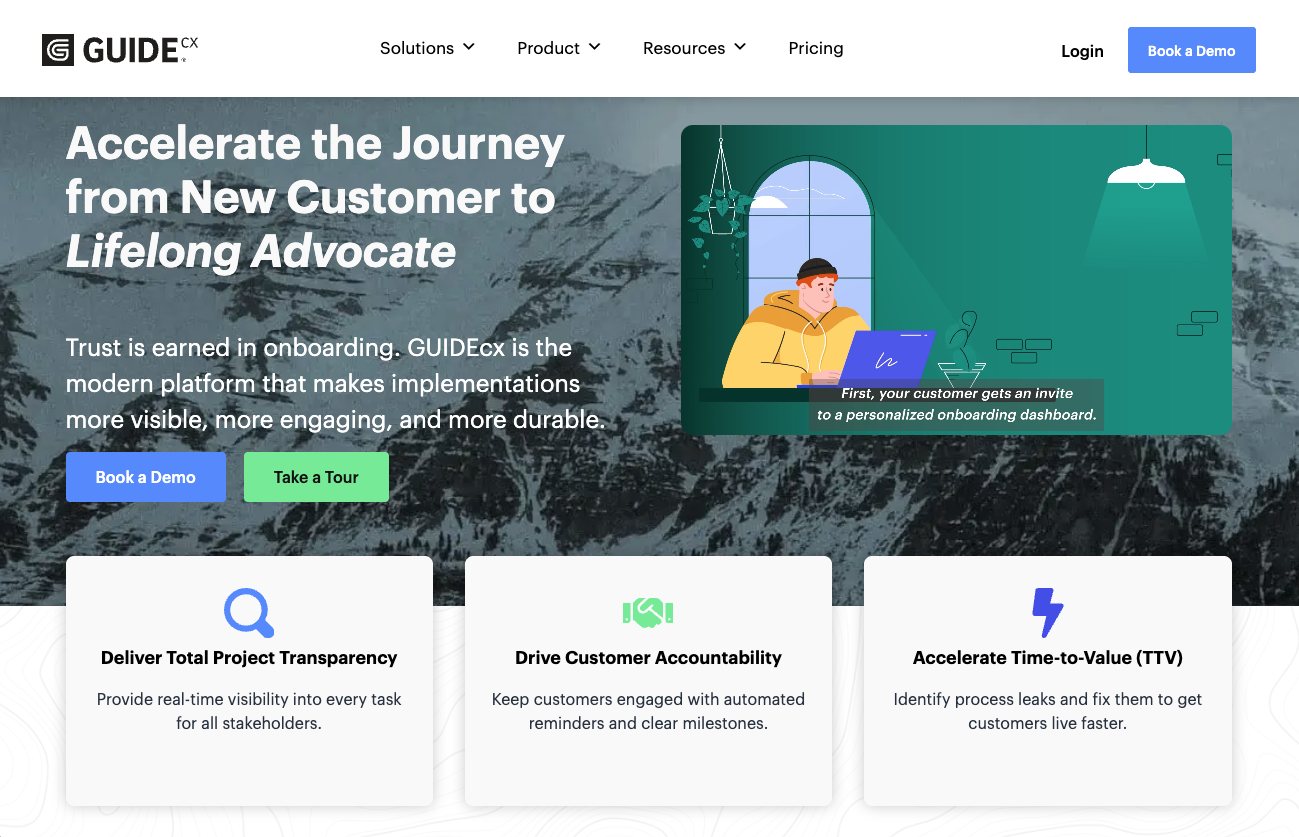
GuideCX focuses on linear, step-by-step enterprise SaaS onboarding with structured progress tracking. It's built for organizations where onboarding follows a predictable, sequential playbook.
Pricing: Quote-based. Anecdotally reported at approximately $600/month for typical entry-level contracts.
Strengths: Linear onboarding workflows, enterprise SaaS onboarding focus, structured client-facing progress visibility.
Weaknesses:
Rigid workflow structure limits adaptability. GuideCX is designed for sequential enterprise software onboarding. Teams with evolving scopes, creative deliverables, or non-linear projects often find the system difficult to adapt.
Client-facing customization skews internal. Custom fields are oriented toward internal reporting rather than personalizing the client experience or auto-populating portals and communications.
No native proofing or eSignatures. File review, approvals, and contract signing require external tools, adding friction and tool sprawl to the onboarding process.
Best for: Enterprise software teams with predictable, linear rollout processes where deliverables and timelines are defined upfront.
5. Moxo
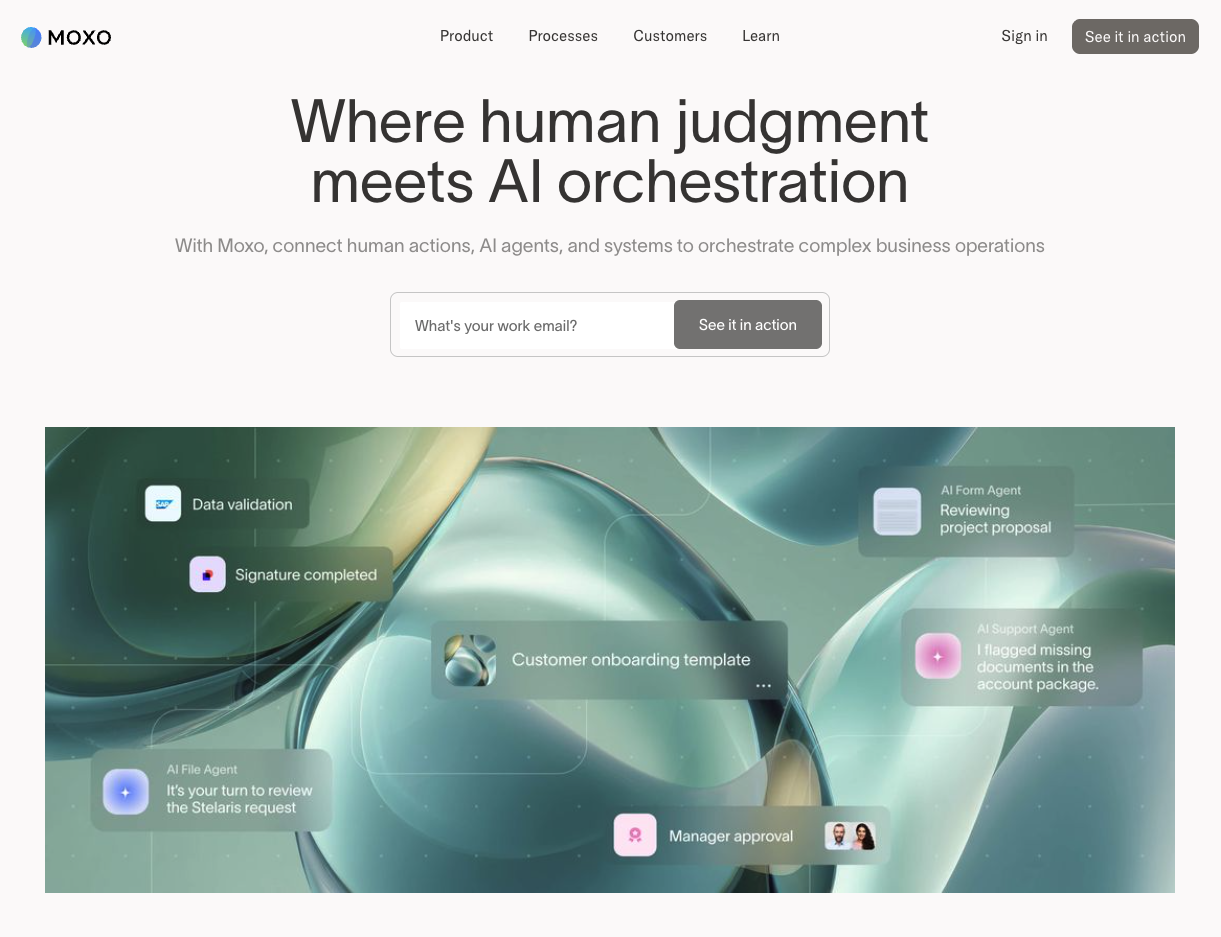
Moxo is a highly configurable enterprise platform offering polished portal UX and secure client communication. It's built for organizations with mature, complex workflows that want a premium client experience layered on top.
Pricing: Custom enterprise pricing. Anecdotally reported at $450+/month before add-ons, with costs scaling significantly by user and feature.
Strengths: Enterprise-grade security, deep configuration control, polished portal experience, structured communication workspaces.
Weaknesses:
Opaque and escalating pricing. Costs increase with team size, client volume, and feature expansion — making it difficult to forecast spend as you scale.
Communication lives in silos. Moxo messaging is organized in isolated client workspaces. Teams often still juggle email, Slack, and multiple channels alongside the platform.
Heavy configuration for everyday onboarding. Building even straightforward onboarding workflows requires configuring roles, parties, conditional logic, and multi-step setups — complexity that slows iteration.
Best for: Enterprises with existing mature workflows, flexible budgets, and a need for deep configuration control and premium portal UX.
6. Dock
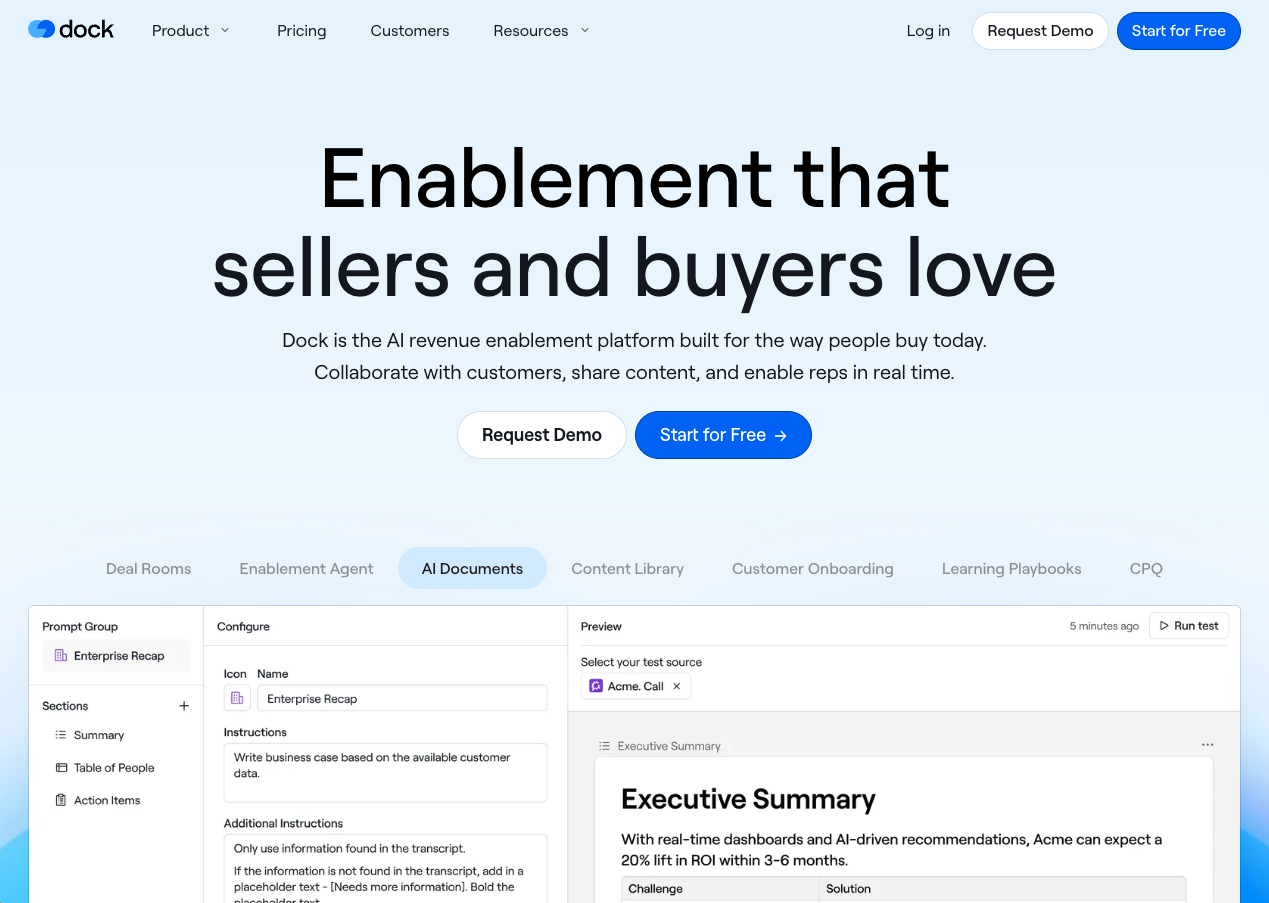
Dock is a sales enablement platform focused on buyer-facing deal rooms and mutual action plans. It helps sales teams organize and present the buying process to prospects — but it's not built for post-sale delivery execution.
Pricing: Quote-based. Starter plans around $350/month for 5 users.
Strengths: Mutual action plans, sales-stage buyer collaboration, clean deal room UX.
Weaknesses:
Built for presenting plans, not running delivery. Dock organizes buyer steps; it doesn't automate onboarding execution. If you need handoffs, follow-ups, and repeatable delivery workflows after kickoff, Dock functions more like an enhanced checklist.
Branding cost creep. Custom domain, branded email, and advanced white-labeling typically sit in higher tiers — costs climb as your portal and client volume grows.
Limited workflow depth for delivery. Onboarding requires approvals, forms, reminders, and internal collaboration. Dock is built for task display, not task completion and execution.
Best for: Sales teams that primarily need buyer-facing deal rooms and mutual action plans during the sales stage.
7. Arrows
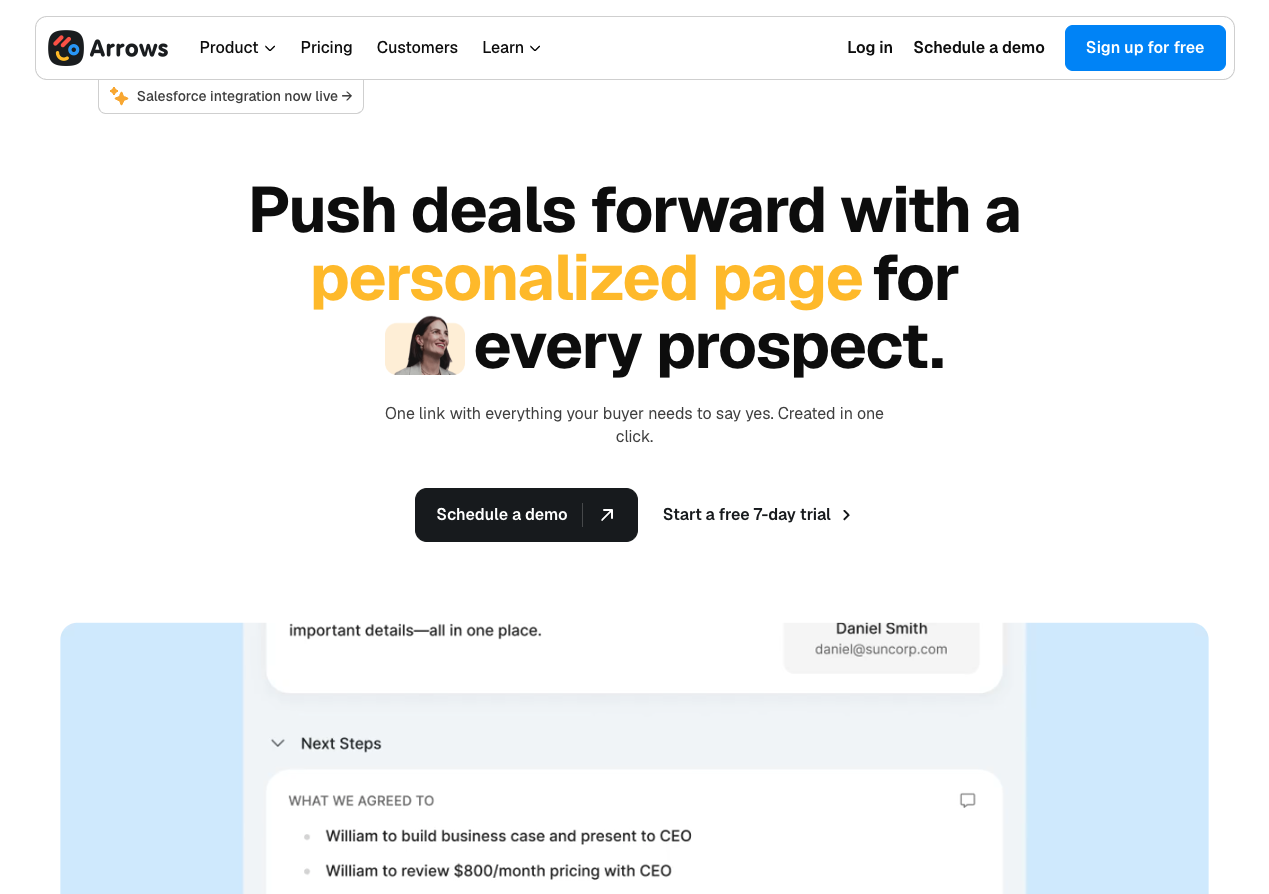
Arrows is a lightweight client portal layer tightly integrated with HubSpot. If your team is fully committed to HubSpot and needs onboarding tasks surfaced alongside CRM properties and pipelines, Arrows is purpose-built for that workflow.
Pricing: Starts at approximately $100/month. Usage-based tiers. Requires a paid HubSpot account.
Strengths: Deep HubSpot integration, CRM-triggered task creation, lightweight setup for HubSpot-native teams.
Weaknesses:
HubSpot lock-in limits long-term flexibility. Arrows is tightly coupled to HubSpot properties and pipelines. Changing CRMs means rebuilding your entire onboarding process from scratch.
Login friction slows client engagement. Arrows requires invites, account creation, and password-based logins — friction that consistently reduces task completion rates and increases time to activation.
Limited real-time onboarding visibility. There is no built-in project visibility layer. Onboarding progress reporting requires manual HubSpot dashboard configuration and ongoing admin work.
Best for: Teams fully committed to HubSpot who want a lightweight portal layer tied directly to CRM properties and pipelines.
SaaS Onboarding Software Comparison Table (2026)
How the Top SaaS Customer Onboarding Platforms Compare in 2026
← Scroll to see all columns →
| Tool | Pricing | Automates Contracts, Forms & Payments? | Client Portal w/ Real-Time Project Progress Tracker | Implementation Speed | Biggest Weakness |
|---|---|---|---|---|---|
| LaunchBay | From $19/user/mo No user minimum. No setup fees. | ✓ Yes Built-in forms, approvals, eSignatures, and payments | ✓ Yes Live milestone tracking with real-time client and internal visibility | 1 Week or Less Launch in as little as one day with self-serve setup, or go live within a week with optional done-for-you implementation | Can be used for sales enablement, but is best suited for customer onboarding and implementation workflows |
| RocketLane | $145/month Includes 5 seats | ✕ No Relies on external tools for contracts and payments | ~ Partial Project tracking is built primarily for internal use. Client-facing trackers require heavier backend setup and configuration | 1–3 Weeks Requires structured configuration and internal PM ownership before going live | Significant setup complexity and ongoing operational overhead make it heavy for teams that want speed and simplicity |
| OnRamp | Enterprise Quotes Only $15,000/year minimum commitment | ✕ No No built-in contract or payment automation | ✓ Yes Structured onboarding progress visibility | Over a Month Vendor-led implementation and enterprise rollout required before effective use | Enterprise-only pricing and vendor-led implementation make it inaccessible and slow-moving for most mid-market SaaS teams |
| GuideCX | Enterprise Quotes Only ~$600/month typical entry | ✕ No No native eSignatures or payment automation | ✓ Yes Step-by-step onboarding progress tracking | 1–3 Weeks Requires structured configuration before deployment | Rigid, linear workflow structure limits flexibility for evolving onboarding or implementation environments |
| Moxo | Enterprise Quotes Only ~$450/month entry | ✕ No Requires integrations for contracts and payments | ~ Partial Collaboration workspace model with less structured milestone-based tracking | Over a Month Enterprise configuration with vendor involvement required | Complex configuration model and opaque pricing can make everyday onboarding feel over-engineered and expensive |
| Dock | $350/month Includes 5 users | ✕ No Built for deal collaboration, not onboarding automation | ✕ No Clients only see assigned tasks, not full project timeline progress | 1–3 Weeks Fast for sales use cases, limited onboarding automation depth | Built primarily for sales collaboration, not structured onboarding or delivery execution |
| Arrows | $100/month Includes 2 users. Requires paid HubSpot account. | ✕ No HubSpot task-based workflows only | ✕ No Clients can see task statuses, but there is no clear visual progress tracker across the full onboarding timeline | 1 Week or Less Quick to deploy if already operating fully within HubSpot | Locked to HubSpot and limited to task-level visibility, restricting long-term flexibility and scalability |
Best Overall SaaS Customer Onboarding Software: Why LaunchBay
For growing B2B SaaS and implementation-heavy teams, LaunchBay delivers the most balanced combination of automation depth, client experience, implementation speed, and pricing predictability.
The platforms that outperform on one or two dimensions — RocketLane on configurability, Arrows on HubSpot integration, Dock on sales alignment — tend to require significant tradeoffs: months of setup, CRM lock-in, enterprise spend, or limited delivery depth.
LaunchBay is built around the idea that onboarding is revenue infrastructure. It should activate clients fast, run without manual oversight, and scale without adding headcount. Teams that prioritize activation speed, reduced follow-up, and sustainable delivery capacity consistently find it the most operationally sound choice.
How SaaS Onboarding Software Reduces Churn and Increases Retention
The connection between onboarding quality and retention is well established. The best SaaS customer onboarding software directly improves retention by:
- Accelerating time to first value
- Reducing onboarding bottlenecks and communication gaps
- Increasing client transparency and confidence
- Standardizing the client experience across every account
- Improving internal accountability through clear milestone tracking
Organizations that treat onboarding as a revenue-generating system — not a cost center — consistently see stronger activation rates, higher expansion revenue, and lower early churn.
Frequently Asked Questions
Everything you need to know about SaaS customer onboarding software.
Final Thoughts
If you're evaluating SaaS customer onboarding software, you're trying to solve a real operational problem. Clients take too long to activate, your team is spending too much time chasing, and your current process doesn't scale without adding headcount. Most platforms ask you to accept a tradeoff: enterprise power that takes months to deploy, CRM lock-in that limits your flexibility, or lightweight tools that can't handle the depth real onboarding requires.
LaunchBay was built to close that gap. Fast to launch, automation-first, and designed specifically for the onboarding and delivery workflows that drive retention and revenue. If onboarding is slowing your growth, it's not a people problem. It's a systems problem. And that's exactly what LaunchBay was built to fix.
Onboard SaaS Customers 3x Faster
Submit the form below to book a personalized demo with the LaunchBay team.


Get back to the work you're best at.
LaunchBay's AI-powered client portal handles the collecting, reminding, and following up, so your team spends less time chasing clients and more time delivering.
Ready to stop chasing?