.svg)
Jul 17, 2026
3 Ways B2B SaaS Teams Run Customer Onboarding Faster with LaunchBay
By
Sam Chlebowski
A fractional COO I spoke with a few months ago said something I haven't stopped thinking about: "I can't believe how many software companies close 6 and 7-figure ARR deals, only to run customer onboarding with spreadsheets, email, and Slack."
He was right. And I've seen it too.
SaaS companies invest heavily in data enrichment tools, CRMs, and expensive AI layers to acquire customers. Then leave their CS and implementation teams with a tech stack from 20 years ago to actually onboard them.
The reason it happens is understandable. Most teams believe they can't build a defined process when every implementation is slightly different. So they fall back on ad-hoc workflows built with whatever tools their team happens to use. The result: onboarding confusion and customer frustration, weak engagement during the most critical window, and a first impression that doesn't match the product they just sold. All of which slow activation and drive churn risk before the customer ever sees real value.
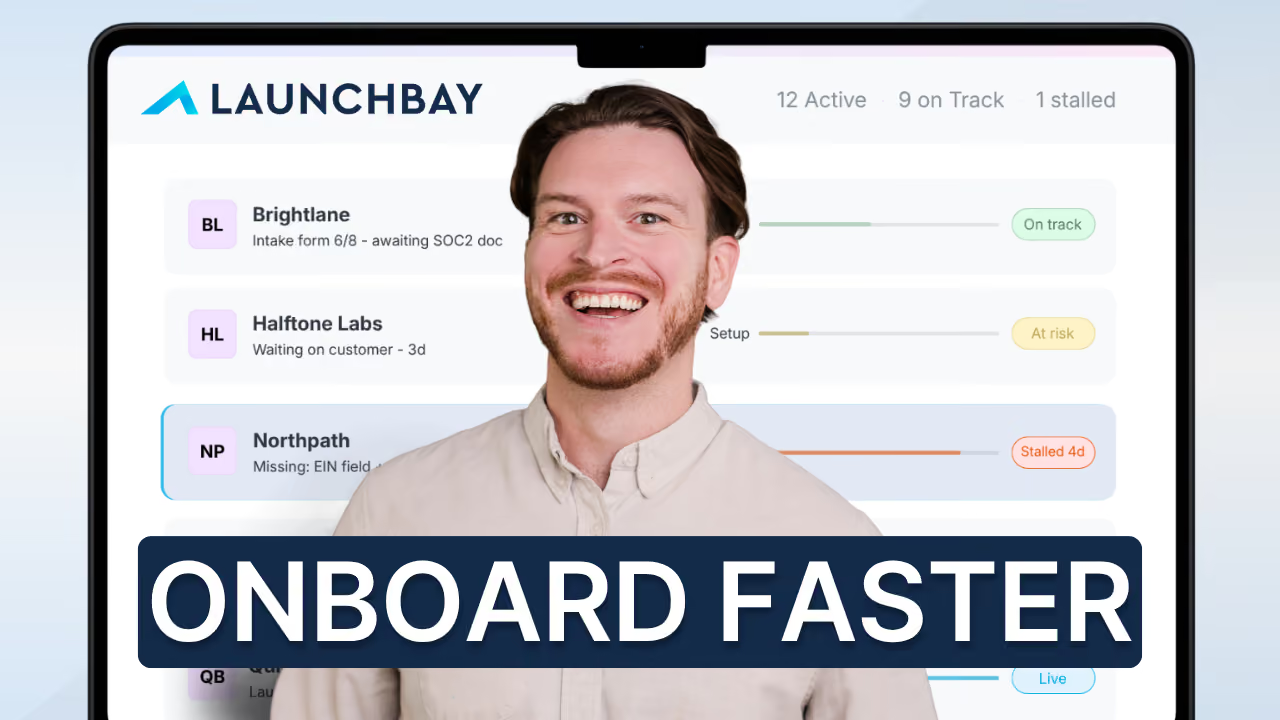
This doesn't have to be the default. The video below covers the three biggest levers B2B SaaS and implementation teams use inside LaunchBay to fix it, followed by a breakdown of each.
1. Automate the handoff from sales to CS
The biggest delay in B2B SaaS customer onboarding usually isn't the customer. It's the handoff.
Your CRM says Closed/Won. After that, most teams are guessing. Someone sends a Slack message, someone else creates the project, and two or three days pass before the customer even begins onboarding. Time-to-value is everything in SaaS, and every delay between close and kickoff pushes that moment further away.
LaunchBay connects directly to your CRM and automates the entire handoff. When a deal moves to Closed Won in HubSpot, LaunchBay creates the onboarding project, pulls in the customer's details, assigns tasks to your team, and sends the customer their portal link. Automatically. No manual work, no delays. The customer clicks their link and their onboarding workspace is already waiting for them.
Sales to CS used to mean a Slack message and a hope. With LaunchBay, it's a trigger.
2. Build reusable templates that run every onboarding
Automating the kickoff gets the process started. Templates are what make it actually work.
Most software teams end up hacking onboarding together because their tools weren't built for the job. No single tool adapts when every implementation is slightly different, so teams fall back on manual workarounds: spreadsheets, manually customized emails, follow-up reminders sent whenever someone remembers to send them.
LaunchBay project templates fix that. You define the stages that map to your real implementation phases: kickoff, configuration, data migration, testing, go-live. Inside each stage, you build in both customer-facing tasks, things like intake forms, credential requests, and approval checkpoints, and internal team tasks for reviewing submissions and completing setup work. Both sides live in the same workflow. Customers only see what's relevant to them, when it's relevant.
And templates aren't static. Conditional automations trigger different task paths based on how a customer answers an intake form, or based on details your sales team captured before the deal closed. A customer who needs data migration gets that path. One who doesn't, skips it entirely. The same template adapts to every customer without rebuilding from scratch.
Custom fields carry the intelligence further. Company name, product tier, key contacts collected during sales automatically populate into contracts, task descriptions, and other documents. Your customer doesn't re-enter what they already told you. Your team doesn't copy it from the CRM manually. It flows through.
As you scale, you're not adding headcount to cover more customers. You're running the same template across more accounts.
3. Give customers a portal where the work actually happens
The third place onboarding slows down is on the customer side. Not because customers don't want to engage. Because you're asking them to piece together a process that's spread across email, DocuSign, scheduling links, and wherever else things have landed.
LaunchBay gives every customer a dedicated portal for their onboarding. The first thing they see is a progress tracker that lays out every stage from kickoff to go-live. They know exactly which stage they're in, what they've already finished, and what comes next. Onboarding feels like forward motion, not a black box.
Every task they need to complete, forms, file uploads, contract signatures, credential submissions, is right there in the portal. Reminders go out automatically when something's overdue. Conversations stay in the portal too, tied directly to the tasks they're about.
On your team's side, every customer conversation lives in one shared inbox. Nothing gets buried in a personal email account, and nothing disappears when someone leaves the team.
You can also embed tools directly into the portal: scheduling software, tutorial videos, meeting recordings, onboarding resources. Whatever helps your customer move faster goes where they're already working.
And to get in? One click on a magic link. No account creation, no password. Most other tools require your customer to create an account first. LaunchBay doesn't.
Bonus: LaunchAI catches what slips
Even with everything above in place, accounts stall. A customer goes quiet for a week. A configuration task sits overdue. Your team is managing dozens of other accounts and nobody catches it until the customer brings it up on a call. By then, you're not preventing churn. You're reacting to it.
LaunchAI is LaunchBay's built-in AI layer. LaunchAI Chat opens every session with a daily briefing: what's unread, what's critical, what to do first. No digging through projects to figure out where things stand.
The AI Agents run in the background, all the time. They watch for overdue customer tasks, frustrated tone in conversations, and customers who've gone quiet. When something starts to slip, they surface it and draft a suggested next action. You review it, adjust the tone if you want, and send it with one click.
AI does the legwork. You keep the judgment. And nothing turns into churn that didn't have to.
Ready to see it in action?
If your team is running customer onboarding and implementation across spreadsheets and email threads, LaunchBay gives you a single place to run every onboarding from closed deal to activated customer.
Schedule a 1:1 demo and we'll show you exactly how it works for your business. Or start a free 14-day trial and explore on your own. No credit card required.


Get back to the work you're best at.
LaunchBay's AI-powered client portal handles the collecting, reminding, and following up, so your team spends less time chasing clients and more time delivering.
Ready to stop chasing?