.svg)


Client Task Management Software Built for Client-Facing Work
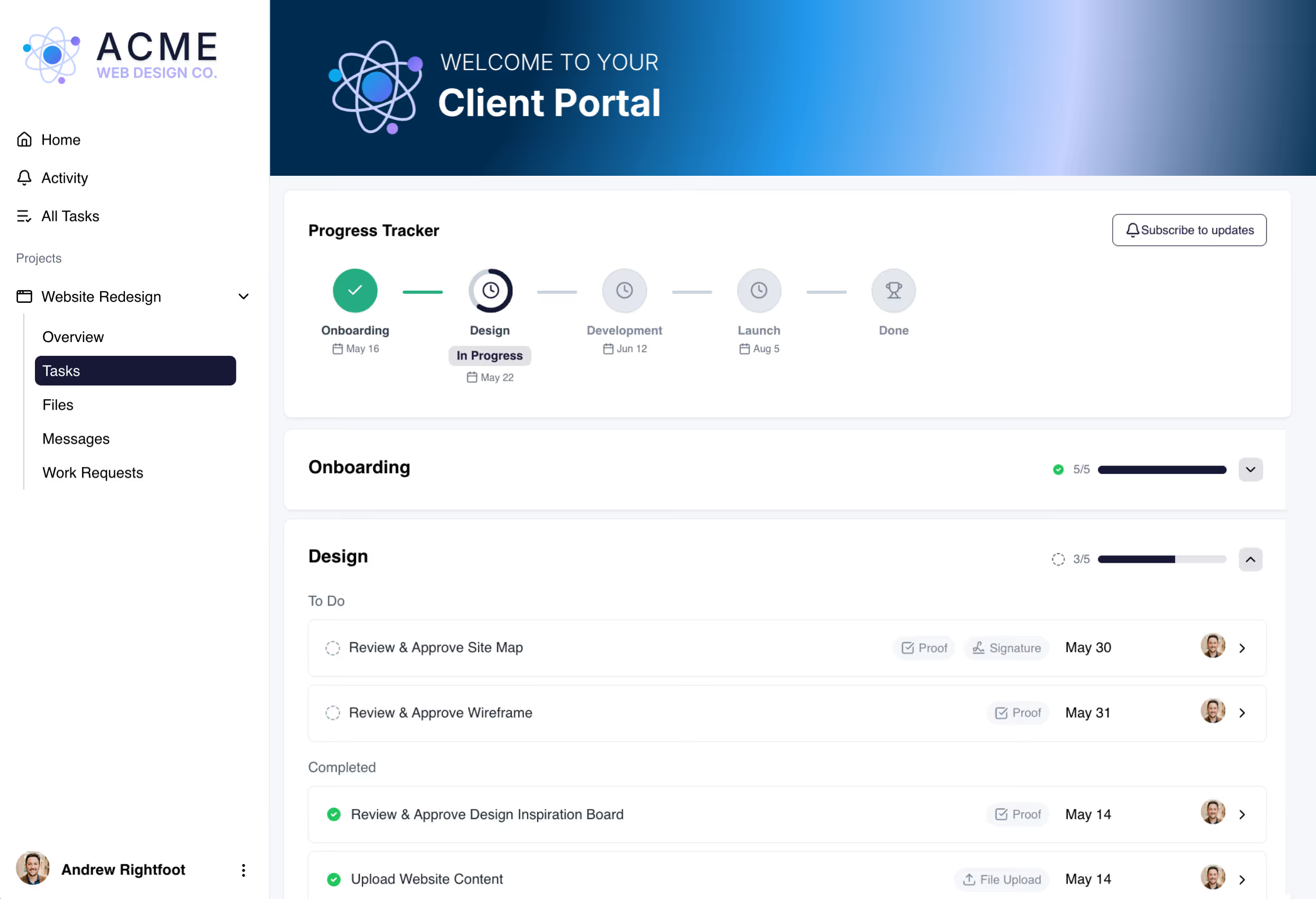
Most task management software gives you checklists. LaunchBay gives you tasks built for client work.
Collect Files and Assets from Clients
Set up file upload tasks so clients can submit logos, guidelines, and other assets. No more digging through emails or shared drives.
Get Feedback & Approvals Fast
Send videos, PDFs, or images for clients to review and approve. Clients can comment and request changes in one place. No extra tools required.
Send Contracts for E-Signature
Turn your existing PDFs into signable documents clients can complete directly inside their portal. Attach them to tasks for clients to review and sign without leaving LaunchBay.
Get paid on time, automatically
Attach invoices directly to tasks so clients pay inside the same portal where they see the work. And because every task has automated reminders built in, LaunchBay follows up until the invoice is paid. No chasing required.
Embed 3rd party tools directly in tasks
Embed any third-party tool or website directly into a task so clients can access it without leaving their portal. Calendly, YouTube, reporting dashboards, and more.
Show clients the work. Hide what they don't need.
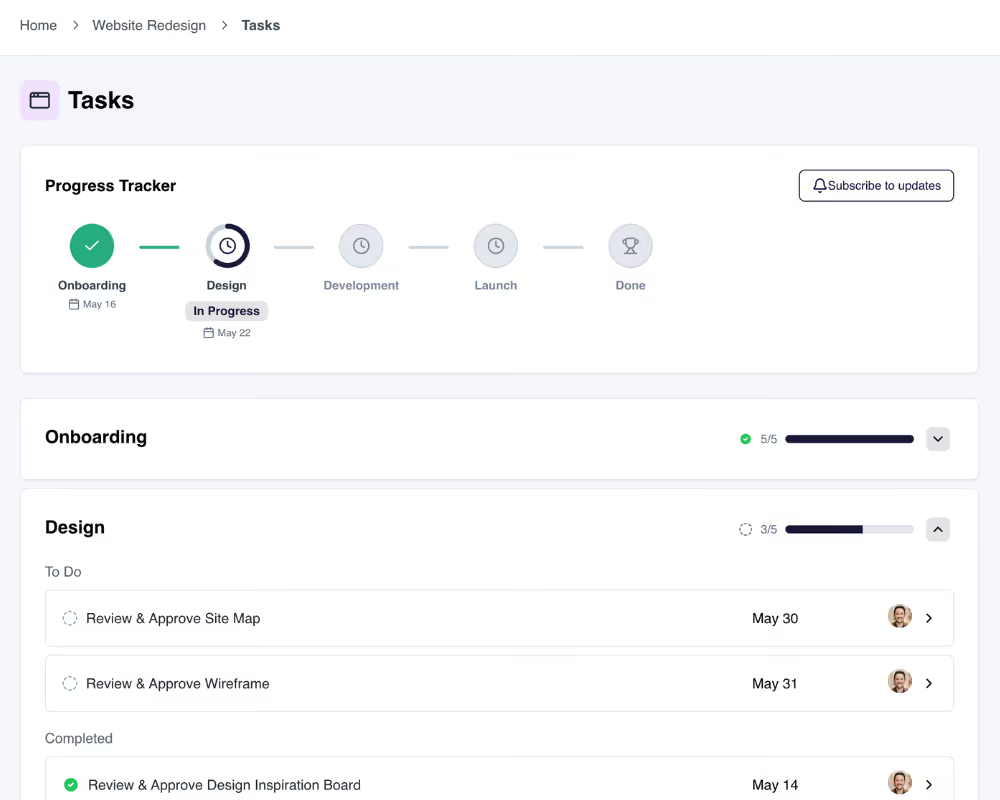
Assign tasks to clients or team members. Keep internal work hidden so your team can collaborate privately, or make tasks visible so clients can clearly see what's being done.
How teams use LaunchBay's client tasks
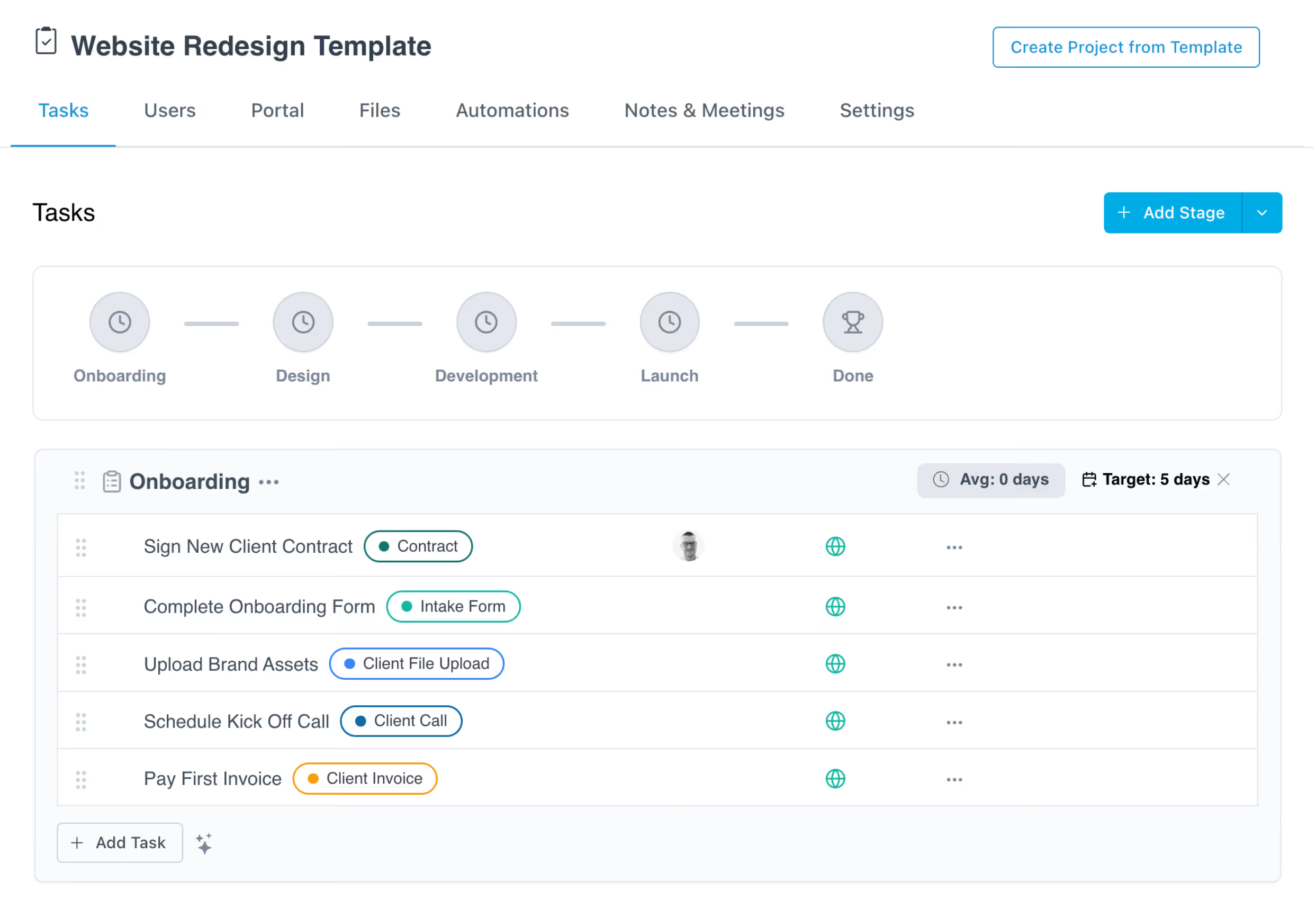
Automate every onboarding step
Build a fully branded onboarding checklist with tasks like signing contracts, uploading assets, and scheduling calls. All triggered automatically when a deal is closed.
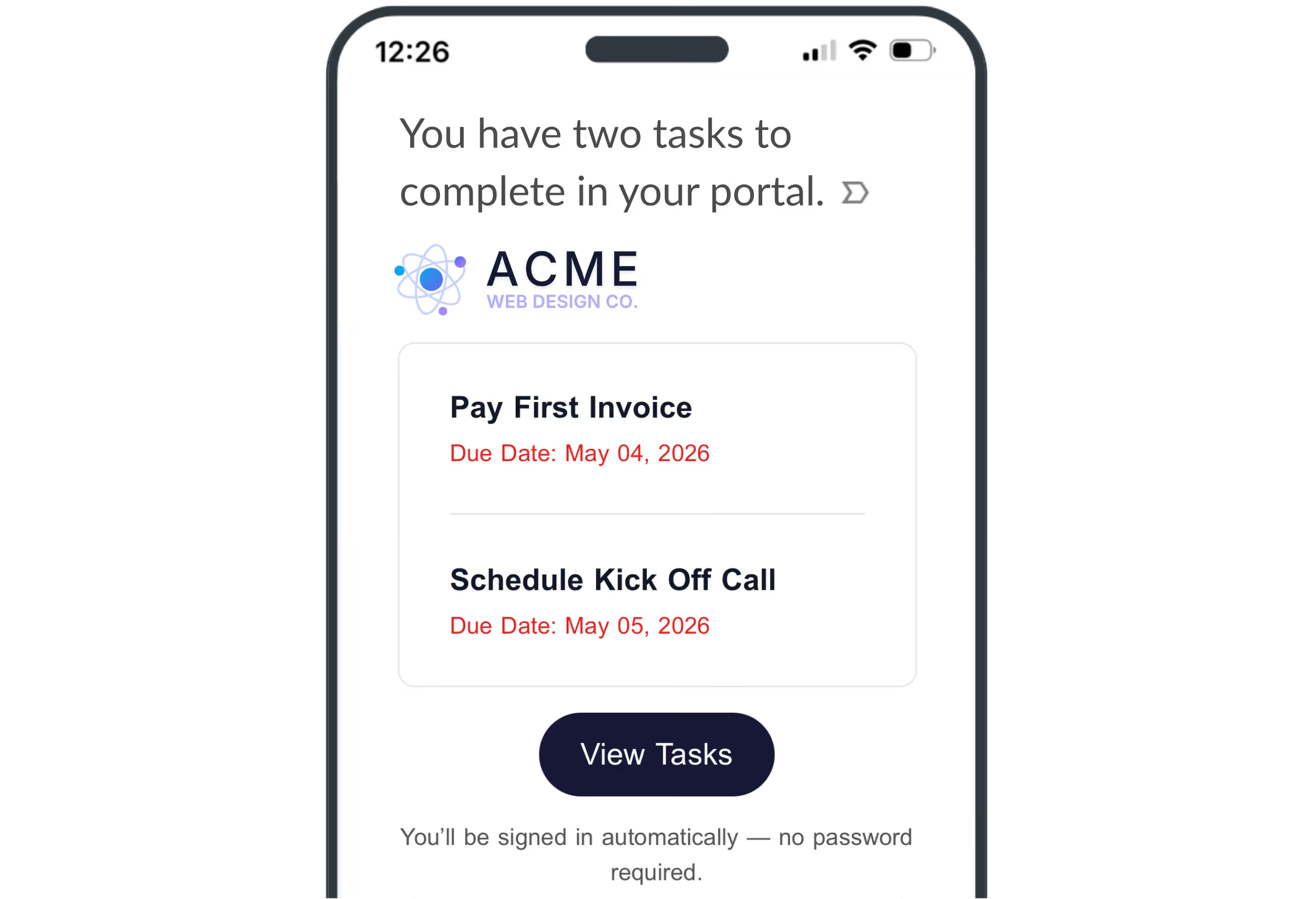
Stop chasing clients. Let reminders do it.
Stop chasing clients for missing items. LaunchBay sends automated reminders and updates task statuses as clients complete them. And with Magic Links, clients access their portal in one click with no login required.
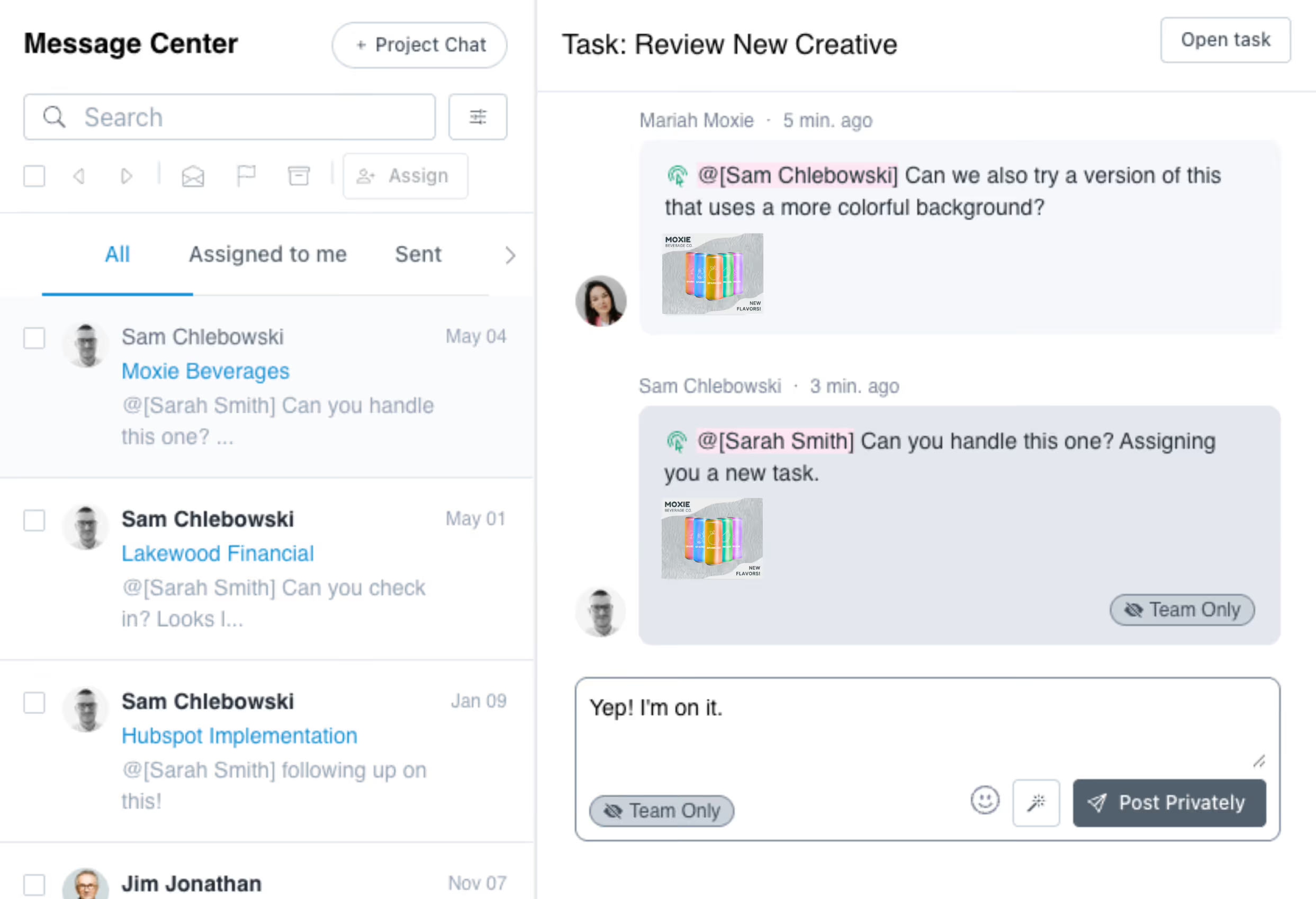
Collaborate internally without client noise
Use private discussion threads to clarify requirements, ask questions, or document decisions. Team members stay looped in. Clients see only what they need to.
See every project's task status in one place
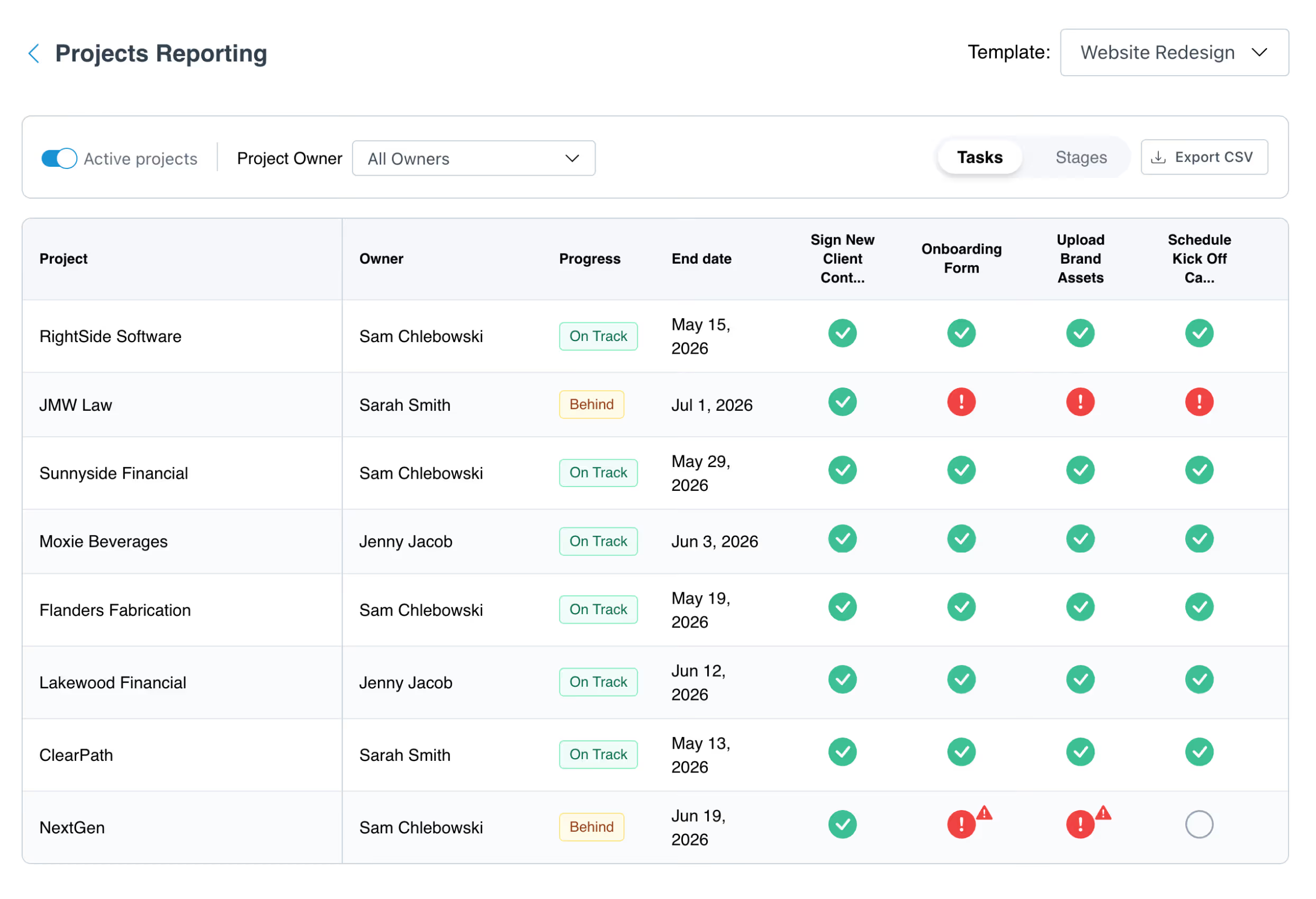
Track every project from onboarding to final delivery in one place. See which projects are on track and which are behind, drill into any task to unblock it, and spot recurring bottlenecks to improve your process over time.
More from LaunchBay
Project Progress Tracker
See task completion status across every client project built from the same template, all in one matrix-style view. Spot bottlenecks before they become delays.
Templates
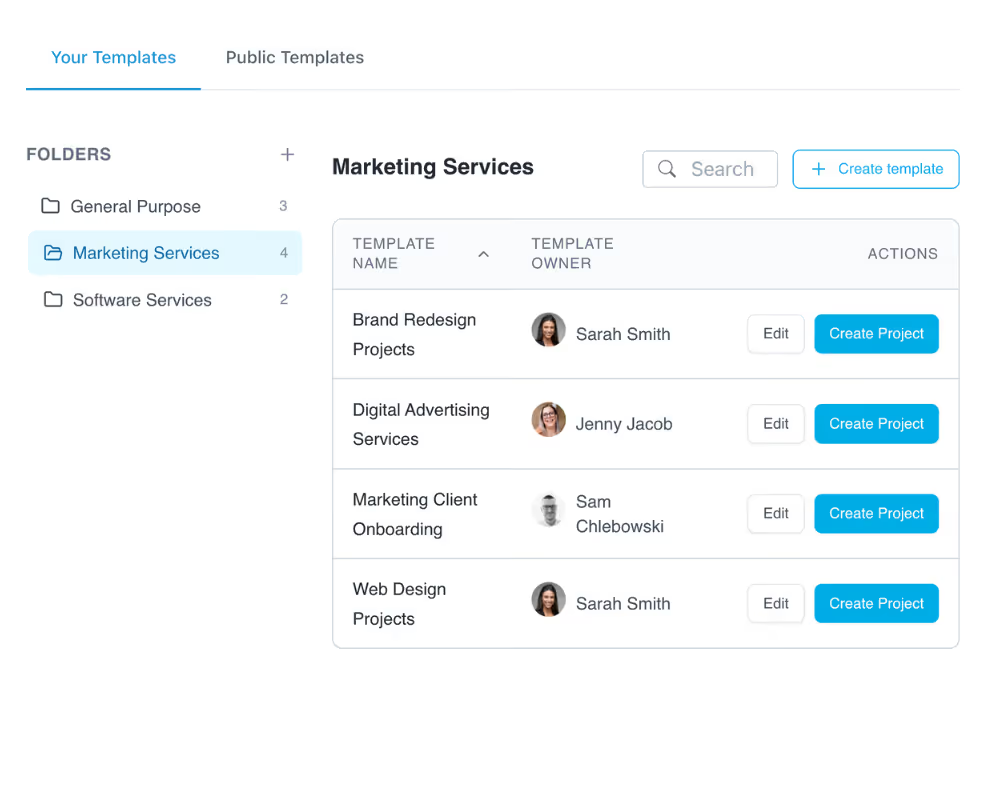
Build your client task workflow once and reuse it across every project. Templates automatically assign tasks, set due dates, and trigger reminders so nothing gets missed.
Automations
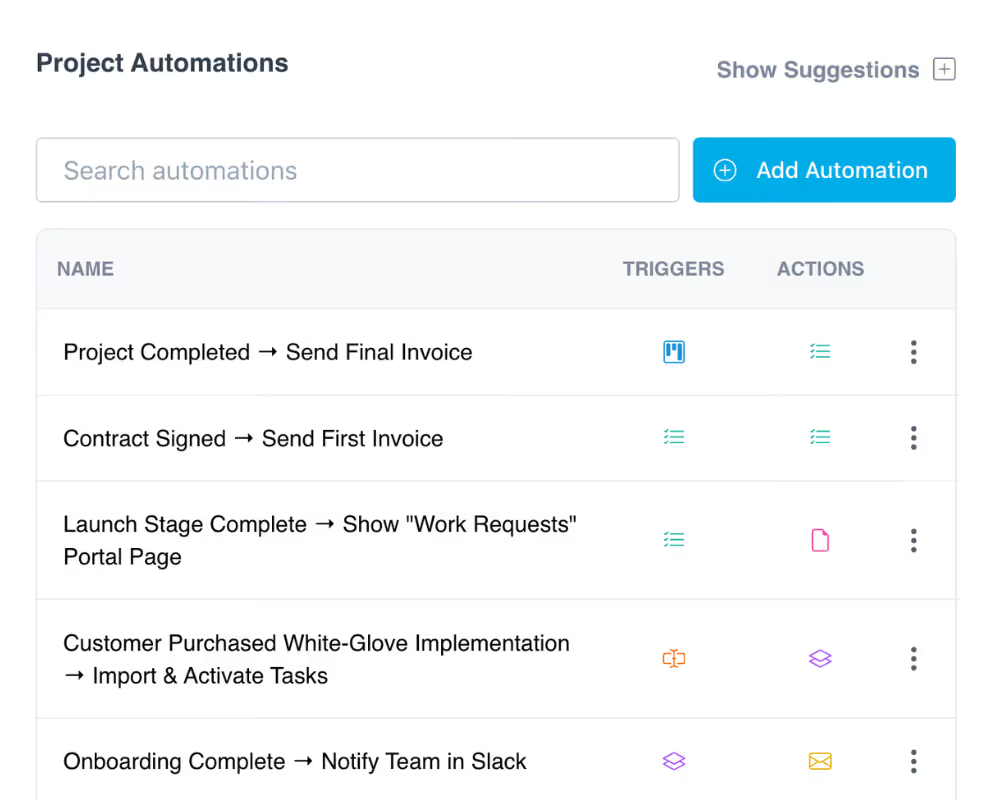
Eliminate manual work by automating task assignment, client notifications, and handoffs. Trigger workflows when deals close, milestones hit, or stages complete.
Frequently Asked Questions (FAQs)


Run client work the smarter way
Replace scattered tools with one branded portal for onboarding clients, coordinating work, and delivering a better client experience.