.svg)
New MCP Features, File Upload Improvements, and More
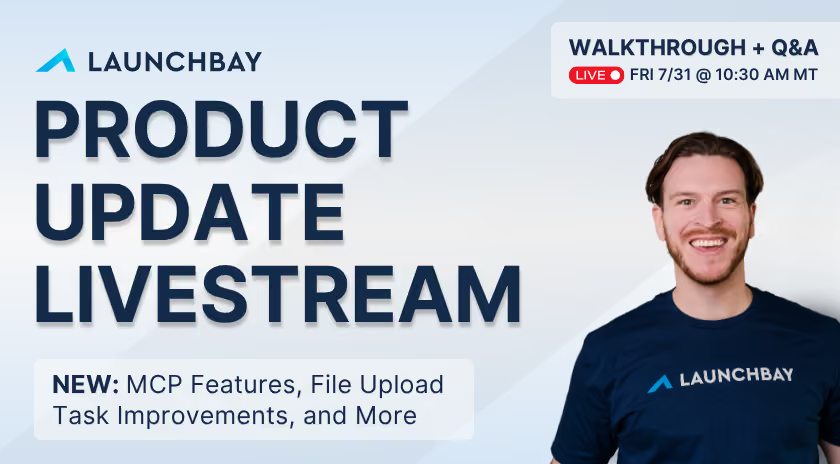
Watch the recording to learn about:
More MCP tools put project notes, and files, at your fingertips
The MCP Connector keeps expanding what you can do with LaunchBay from Claude, ChatGPT, or any connected assistant. Beyond creating and updating project notes, you can now retrieve the full version of a project's notes directly through MCP. Pull updates, next steps, and key information out of LaunchBay and into whatever tool your team is already working in.
On the stream, Sam also showed how to pull files uploaded to a project directly through MCP and push them straight into another tool. In his demo, that was a monday.com board, done entirely from a chat with Claude. He also showed how to save that exact workflow as a reusable Claude skill, so it runs the same way every time without re-explaining the request.
File upload tasks now get you the exact files you need
Getting the wrong file type or a photo that doesn't meet spec used to mean a back and forth with the customer. Now, when you're creating a file upload task in a project or template, you can specify the exact file type you need, Word or text, Excel, PDF, or image, along with minimum and maximum file dimensions for images. The result: fewer rejected uploads and less time spent chasing corrections. Sam demoed this live in a client portal on the stream, showing exactly what a client sees when they try to upload the wrong file type.
Catching up: Project Roles and Task Dependencies
Last week's release covered two features built to cut manual work out of running onboarding: Project Roles, which let you assign placeholder roles like Account Manager to tasks in a template and auto-assign real people, or clients, when a project kicks off, and Task Dependencies, which let you sequence tasks so one activates only after another is complete, including conditionally, based on how a client answers a question on their onboarding form.
Meet your experts
%20copy.avif)

Sam Chlebowski
Co-founder


Get back to the work you're best at.
LaunchBay's AI-powered client portal handles the collecting, reminding, and following up, so your team spends less time chasing clients and more time delivering.
Ready to stop chasing?