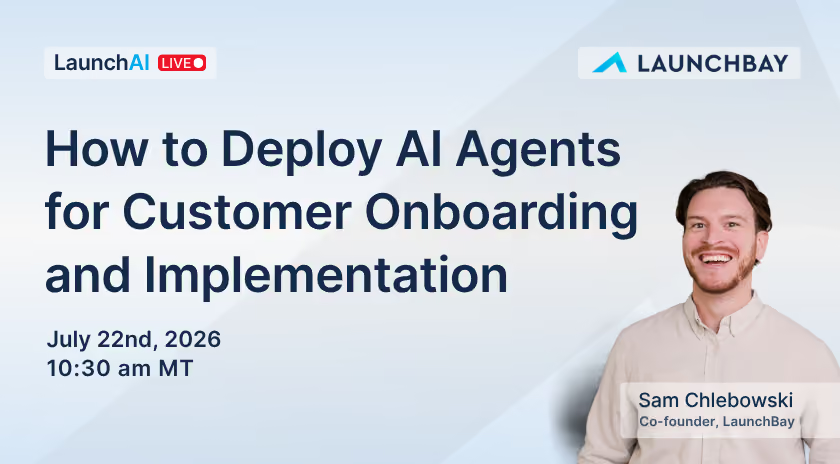
July 22, 2026

How to Deploy AI Agents for Customer Onboarding

Onboarding and implementation teams are drowning in status checks, follow-ups, and admin work that eats time you could be spending on the client relationship itself. In this episode of LaunchAI Live, LaunchBay co-founder Sam Chlebowski broke down what actually makes an AI agent different from a chatbot, walked through LaunchBay's three live agents in his own account, and showed how to wire it all up to Claude, ChatGPT, and other MCP-compatible tools.

What makes an AI agent different from a chat interface

The session opened with a simple but important distinction: an AI agent isn't the same thing as a chat window you ask questions to. Agents are autonomous, they work in the background constantly, performing one specific job without you having to prompt them.

LaunchBay currently ships three of these background agents:

Client Sentiment reads through every piece of client communication, messages and comments alike, and flags negative or frustrated tone before it turns into a bigger problem. Because customers communicate across so many different channels, warning signs can slip past a busy team until it's too late. This agent catches that shift early and suggests a next step, like drafting a reply that gets the client the help they need.

Client Accountability suggests nudges and escalations when client tasks go overdue or sit incomplete. Sam called this one his personal favorite, a pain he experienced firsthand running a marketing and design agency before co-founding LaunchBay: chasing clients for the information or approvals your own team is blocked on.

Decisions logs the decisions that come out of meetings and messages automatically, the "we agreed to add this deliverable" moment that otherwise means scrambling after a call to write it down, assign tasks, and send a follow-up email. Once a decision is logged, you can edit it, then create tasks from it, send a nudge, or even build a new form, all from chat.

LaunchAI Chat, the natively built-in chat experience, works similarly in the background too, opening every session with a briefing of unread items, critical flags, and a quick summary across your projects.

Getting agents working in your projects

One practical detail worth knowing: agents need to be added to a project before they start working in the background. You can add them one project at a time, or set them up inside a template so every new project gets them automatically without extra setup.

Platform-agnostic by design

A question early in the session asked whether this is tied to a specific AI environment. It isn't. LaunchAI's agents and chat work natively inside LaunchBay, but the same functionality is available through the MCP Connector in any MCP-compatible tool, including Claude, Claude Code, Codex, ChatGPT, and Perplexity.

Sam shared a real example from a customer conversation: a newer LaunchBay account is using Claude, wired in through the MCP Connector, to build out their entire onboarding setup before going live, forms, tasks, and full workflows, by describing what they want directly in a Claude chat and having it create the structure in LaunchBay.

Another example: pulling a status update across every active project and sending it straight to a team's Slack or Gmail, chaining LaunchBay's MCP with another tool's MCP in the same conversation, no manual copy-paste in between.

Don't miss the next livestream

Get notified when we go live: product updates, AI agent workflows, and real onboarding walkthroughs, with space to ask questions live.

You're in! We'll email you when the next livestream goes live.
Oops! Something went wrong while submitting the form.

Take command of every customer onboarding.

One platform to run, monitor, and manage every customer onboarding, with full visibility into every account.

Ready to stop wondering where things stand?