{ "@context": "https://schema.org", "@graph": [ { "@type": "WebPage", "@id": "https://www.launchbay.com/crm-implementation/clay", "url": "https://www.launchbay.com/crm-implementation/clay", "name": "Client Onboarding & Workflow Management for Clay Implementations | LaunchBay", "description": "Replace scattered docs and manual follow-ups with one structured system for Clay implementation projects. Collect inputs, automate tasks, and keep clients aligned from enrichment setup to outbound launch.", "isPartOf": { "@type": "WebSite", "@id": "https://www.launchbay.com/#website" }, "about": { "@type": "SoftwareApplication", "name": "LaunchBay", "applicationCategory": "BusinessApplication", "url": "https://www.launchbay.com" } }, { "@type": "FAQPage", "@id": "https://www.launchbay.com/crm-implementation/clay#faq", "mainEntity": [ { "@type": "Question", "name": "How does LaunchBay support Clay implementation workflows?", "acceptedAnswer": { "@type": "Answer", "text": "LaunchBay centralizes tasks, enrichment inputs, approvals, and visibility into one structured client portal, helping Clay teams deliver complex builds with clarity and consistency." } }, { "@type": "Question", "name": "Can LaunchBay integrate with Clay?", "acceptedAnswer": { "@type": "Answer", "text": "Yes. Through Zapier and other integrations, you can connect Clay workflows to LaunchBay projects, trigger onboarding processes, and sync updates across your CRM and growth stack." } }, { "@type": "Question", "name": "Will LaunchBay help reduce stalled Clay projects and implementation churn?", "acceptedAnswer": { "@type": "Answer", "text": "Yes. By automating reminders, structuring data collection, and clearly outlining responsibilities, LaunchBay reduces bottlenecks and keeps enrichment and outbound builds moving forward." } }, { "@type": "Question", "name": "How does LaunchBay help standardize Clay enrichment and outbound workflows?", "acceptedAnswer": { "@type": "Answer", "text": "LaunchBay lets Clay consultants template their entire implementation process, from ICP definition and data source selection through enrichment configuration, QA, and launch. Every Clay build follows the same proven structure while allowing flexibility for each client's targeting strategy and tech stack." } }, { "@type": "Question", "name": "Can LaunchBay securely collect API keys, data provider credentials, and CRM access for Clay projects?", "acceptedAnswer": { "@type": "Answer", "text": "Yes. LaunchBay provides structured forms and encrypted file uploads inside a branded client portal, so your clients can submit API keys, data provider credentials, and CRM access details in one secure location rather than over email or Slack." } }, { "@type": "Question", "name": "Do Clay implementation clients get their own portal to track progress?", "acceptedAnswer": { "@type": "Answer", "text": "Yes. LaunchBay includes fully white-labeled, login-free client portals that give Clay clients a single link to view tasks, submit enrichment inputs, upload files, and track where their implementation stands, without needing separate accounts or additional tools." } }, { "@type": "Question", "name": "Does LaunchBay include a progress tracker for Clay implementation phases?", "acceptedAnswer": { "@type": "Answer", "text": "Yes. LaunchBay's built-in progress tracker shows clients exactly where they are across enrichment setup, automation configuration, CRM sync, outbound sequencing, and launch readiness, reducing status check-ins and where are we at messages." } }, { "@type": "Question", "name": "How does LaunchBay handle client approvals during Clay implementations?", "acceptedAnswer": { "@type": "Answer", "text": "LaunchBay centralizes feedback and approvals directly inside the client portal. Clients can review enrichment logic, approve outbound messaging frameworks, and sign off on ICP definitions, all within the same workspace. Automated reminders ensure approvals don't stall your build timeline." } }, { "@type": "Question", "name": "Can LaunchBay automate task sequencing for Clay implementation projects?", "acceptedAnswer": { "@type": "Answer", "text": "Yes. LaunchBay includes workflow automation that triggers tasks based on completed phases or milestones. For example, completing enrichment configuration can automatically unlock QA and testing tasks, ensuring every Clay build follows the right sequence without manual coordination." } }, { "@type": "Question", "name": "What reporting and visibility does LaunchBay provide for Clay implementation teams?", "acceptedAnswer": { "@type": "Answer", "text": "LaunchBay provides admin-level dashboards that show project status, client responsiveness, and operational bottlenecks across all active Clay builds. This gives implementation leads and agency owners real-time visibility without chasing updates from individual project managers." } }, { "@type": "Question", "name": "How does LaunchBay help Clay consultancies scale without adding headcount?", "acceptedAnswer": { "@type": "Answer", "text": "LaunchBay replaces fragmented tools and manual follow-ups with a single operating system for Clay implementations. By templatizing workflows, automating client reminders, and centralizing all inputs and deliverables, teams can take on more Clay builds without increasing project management overhead." } } ] } ] }

Trusted Client Workflows & Onboarding for Clay Implementations

Reduce manual coordination, eliminate guesswork, and deliver consistent Clay implementation projects from enrichment setup to outbound launch.

Designed for Clay consultants, RevOps teams, outbound agencies, and growth operators who want scalable, repeatable Clay deployments.
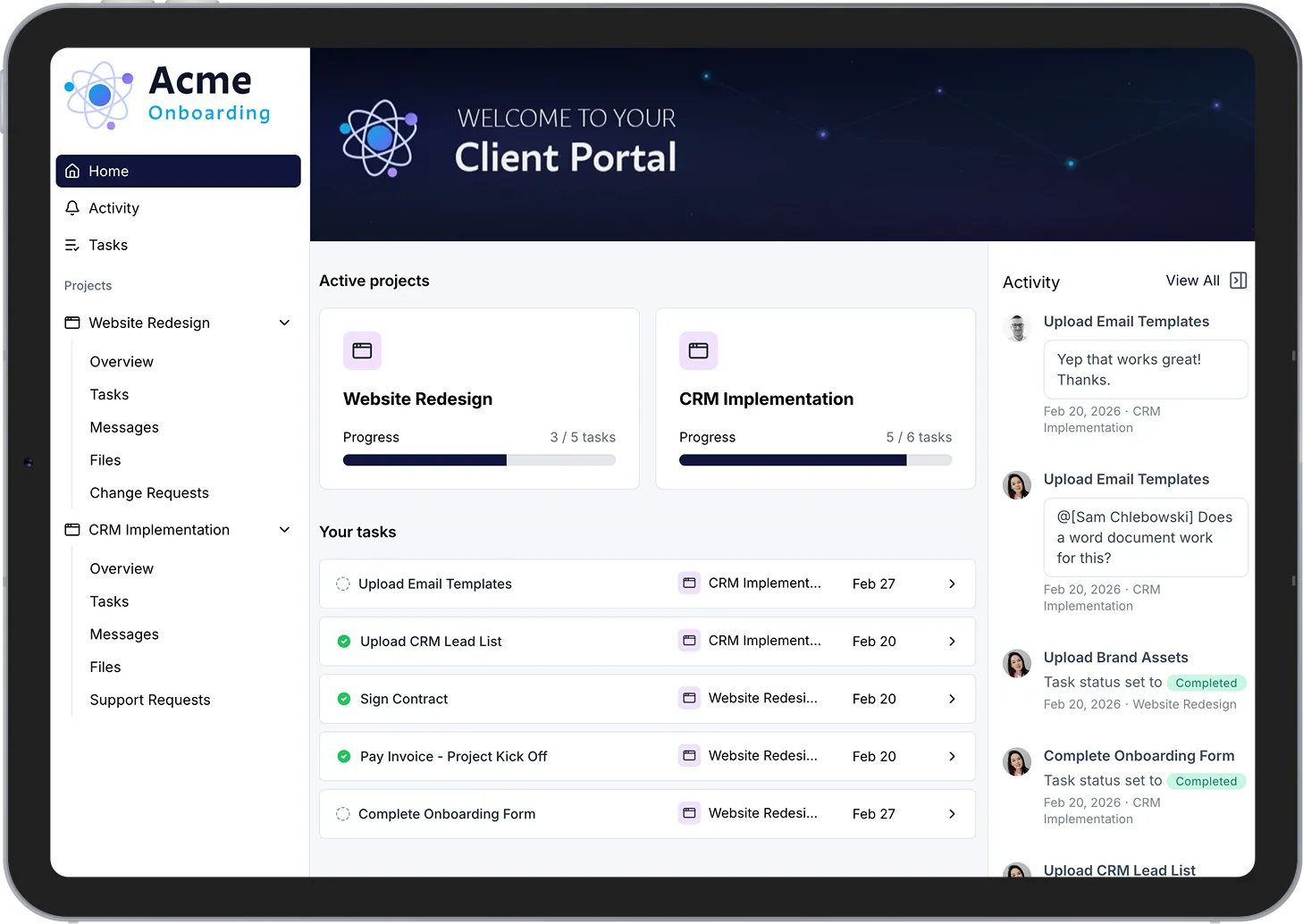
Powering 20,000+ client onboardings every month

Why LaunchBay for Clay Implementations
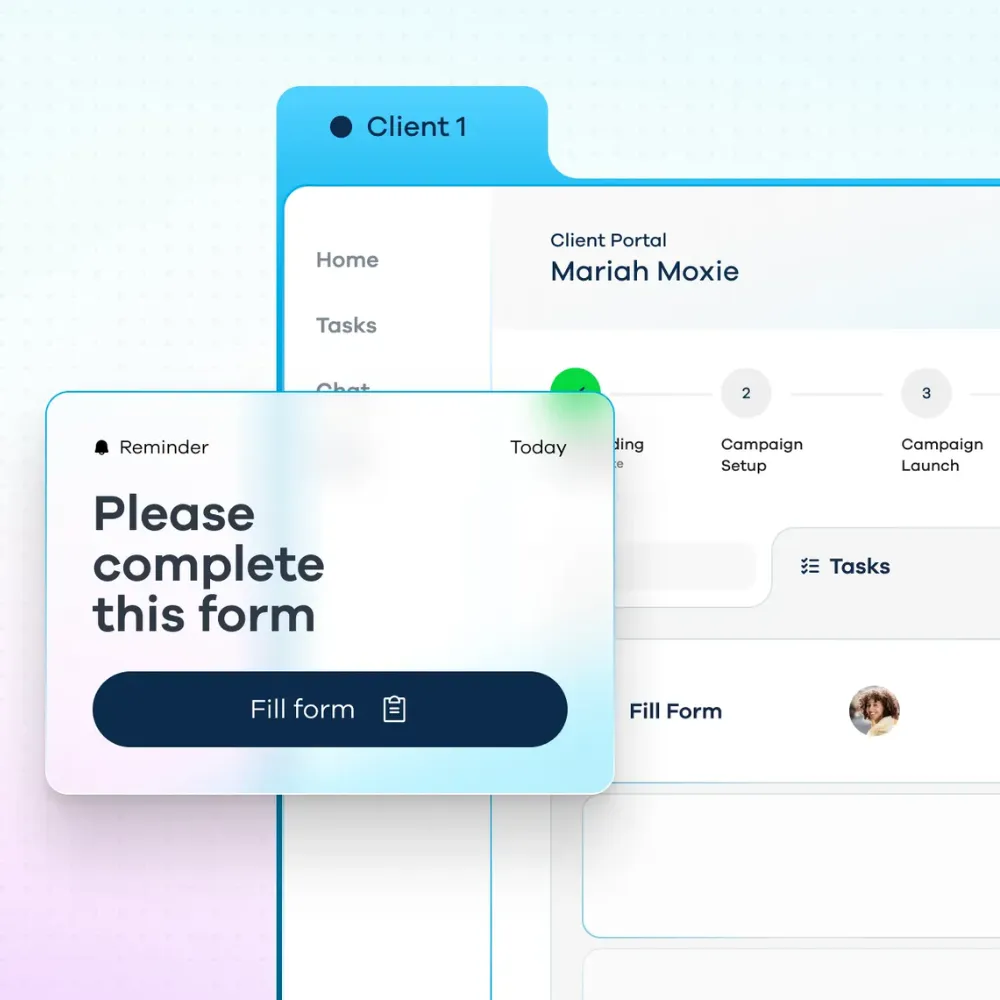
Centralize Complex Data Collection & Workflow Inputs

Clay implementations often require:

  • API keys
  • Data provider credentials
  • Enrichment logic
  • ICP definitions
  • Lead scoring rules
  • Outbound messaging inputs

Replace scattered Notion docs, Slack threads, and spreadsheets with one structured workspace where clients securely submit everything you need.

5

LaunchBay now does the work of 5 separate tools Nutrislice once needed for client onboarding.

Keep Growth Teams Aligned and Moving

Clay projects move fast, but client bottlenecks slow them down.

LaunchBay portals:

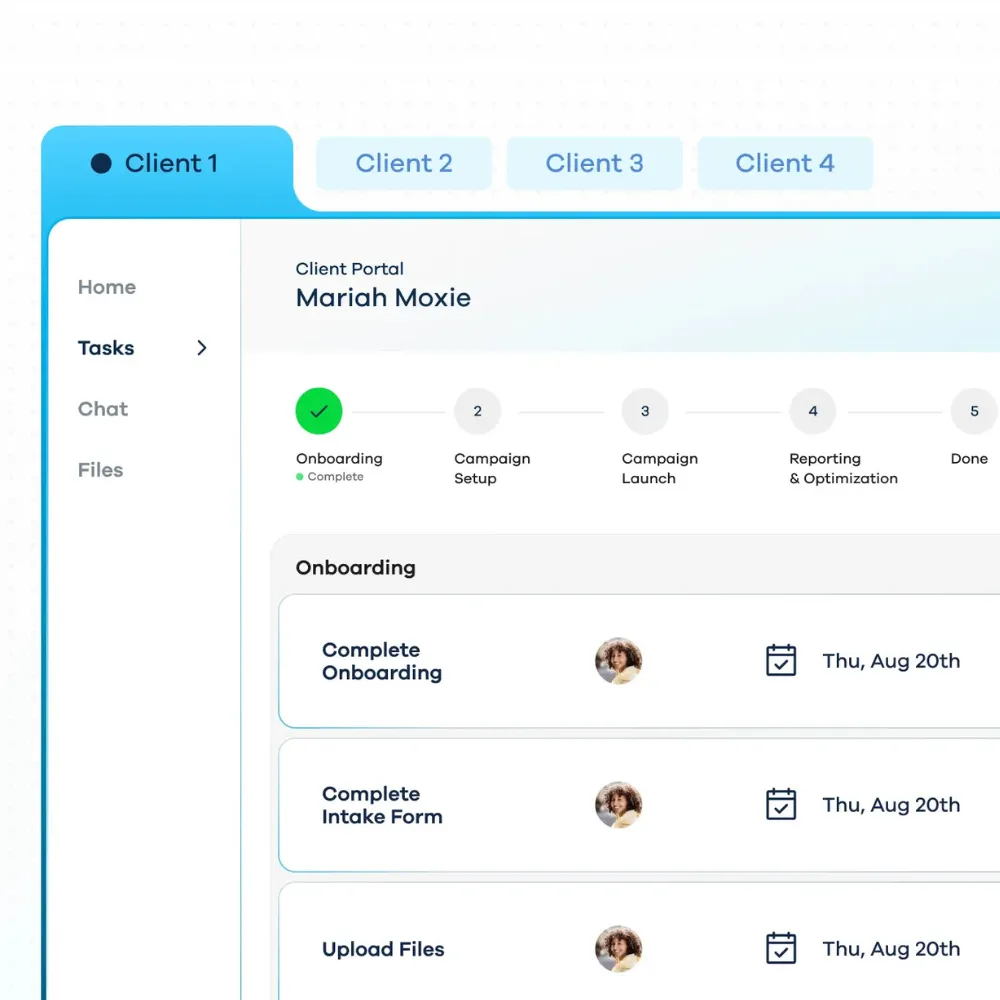
  • Show exactly what’s complete and what’s pending
  • Reduce “waiting on client” delays
  • Provide transparency across stakeholders (founders, RevOps, SDR leaders)

No more chasing approvals or missing inputs.

4

+

Wirely saves 4+ hours per client during onboarding & implementation with LaunchBay.

Scale Clay Delivery Without Adding Headcount

As your Clay practice grows:

  • Standardize enrichment workflows
  • Template outbound playbooks
  • Automate client reminders
  • Reuse your best implementation frameworks

Deliver more Clay builds without increasing project management overhead.

3

Rocketstay was able to move 3 full time employees to other revenue focused, non-onboarding roles.

Benefits for Clay Teams & Agencies

For Clay Implementation Consultancies

  • Standardize complex enrichment workflows
  • Deliver faster deployments with fewer delays
  • Reduce operational drag as volume increases

For Outbound & Growth Strategies

  • Launch campaigns faster
  • Keep clients engaged during setup
  • Improve transparency across stakeholders
  • Turn Clay into a scalable service offering

For RevOps & Internal Growth Teams

  • Centralized visibility into Clay builds
  • Better collaboration between marketing, sales, and ops
  • Reduced friction during system rollouts
  • Cleaner handoffs from implementation to execution

How LaunchBay Works for Clay Implementation Teams

01.

Create your repeatable workflow

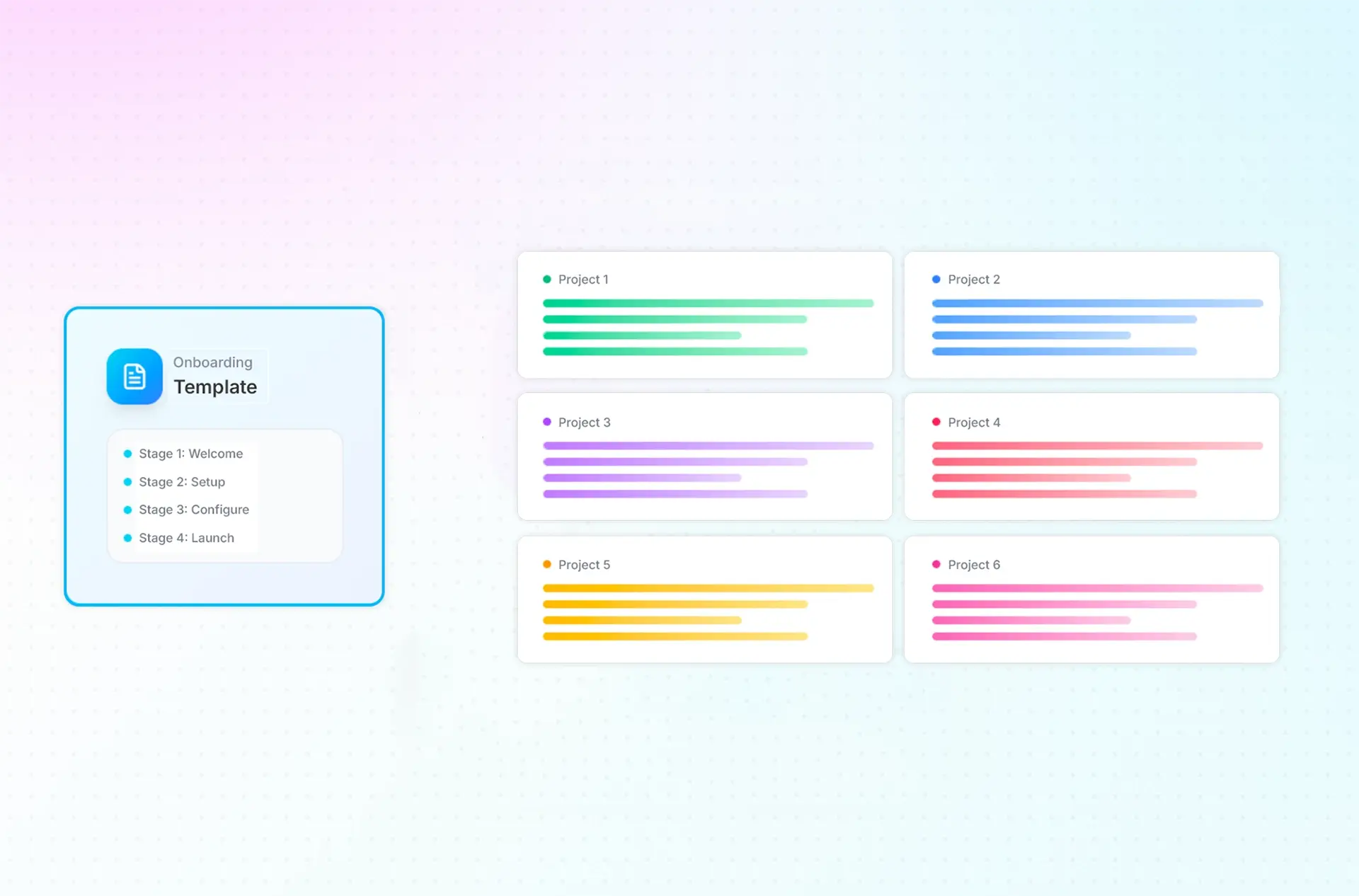
Ensure successful customer activation by deploying reusable project templates that standardize every stage of Clay implementation, including:

  • ICP & targeting strategy
  • Data source selection
  • Enrichment configuration
  • ICP definitions
  • Lead scoring rules
  • Outbound messaging inputs

02.

Collect client information without chasing

Clay builds require a large amount of customer information. LaunchBay automates the process so you can:

  • Use dynamic forms to gather ICP definitions and targeting rules
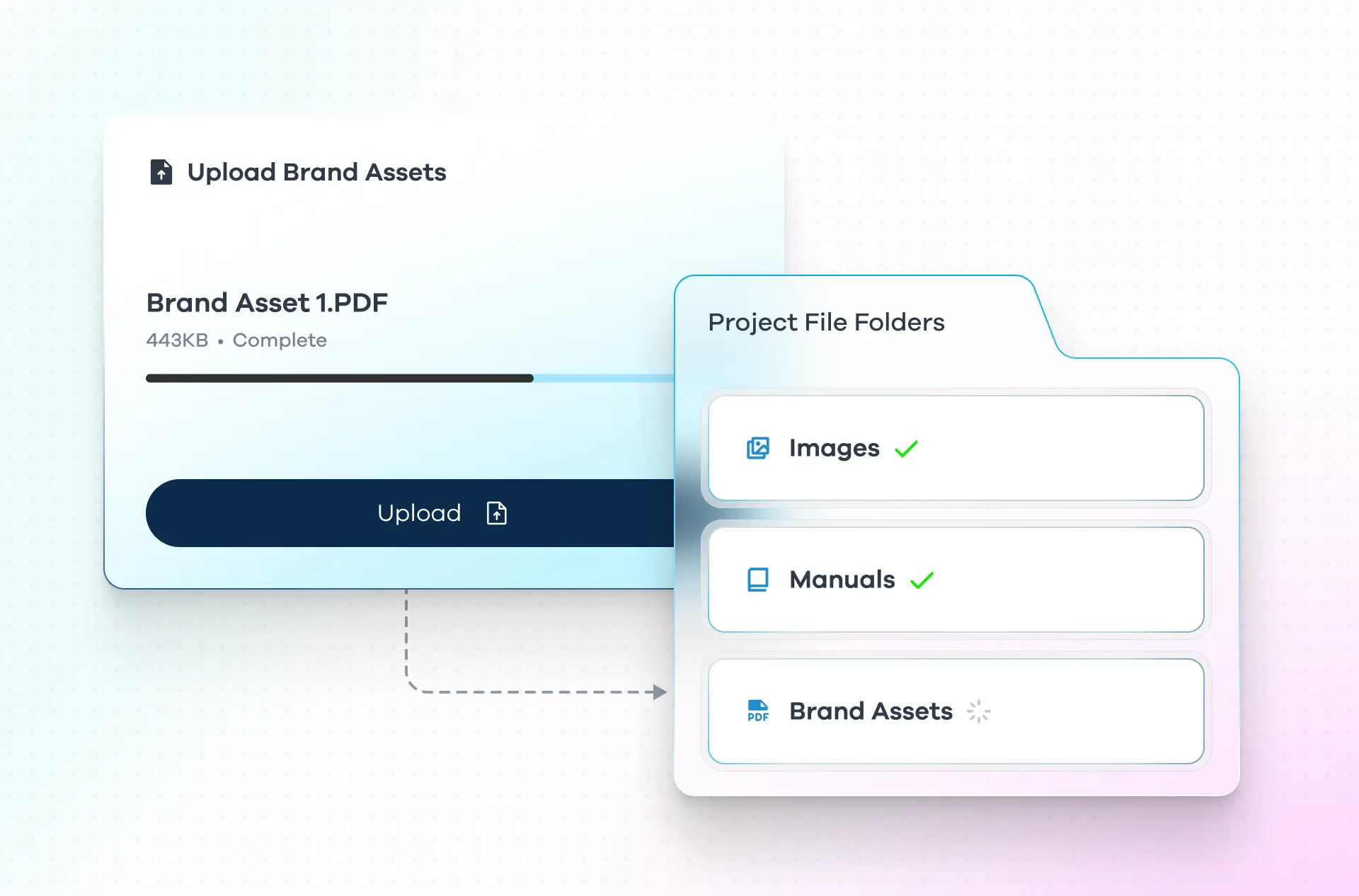
  • Securely collect API keys and data source credentials
  • Request messaging frameworks and outbound scripts
  • Link all uploads directly to specific tasks

Everything stays connected to the implementation workflow; no separate tools or email chains.

03.

Automate tasks, milestones,
and reminders

Clay workflows are highly dependent on timing and sequencing.

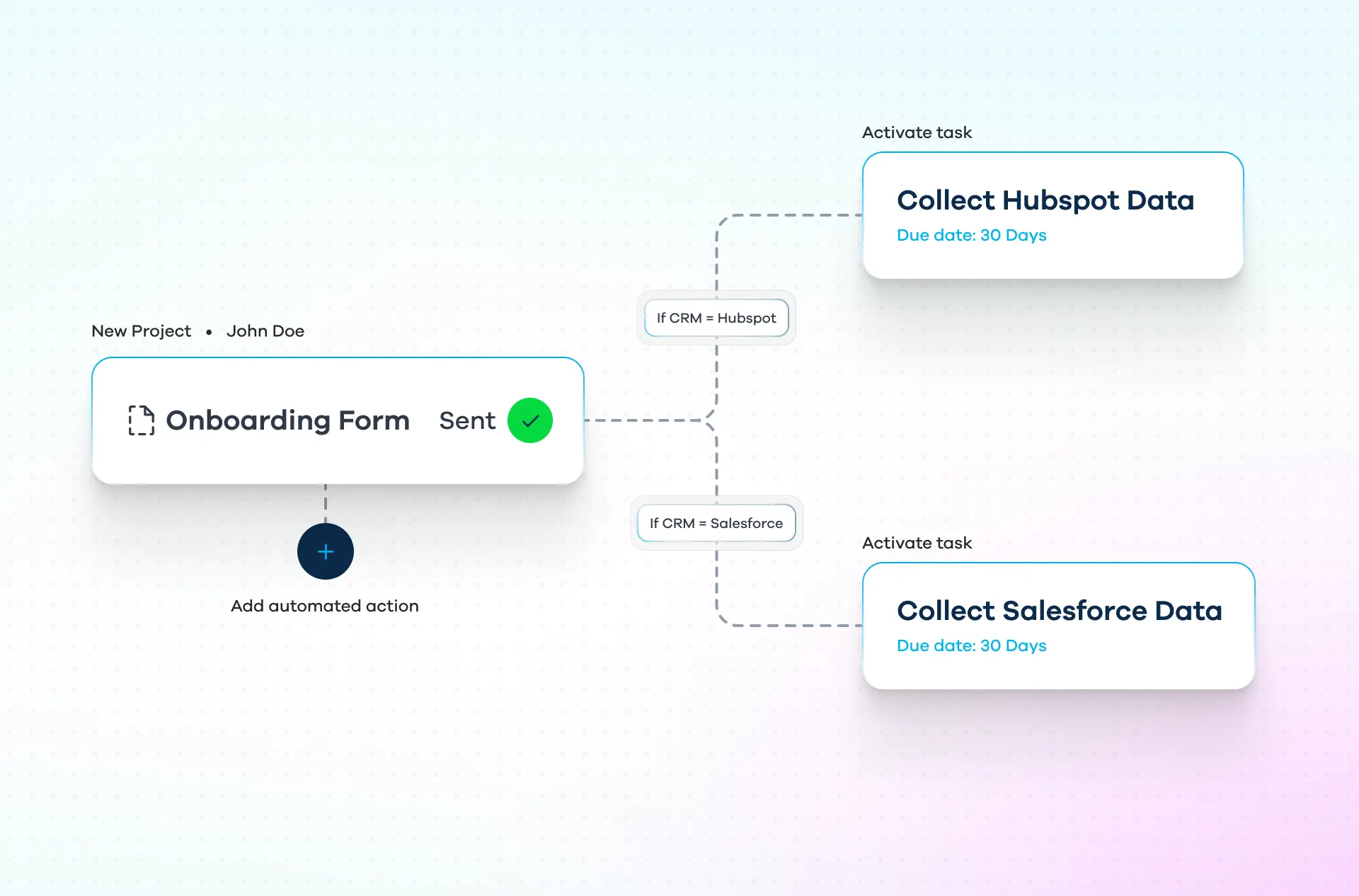
  • Trigger tasks when enrichment steps are completed
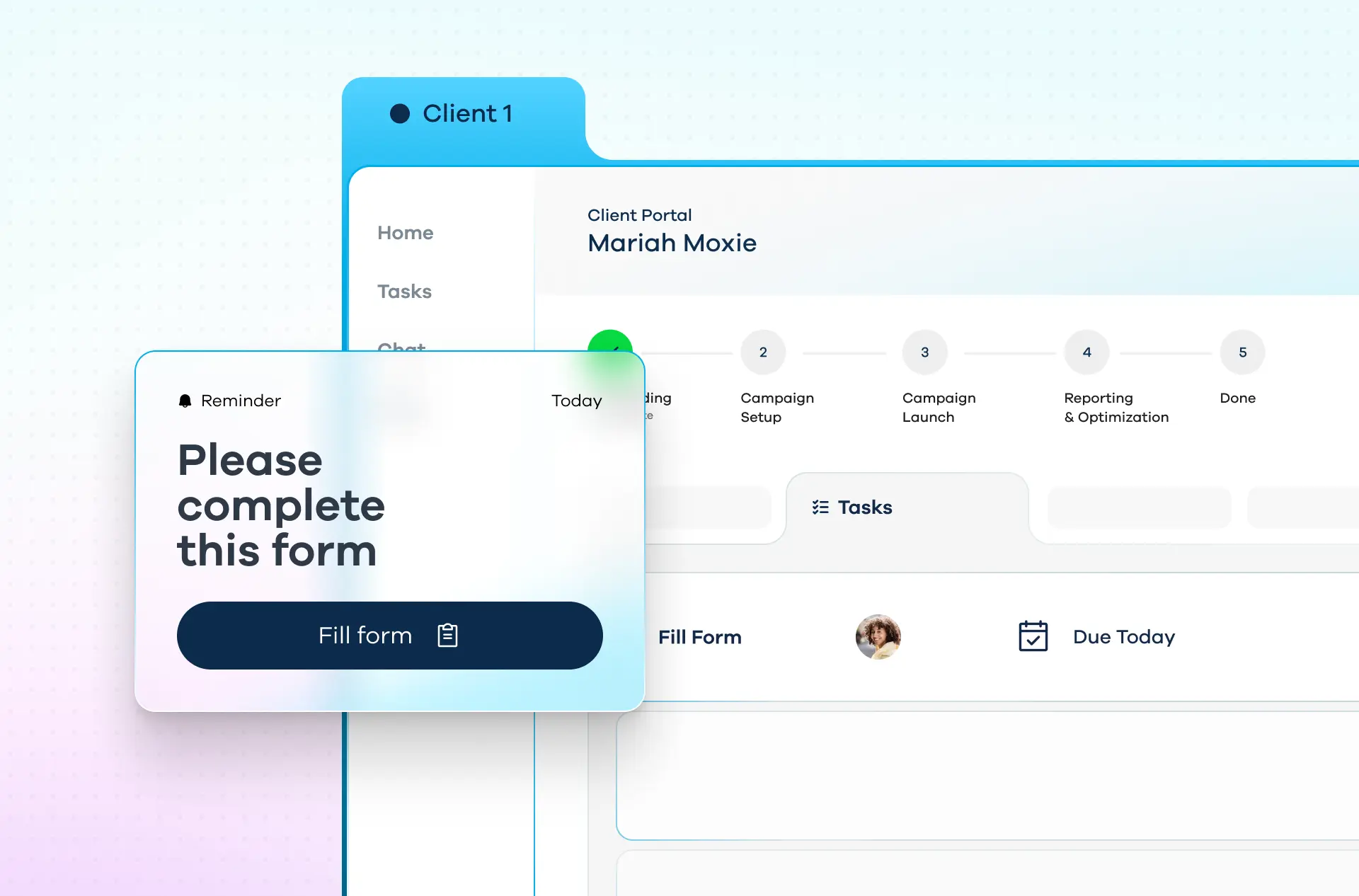
  • Automatically notify clients when input is required
  • Set milestone checkpoints for QA and launch
  • Reduce stalled projects with automated nudges

Keep both your internal team and your client accountable.
04.

Connect Clay to LaunchBay

Keep your sales, implementation, and RevOps teams aligned from deal close to go-live.

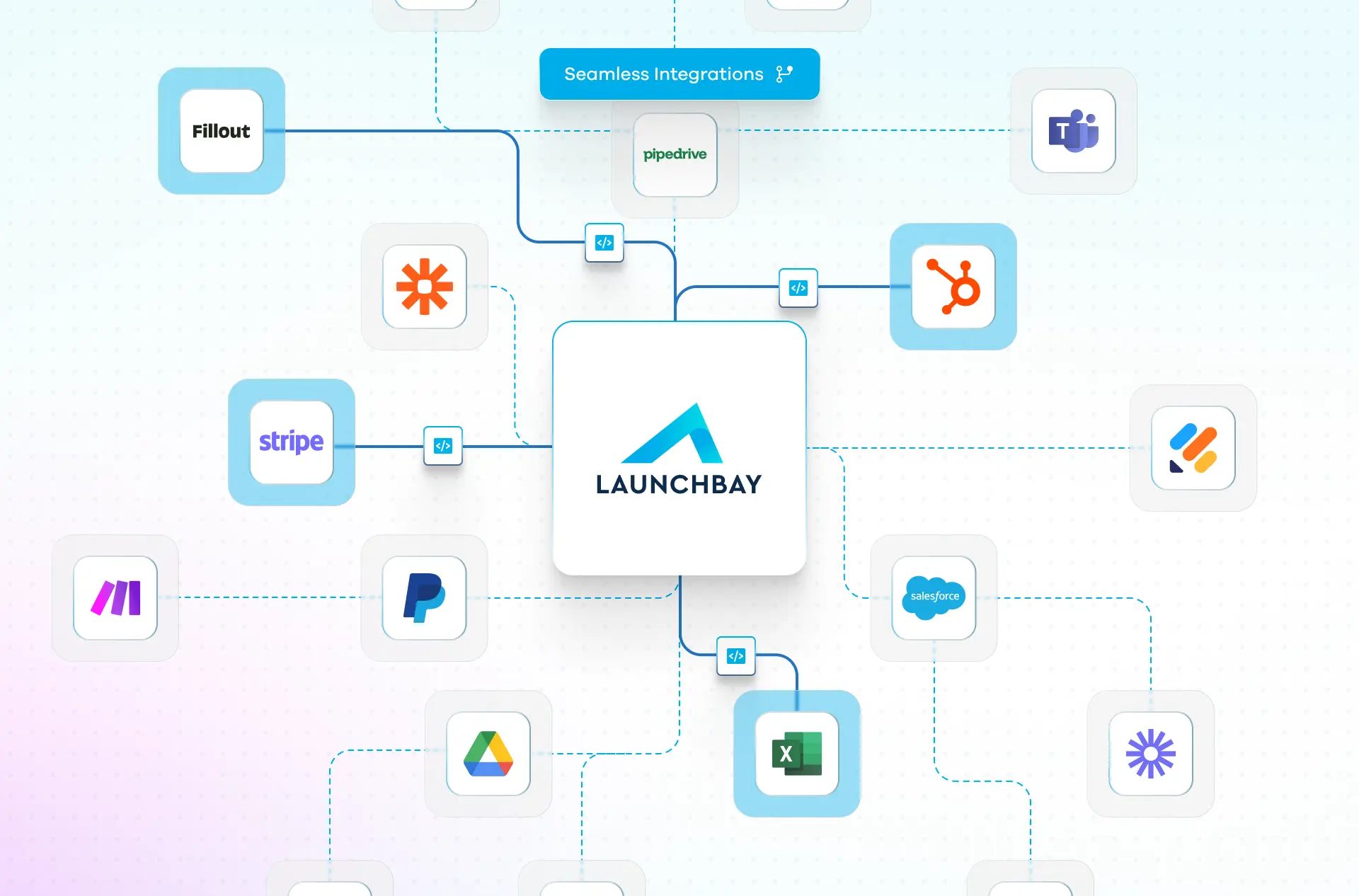
Connect Clay to LaunchBay and set up workflows to:

  • Automatically create LaunchBay projects when new Clay clients close
  • Sync lifecycle updates
  • Trigger onboarding workflows from your CRM

Frequently Asked Questions (FAQs)

How does LaunchBay support Clay implementation workflows?
LaunchBay is a client onboarding automation platform built for CRM implementation teams. It centralizes intake, data collection, task management, approvals, files, and communication into a single system so implementations run on a consistent, repeatable process instead of spreadsheets and email threads.
Can LaunchBay integrate with Clay?
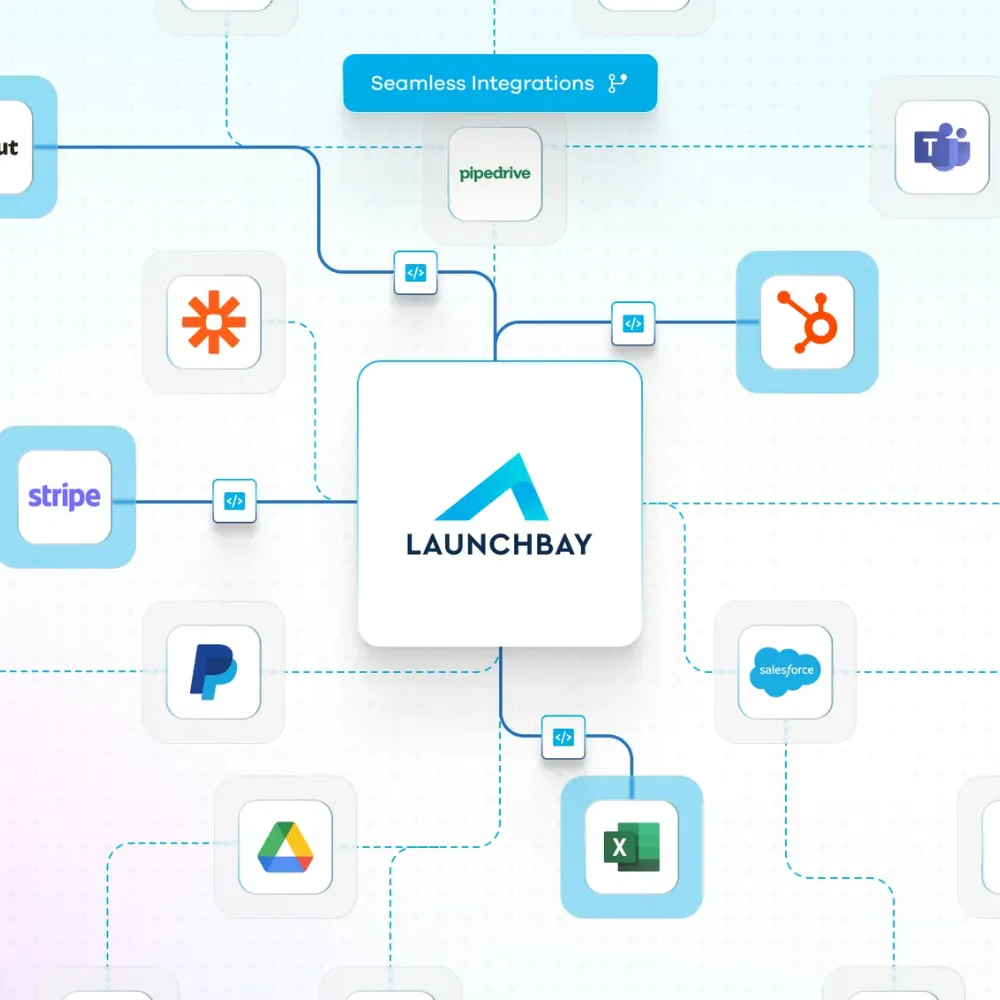
Yes. Through Zapier and other integrations, you can connect Clay workflows to LaunchBay projects, trigger onboarding processes, and sync updates across your CRM and growth stack. Because Clay also connects to HubSpot, Salesforce, Outreach, Apollo, and other data providers and internal CRMs, this allows you to create one fully connected onboarding and workflow implementation system.
Will LaunchBay help reduce stalled Clay projects and implementation churn?
Yes. By automating reminders, structuring data collection, and clearly outlining responsibilities, LaunchBay reduces bottlenecks and keeps enrichment and outbound builds moving forward.
How does LaunchBay help standardize Clay enrichment and outbound workflows?
LaunchBay lets Clay consultants template their entire implementation process, from ICP definition and data source selection through enrichment configuration, QA, and launch. Every Clay build follows the same proven structure while allowing flexibility for each client's targeting strategy and tech stack.
Can LaunchBay securely collect API keys, data provider credentials, and CRM access for Clay projects?
Yes. LaunchBay provides structured forms and encrypted file uploads inside a branded client portal, so your clients can submit API keys, data provider credentials, and CRM access details in one secure location rather than over email or Slack.
Do Clay implementation clients get their own portal to track progress?
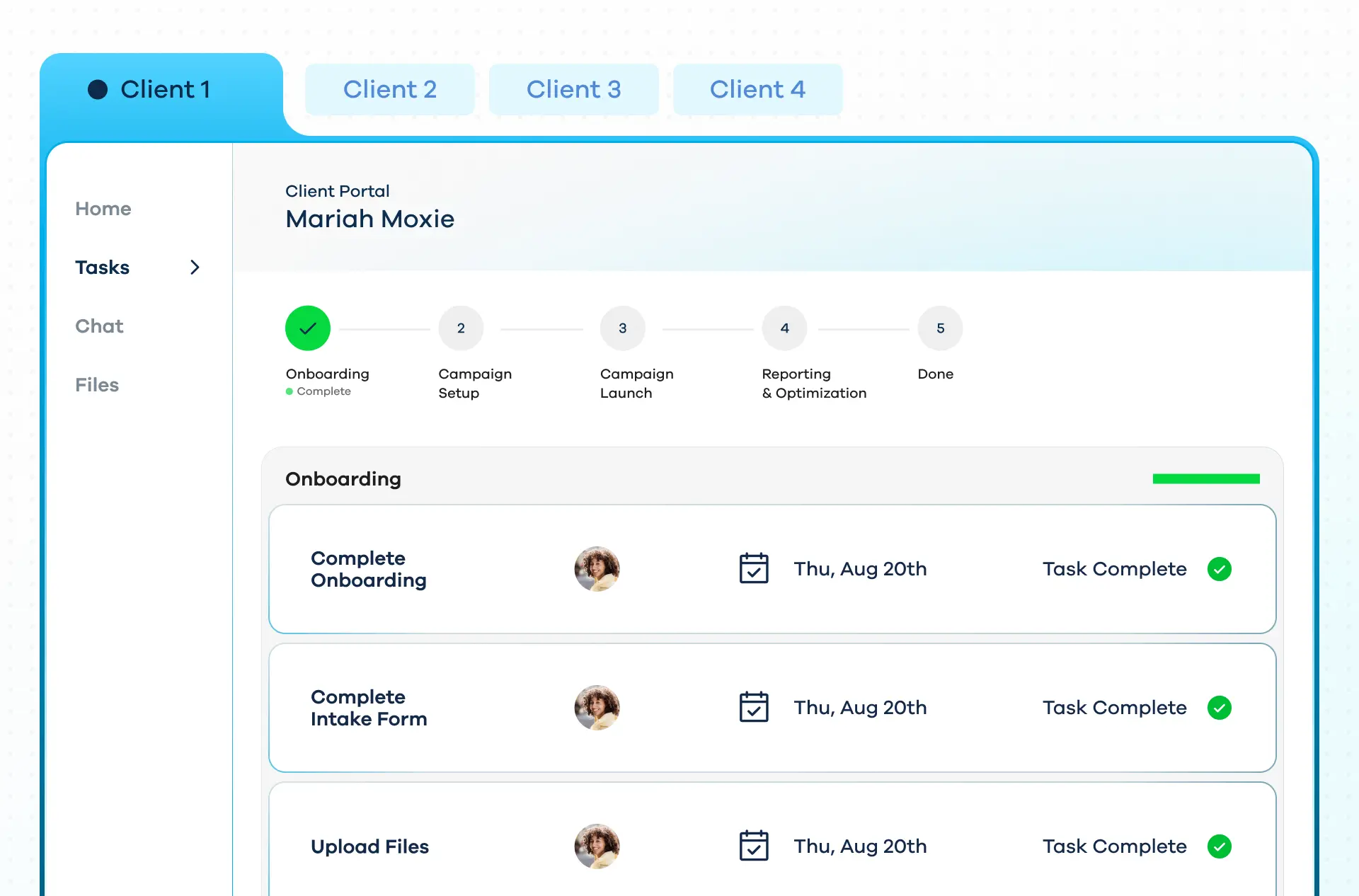
Yes. LaunchBay includes fully white-labeled, login-free client portals that give Clay clients a single link to view tasks, submit enrichment inputs, upload files, and track where their implementation stands, without needing separate accounts or additional tools.
Does LaunchBay include a progress tracker for Clay implementation phases?
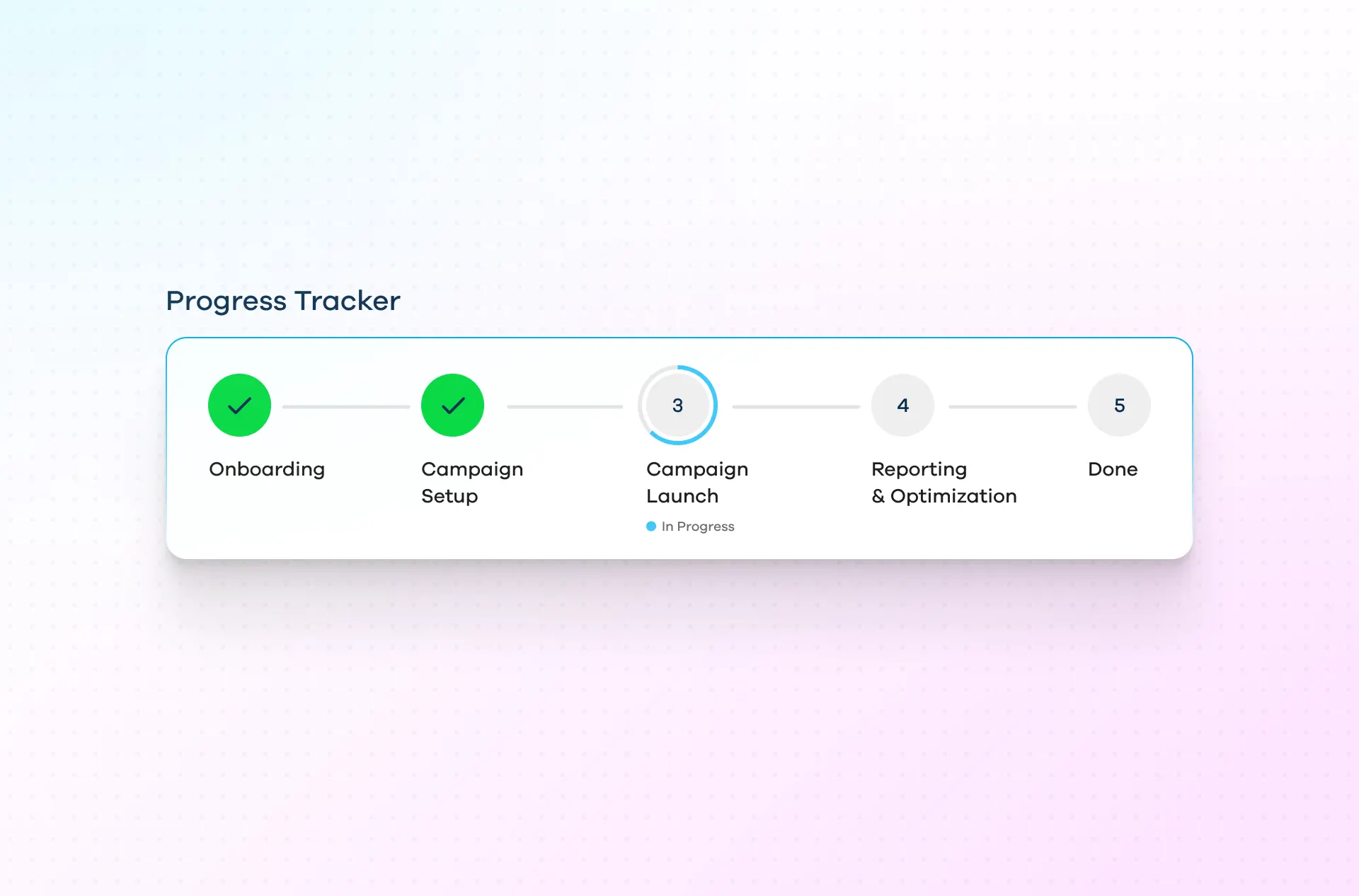
Yes. LaunchBay's built-in progress tracker shows clients exactly where they are across enrichment setup, automation configuration, CRM sync, outbound sequencing, and launch readiness, reducing status check-ins and "where are we at?" messages.
Can LaunchBay automate task sequencing for Clay implementation projects?
Yes. LaunchBay includes workflow automation that triggers tasks based on completed phases or milestones. For example, completing enrichment configuration can automatically unlock QA and testing tasks, ensuring every Clay build follows the right sequence without manual coordination.
What reporting and visibility does LaunchBay provide for Clay implementation teams?
LaunchBay provides admin-level dashboards that show project status, client responsiveness, and operational bottlenecks across all active Clay builds. This gives implementation leads and agency owners real-time visibility without chasing updates from individual project managers.
How does LaunchBay help CRM consultancies scale implementation capacity without hiring?
LaunchBay replaces fragmented tools and manual follow-ups with a single operating system for Clay implementations. By templatizing workflows, automating client reminders, and centralizing all inputs and deliverables, teams can take on more Clay builds without increasing project management overhead.

The smarter way to onboard clients

Replace scattered tools with one automated, branded platform built for visibility, consistency, and trust.