.svg)


Client portal and onboarding software for law firms
Automate client intake, document collection, and task follow-ups in one secure portal. LaunchBay helps law firms and legal professionals spend less time on administrative onboarding and more time focused on casework.
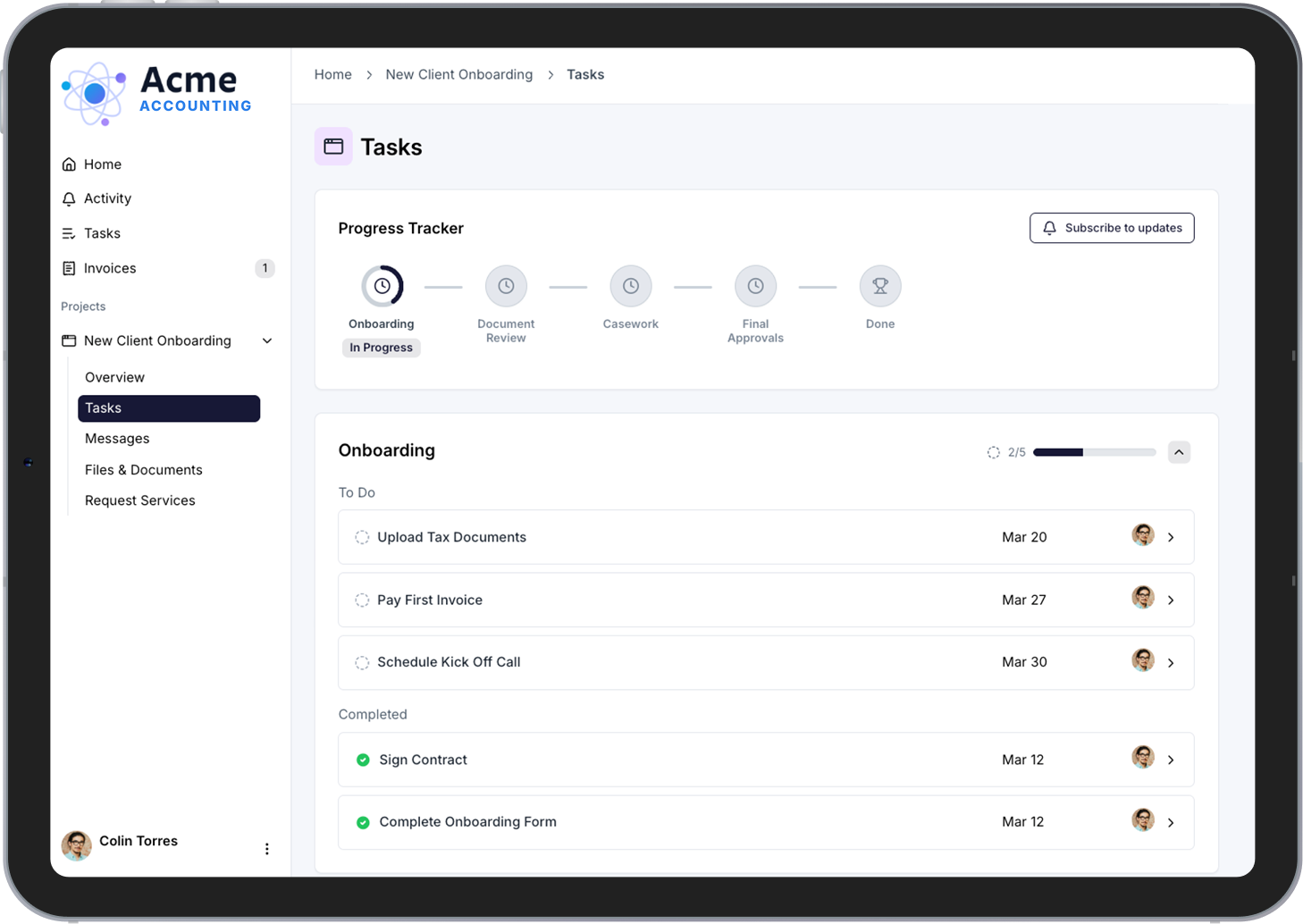
Stop losing billable hours to client intake


Collect every document without sending a single follow-up
Automatically request signed retainers, identification documents, case questionnaires, and supporting files through one organized portal. No more chasing clients over email or tracking what came in on a spreadsheet.

Give every client a polished, professional experience
Clients access a secure, branded portal where they can upload documents, view deadlines, complete tasks, and track case progress. No login required. No learning curve. Just a clean experience that builds trust from the first interaction.

Stay on top of every client without the mental overhead
Centralize communication, document requests, and task tracking so nothing falls through the cracks. LaunchBay keeps your team and your clients aligned through every matter, from intake through resolution.
Features law firms and legal professionals rely on in LaunchBay
Client Portals
Every client gets their own branded portal to upload documents, complete intake tasks, and track case milestones. Fully white-labeled to your firm. No client login required. One central place for everything your team needs from initial consultation through active representation.

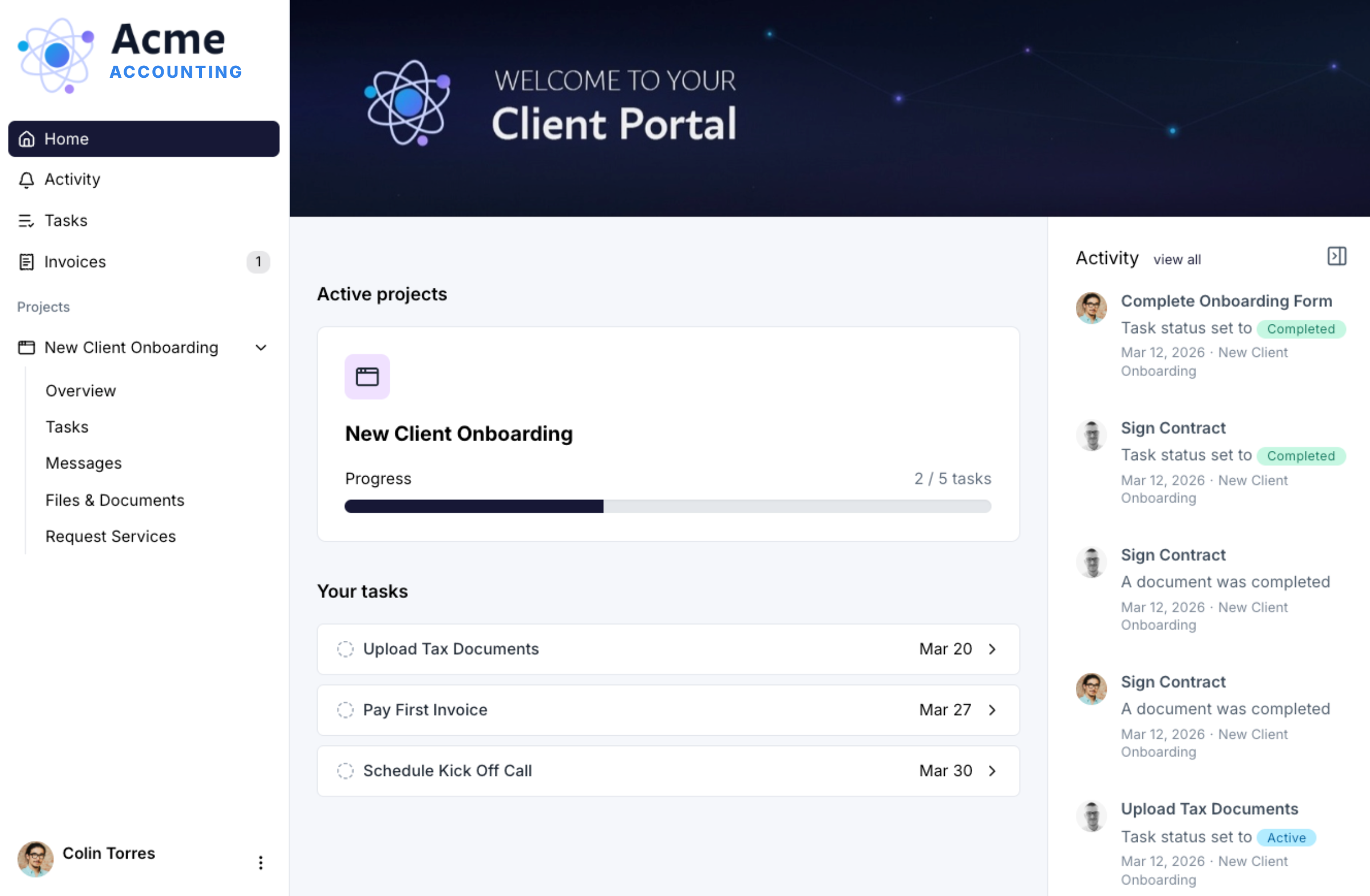
Onboarding Automation
Build repeatable intake workflows that collect signed retainers, conflict checks, identification documents, case questionnaires, and supporting files automatically. Whether you're onboarding one client or twenty in a week, every new matter follows the same structured process without manual coordination.
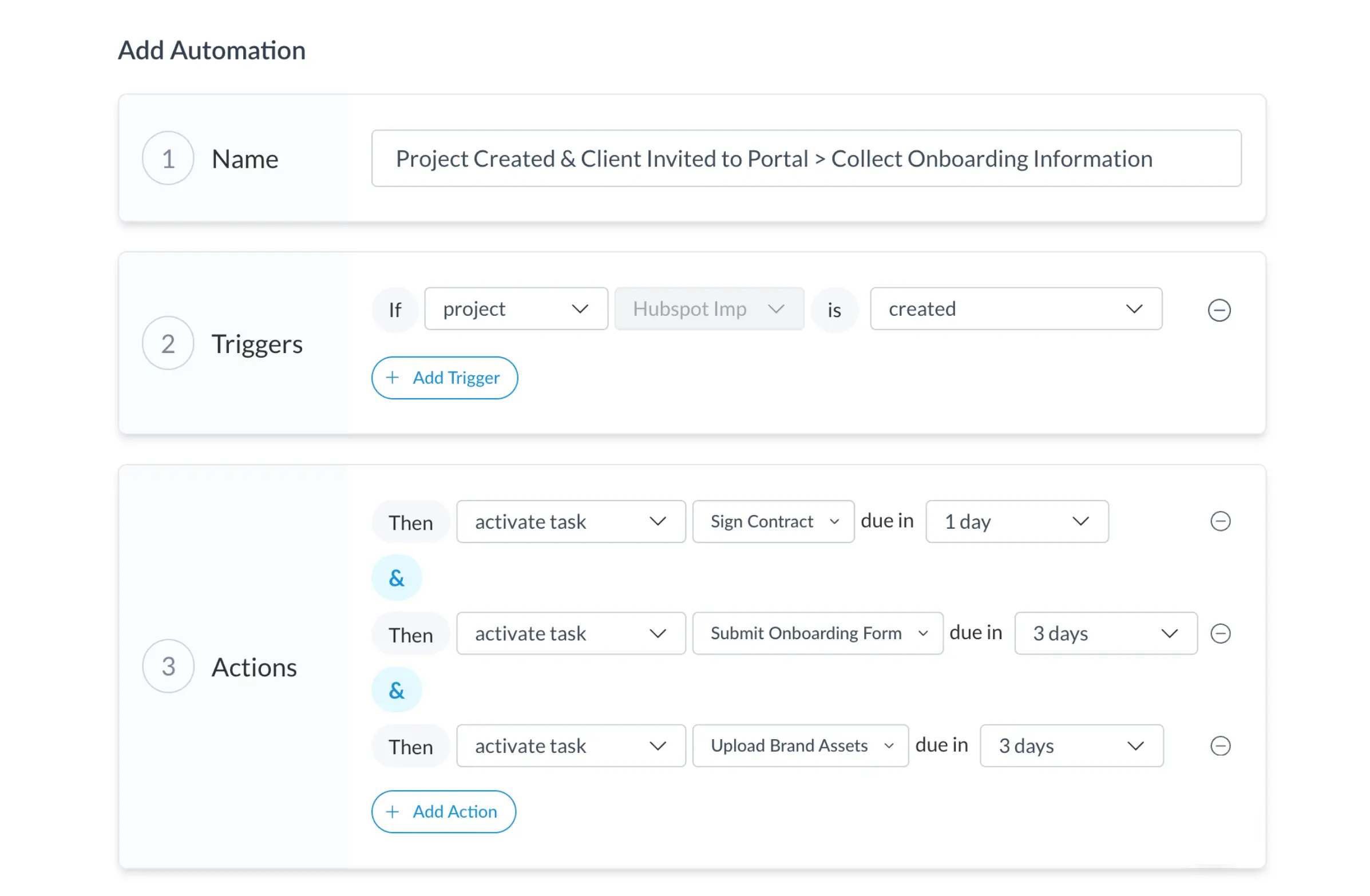
Contracts
Clients review and sign retainer agreements, engagement letters, and disclosure documents directly inside their portal. No third-party e-signature tool. No email back-and-forth. Get every new matter authorized faster and keep every signed document in one searchable place.
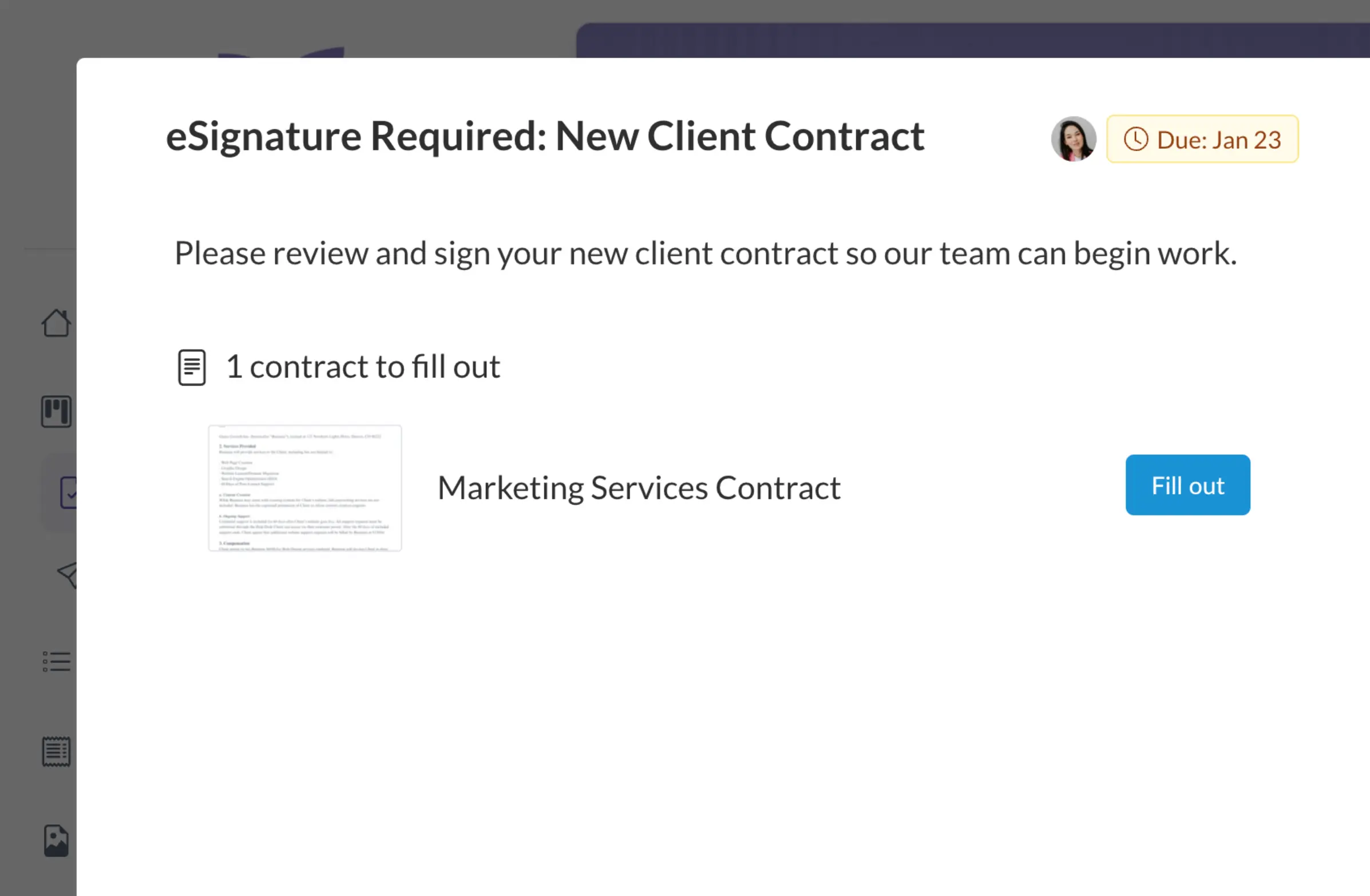
Project Progress Tracker
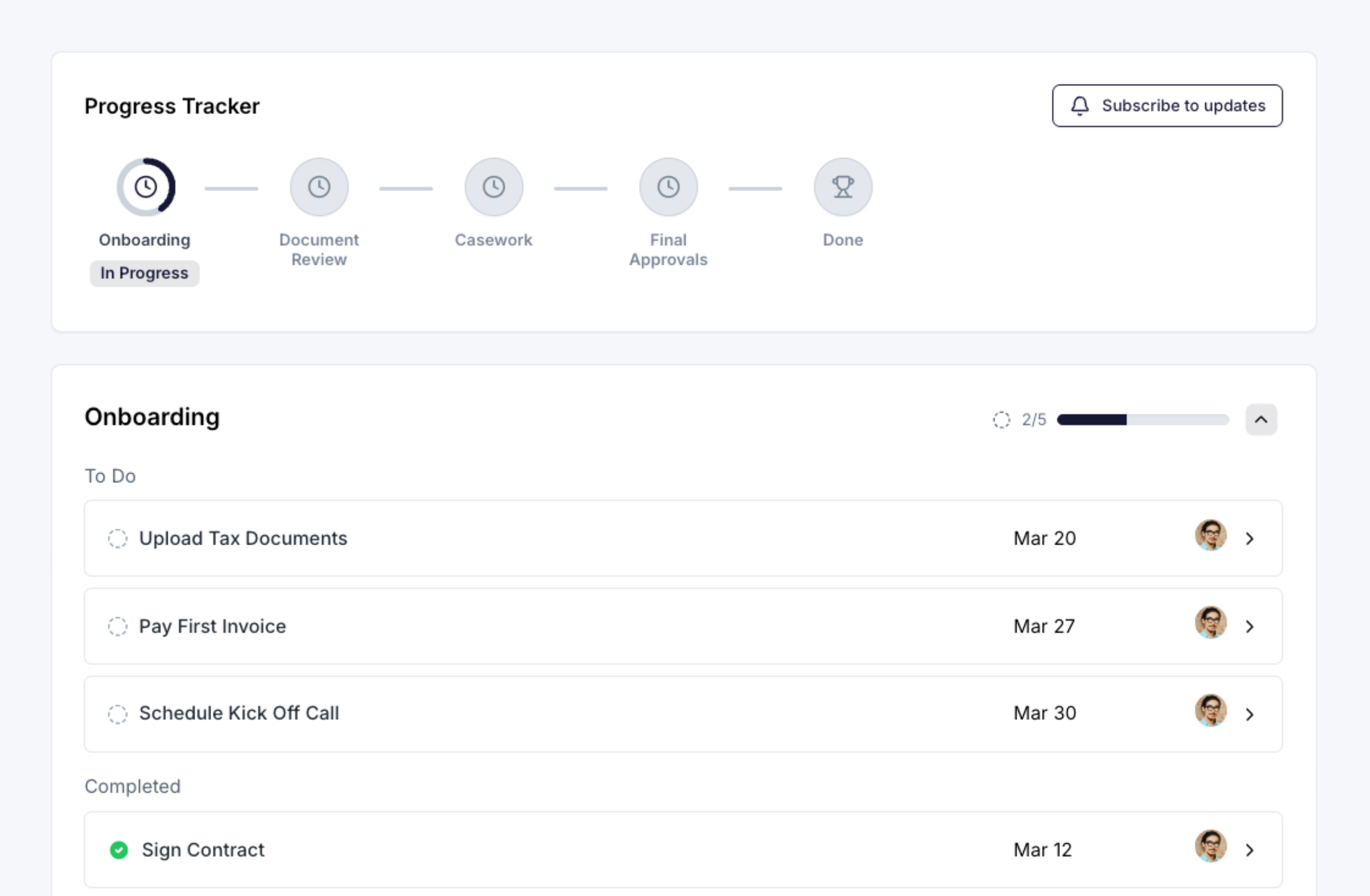
Give clients a live view of where their matter stands, from intake through discovery, filings, or case resolution. Your team sees what's on track and what's stalling. Clients stop asking "what's the status?" because the answer is always one click away.
Loginless Client Access
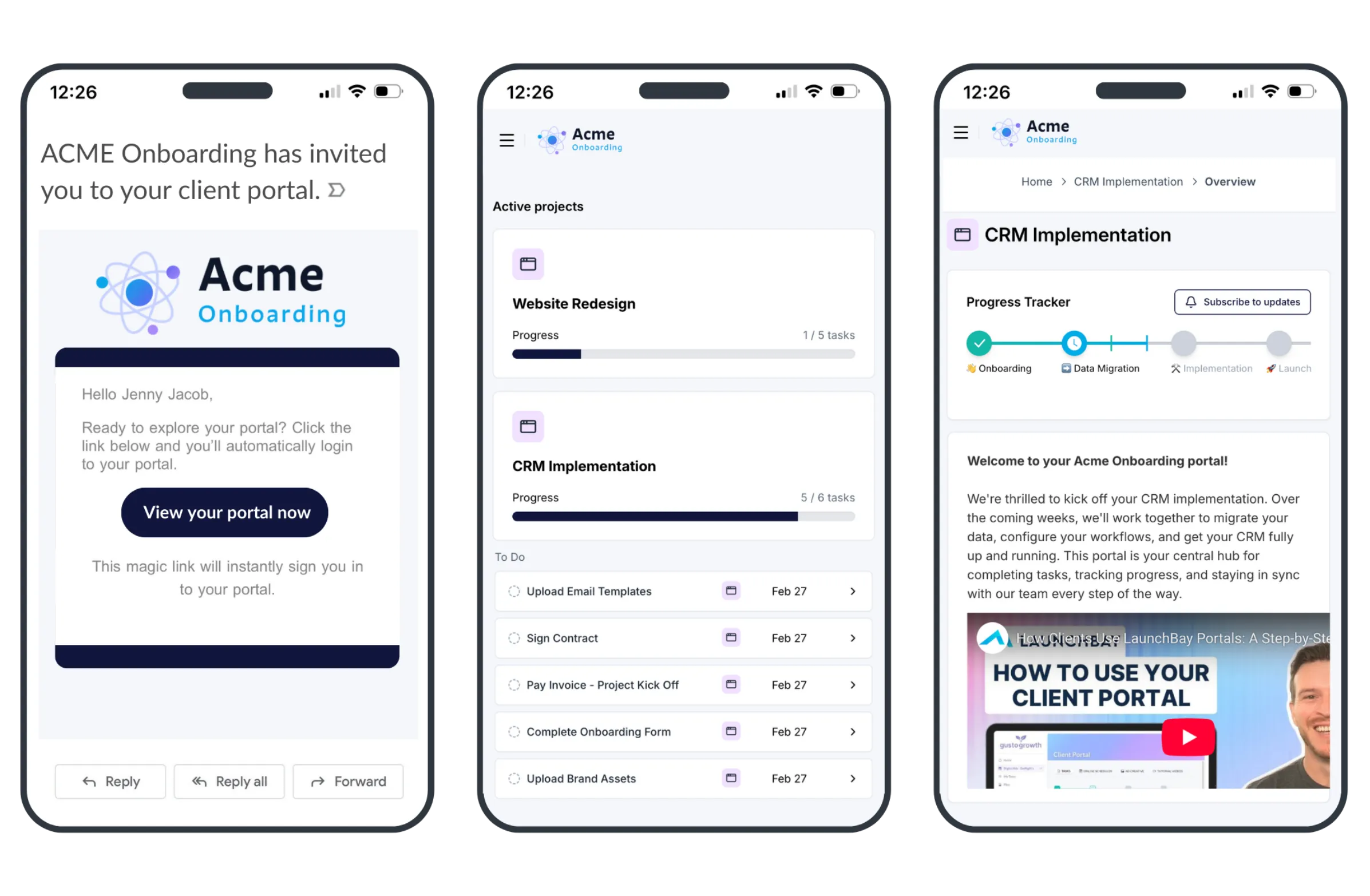
Clients access their portal by clicking a secure magic link sent to their email. No passwords. No account creation. No "I can't log in" support requests. One click and they're in, which means higher completion rates on document requests, intake forms, and every task you assign.
Integrations
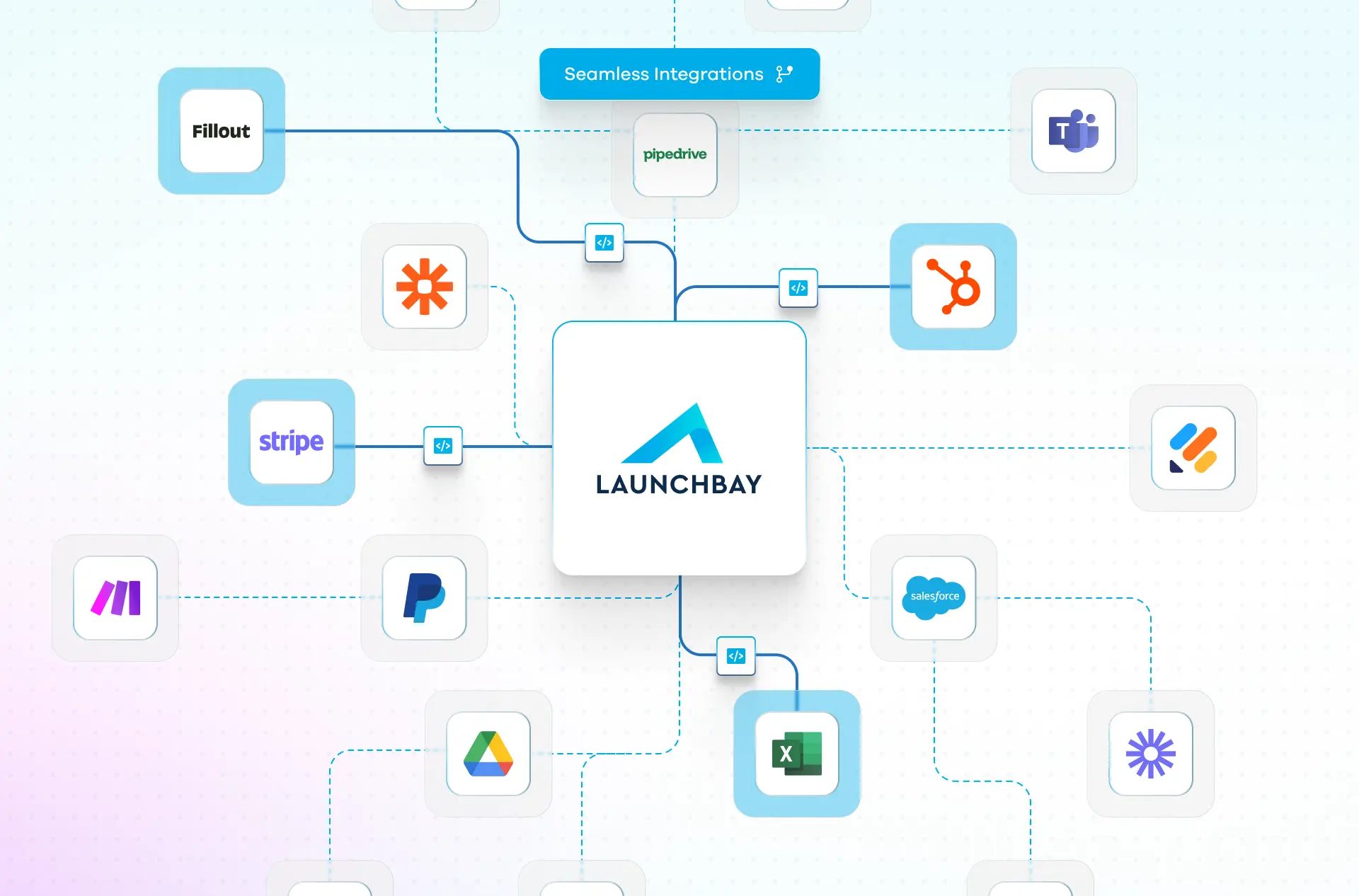
Connect LaunchBay to Clio, Google Drive, HubSpot, Zapier, Calendly, Stripe, and more. When a new client signs on, intake kicks off automatically and they get instant portal access to start uploading documents and completing tasks without your team lifting a finger.
Why law firms trust LaunchBay for client onboarding
and meetings
Recognized as a category leader by G2, Capterra, and Software Advice.
Book a Demo →
Frequently Asked Questions (FAQs)


Run client work the smarter way
Replace scattered tools with one platform for onboarding clients, coordinating work, and delivering a better client experience.