.svg)


Run client projects faster with one platform for onboarding and project management
LaunchBay’s Team Tasks lets you seamlessly manage client onboarding and internal project work in one place. Keep client tasks and internal to-dos organized with private subtasks, file sharing, and team-only discussions—all without switching tools.
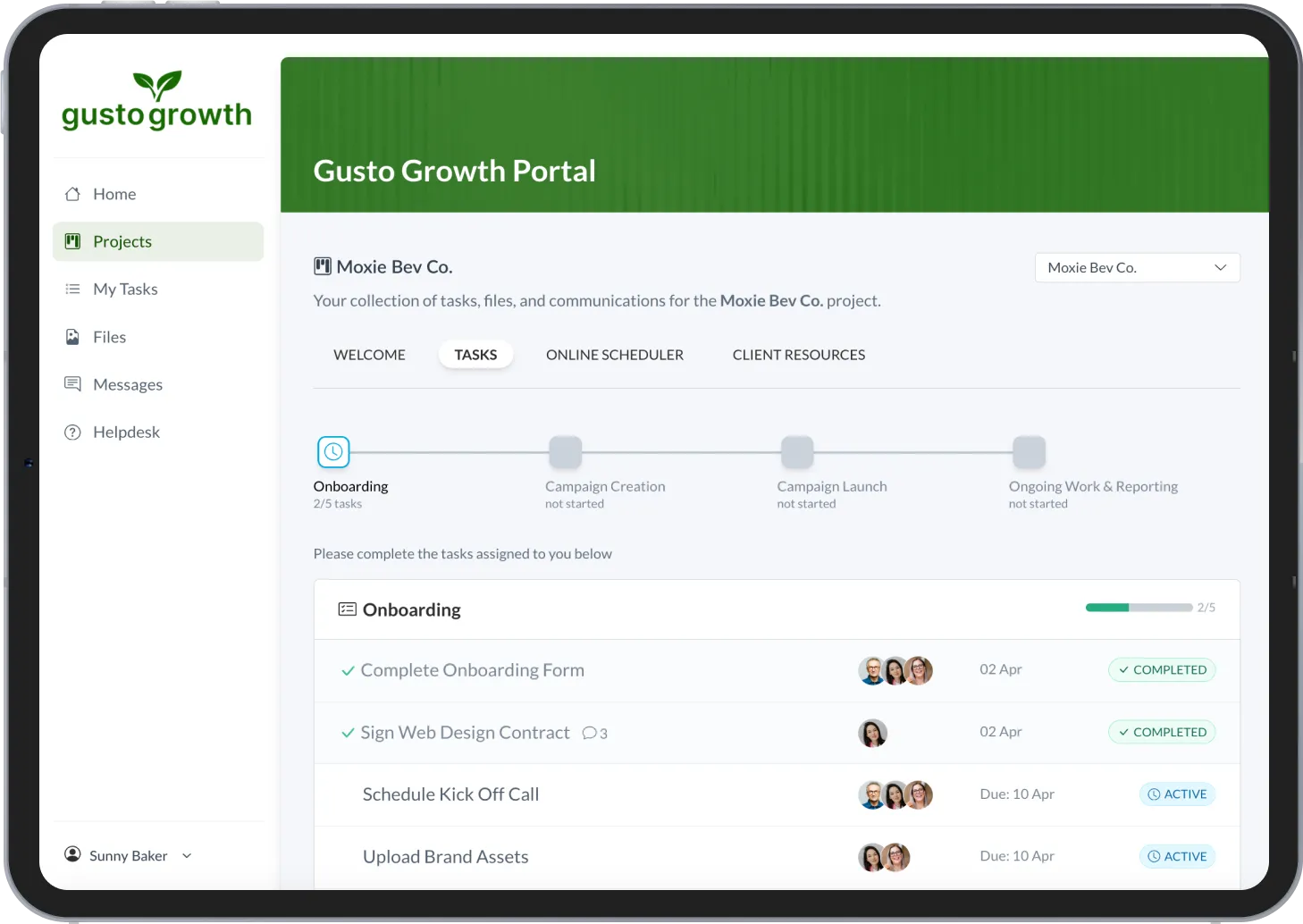
Client Onboarding Meets Lightweight Project Management
Replace your patchwork of Google Docs, Slack threads, and ClickUp boards. Team Tasks combines the client-facing clarity your clients want with the internal task management your team needs.


Automate Handoffs Without the Hassle
Build workflows that assign onboarding and project tasks as deals close. Keep projects moving without pinging your team in Slack or digging through spreadsheets.

Unblock Projects with Clear Task Visibility
Instantly see who’s responsible for what. Spot bottlenecks early with clear ownership, dependencies, and progress tracking across onboarding and delivery.

Collaborate Internally Without Client Noise
Keep discussions, files, and tasks internal until you’re ready to share. Clients see a clean, branded experience—your team gets a collaborative workspace built for service businesses.
Deliver projects faster with unified task management
Give your team a single place to manage both client-facing and internal project work. LaunchBay’s built-in task manager simplifies onboarding and delivery so you can scale faster, cut busywork, and deliver a premium experience—without extra tools.
Keep clients informed without overwhelming them
Decide what clients see and when. Easily share onboarding and project tasks inside their portal, or keep internal work hidden—no more juggling spreadsheets or explaining task status over email.

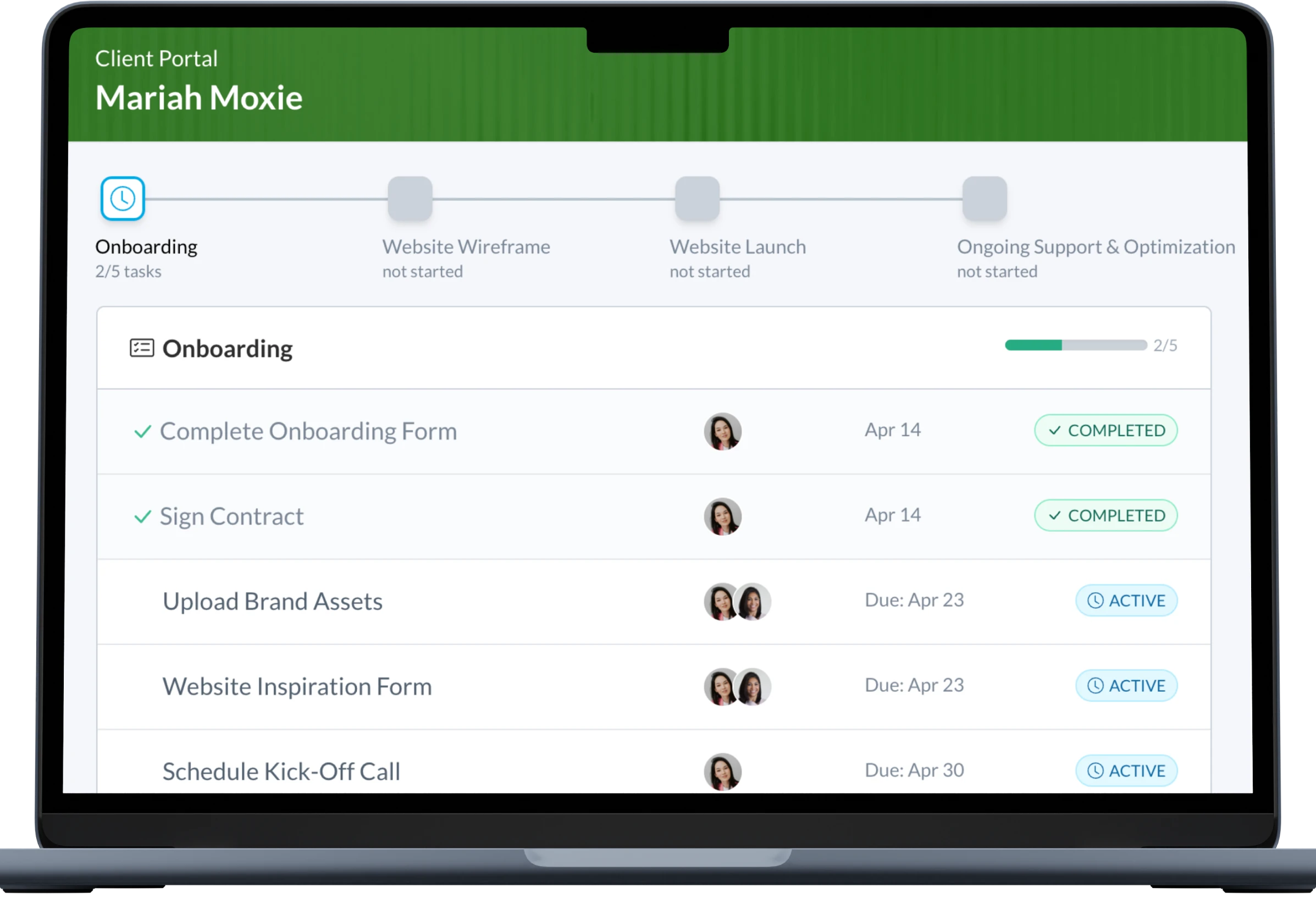
Collaborate internally, directly where work happens
Use private discussion threads to clarify requirements, ask questions, or document decisions without jumping into Slack or email. Team members stay looped in; clients see only what they need to.

Kanban task management for client projects
Organize internal and external tasks with drag-and-drop simplicity using LaunchBay’s Kanban-style board. Track every project—from onboarding forms to final delivery—in one central place.

Keep SOPs and notes in one place
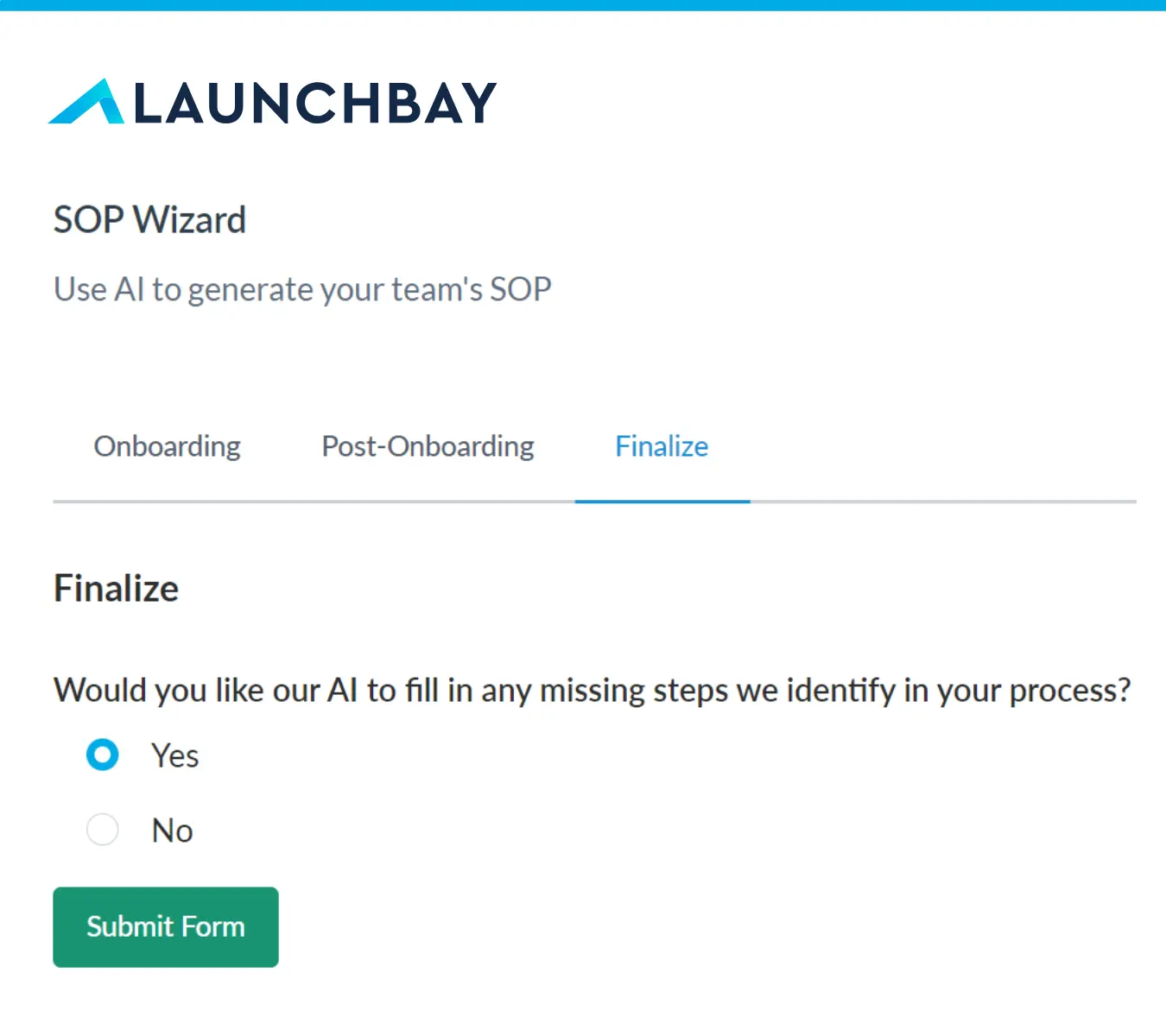
Store private project notes for each client—like SOPs, meeting recaps, or important details—so your team never loses critical context again.


FAQ
Internal task management happens within your LaunchBay Projects Dashboard. You can assign, track, and manage tasks using a Kanban-style board—without needing a separate tool like ClickUp or Trello. It’s simple, fast, and built specifically for teams managing client work.
Nope—team tasks are hidden by default. But when needed, you can show specific tasks in the client portal with one click. This lets you keep clients informed while managing sensitive or internal work privately.
Projects are the foundation for managing client work in LaunchBay. Each Project serves as a centralized workspace that brings together all tasks, files, and communication related to a specific client engagement. In addition to being the primary hub for collaboration between your team and clients, Projects also give you complete control over the information and tools your clients can access within their portal.
In LaunchBay, clients complete tasks and view information or updates related to the projects you’ve invited them to through their client portals. Portals in LaunchBay are loginless for clients to access, branded to your business, and can be customized to give clients access to additional information, websites, or software they’ll need throughout a project.


Get back to the work you're best at.
LaunchBay's AI-powered client portal handles the collecting, reminding, and following up, so your team spends less time chasing clients and more time delivering.
Ready to stop chasing?