.svg)


Forms that
follow up for you
LaunchBay's forms are a simple, powerful, and automated way to onboard clients and get the information you need in white-labeled client portals.
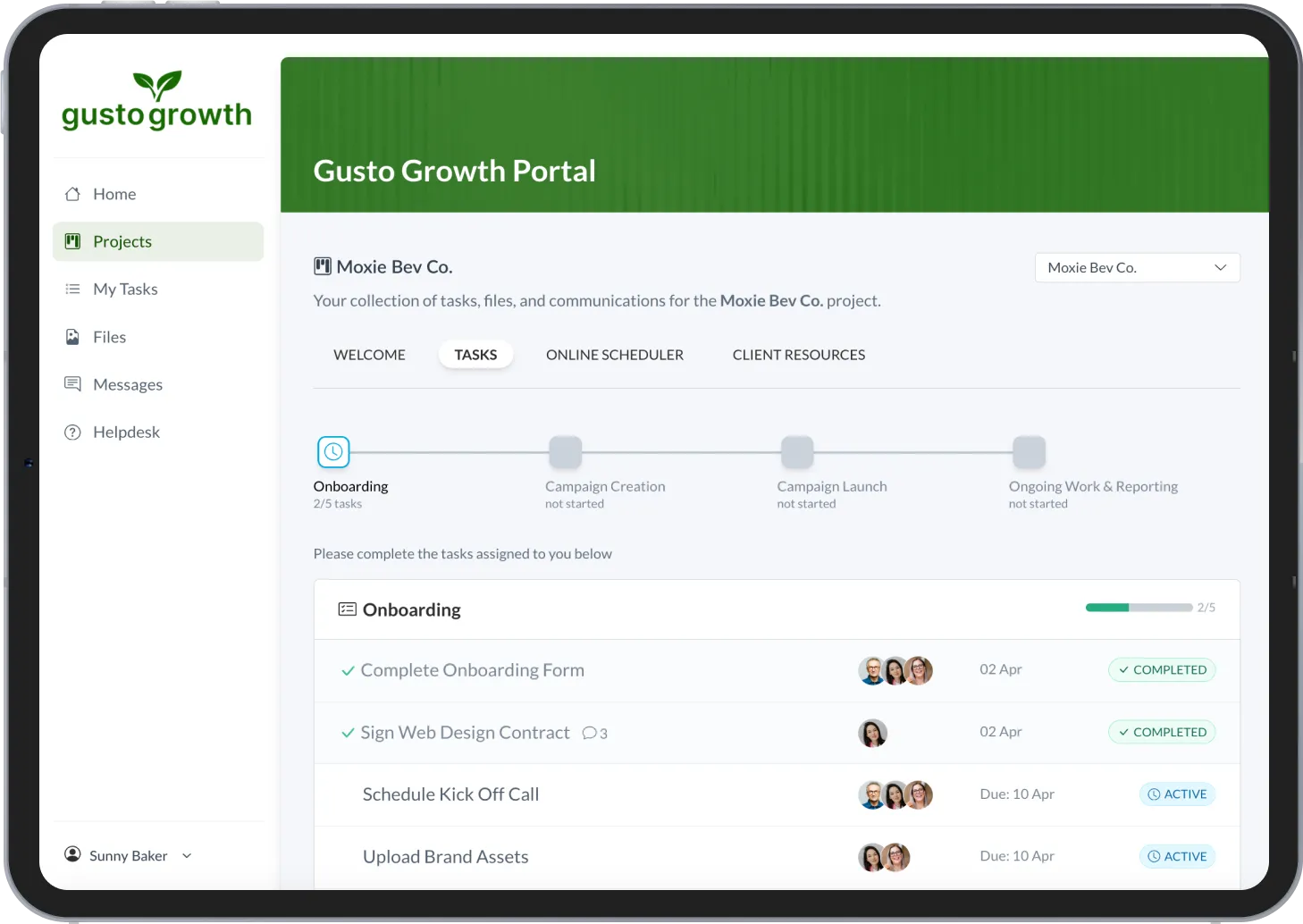
Get the information your team needs from clients, when you need it


Automate your onboarding flow
Invite clients to loginless & white-labeled portals to complete onboarding forms, submit intake questionnaires, upload files, and provide information.

Eliminate follow up emails
Toggle on reminders to automatically notify clients of forms they must submit. Create custom workflows to automatically assign new client tasks after a form is completed.
.svg)
A single home base for client work
No more jumping between email inboxes and software apps. LaunchBay provides all the tools needed to communicate and collaborate with clients in one place.
Simple, powerful, and automated forms
Create & send forms to clients in seconds
Using LaunchBay’s drag-and-drop builder, quickly create custom forms that you can send to clients in seconds.

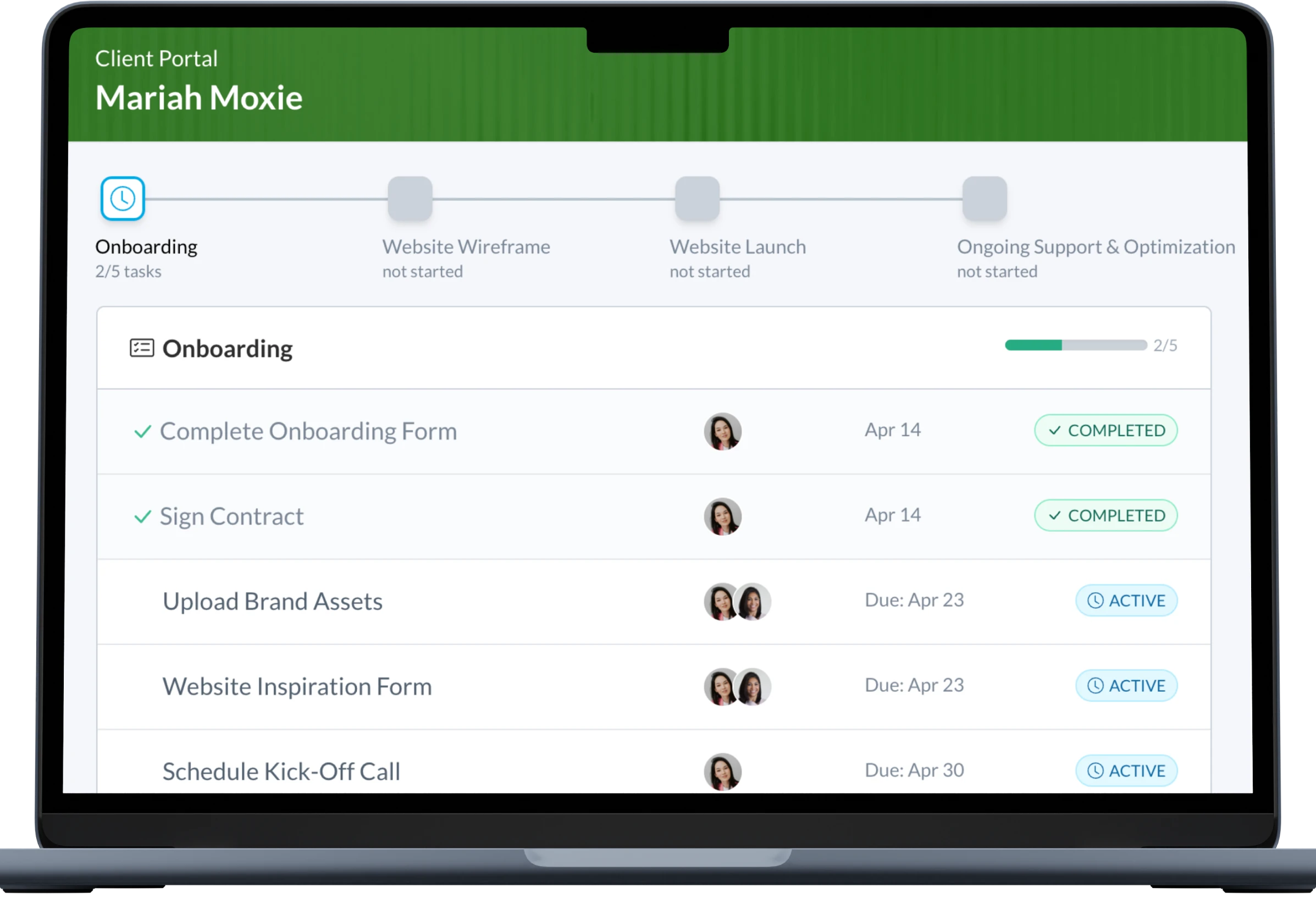
Automatically remind clients
Toggle on automated reminders for forms you send to clients and have LaunchBay automatically follow up until your team has the information they need.

Easy for clients to access
& submit
Customers complete forms in white-label client portals, which they access by clicking a magic link sent to their email—no account signup or login is required.
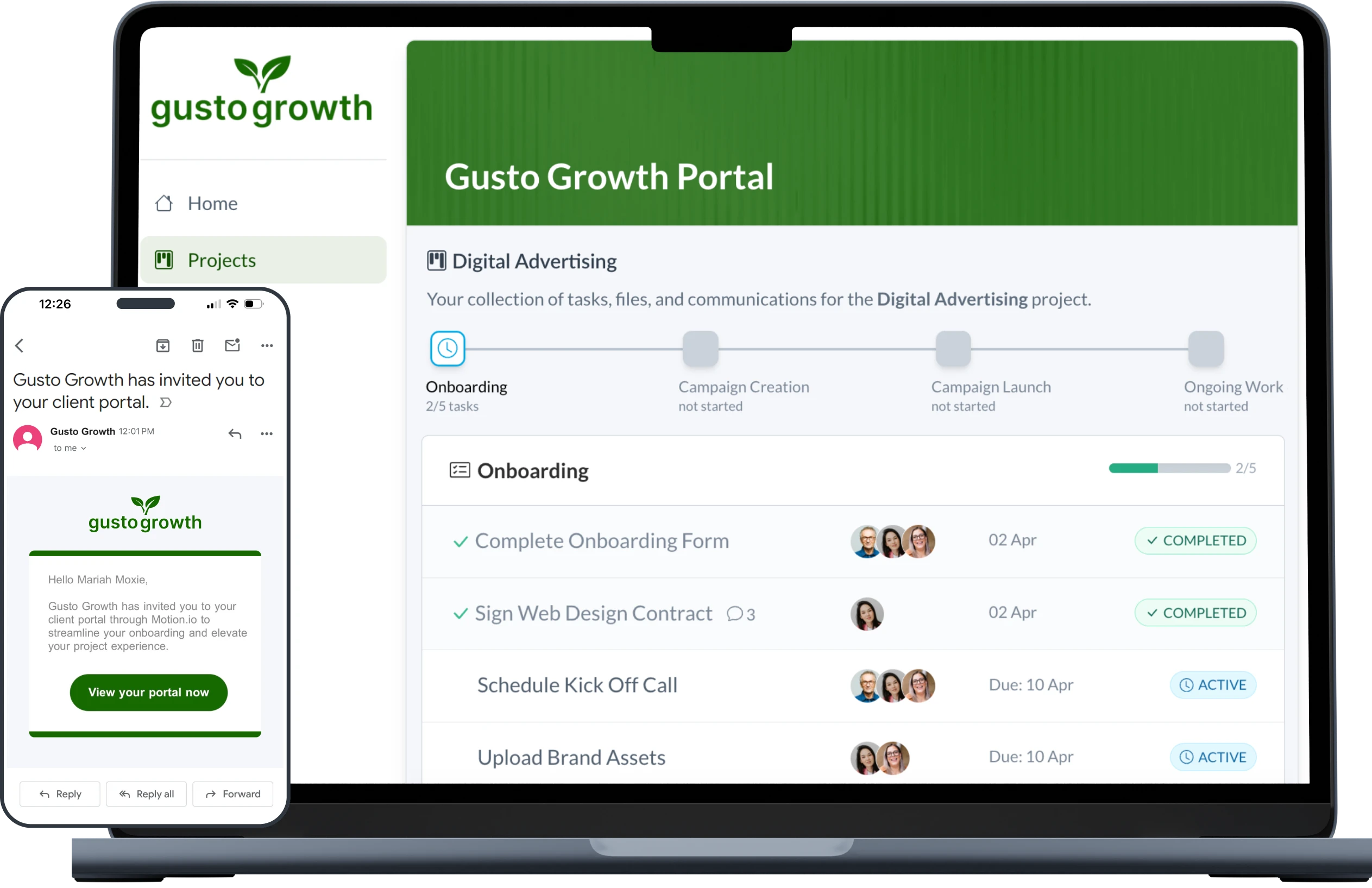
Track form submissions
& dependent tasks
LaunchBay automatically tracks form submissions in a well-organized project dashboard that allows your team to know the moment they have the information needed to complete internal, dependant tasks.


FAQ
Yes! While LaunchBay’s contracts are ideal for collecting signatures, you can also toggle on the “Signature” option to add a signature field at the bottom of any form.
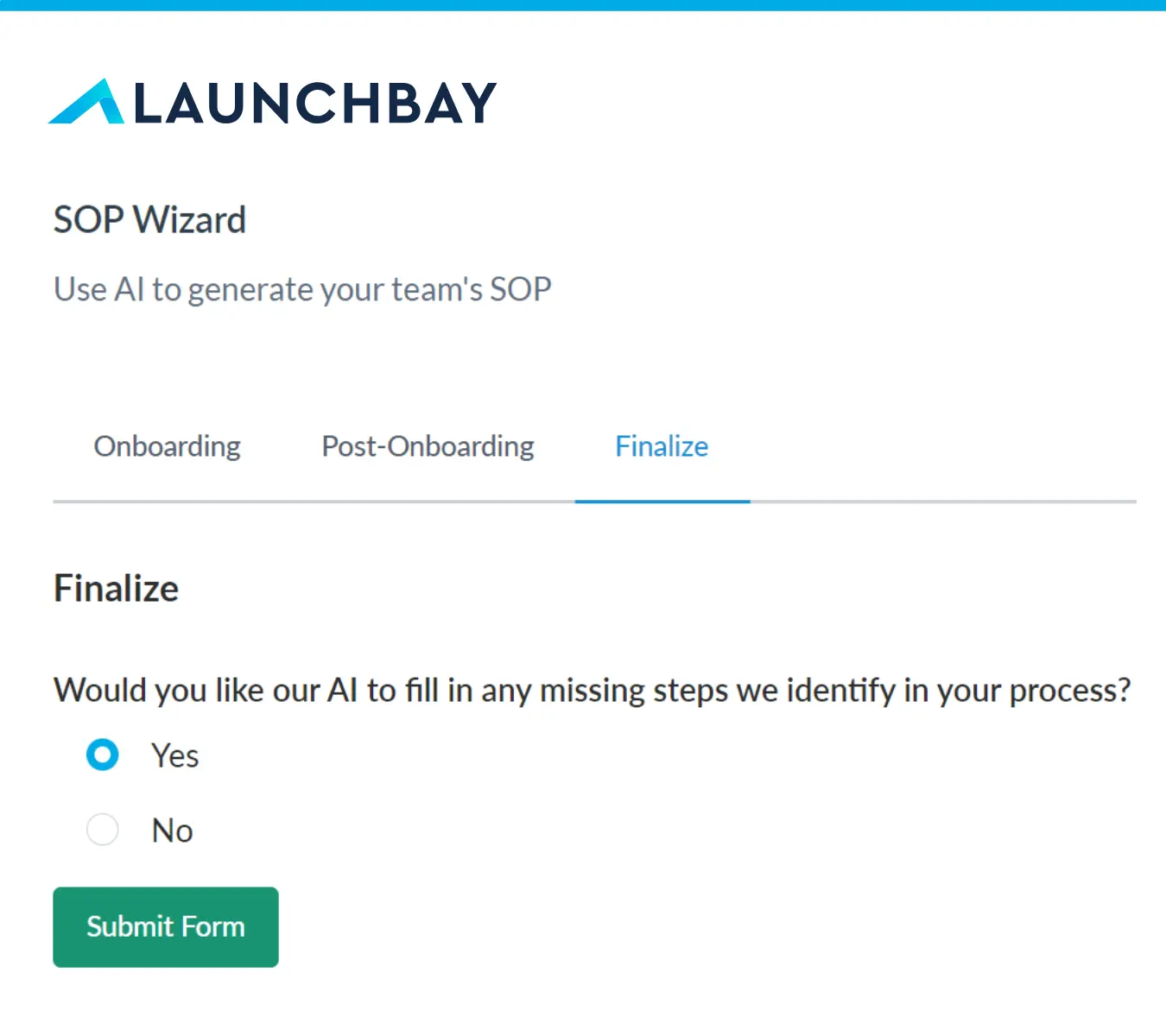
You can use LaunchBay's AI Form Builder to generate forms from a simple description or build forms manually using an easy drag-and-drop form builder. Once you create a form you want to send to a client, you can use the "Form" option in LaunchBay's task composer to attach and send it, which will automatically notify the client to submit it to their portal.
Projects are the foundation for managing client work in LaunchBay. Each Project serves as a centralized workspace that brings together all tasks, files, and communication related to a specific client engagement. In addition to being the primary hub for collaboration between your team and clients, Projects also give you complete control over the information and tools your clients can access within their portal.
In LaunchBay, clients complete tasks and view information or updates related to the projects you’ve invited them to through their client portals. Portals in LaunchBay are loginless for clients to access, branded to your business, and can be customized to give clients access to additional information, websites, or software they’ll need throughout a project.


The smarter way to onboard clients
Replace scattered tools with one automated, branded platform built for visibility, consistency, and trust.