.svg)
September 24, 2026
Duplicate Contracts in LaunchBay

Contracts are one of the most heavily used features in LaunchBay client workflows, with about 10,000 contracts sent every month.
The problem: small changes meant starting over
Several customers, including <X>, told us about a recurring headache. Terms change, or a base price goes up, and they need a new version of an existing contract to use going forward. Until now, that meant building a new contract from scratch and re-adding every field just to match the previous version.
The solution: duplicate your contract
Now you can clone any contract in a few clicks:
- Open the contract you want to update.
- Click Copy to New Contract.
- Replace the PDF with your updated version.
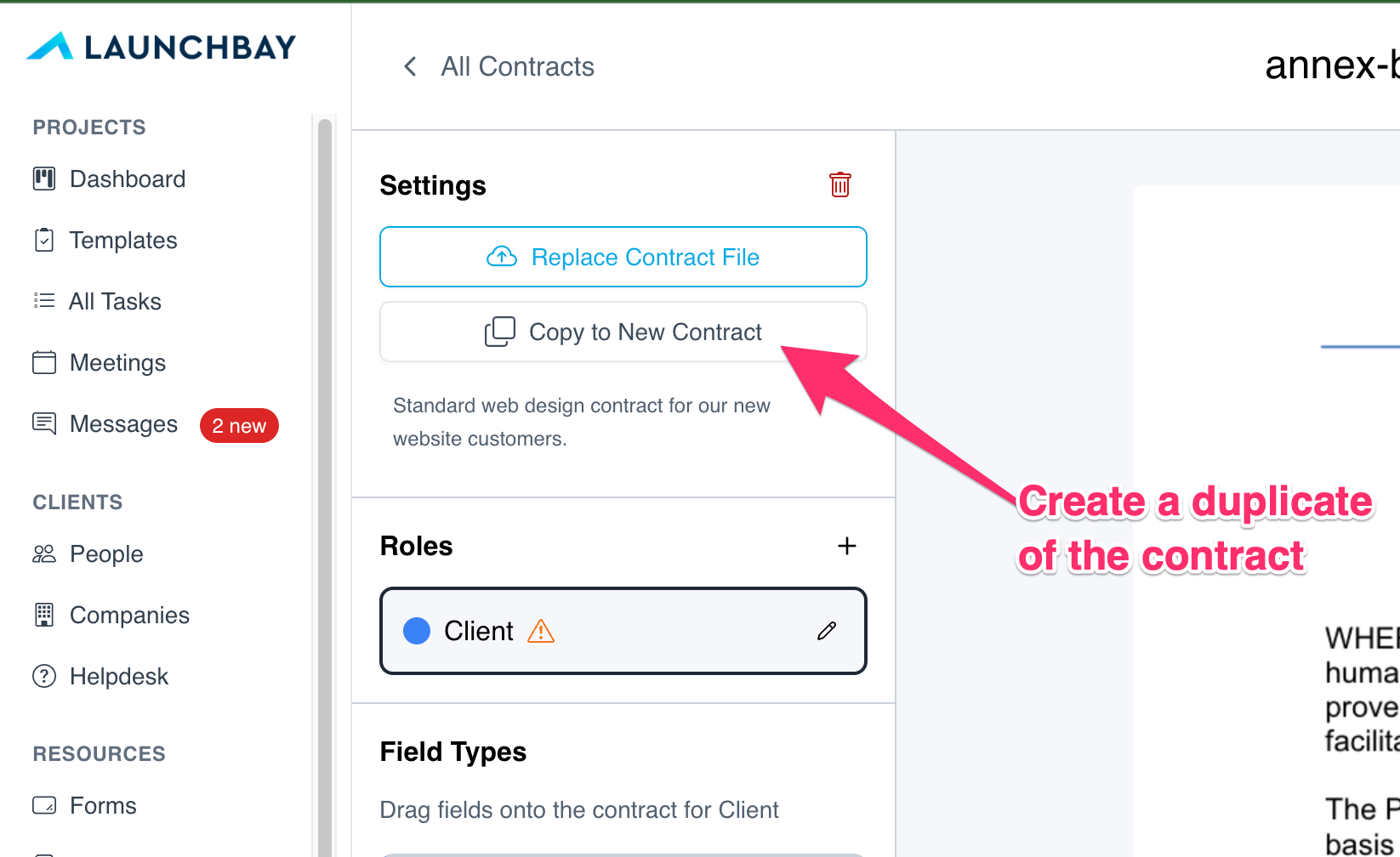
Field placements, signer roles, and settings all carry over, so the new version is ready to send right away.
That means less rebuild work every time your terms or pricing change, and faster client onboarding when a new contract is the first thing clients sign in their client portal.
Try it out
Open any contract to find the new Duplicate option. Have feedback or ideas? Send them to hello@launchbay.com.

