
Your AI needs customer context. LaunchBay collects it for you.

AI-native products only work once customers hand over real data: API keys, process documentation, workflows, success criteria, and more. LaunchBay turns that handoff into one structured process, so customers start seeing the value your product delivers in days, not weeks.
Powering 20,000+ onboarding projects every month
LaunchBayCustomer Onboarding for AI-Native Companies

Take command of customer onboarding and implementation

A clear path to activation

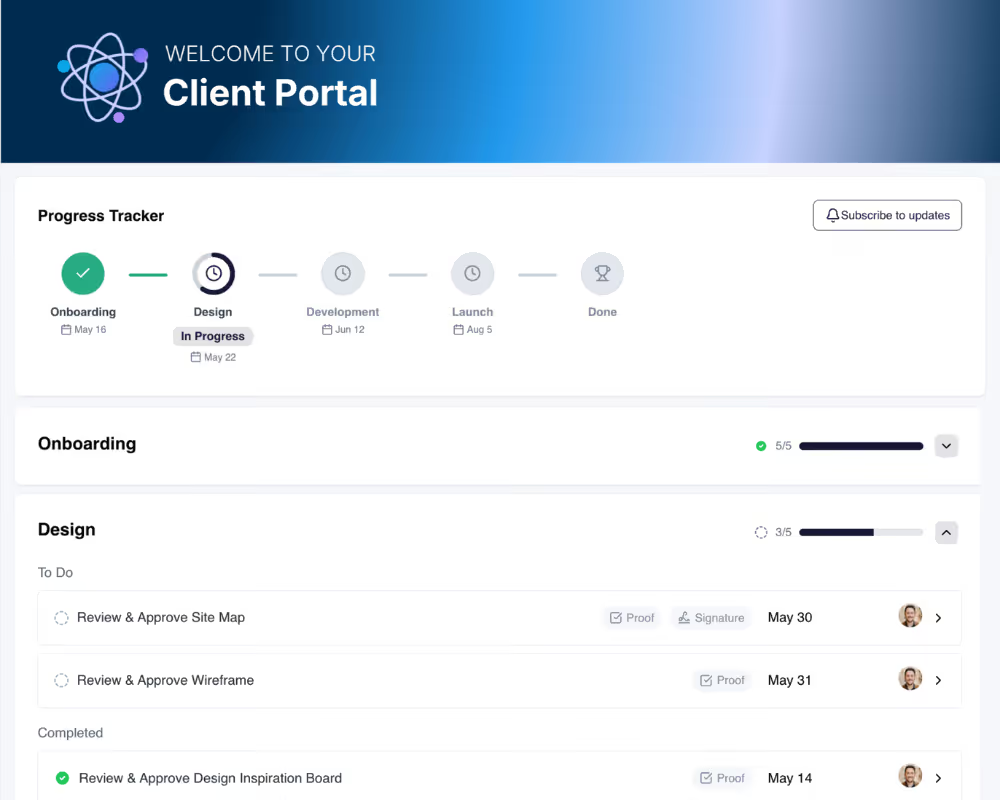
A progress tracker shows your customer exactly what data and connections still need to be collected before their AI goes live, and what's already done.

No more data chasing

Data requests, integration steps, and configuration tasks all live in the portal, so your customer always knows what to send and where to send it.

Predictable, repeatable rollouts

Build your onboarding flow once as a template, and every new customer gets the same data collection and setup process your product needs to work well.

Turn every closed deal into a successful customer activation
Deliver a professional, frictionless onboarding experience

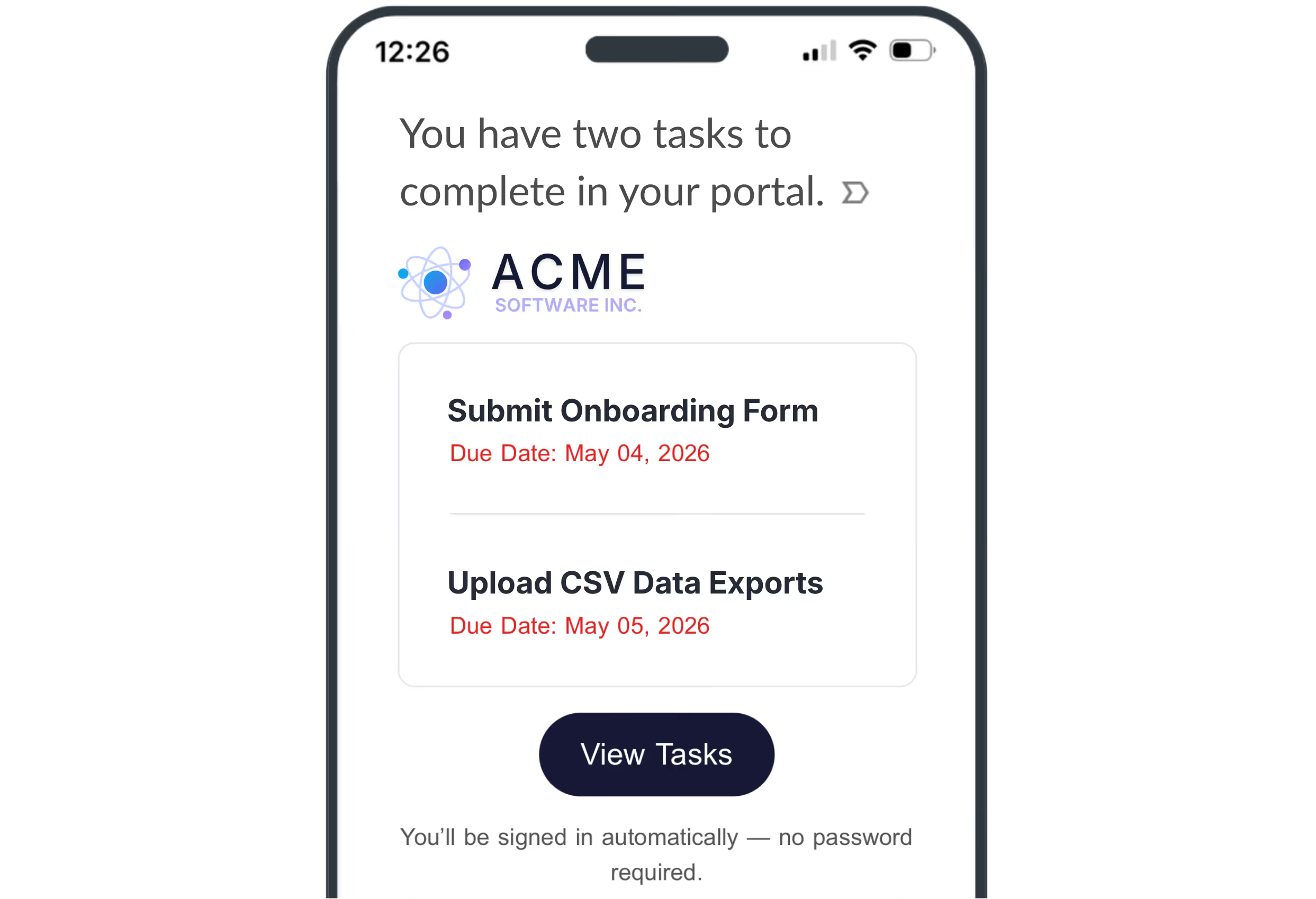
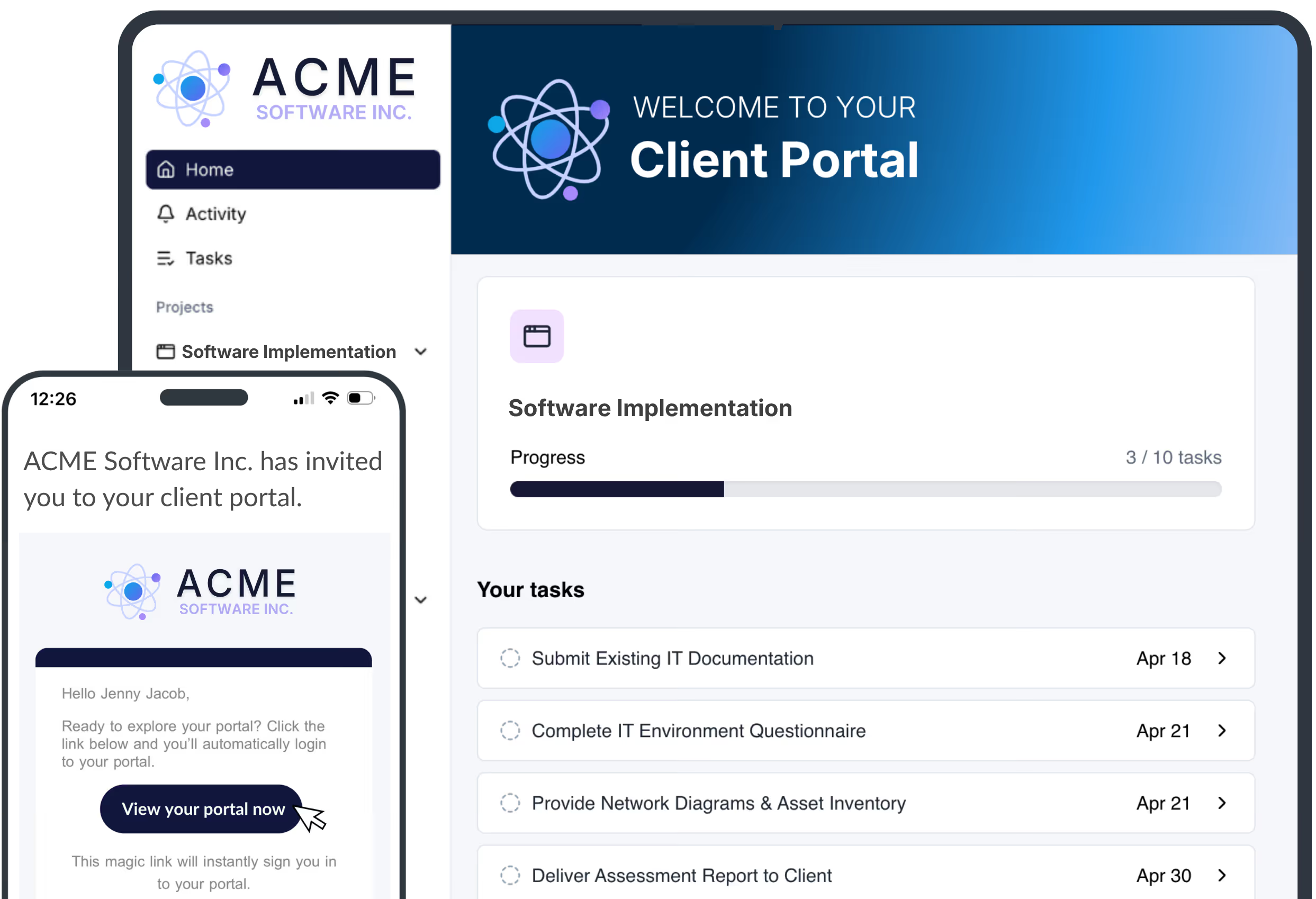
LaunchBay gives every customer a branded portal that outlines exactly what they're accountable for.

  • Loginless access, no account or password required

  • Fully white-labeled to your brand, not ours

  • Customers track updates and see what they need to provide in a clear, intuitive progress tracker

Collect the data and access your AI needs, without the chase

Waiting for docs and data stops customers from getting to value in your product. LaunchBay collects it for you.

  • Gather forms, files, contract signatures, and more

  • Automated reminders handle follow-ups

  • One-click access keeps customers engaged

Run every onboarding like your best

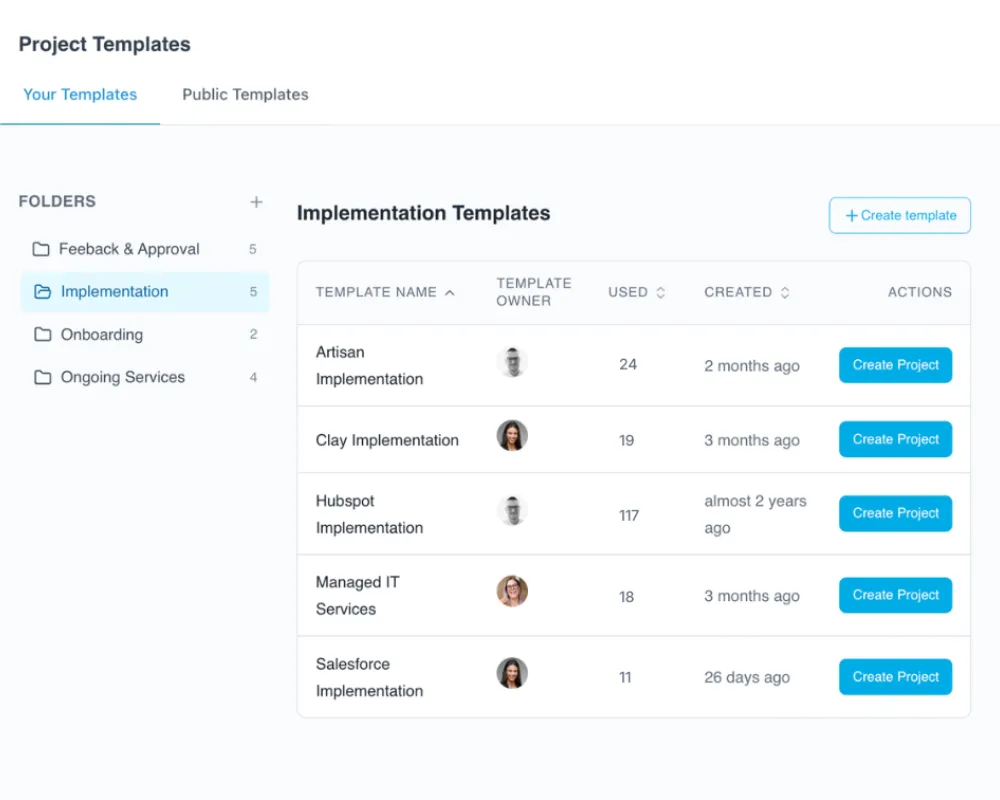
Reusable templates for projects, documents, forms, and tasks help your team repeat their best work. Build your onboarding once, refine the playbook as you learn what works, then run it again for every new customer.

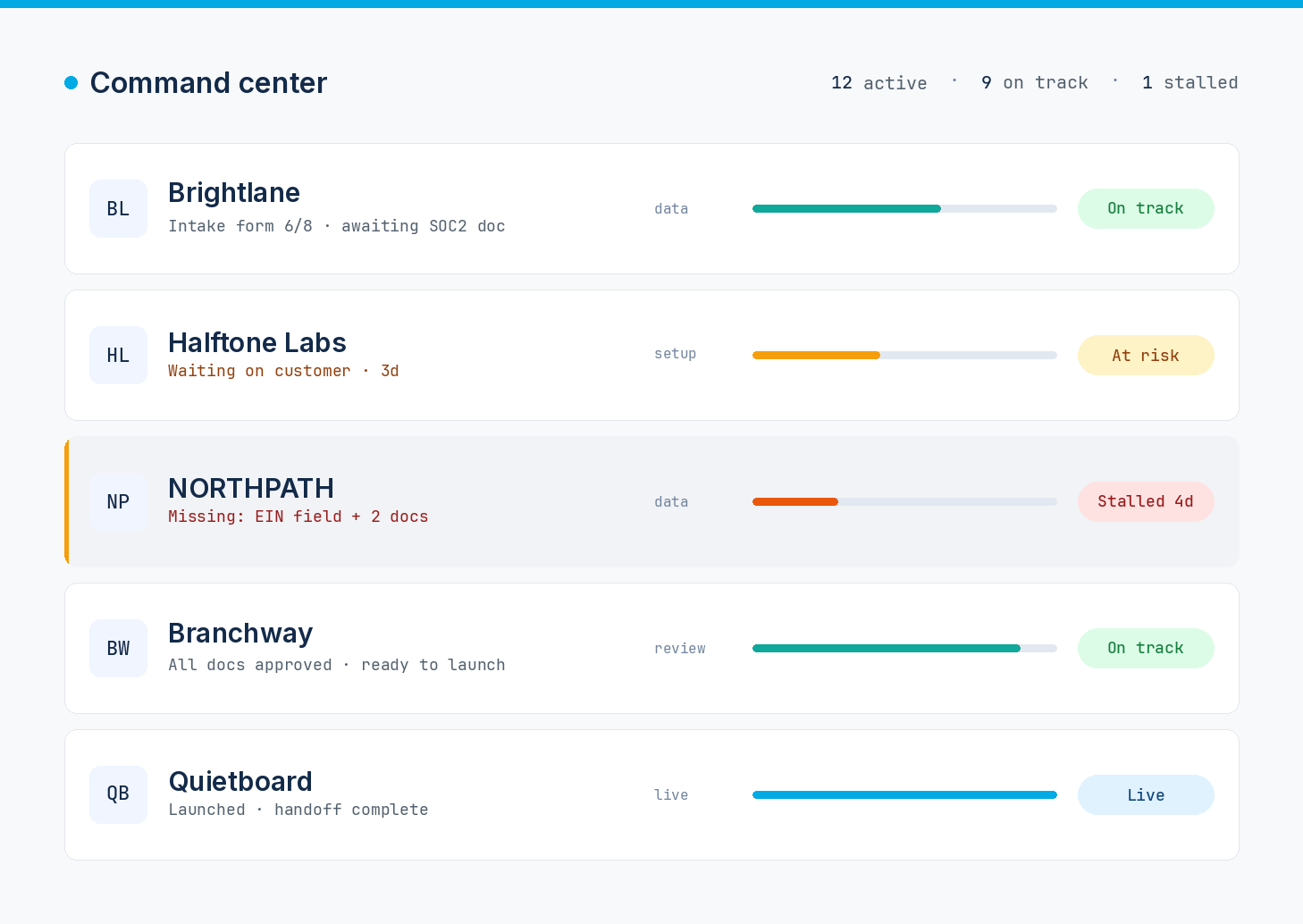
Visibility into every account, down to the task

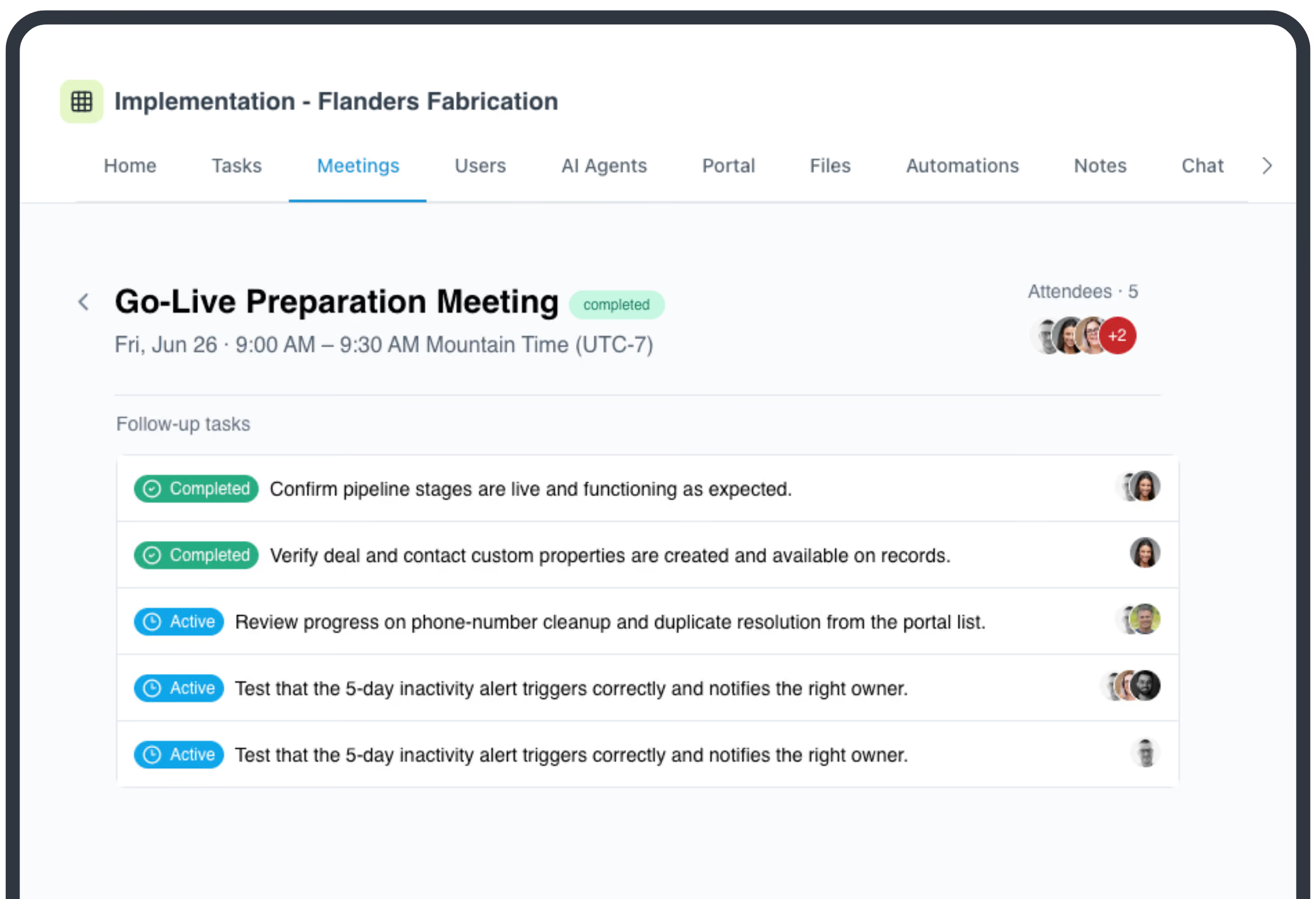
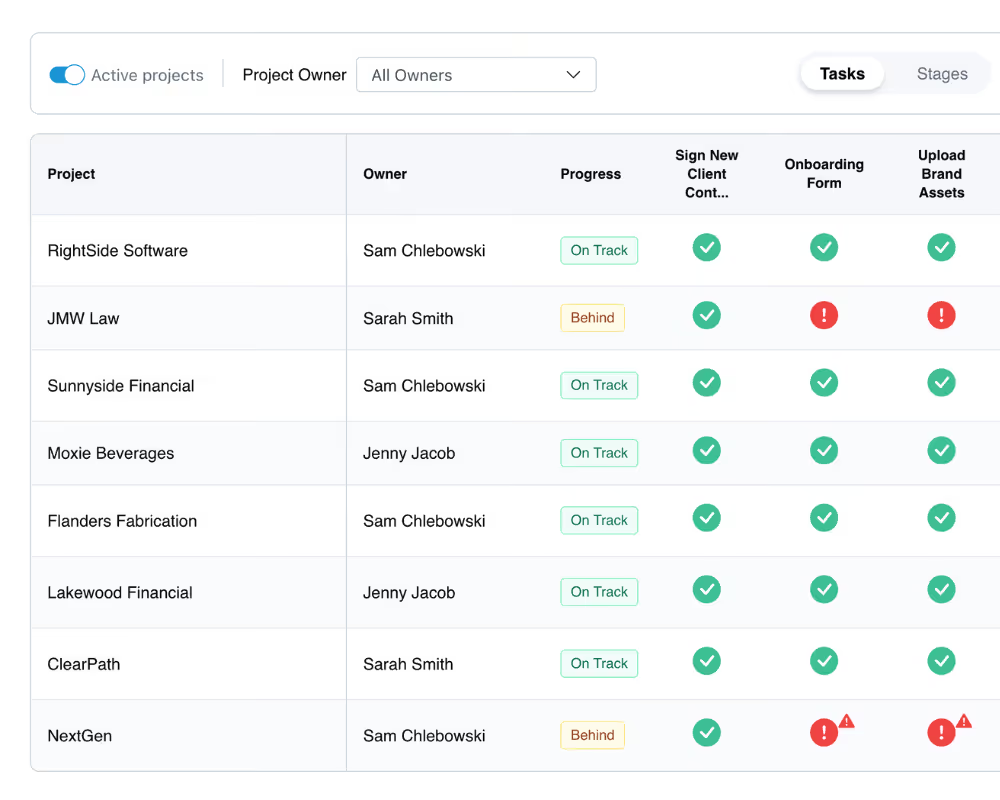
LaunchBay shows the live status of every onboarding in one place, down to the integration that's holding a launch up and who owns the next step. Nothing stalls without someone knowing.

Industry-leading MCP Connector works from wherever you run onboarding

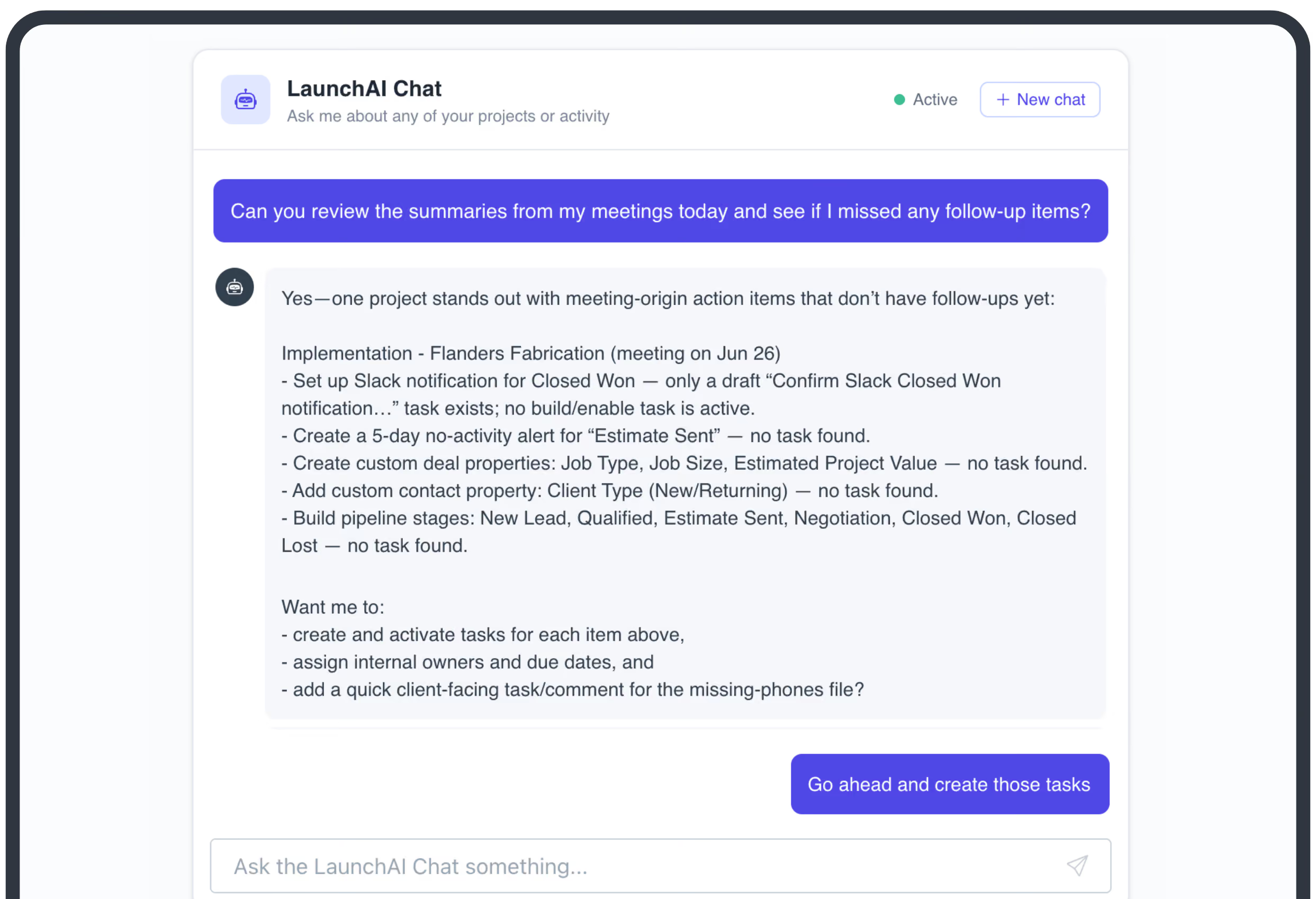
Connect LaunchBay directly to Claude, ChatGPT, and more to check project status, update tasks, and pull reports without ever switching tabs. Deploy AI agents that handle onboarding work end to end, all working together as one connected system.

Keep exploring LaunchBay's features

Reporting & Visibility

See the live status of every onboarding in one place, down to the task that's holding a launch up and who owns the next step.
Learn more

Project Templates

Turn onboarding processes into reusable templates and ensure your team's A-game is brought every time.
Learn more

Branded Portals

Every customer gets a branded, loginless portal to complete tasks, upload files, sign contracts, and track progress.

Learn more

Frequently Asked Questions (FAQs)

We're an AI-native company. Why do we need a customer onboarding tool, not just better documentation?
Documentation tells customers what to do. It doesn't collect the data, API keys, and configuration your product actually needs to work. LaunchBay turns onboarding into a structured, trackable process, so your customer's setup work gets done, not just explained.
Our onboarding involves technical steps like API keys and data connections. Can LaunchBay handle that?
Yes. Portals collect files, forms, and structured data requests side by side, so technical setup, like API credentials, data source connections, and integration steps, lives in the same place as everything else. Your team sees what's outstanding in one view.
Do our customers need to create an account to use the portal?
No. Customers reach their portal through a secure magic link. No account, no password, nothing to install. If your team needs it, password-protected portals are available on the Premium plan.
Can we customize what each customer sees based on their setup?
Yes. Configure the portal per customer or save a template, so a self-serve customer and an enterprise rollout each get an onboarding flow that matches how complex their setup actually is.
How long does it take to implement LaunchBay?
Most teams launch their first customer portal within a day using a template. From there, every new customer gets the same structured process automatically.

Take command of every customer onboarding.

One platform to run, monitor, and manage every customer onboarding, with full visibility into every account.

Ready to stop wondering where things stand?